Bedrock Tree Capitator Mod / Addon
- 20-03-2026, 02:52
- 573
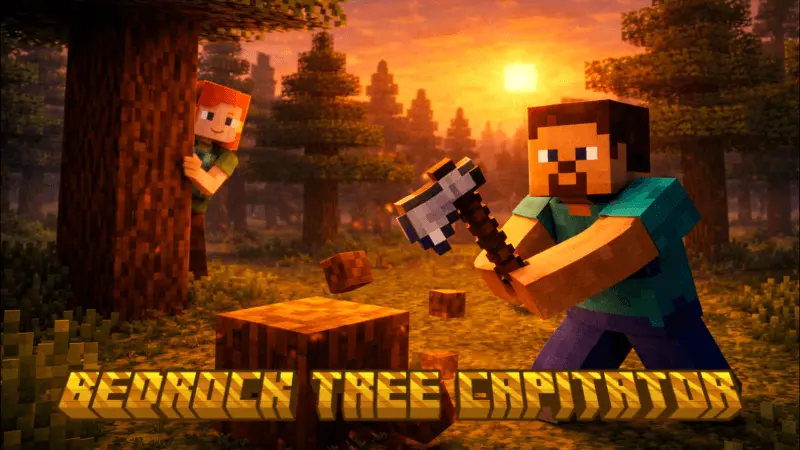
Bedrock Tree Capitator Mod is aimed at one super specific survival pain: floating trees. You know the problem—someone chops the bottom, leaves the top hanging, and now your world looks like a cursed build contest. This addon is for people who are tired of seeing that, annoyed by other players doing it on servers, or just want a quicker way to farm wood without turning every tree into a chore.
Since the text doesn’t list exact mechanics, the only confirmed purpose is what it’s trying to solve: stopping the “floating tree� mess and helping you farm trees faster. In real survival play, that’s a huge quality-of-life boost because wood is one of those resources you always need. You’re constantly grabbing logs for builds, fuel, crafting, and random expansions, and the time cost adds up fast when you’re doing it the slow way. Anything that speeds up tree clearing also speeds up your whole early-game setup—more planks, more tools, more storage, faster base growth.
This mod also has a big “server cleanliness� vibe. On multiplayer worlds, tree farms and spawn areas get ugly fast when players don’t finish chopping. A tree-focused addon like Bedrock Tree Capitator Mod fits right into that problem because it’s basically encouraging people to harvest properly instead of leaving junk behind. Even if you’re playing solo, it keeps your terrain cleaner and saves you from constantly climbing to break leftover logs.
Practical tip: use it to stay consistent. When you’re gathering wood, clear trees in one area and replant in the same spot so your world doesn’t turn into random stumps and missing leaves. And if you’re on a survival server, it’s perfect for being “that player� who actually keeps spawn looking nice while still grinding resources quickly. Bedrock Tree Capitator Mod is a simple Minecraft Bedrock quality-of-life addon built around faster wood farming and cutting down the floating tree problem.
Installation:
- Download Mod;
- Open the downloaded file to install;
- Select it in the settings;
- Have fun!
Comments (0)