Survival Nipa House Map
- 23-12-2025, 11:24
- 789
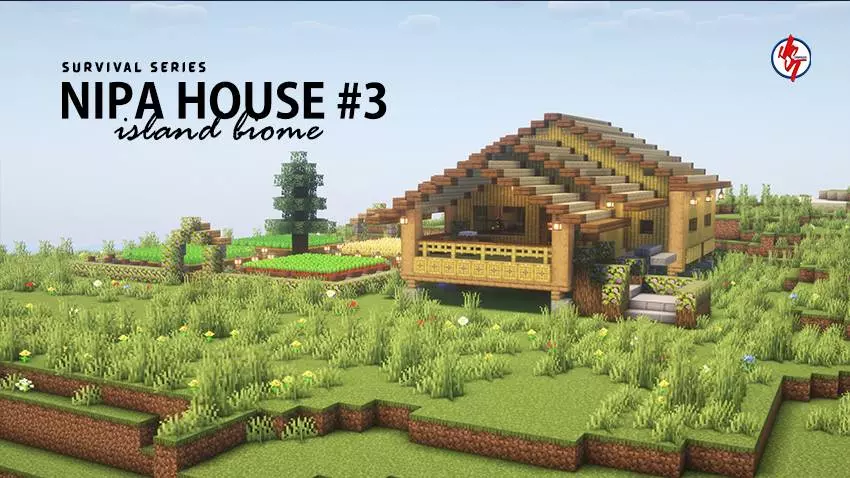
Survival Nipa House Map is made for players who love the “tiny base, big plans� style of survival. It’s the third Mini House in the creator’s Survival Series, where each mini house is fully playable in survival mode and themed around the biome it spawns in. For this one, the biome is Island Survival and the theme is a Nipa House, so you’re starting with a vibe that fits that tropical, surrounded-by-water feeling instead of a random house dropped on sand.
The best part is you’re not loading in to a half-finished build. The map gives you a complete interior and exterior, so it’s ready the moment you spawn. That matters on an island start because your early game is usually about getting organized fast—food, tools, a safe place to stash items, and a spot to plan your next move. The house is also filled with plenty of useful items inside, which makes it feel like a real survival starter setup instead of just a pretty showcase you’re afraid to touch.
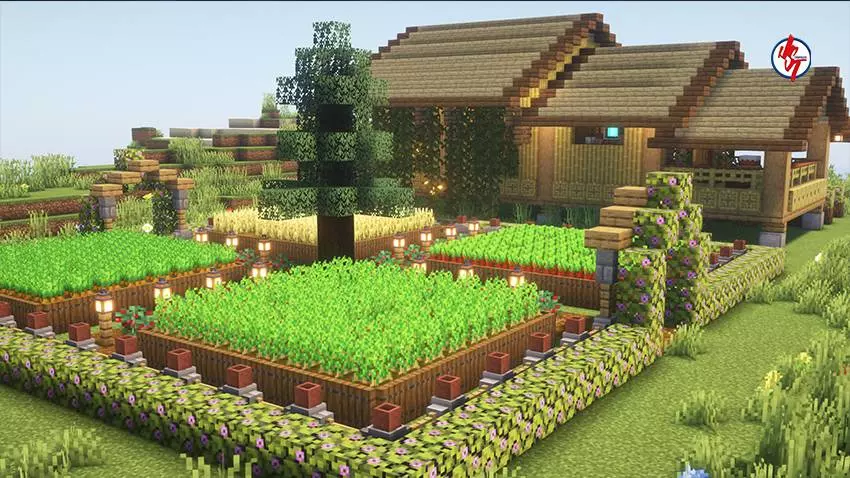
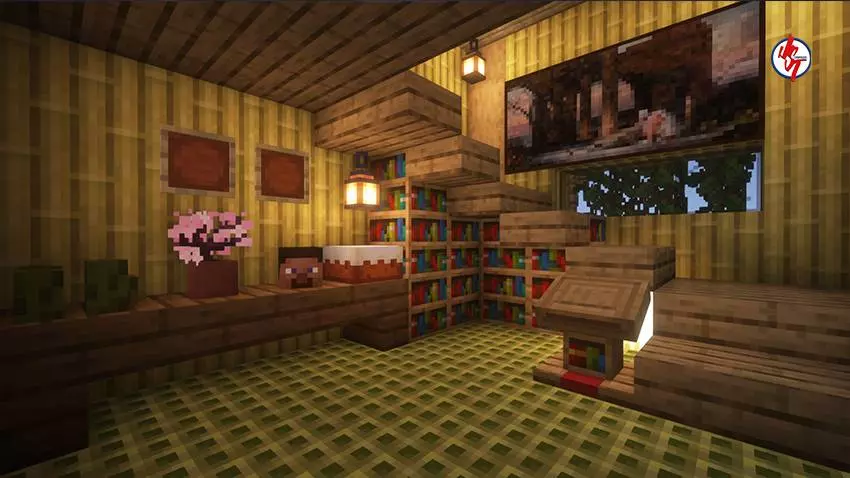
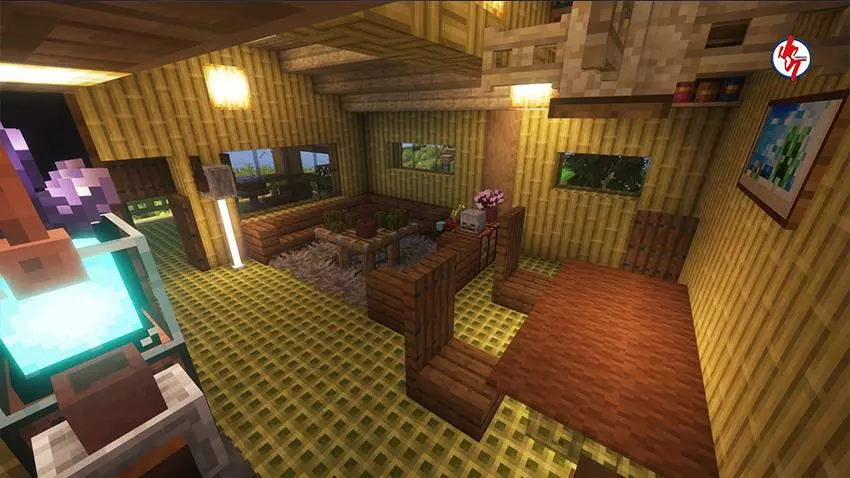
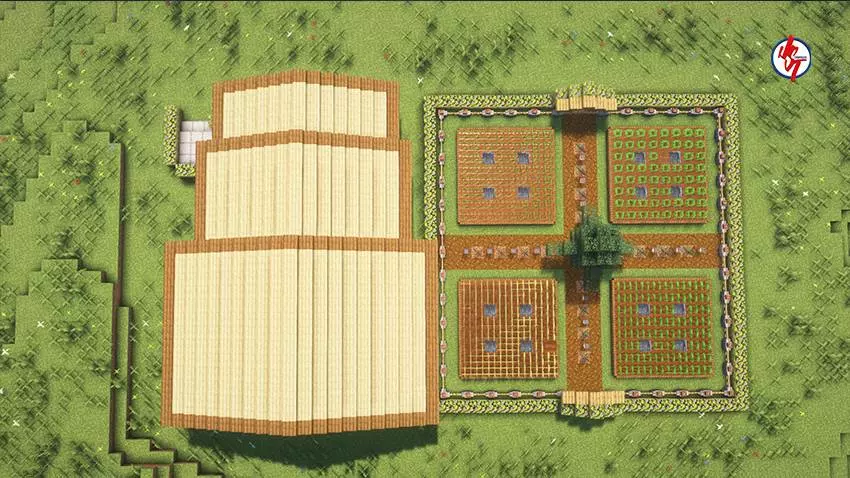
And the spawn point is already set inside the house, which is such a clean quality detail. You don’t have to hunt for where you’re supposed to begin, and if you’re playing casually, it saves you from spawning outside and immediately getting thrown into chaos. From there, you can treat the island like your personal project: expand the house into a bigger island base, build docks and bridges, set up a little farm area, and turn the shoreline into something that looks like a real home instead of a temporary camp.
The creator also mentions it’s best enjoyed with your favorite texture or shader pack, which makes sense for an island build where lighting and water reflections can make everything look extra clean. Survival Nipa House Map is basically a cozy island survival start with a finished Nipa House, useful items, and a convenient spawn setup, perfect for players who want to jump straight into surviving and building without wasting time on a rushed first-night shelter.
How to install?
Android: you need to find the downloaded file on your phone, use any file manager for this and import the map into the game by opening it.
IOS: after receiving the map, the device itself will offer to install it.
Windows 10: go to the folder where the files are downloaded, find mcworld there and activate it.
Comments (0)