Glowing Ores Addon / Texture Pack
- 11-11-2025, 08:58
- 1 931
Mods / Addons / Mods 1.21 / Mods 1.20 / Mods 1.19 / Textures
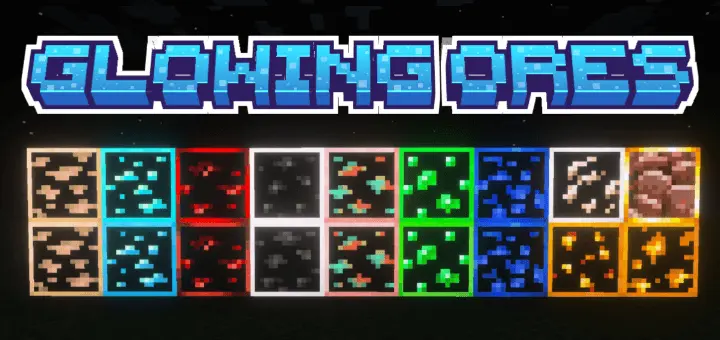
Glowing Ores Mod keeps the game looking like the game, it just helps your eyes. Every ore gets a gentle luminance so you can read stone walls at a glance and spot veins without spamming torches or chugging night vision. It’s purely visual—no gameplay tweaks, no weird hitbox stuff—and achievements stay on, so you can drop it into a survival world and go mining immediately.
The pack ships with three subpacks you can swap depending on taste and fairness. The Outlined option draws a clean border around each ore so shapes are easy to read in deepslate and messy cave noise. Outlined + Glow keeps that border but turns the glow up a notch for players who want faster scanning in big ravines. No Outline leaves the vanilla silhouettes alone and adds a soft halo—great if you want an almost stock look that still makes veins stand out. All three stay within a natural palette, so copper doesn’t look neon and diamond doesn’t nuke your screenshots.
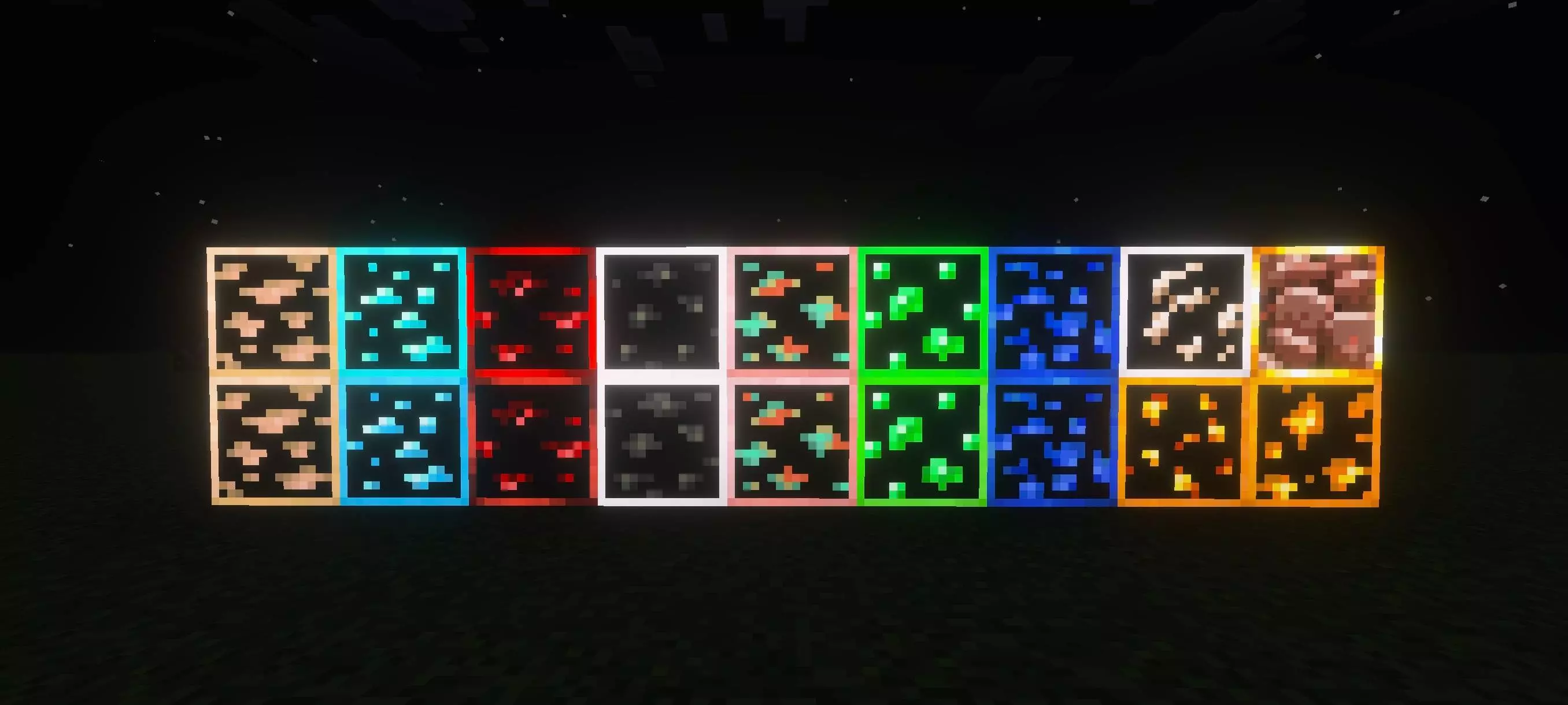
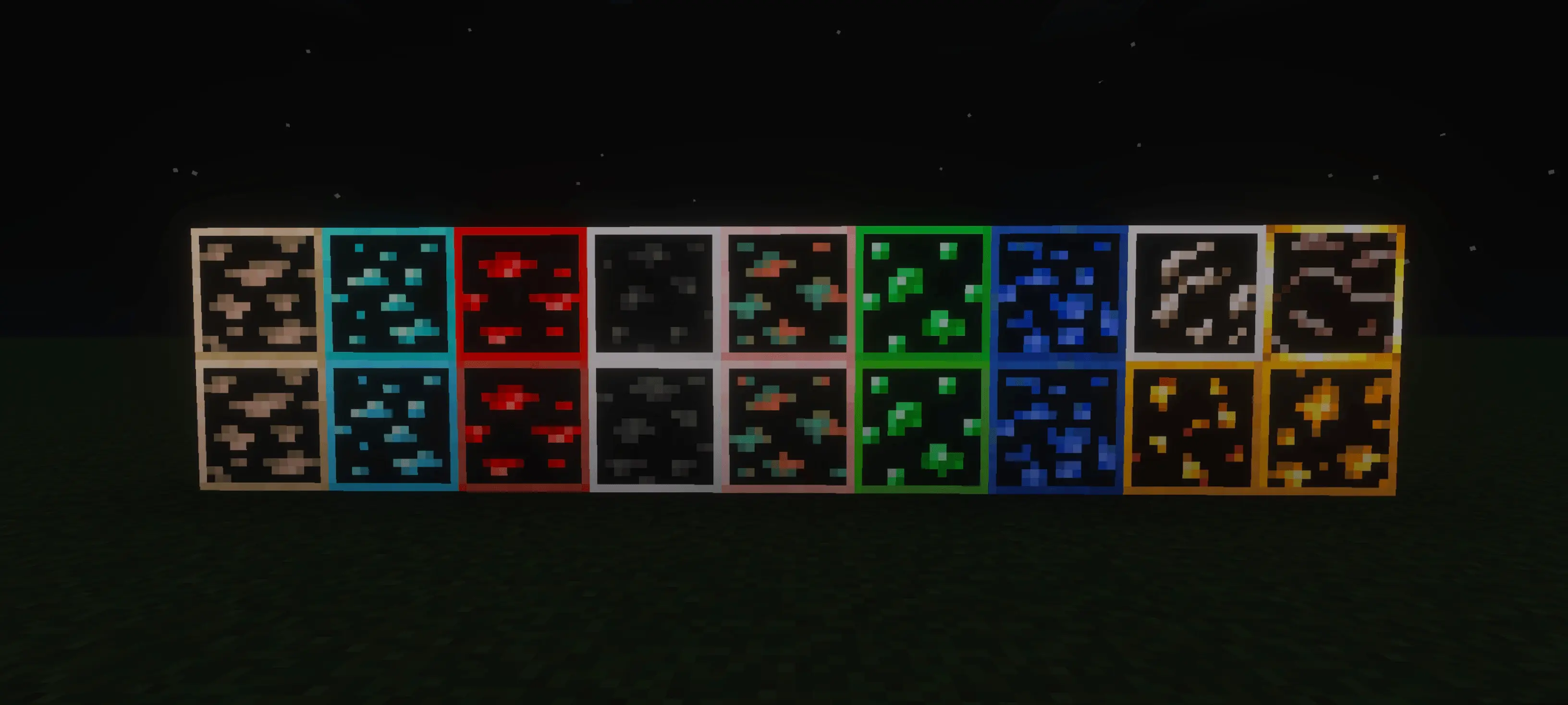
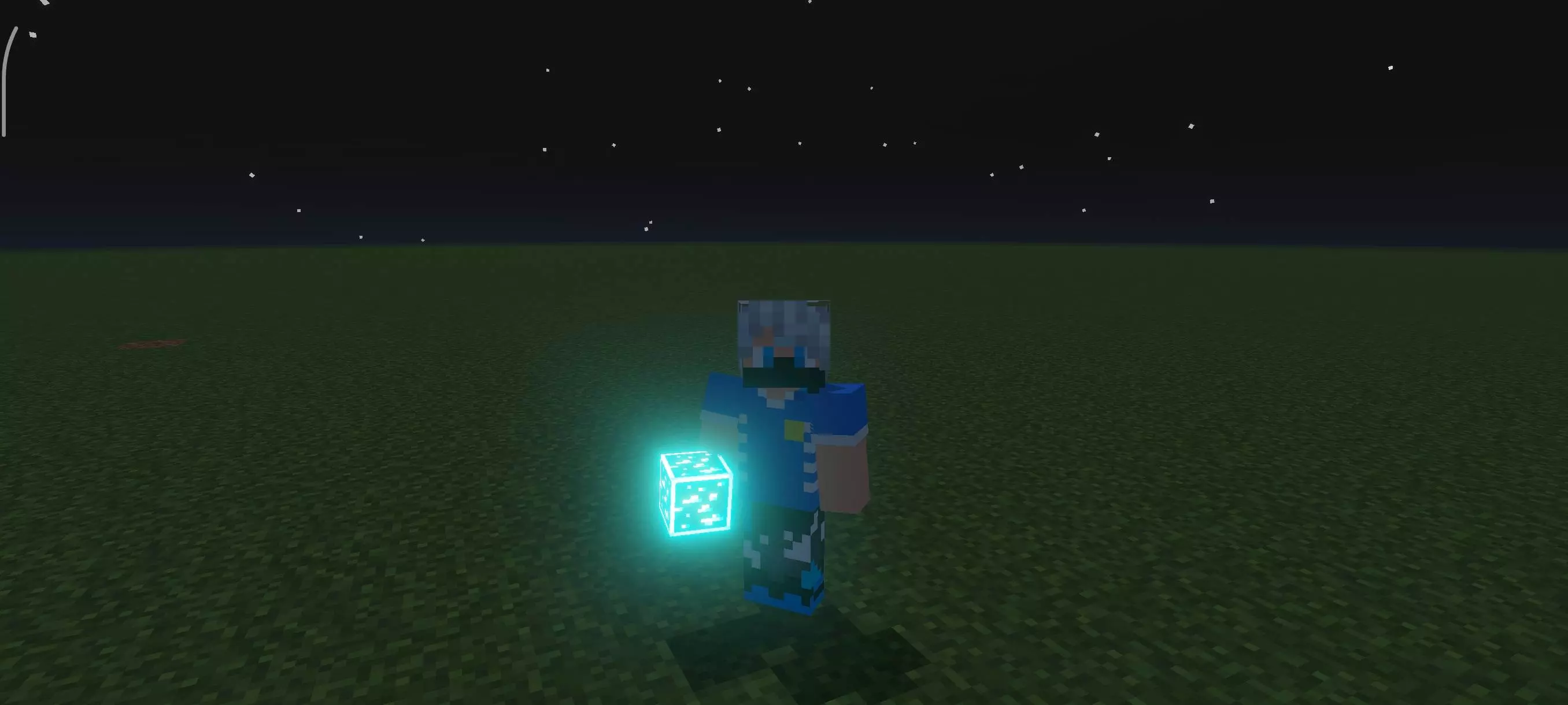

In practice, it’s just nicer mining. Branch tunnels feel less guessy, dripstone caverns stop eating your torches, and underwater ravines become doable without juggling potions. If you stack textures, place Glowing Ores near the top so its lighting wins; if you’re pairing it with a shader, try default brightness first—the glow usually carries without cranking gamma. Performance is a non-issue on most devices since it’s a simple texture pass.
If you want cleaner cave runs and easier vein spotting without breaking the vibe, Glowing Ores Mod is the “install once, leave on forever� upgrade.
Installation:
- Download Texture;
- Use Minecraft PE
- Open the downloaded .mcpack to install;
- Select texture in settings;
- Done.
Comments (0)