Script Interpreter Mod / Addon
- 8-11-2025, 07:23
- 904
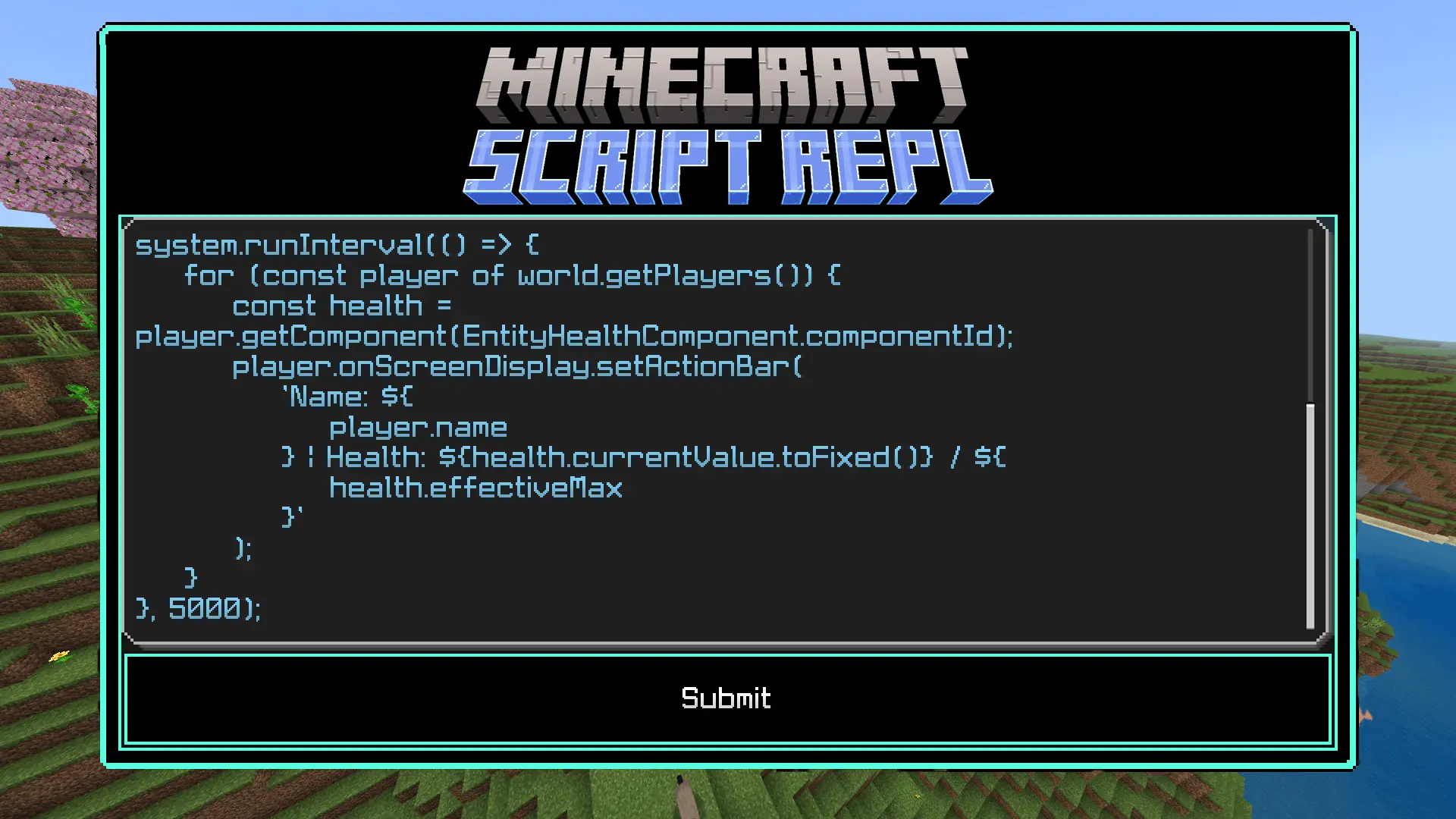
Script Interpreter Mod is a tiny in-world sandbox for quick, surgical testing. You type or paste jаvascript, hit run, and the game immediately echoes results or throws the error back at you, so you can iterate in seconds instead of rebuilding packs or hopping to external tools. It’s built for Bedrock’s modern Script APIs, so when you want to experiment with world queries, simple events, UI flows, or data tweaks, you can do it live—right where the behavior actually matters.
The scope is intentionally focused: this interpreter runs jаvascript only, because that’s what the engine supports. No Python, no Lua. That clarity makes it great for learning the APIs and for shaving time off day-to-day dev work. On phones or Windows, it behaves the same: open your test world, fire a snippet, read the feedback, adjust, repeat. If you’ve ever wanted to validate a quick idea—like a tiny tick routine, a form interaction, or a lightweight filter—without packaging a full update, this is exactly the lane.
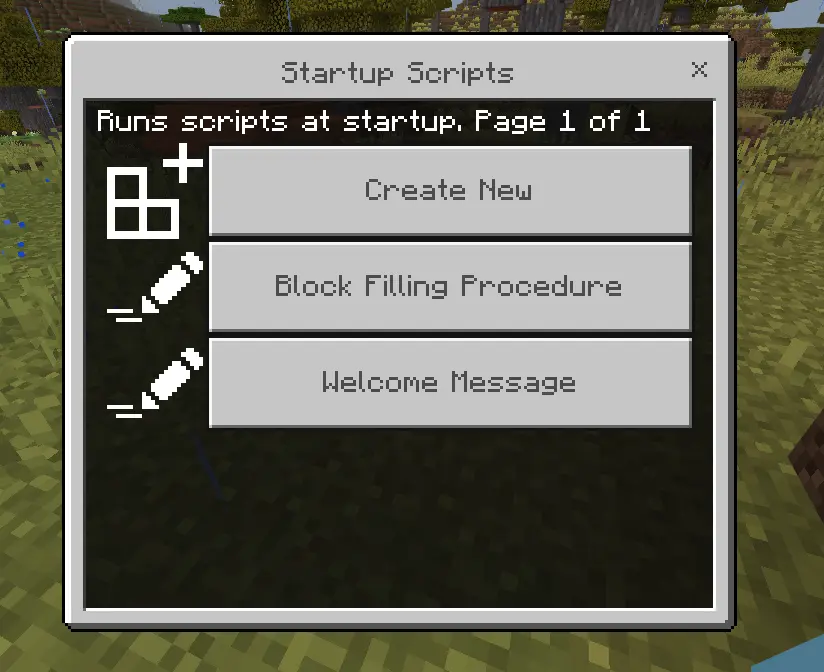
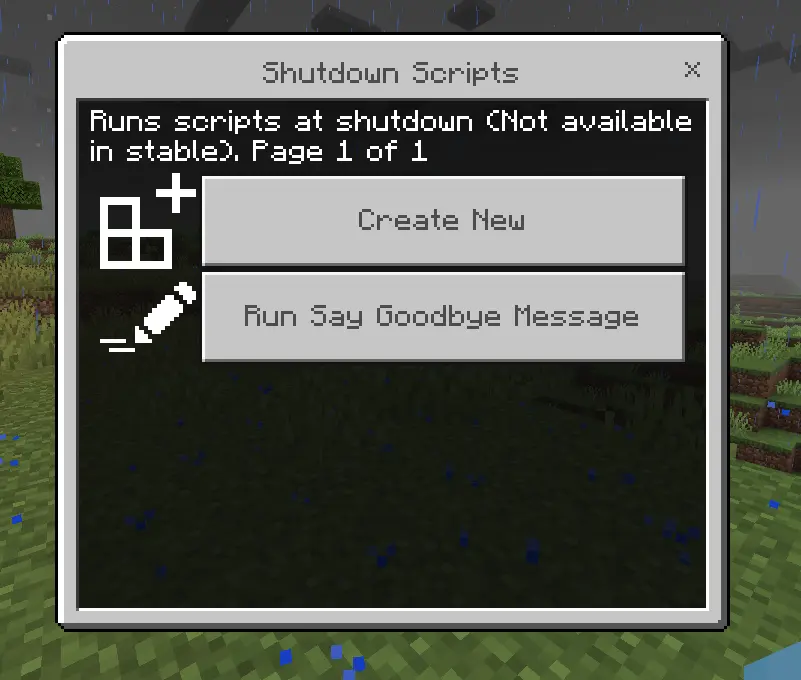
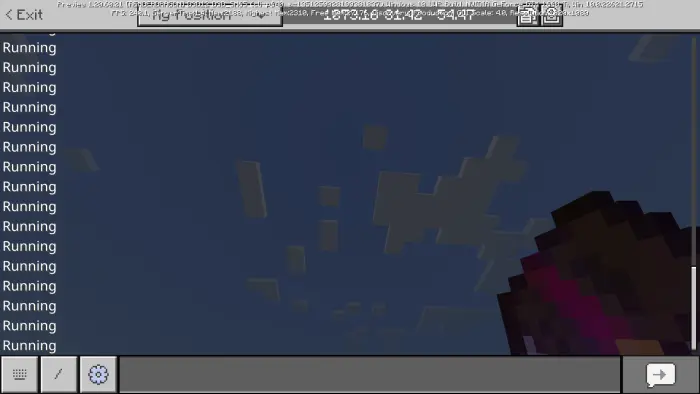
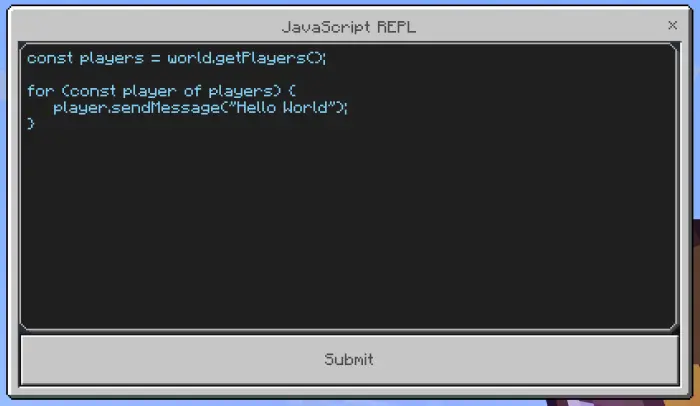

Treat it like a lab bench and you’ll love it. Work in a copy of your world so mistakes are harmless. Keep snippets short, avoid runaway loops, and don’t run code you don’t trust—scripts execute with your session’s permissions. When something breaks, the immediate error feedback points you straight at the problem, and when it works, you’ll feel the change in place, not in theory. For creators exploring new Script APIs or veterans chasing a stubborn edge case, Script Interpreter Mod turns “I think this will work� into “I just proved it� in one quick pass.
Installation Mod:
- Download the .mcaddon / .mcpack;
- Open the file to import into the game;
- In World Settings → Resource Packs and Behavior Packs, enable it (turn on Experiments if needed);
- Have fun!
Comments (0)