AgaCore Only Tool Destructible Mod / Addon
- 14-11-2025, 15:00
- 708
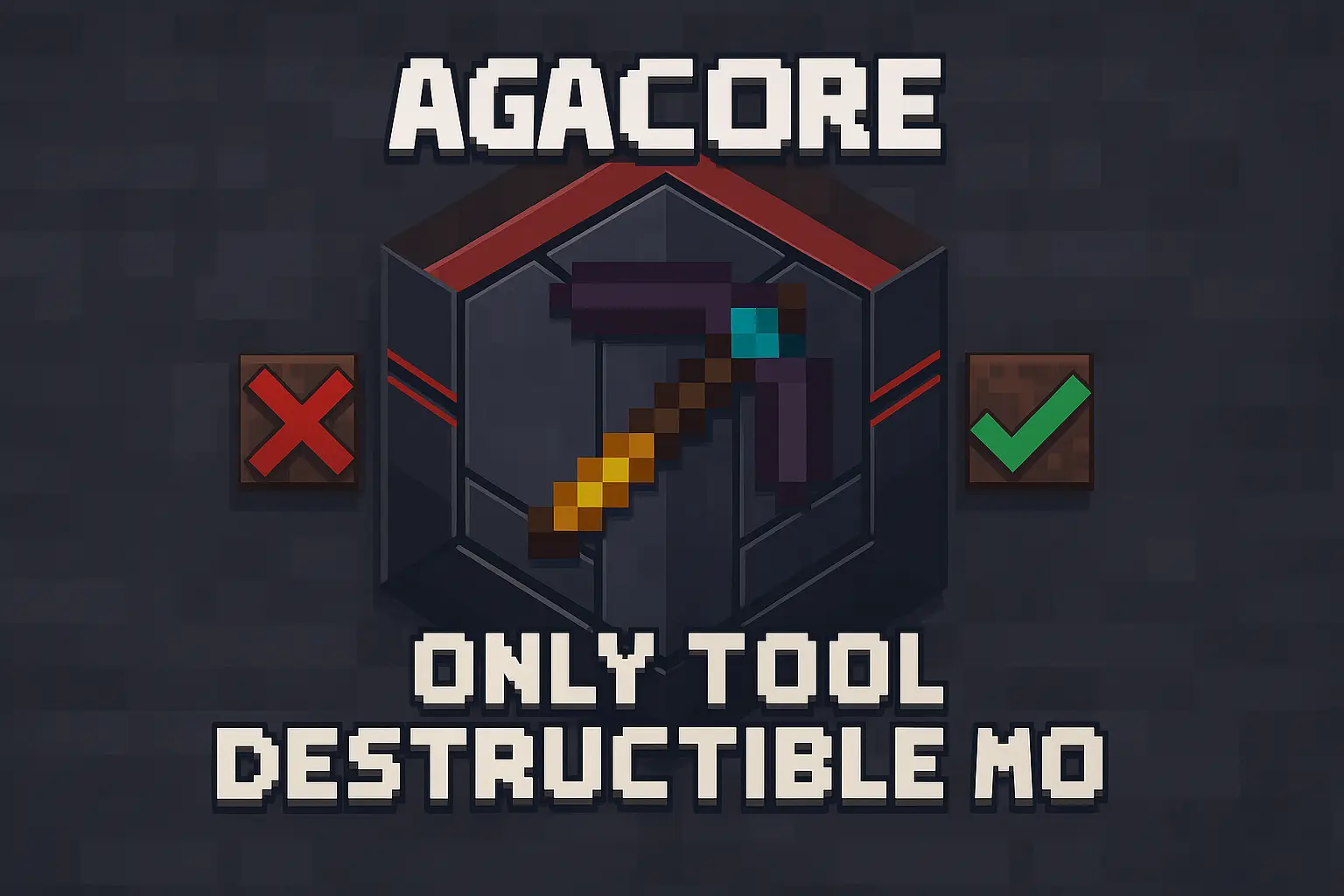
AgaCore Only Tool Destructible Mod is for people who like control. Instead of every block crumbling to whatever you swing at it, this system lets you say: “No, this one only goes down to the right tool.� Using the custom aga:only_tool_destructible component, you can lock a block behind specific tool types like pickaxe, axe, shovel, hoe, sword, shears, or even mace, and tie it to proper tier rules so wooden junk can’t cheat its way through late-game content.
It doesn’t just block breaking, it respects all the usual logic you’d expect from the base game. Tool tier vs block tier is checked before anything drops. Durability is handled correctly, including Unbreaking, so players still pay the price for mining tough blocks. If the tool doesn’t qualify, the break simply gets cancelled, which feels natural mid-swing and stops griefing or accidental destruction on custom maps.
A custom block should be able to tell the difference between a pickaxe and whatever happens to be in your hand. AgaCore Only Tool Destructible gives Minecraft Bedrock projects a component for setting those rules.
The component is called aga:only_tool_destructible, and it’s intended for use in custom block definitions. That distinction matters: installing the pack alone isn’t presented as a switch that changes every block in your existing world. The component needs to be applied and configured for the blocks that should use it. Supported tool categories include pickaxes, axes, shovels, hoes, swords, shears, and maces. Tool tiers can be checked as well, so a custom ore might call for a pickaxe that meets a particular requirement before its intended loot becomes available. That gives a survival project room for progression: finding a deposit can be exciting even when the player has to return later with better equipment. The rules are attached to the custom block, making this most useful when building or using content that actually integrates the component.
There’s also support for Silk Touch and custom loot tables. A block can be set up with one result for a qualifying tool and another for Silk Touch, giving players a reason to think about what they bring into a mine. The optional ignore_tool setting can allow Silk Touch to bypass the tool-type check when that behavior suits the project. Tool durability is part of the system too, including support for Unbreaking. Imagine a custom ore designed to reward a processed material during ordinary mining but drop the ore itself when the appropriate Silk Touch setup is used. That’s the kind of distinction the component is built to support; the exact results depend on the block’s configuration. It’s worth testing each combination in a separate world so players know what to expect before the block becomes part of a longer adventure.
One detail deserves a practical test: the descriptions aren’t consistent about what happens with an invalid tool. The feature list says breaking is canceled, while its example says the block can break without dropping loot and the tool can take durability damage. Check the behavior of your own configured block rather than relying on either outcome without testing. Try the correct tool, a lower-tier tool, a different tool type, and Silk Touch, then compare the result and durability after each attempt. That gives you a clearer picture before using the component in a dungeon, a custom mining area, or another Bedrock project. If you’re installing it because another add-on requires it, activate the pack alongside that content and follow its setup instructions. AgaCore provides the rule-checking piece; the blocks and their requirements come from the content that uses it.
Silk Touch is fully supported too. You can let Silk Touch bypass the “wrong tool� rule with ignore_tool, or hook into custom loot tables so special Silk Touch drops feel intentional, not hacked together. For creators who build adventure maps, custom ores, dungeons, or scripted progression, this mod gives you a clean, scriptable way to make blocks behave exactly how you want without weird workarounds.
Installation Mod:
- Download the .mcaddon / .mcpack;
- Open the file to import into the game;
- In World Settings → Resource Packs and Behavior Packs, enable it (turn on Experiments if needed);
- Have fun!
Comments (0)