Random Item Challenge Mod / Addon
- 26-11-2025, 11:13
- 757
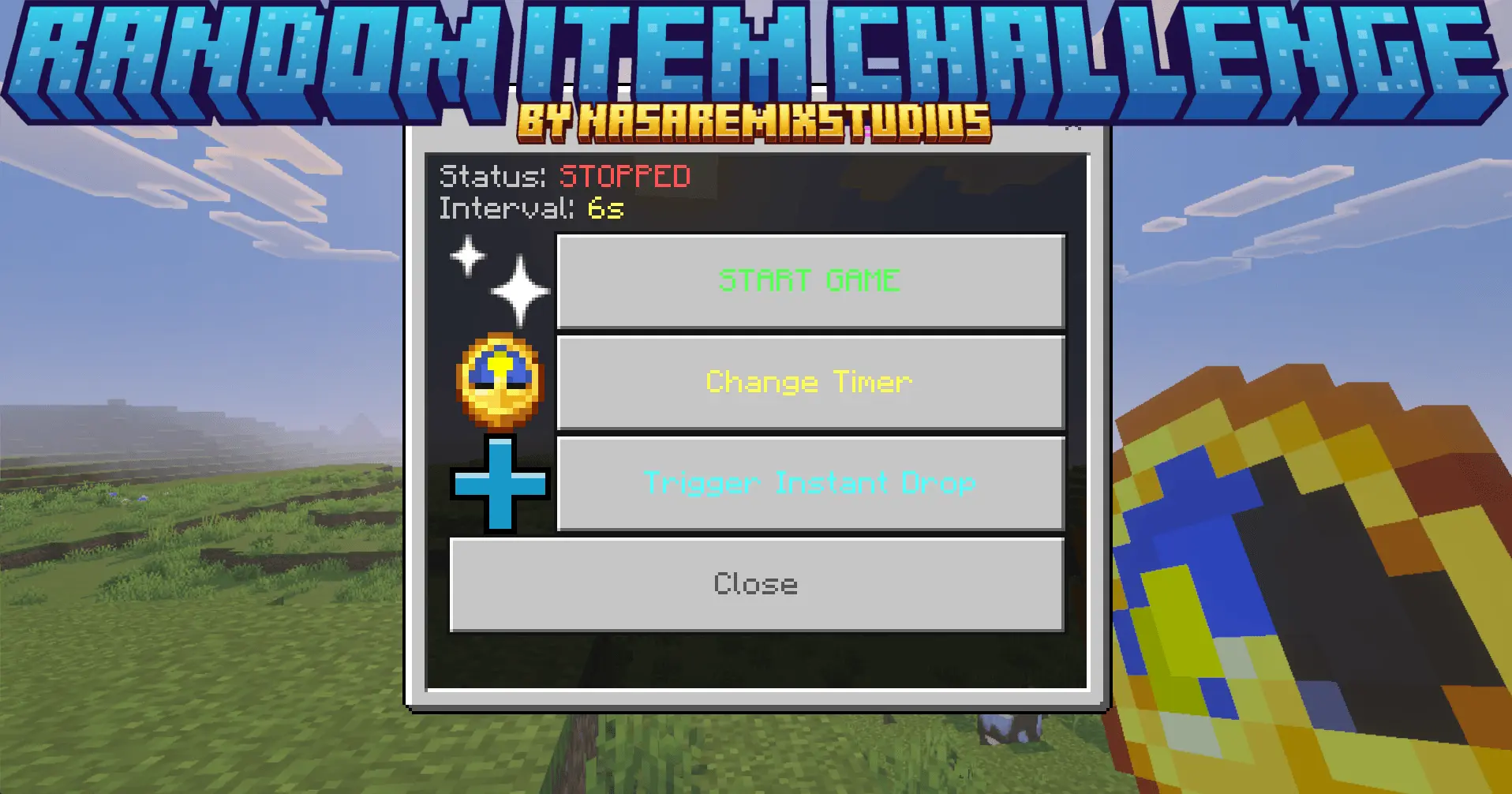
Random Item Challenge Mod turns your world into that wild TikTok/YouTube challenge, but baked right into the game instead of running commands every time. Once the addon is active, you don’t just mine and craft like normal anymore. Every few seconds, the game quietly drops a totally random item straight into your inventory. Sometimes it’s something insane, like netherite tools or late-game loot you’d usually grind hours for. Other times it’s… a dead bush, or some other piece of trash that just clogs your hotbar and mocks you. You never really know what’s coming next, and that’s the whole point.
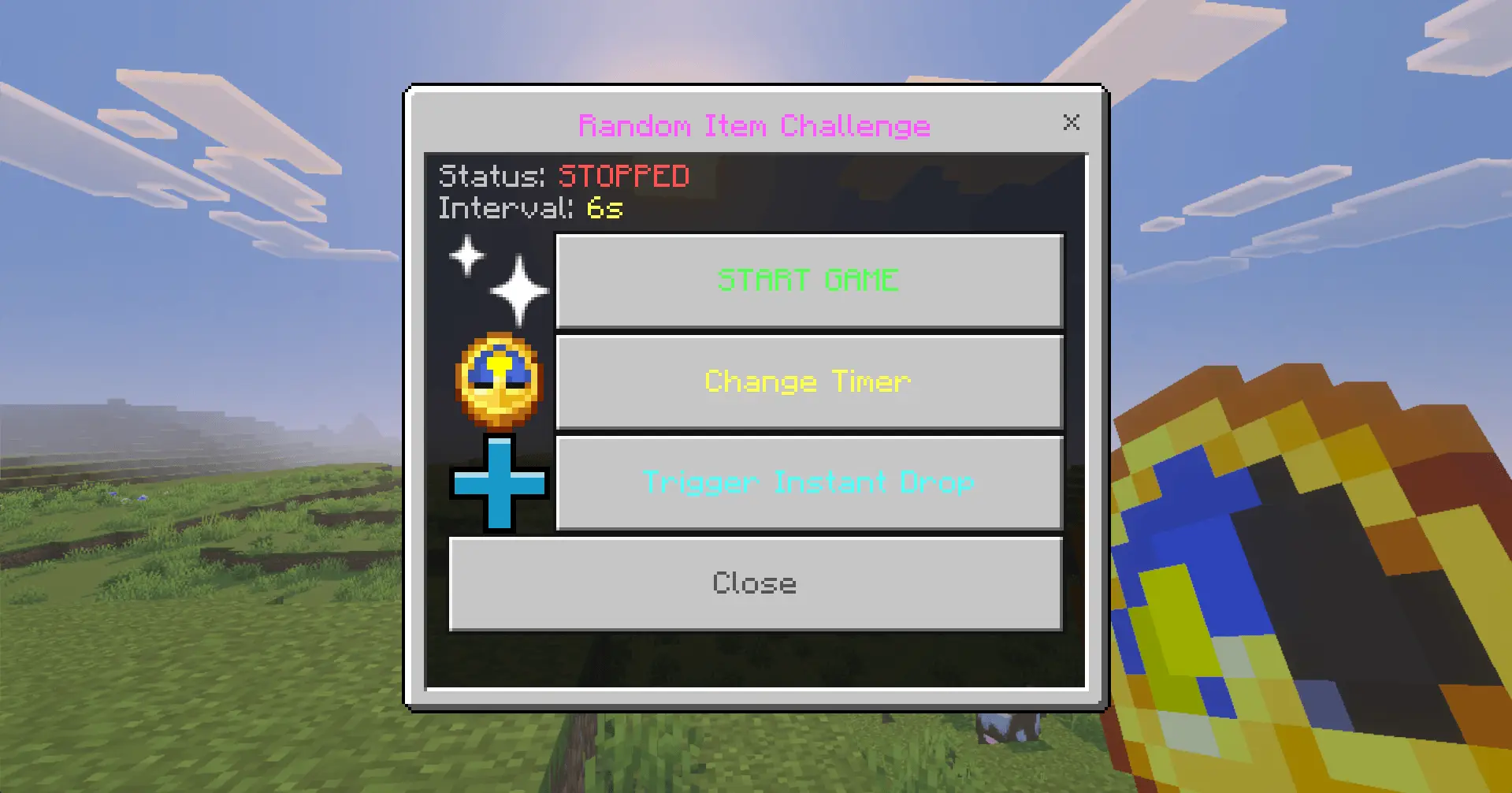
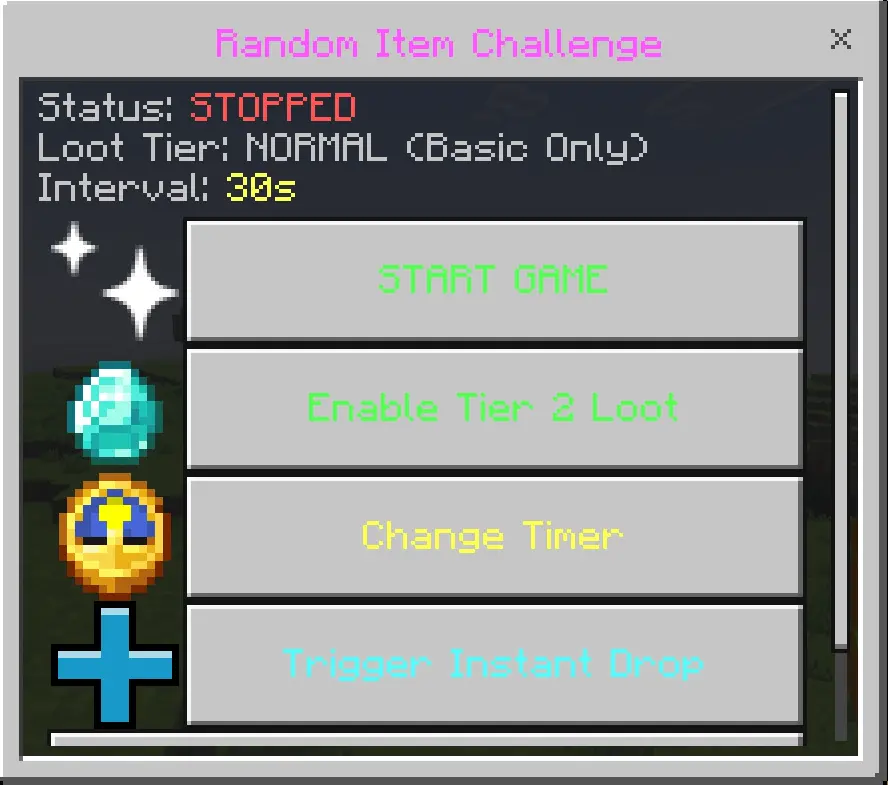
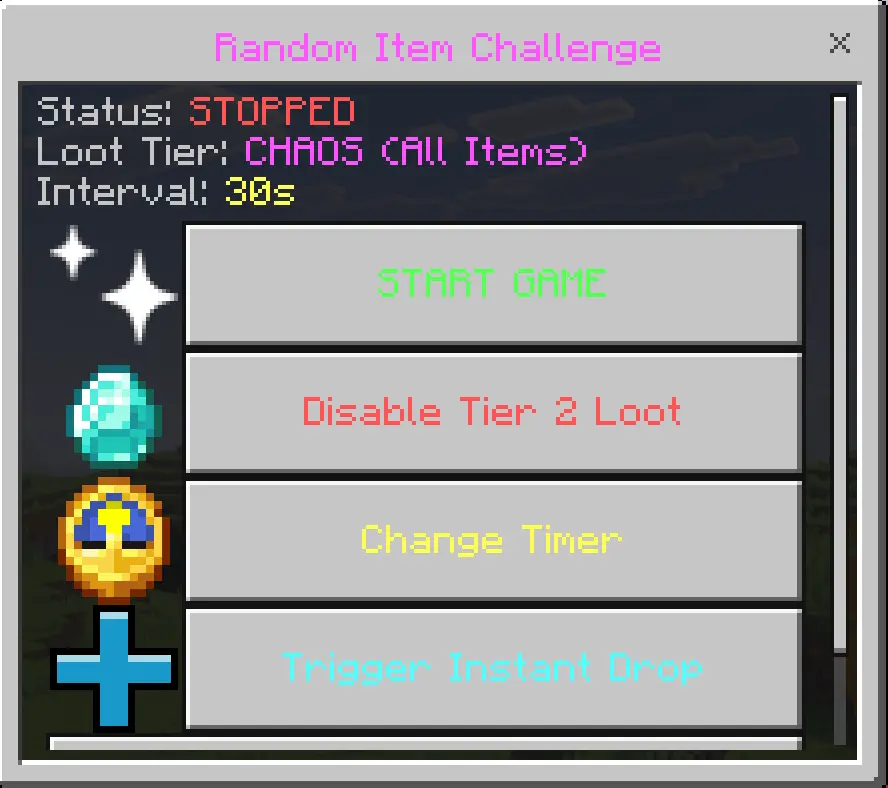
The fun part is figuring out how to bend the chaos into a real survival run. Maybe you spawn in, get a stack of blocks and food early, and decide to rush the Nether way faster than you normally would. Maybe the game keeps throwing you junk and you’re forced to survive almost entirely off whatever you can actually gather yourself. It feels less like a normal world and more like the game is constantly dealing you random cards, and you’re trying to build a win out of the mess. You can set your own rules too—no crafting tools unless the mod gives you one, no armor unless it’s “blessed� into your inventory, or hardcore where you only use what drops.
This addon really shines when you lean into the challenge mindset. Turn it on, hit record, and try to beat the game while your inventory keeps filling with weird loot. Try co-op runs where everyone gets the same flood of random items and you argue about what to keep and what to toss. Random Item Challenge Mod doesn’t add complicated systems or menus; it just keeps handing you stuff and dares you to play around it.
Installation Mod:
- Download the .mcaddon / .mcpack;
- Open the file to import into the game;
- In World Settings → Resource Packs and Behavior Packs, enable it (turn on Experiments if needed);
- Have fun!
Comments (0)