QB Furniture Mod / Addon
- 16-12-2025, 05:19
- 1 363
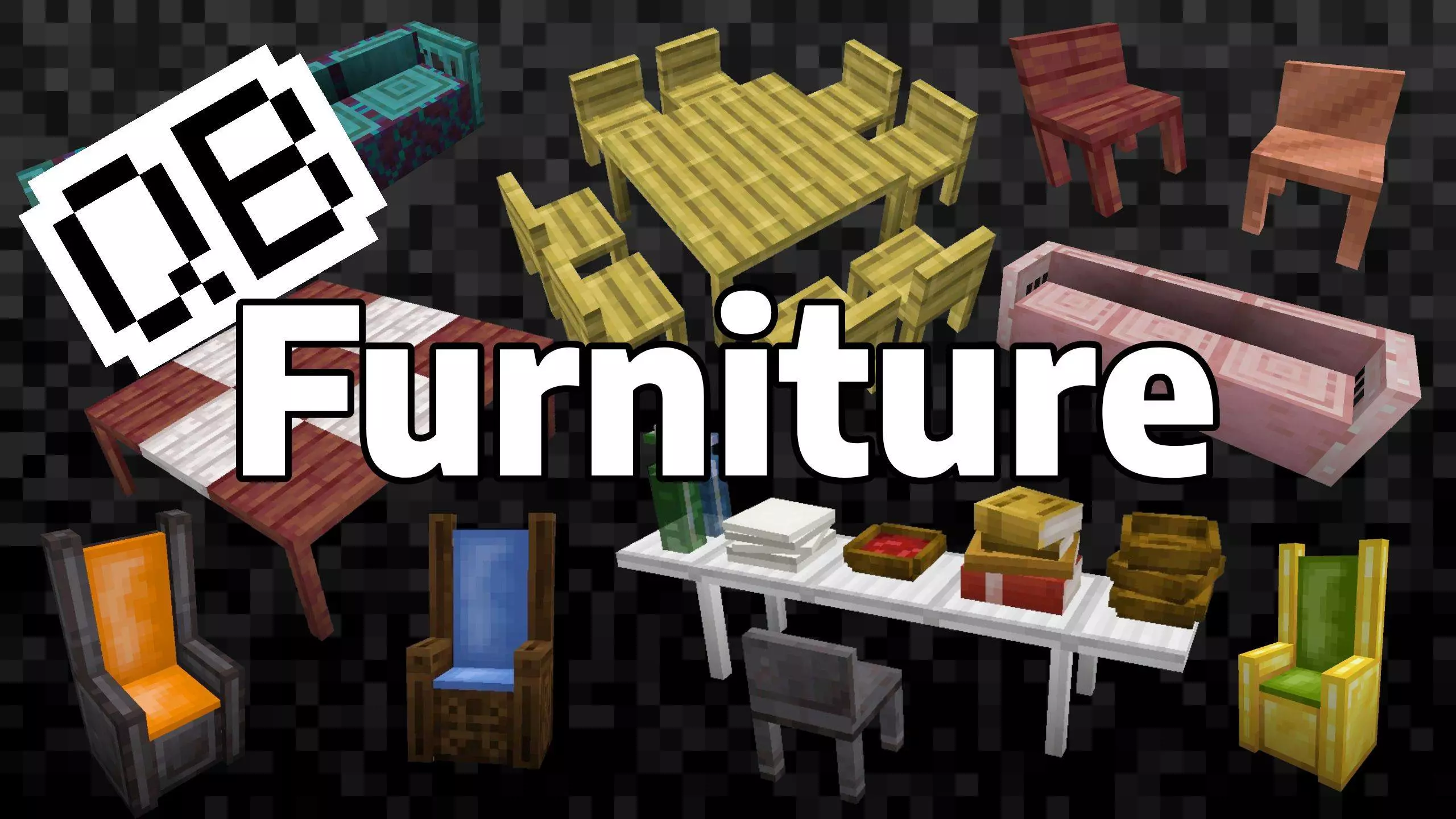
QB Furniture Mod is the kind of add-on you install when your builds look solid from the outside, but the inside still feels like a cave with a bed. Everything is made to blend into normal Minecraft worlds, so it doesn’t scream “modded” the second you place it down. You can use it in Survival or Creative, and it instantly makes houses, towns, and hangout spots feel lived-in instead of empty.
The selection is wild in a good way. You’ve got chairs, log benches, and thrones as your main seating types, plus tables and wall-mounted shelves to pull rooms together. Seating alone is packed: chairs come in wooden and metal styles, log benches cover all the wood and stripped variations, and thrones go all-out with wood, gold, and netherite options, with padding colors in all 16 dyes. Tables and shelves also come in wood and metal, with tons of wood types like Oak, Spruce, Mangrove, Cherry, Bamboo, Crimson, Warped, and more, plus metals like Iron, Gold, Netherite, and Copper with different oxidized and waxed looks. In Survival, that means you can match whatever palette your base is already using instead of forcing one “furniture color” everywhere.
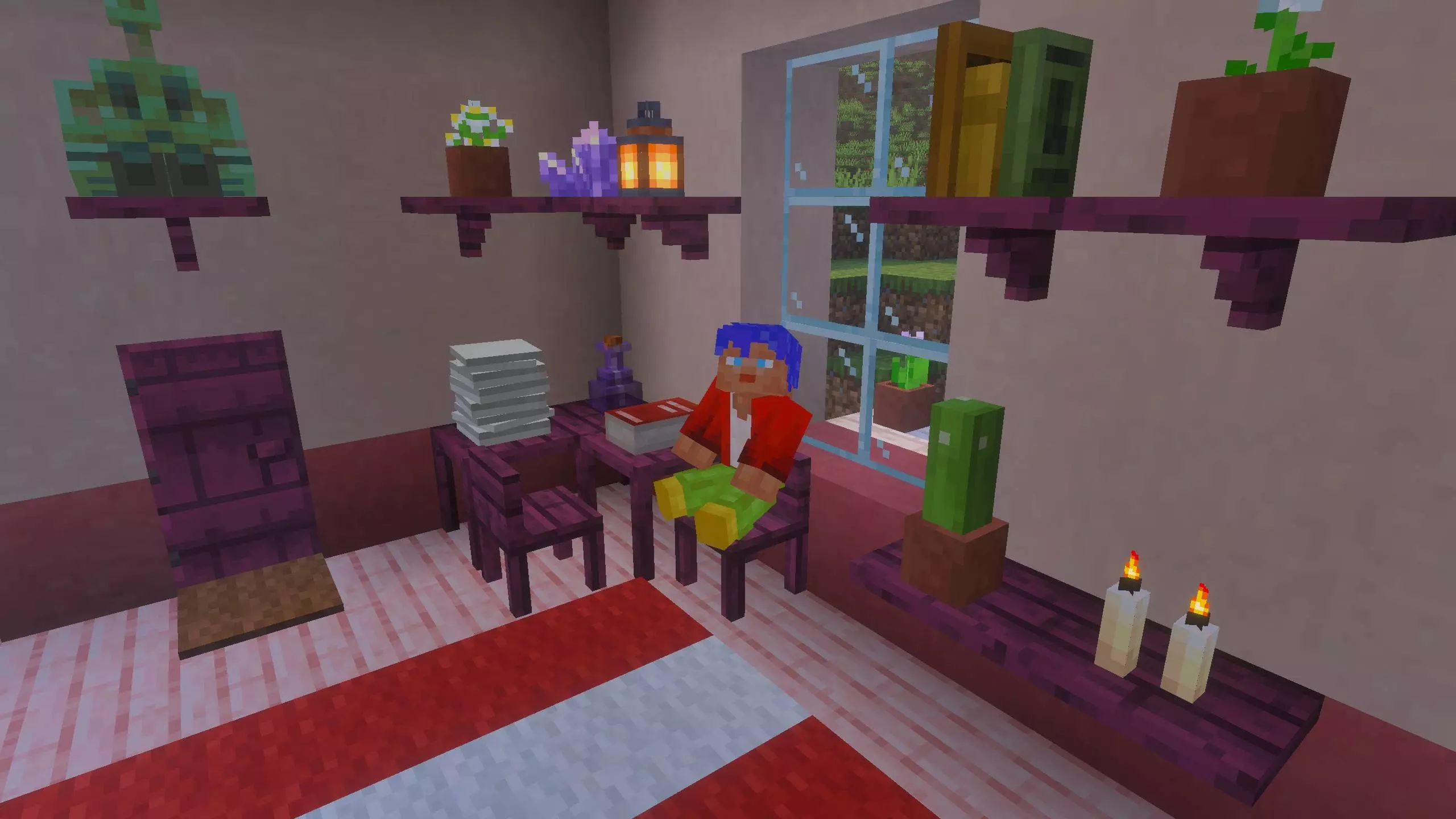
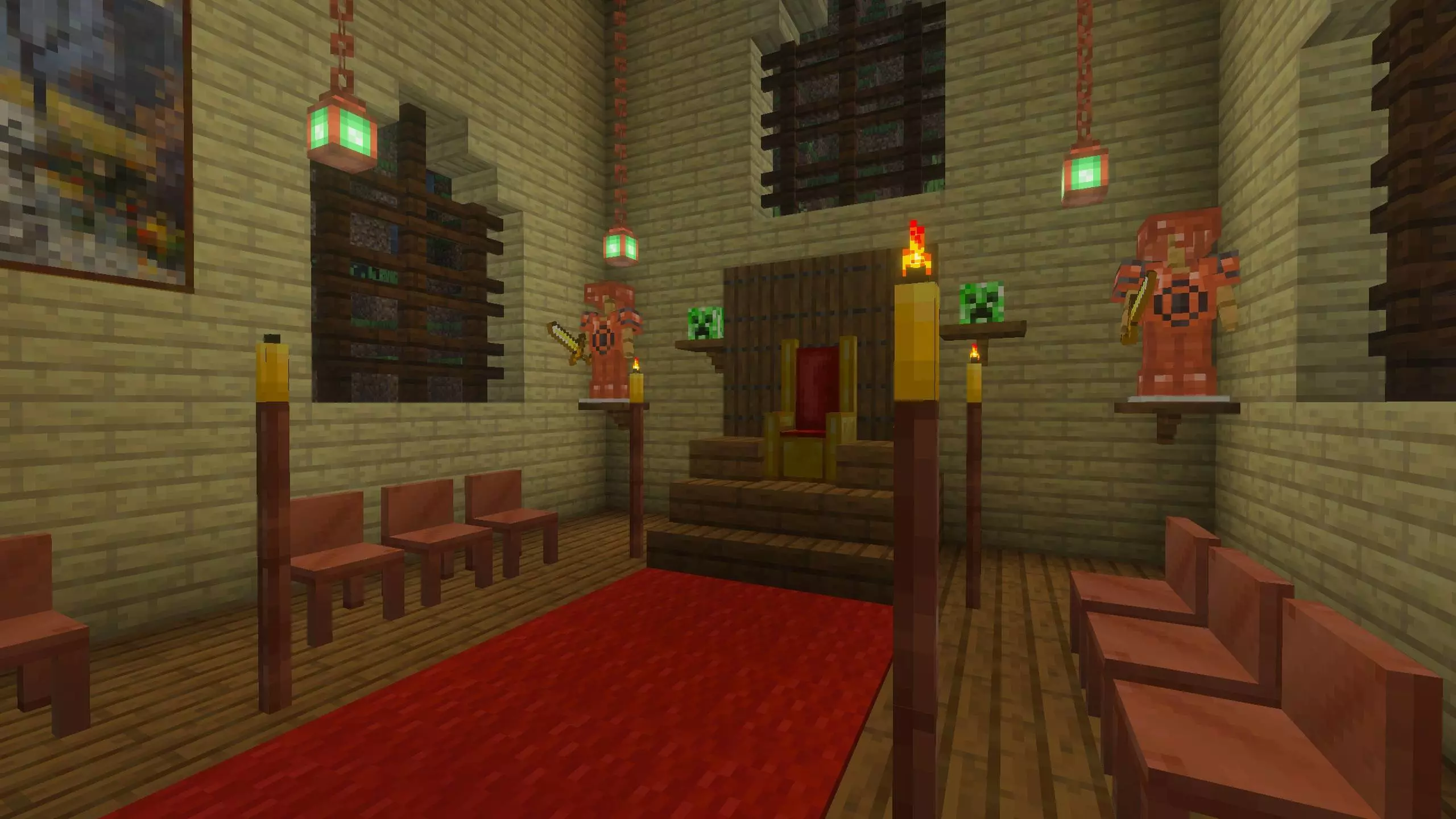
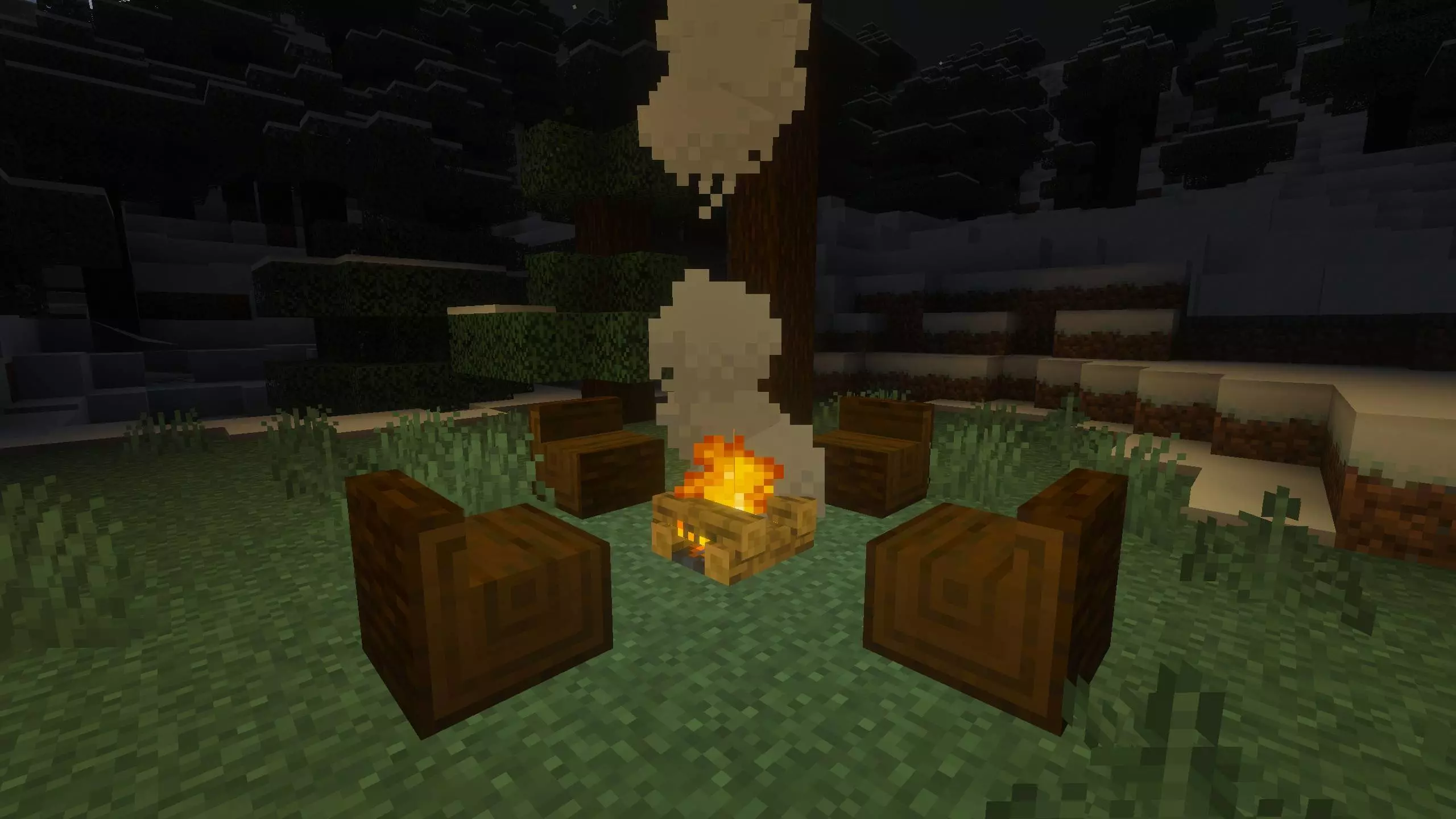
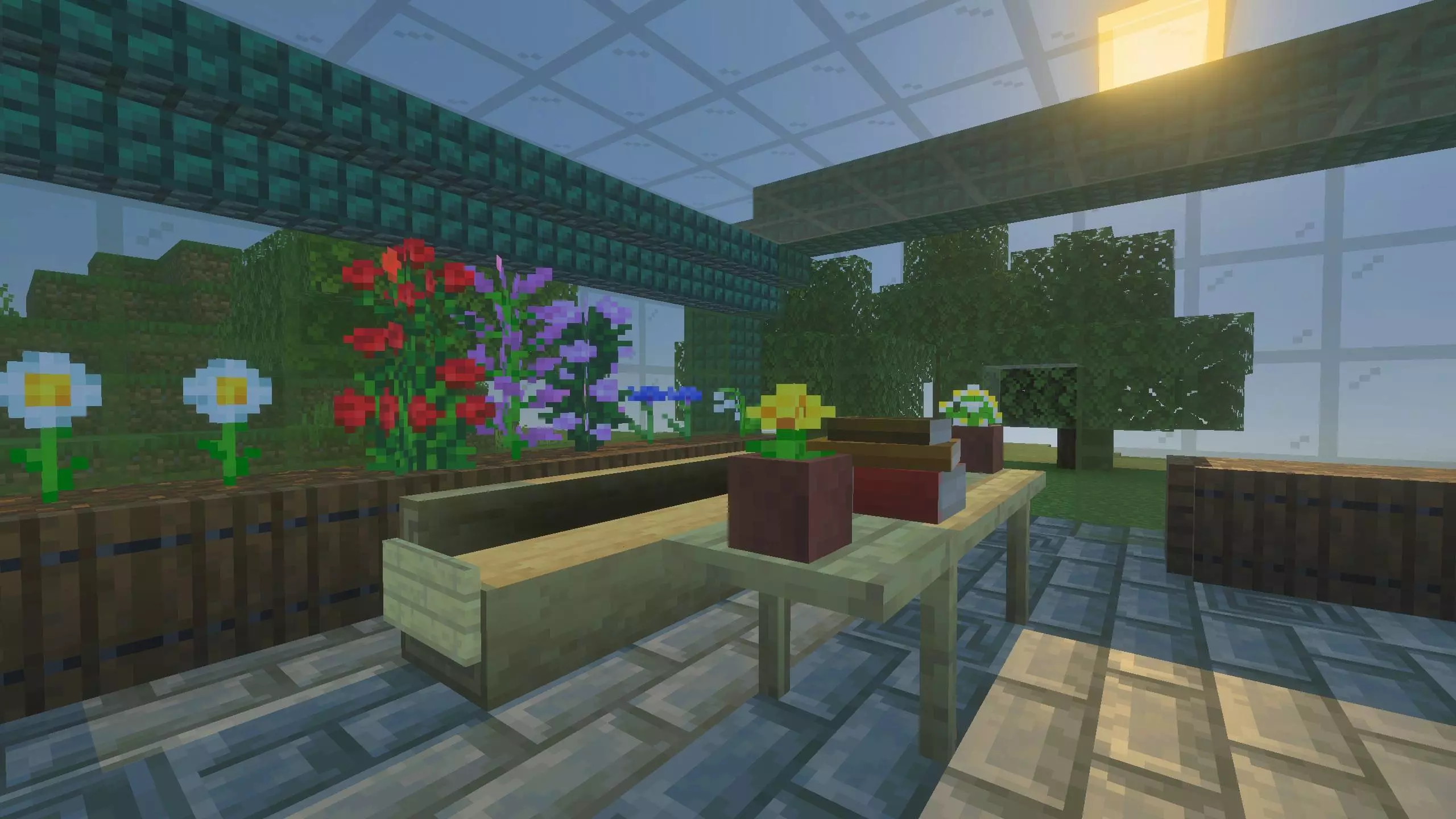
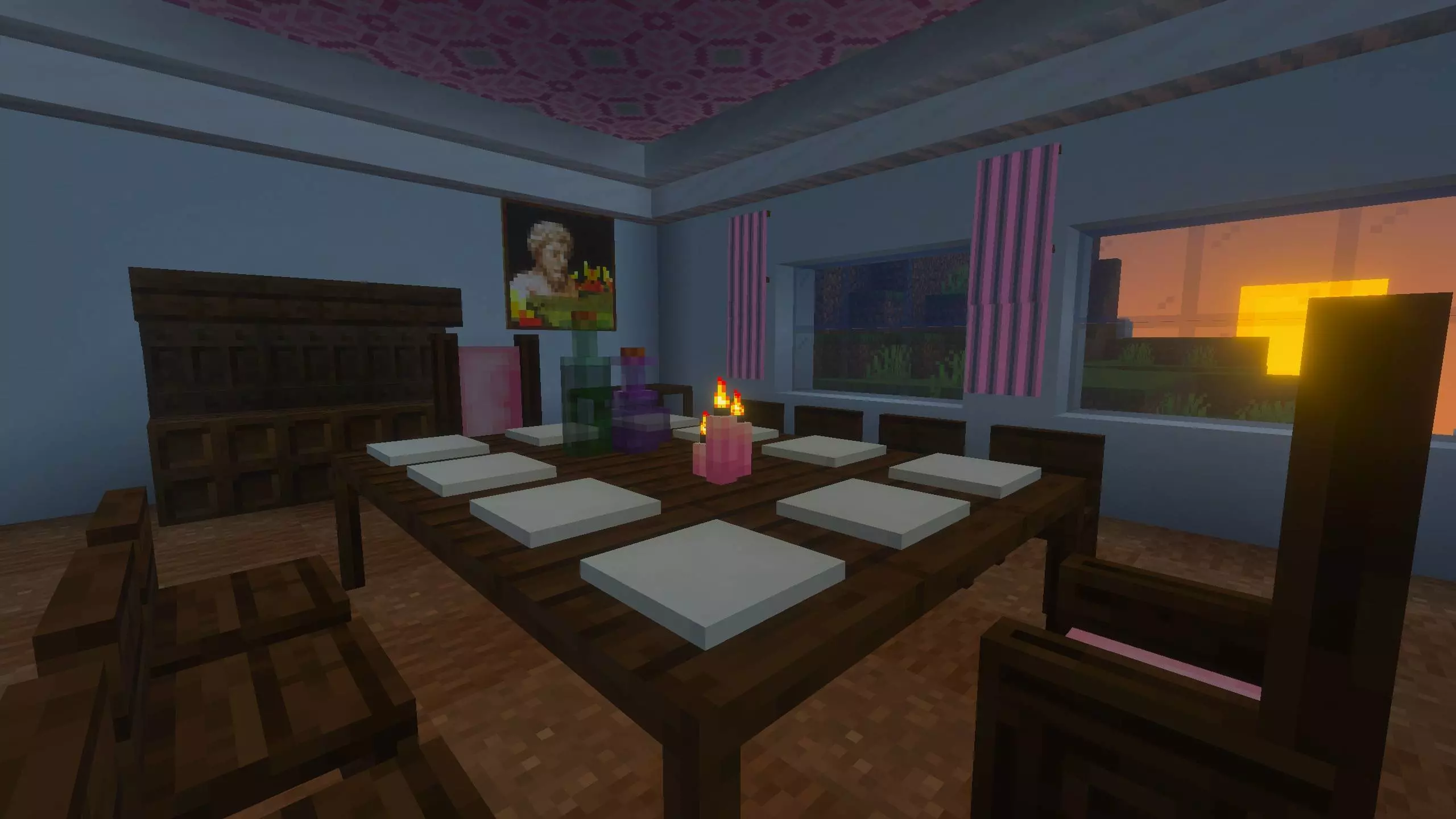
What makes it feel good in actual gameplay is the interaction. Seats aren’t just decoration—you interact with them to sit, so your dining area or campfire setup finally works the way you always pictured it. Tables have a fun little touch too: interact with the side of a table and you can crawl beneath it. It sounds small, but it makes tight builds, secret hidey-holes, or roleplay spots way more natural. On top of that, you can decorate tables and shelves by placing certain standard items on them, like bowls, soups and stews, paper or empty maps, glass or water bottles, and even stacks of books. It’s perfect for making a kitchen look like someone actually eats there, or setting up an enchantment corner that looks like a real study instead of a loot dump.
There’s also some smart building behavior that saves you time. Place tables next to each other and the connecting legs get removed automatically so you don’t end up with that weird “table forest” look—only corner legs stay. Shelves can adapt to bend around corners, which is clutch when you’re wrapping them along walls in a workshop or storage room. When you’re stacking items on tables or shelves, you can add to stacks, and you can sneak while interacting to take items away. Stacks that go upward don’t have a limit, but you can’t mix different item types into the same block, so it stays clean and consistent.
Crafting is straightforward, but still themed. Most furniture uses sticks plus either slabs for wood pieces or ingots for metal ones. Log benches use logs or stripped logs (including stems and bamboo blocks), and once you craft a log bench you can’t strip it later, so pick your look before you commit. Netherite furniture is made by combining the gold version with Netherite Scraps, which makes it feel like an upgrade path instead of a separate random recipe. Thrones need wool so the padding has a color, and you can recolor a throne by crafting it with a dye, which is super handy when you’re trying to match banners, carpets, or a team color in a shared base. QB Furniture Mod is basically a base-builder’s dream, but it still respects Survival flow—just don’t go overboard spamming a hundred fancy pieces in one tiny room if your world already runs heavy.
Installation Mod:
- Download the .mcaddon / .mcpack;
- Open the file to import into the game;
- In World Settings → Resource Packs and Behavior Packs, enable it (turn on Experiments if needed);
- Have fun!
Comments (0)