MorphX Mod / Addon
- 20-01-2026, 12:00
- 979

MorphX Mod is basically the “what if I could just become the thing?” add-on, and it leans all the way into that idea. With a simple tap, you morph into a supported entity and it’s not just a cosmetic switch—you’re taking the full form: the shape, the animations, the hitbox, the movement style, and whatever abilities that morph comes with. That’s the kind of change you feel immediately, because the way you move through the world and how you fit into spaces is suddenly different.
In Minecraft Bedrock survival, MorphX Mod is the type of add-on that makes normal routines way less predictable. You can go from doing your usual base chores to turning into something totally different and approaching the same world from a new angle. It’s also perfect for “rules” worlds with friends: one day you’re allowed to morph only when you leave your base, another day you have to stay morphed the whole session, or you rotate morphs during an adventure and deal with whatever movement style you end up with. The fact that it includes creatures, machines, animals, and fantasy entities means you can keep things fresh without needing a huge storyline to justify it.
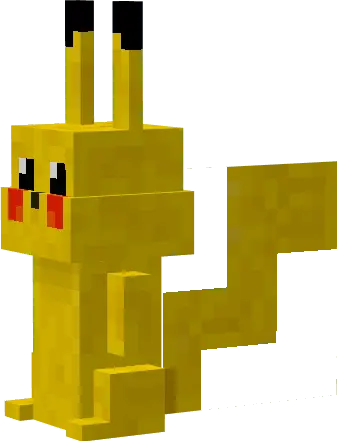
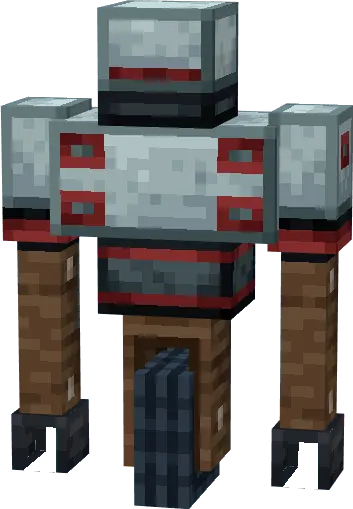
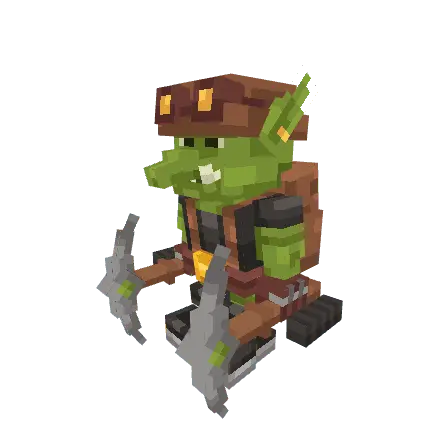
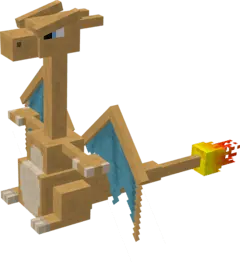
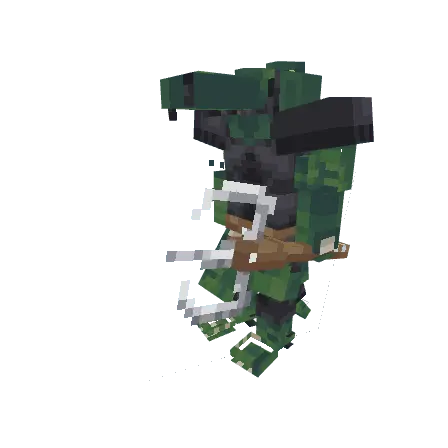
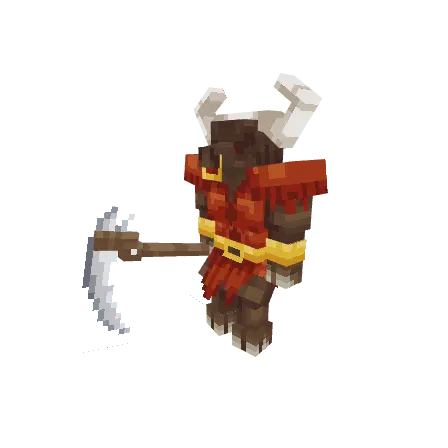
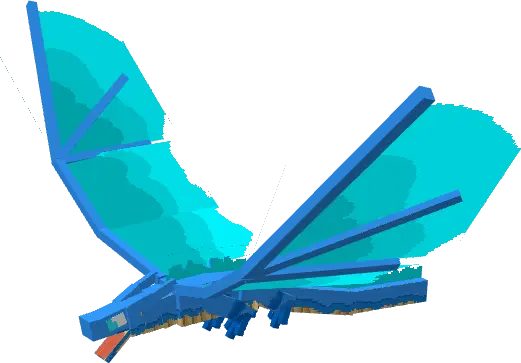
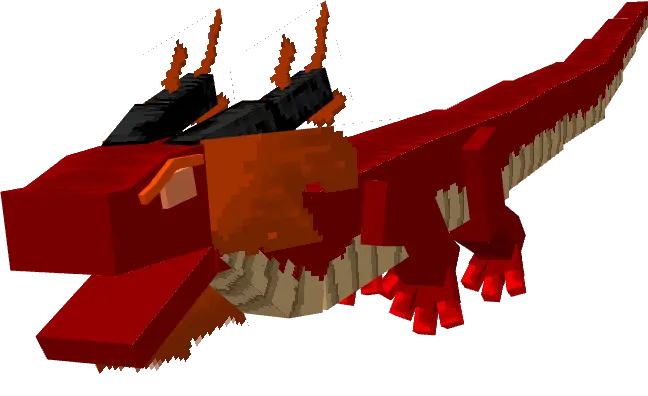
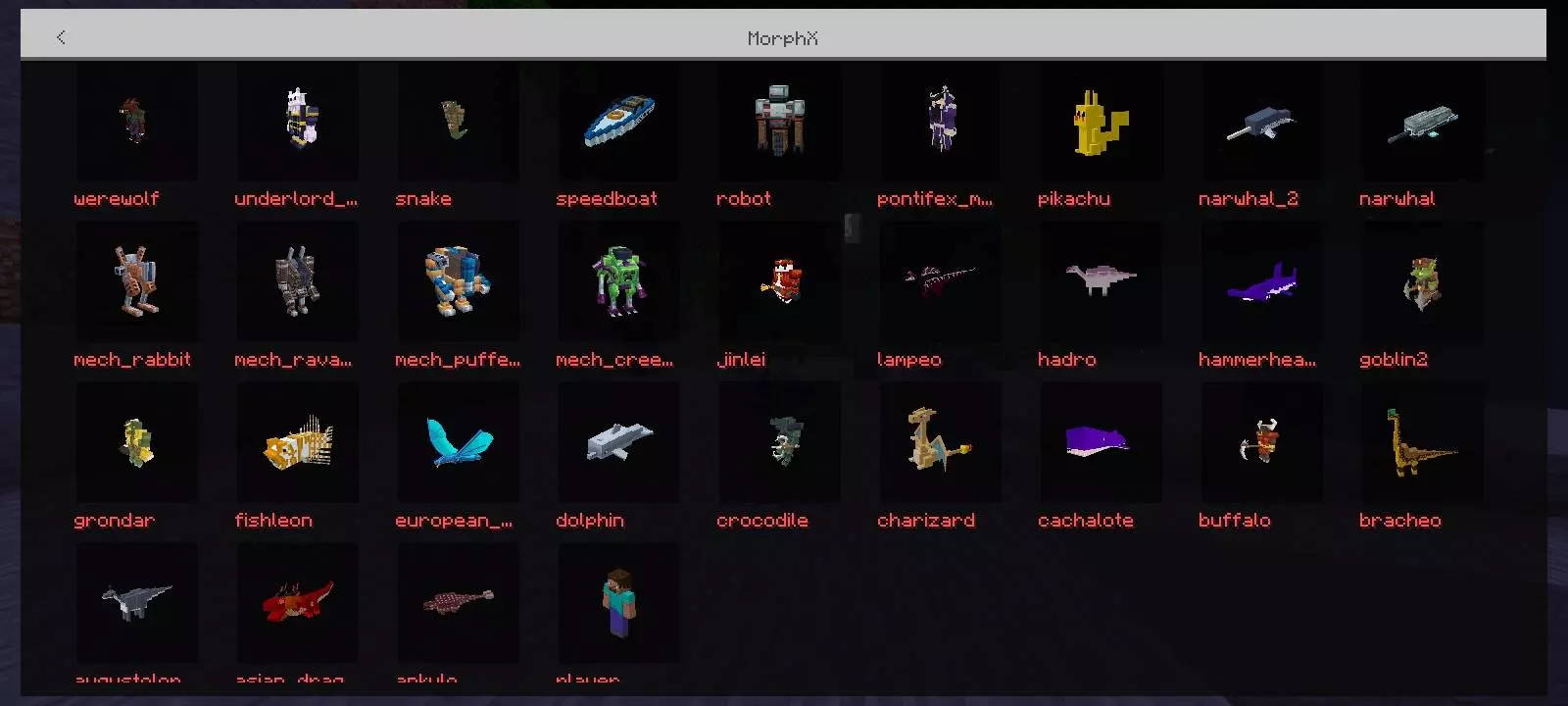
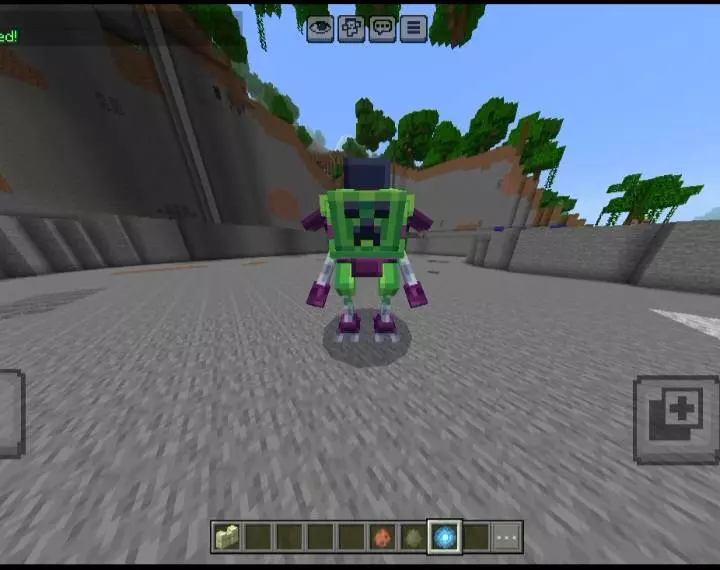
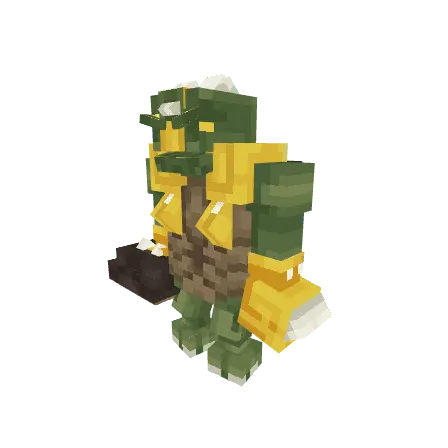
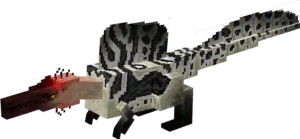
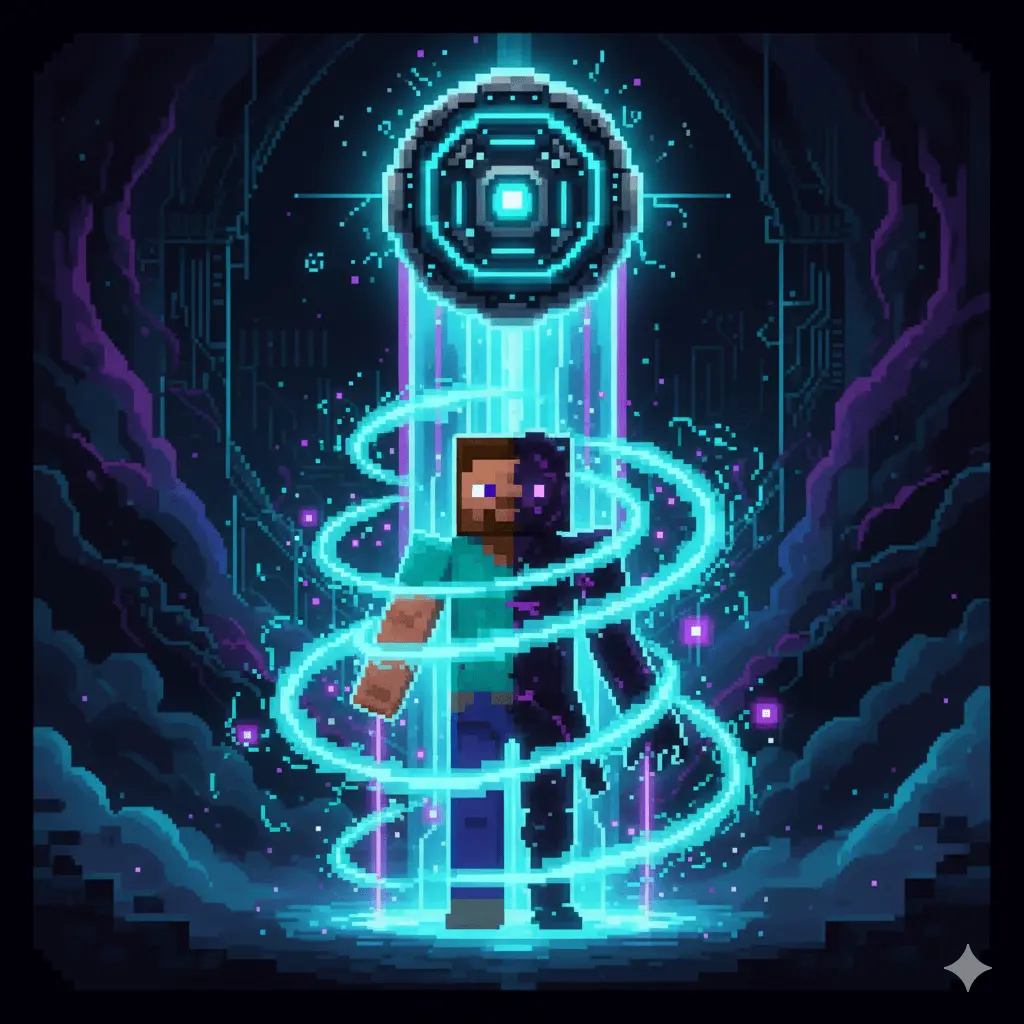
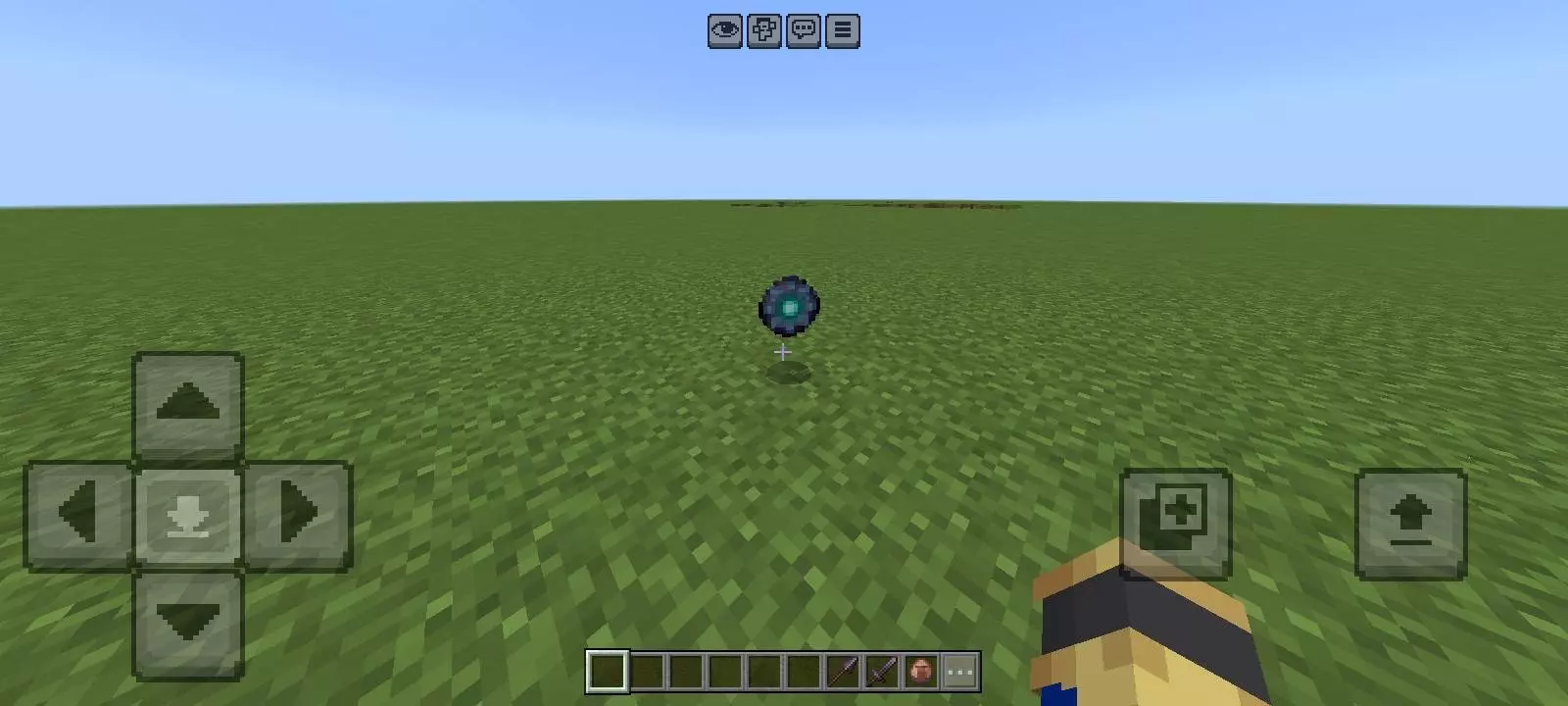
Roleplay and adventure worlds are where it really pops, because morphing is an instant character switch without you having to reboot the whole world. If you’re recording or streaming, MorphX Mod is the kind of tool that creates moments on its own—quick reveals, weird encounters, surprise “wait, that was YOU?” plays—especially in multiplayer when someone spots a familiar entity moving in a not-so-normal way. For challenges, it’s easy to keep it fair just by setting your own limits, like only morphing when you reach a new area, or saving morphs for clutch escapes instead of spamming them.
Practical tip: since morphing changes your hitbox and movement style, treat it like gear—don’t swap randomly in tight builds or risky spots unless you’re ready for the new shape to mess with your spacing. MorphX Mod is strongest when you use morphs with intention: pick one that fits what you’re doing, lean into its movement, and let the world feel different for a while instead of turning it into a constant button-mash.
Installation Mod:
- Download the .mcaddon / .mcpack;
- Open the file to import into the game;
- In World Settings → Resource Packs and Behavior Packs, enable it (turn on Experiments if needed);
- Have fun!
Comments (0)