COMPLETELY NORMAL RTX Addon
- 5-04-2026, 02:47
- 1 866
Mods / Addons / Mods 1.26 / Mods 1.21
COMPLETELY NORMAL RTX Addon is very good blocks in Minecraft PE. A glass wall can look great in Minecraft until you step back and notice how many borders run across the view. The COMPLETELY NORMAL RTX add-ons give you a way to change details like that without replacing every texture in the game. This is a collection of separate visual packs, each focused on a particular feature: clearer glass and water, glowing ores, different fog settings, rounded surfaces, and more. You can pick the ones that suit your world and leave the rest alone.
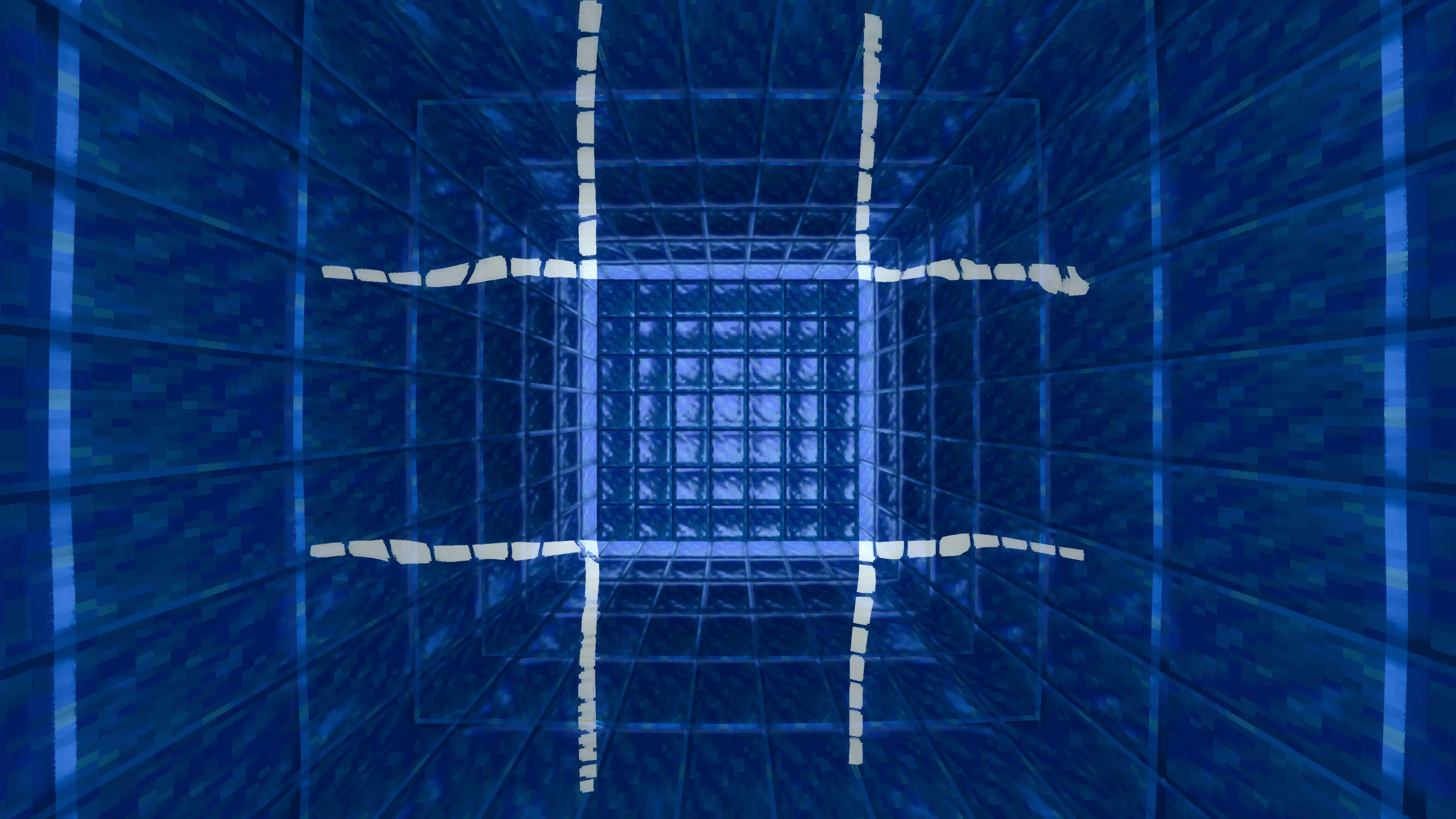
The clear glass pack is an easy place to start if you enjoy building. It removes the borders from glass blocks, making large windows look like continuous panes instead of a grid of small squares. A lookout tower, greenhouse, or house overlooking the ocean can feel quite different when there are fewer lines in the way. There are options for clean glass and glass with subtle surface imperfections, so you can choose whether you want a perfectly smooth window or one with a little more texture. Clear water is available as a separate add-on, giving you another option for builds where the view matters.
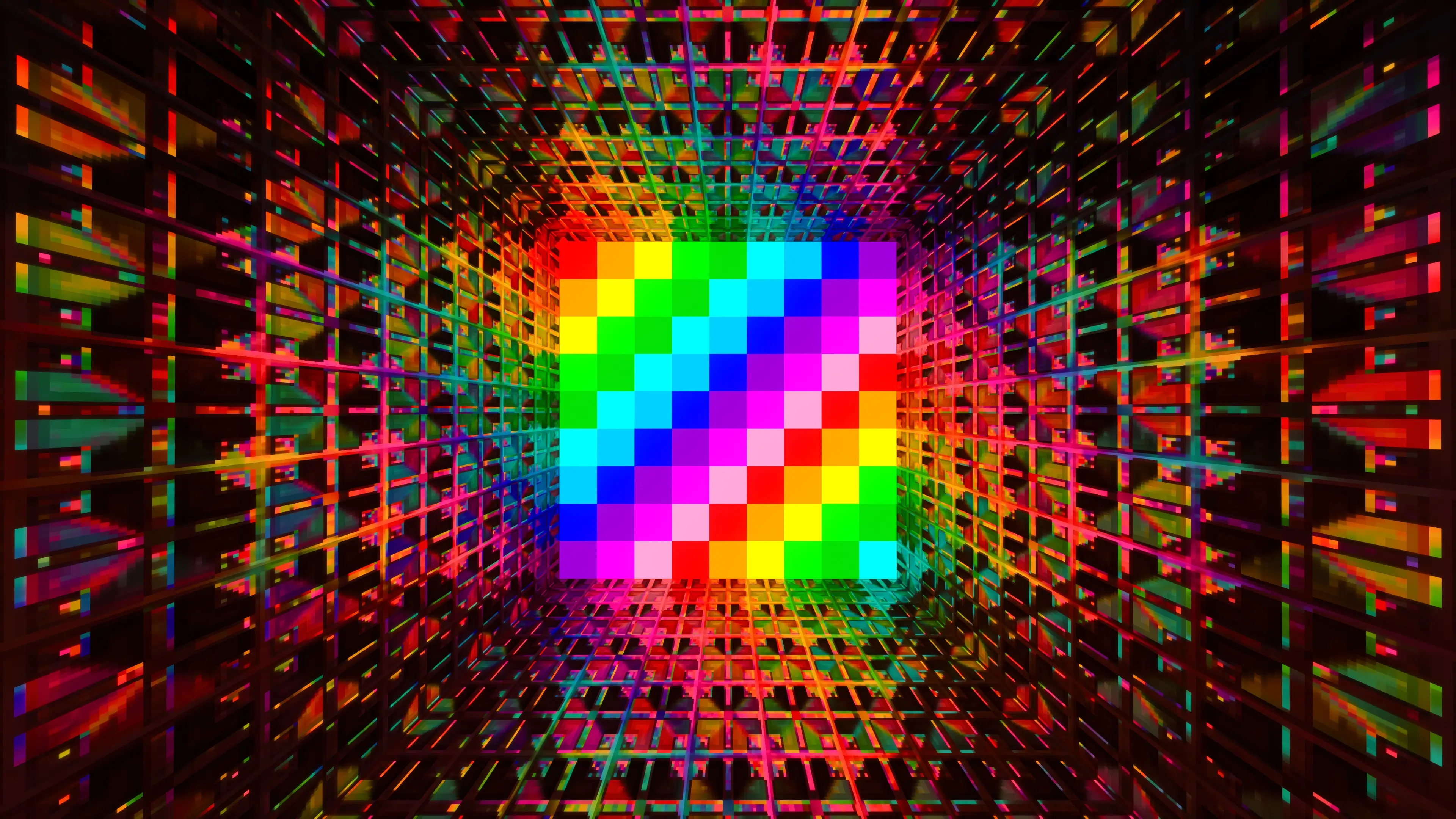
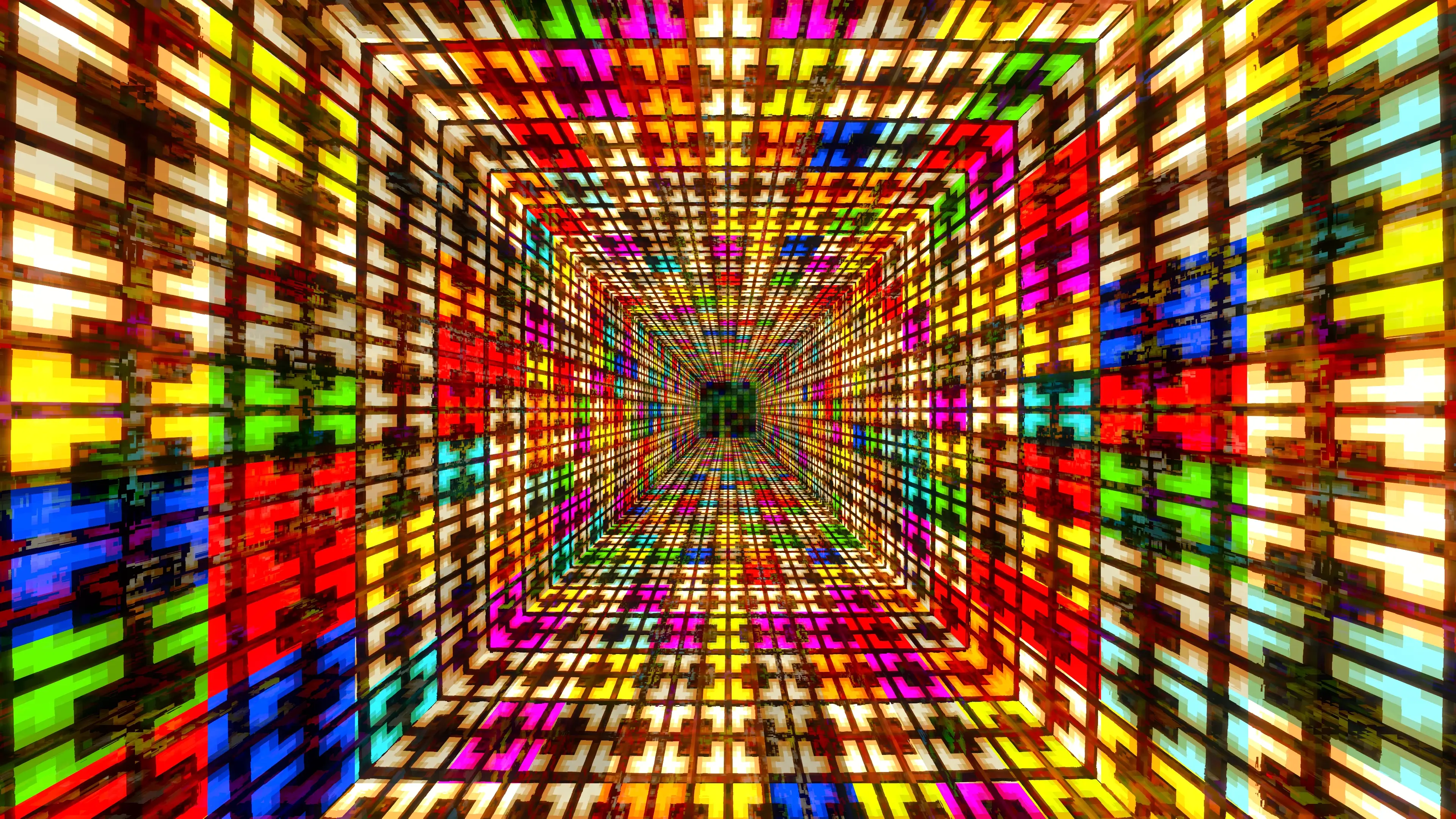
Mining at night or exploring a cave? The glowing ores pack makes ore blocks stand out in the dark. There’s also a bordered option that puts an outline around the ore blocks, plus a bordered setting without the glow. You can choose how noticeable you want the deposits to be. If you prefer to keep caves looking close to their usual appearance, you may want to try the less dramatic setting first. Glowing terracotta offers a different kind of effect: it gives builders a way to add luminous color to interiors, signs, or decorative patterns. Its brightness settings let you decide how strong that glow should look.
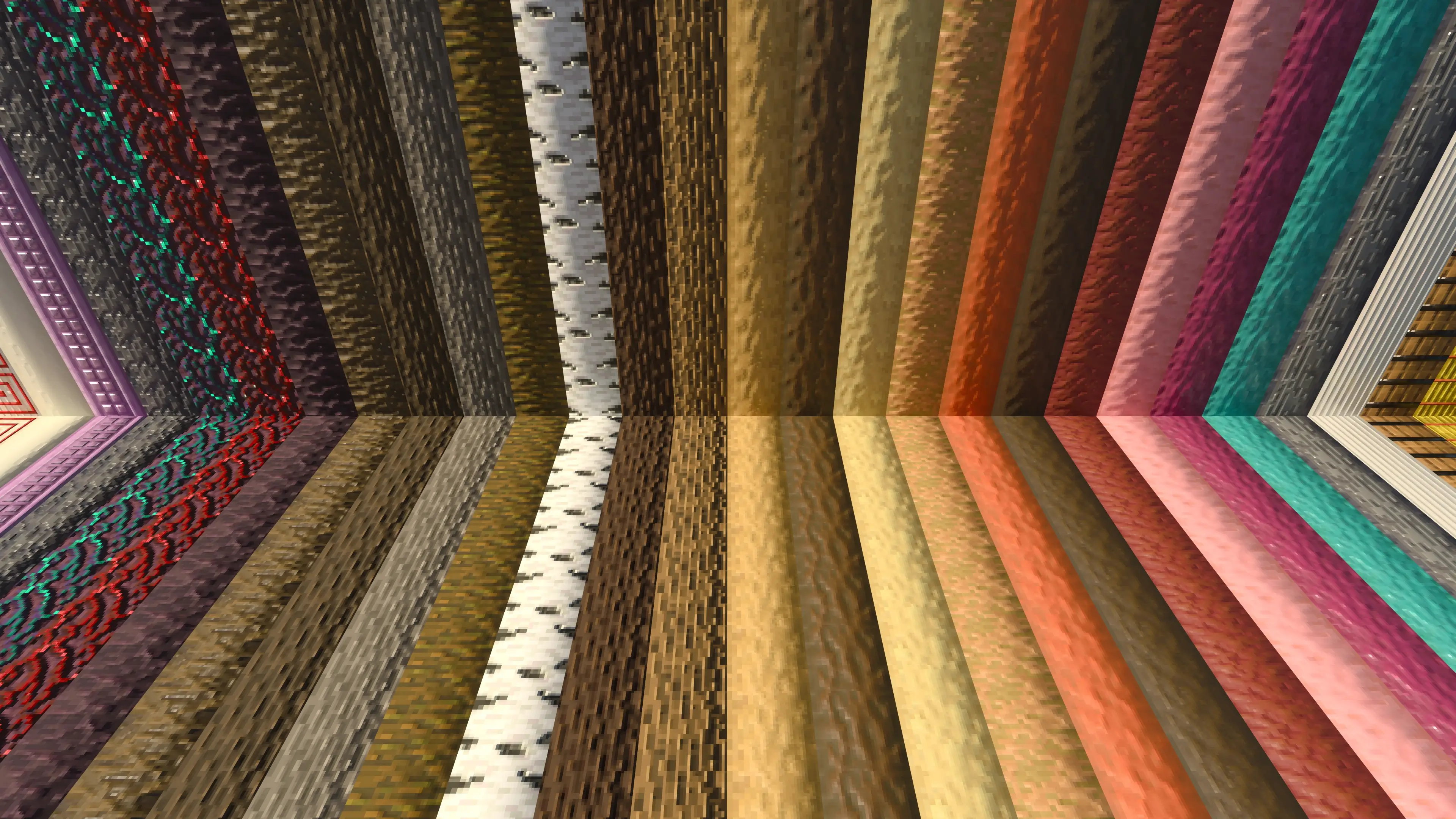
Some of the most interesting changes are small ones you notice while walking around a familiar base. The roundness add-on gives certain blocks, including logs, stripped logs, basalt, and barrels, a more rounded appearance through their surface maps. They still occupy the same block spaces, but their surfaces catch the light differently. Lower Grass changes the sides of grass-like blocks, with options that either extend the grass farther down or cover the sides completely. It’s a useful detail for gardens, hillsides, and paths where the usual straight edge of a grass block doesn’t quite fit the look you want.
There are more choices for decorating the inside of a house. The mirrors add-on turns tinted glass into a reflective surface, with additional options for concrete and colored mirrors. Place one in a bedroom or hallway and it can give a familiar room a new focal point. Glazed terracotta can also receive different treatments, including glowing or metallic-looking finishes. If you like collecting armor trims, another add-on lets those details glow, with settings to control which trims receive the effect. None of these changes requires you to redesign your whole world; you can try them in one room and see whether you like the result.
Fog is another part of the collection worth experimenting with. The fog adjuster offers different colors and densities, including warmer and colder looks. A misty forest or a distant mountain can feel quite different depending on the setting, and the stronger options can make the landscape feel more enclosed. Start with a setting you can comfortably see through, then adjust it to suit the mood you want. For a creative build, you might choose a dramatic atmosphere; for everyday survival, a clearer view may be more useful.
These add-ons are intended to work with the main COMPLETELY NORMAL RTX pack, though they can also be used with other RTX packs. They are separate resource packs, so choose the effects you want and activate them in the resource pack settings. RTX visuals require compatible hardware and ray tracing support. Once everything is active, take a walk through a place you know well: look through your windows, visit a cave, and watch how the materials in your builds respond to the light. Those familiar places are often where the changes are easiest to appreciate.
Installation:
- Download Mod;
- Open the downloaded file to install;
- Select it in the settings;
- Have fun!
Comments (0)