Land Clearer | Land Clear Wand Mod / Addon
- 16-06-2026, 10:28
- 1 685
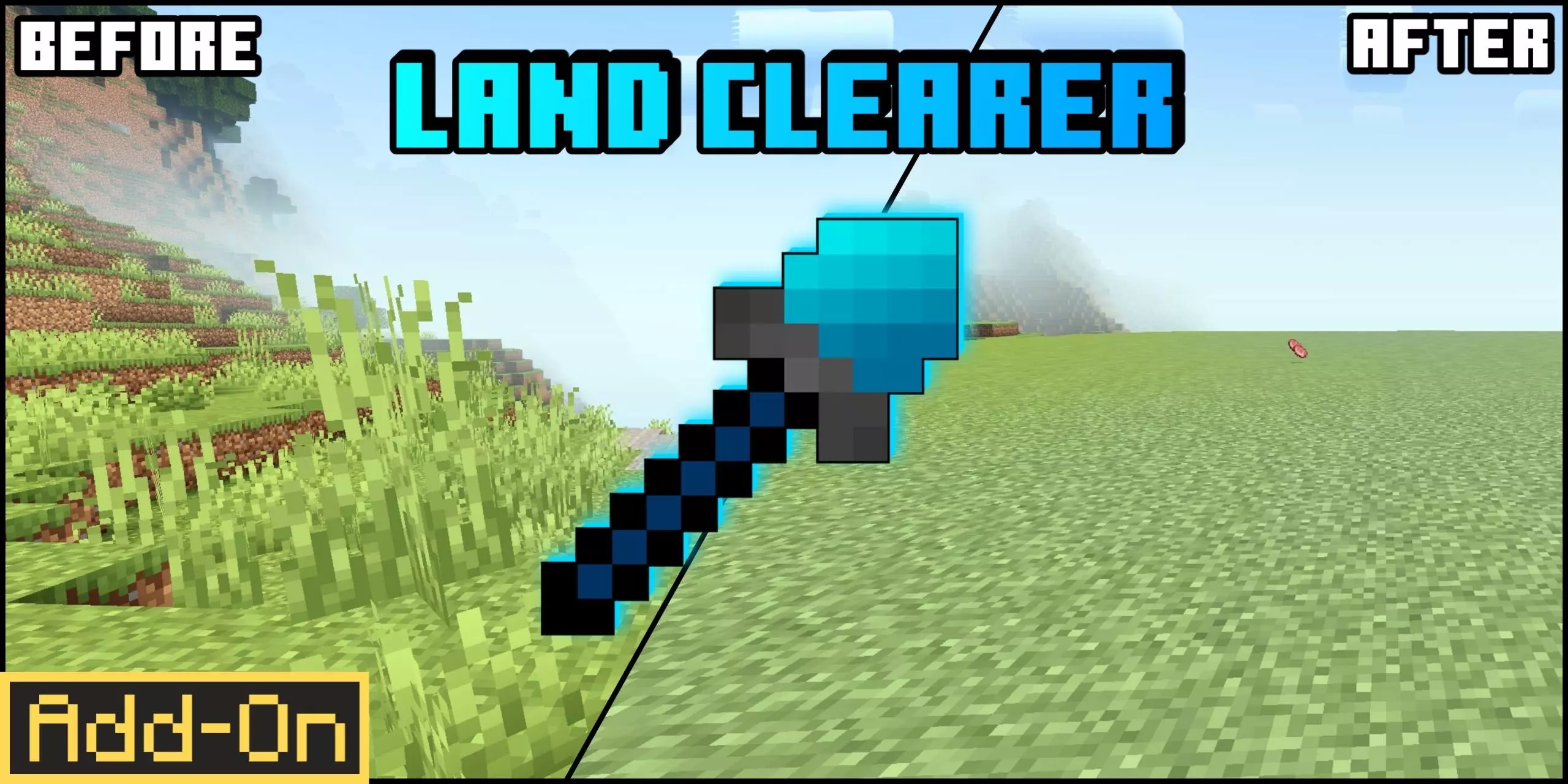
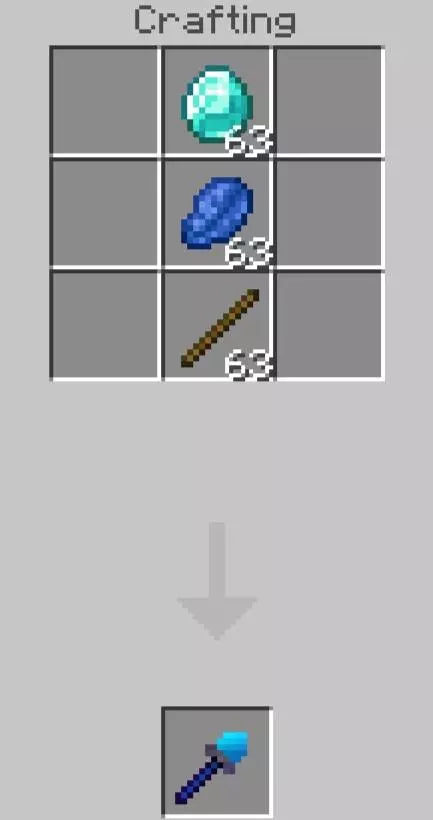
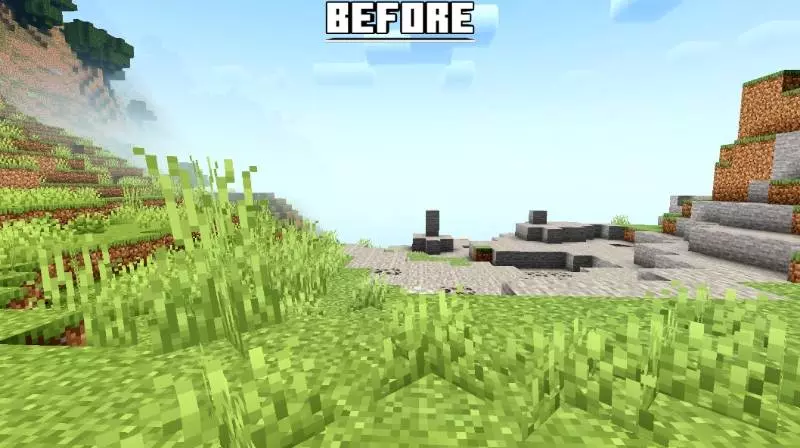
Land Clearer | Land Clear Wand Mod is made for the part of Minecraft Bedrock that can feel like pure busywork: clearing land. If you’ve ever started a mega-base idea and then realized you’re about to spend hours just clicking dirt, breaking random bumps, and leveling an area that never looks clean, this wand is basically the shortcut. It’s designed to give you a clean slate fast so you can get to the fun part—building.
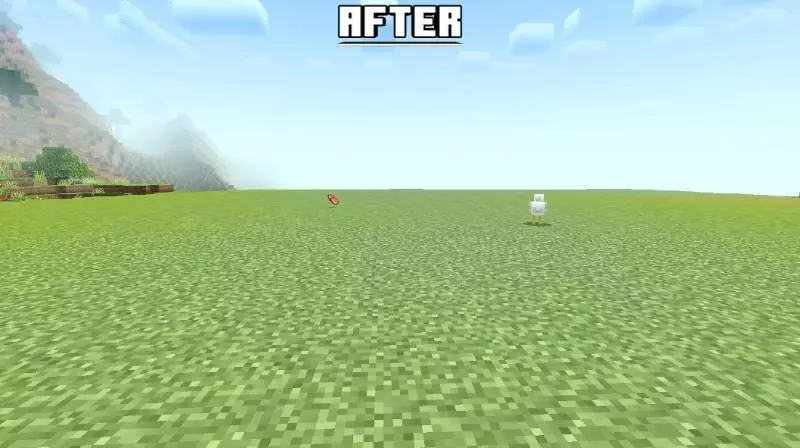
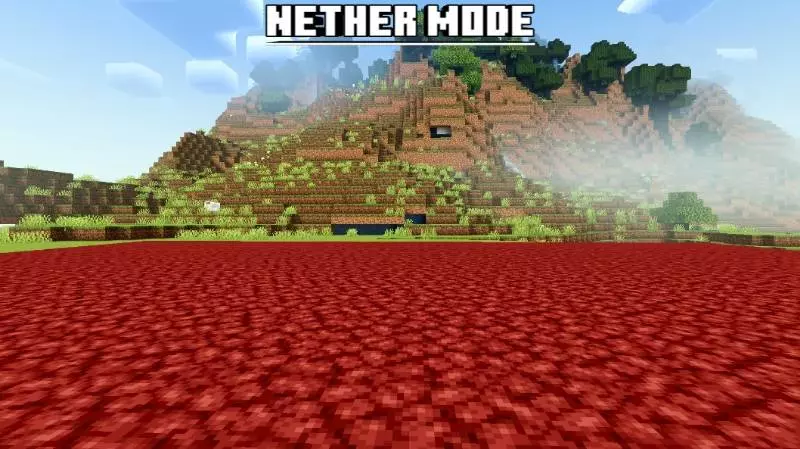
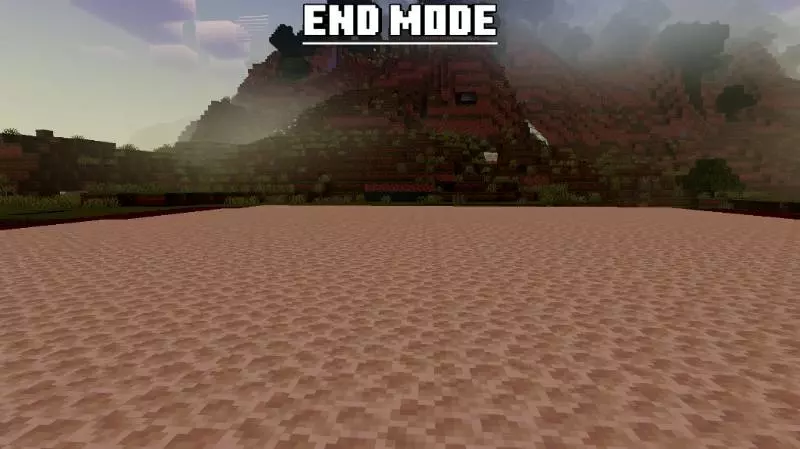
The mod’s main thing is its different modes depending on where you are. Overworld Mode makes the land plain grass, which is perfect for turning a messy patch of terrain into a smooth, build-ready surface without leaving it looking stripped and ugly. Nether Mode does the same concept but makes the land plain netherrack, so your nether builds don’t end up with weird leftover blocks messing up the vibe. End Mode makes the land plain end stone, which fits End projects where you want that clean, uniform look instead of scattered terrain shapes.
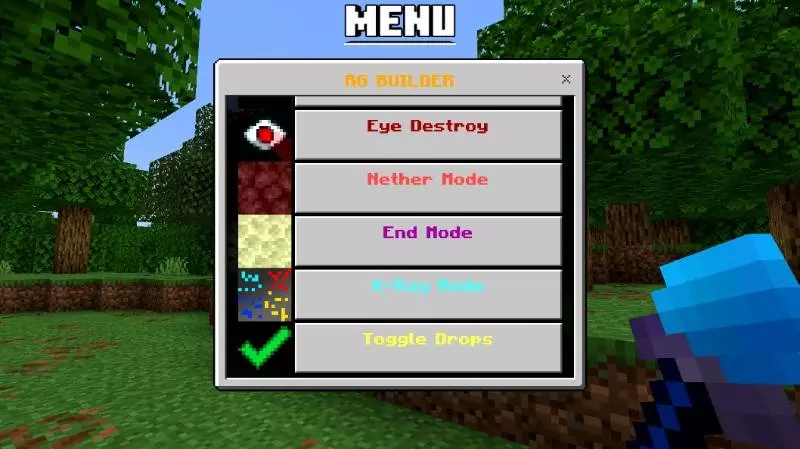
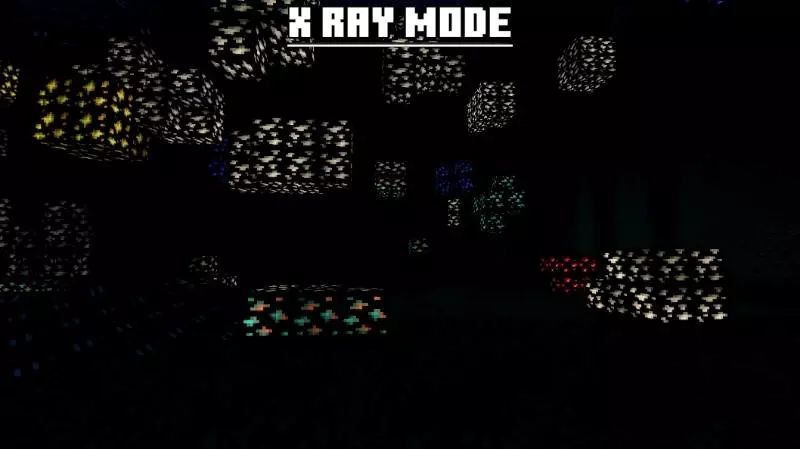
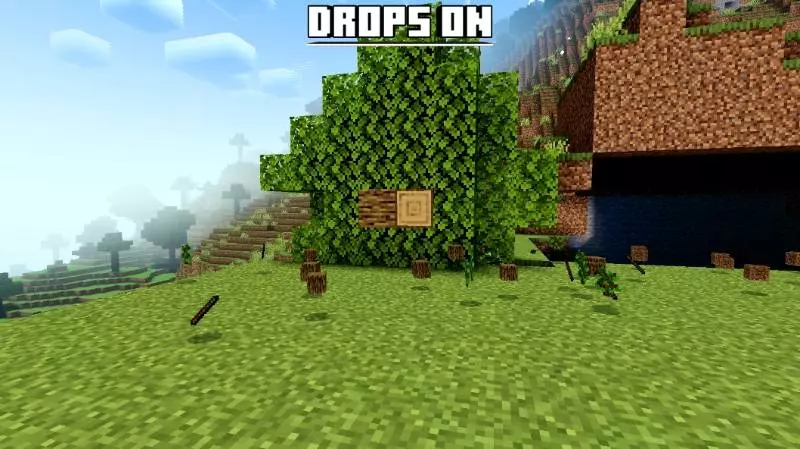
Then there’s X ray Mode, which filters ores from stone. That’s a totally different kind of utility, because it’s not about making things pretty—it’s about revealing value. If you’re prepping an area and you don’t want to accidentally bury or destroy ore pockets while you’re cleaning up, a filter like this can help you separate “building terrain” from “resources worth grabbing.” It also fits the idea of efficiency: you’re not just clearing randomly, you’re clearing with awareness.
A practical way to use Land Clearer | Land Clear Wand Mod is to set boundaries first. Pick the exact footprint of your project, clear only that, and leave the surrounding terrain natural so your world doesn’t turn into one giant flat plate. It’s also smart to do your resource sweep before you commit to full clearing, especially if you’re in an area where you’d normally mine stone for materials. This mod is basically for players who want their time spent designing and building instead of doing endless shovel-and-pickaxe chores.
Installation Mod:
- Download the .mcaddon / .mcpack;
- Open the file to import into the game;
- In World Settings → Resource Packs and Behavior Packs, enable it (turn on Experiments if needed);
- Have fun!
Comments (0)