Al's Walk Map
- 16-10-2025, 12:01
- 596

Al’s Walk Map — you’re alone on a winter night with a stalled engine and a neon parts store somewhere past the next block. Streetlamps buzz, a sign creaks, and the quiet isn’t friendly. You step off the shoulder and start moving. That’s the whole deal: walk, keep your eyes open, and decide when to push, when to wait, and when to swing if something won’t let you pass.
I play it like a bad dream you can actually beat. Hug fences to stay out of sight lines. Pause by the dark storefront and watch the glass for movement before you commit to the door. If you hear something in the alley, you decide—cut across the parking lot and risk the open, or slip between dumpsters and hope the shadows are empty. The map doesn’t drown you in puzzles; it asks for attention. Read the space, pick a path, and keep your nerve when footsteps echo too close.
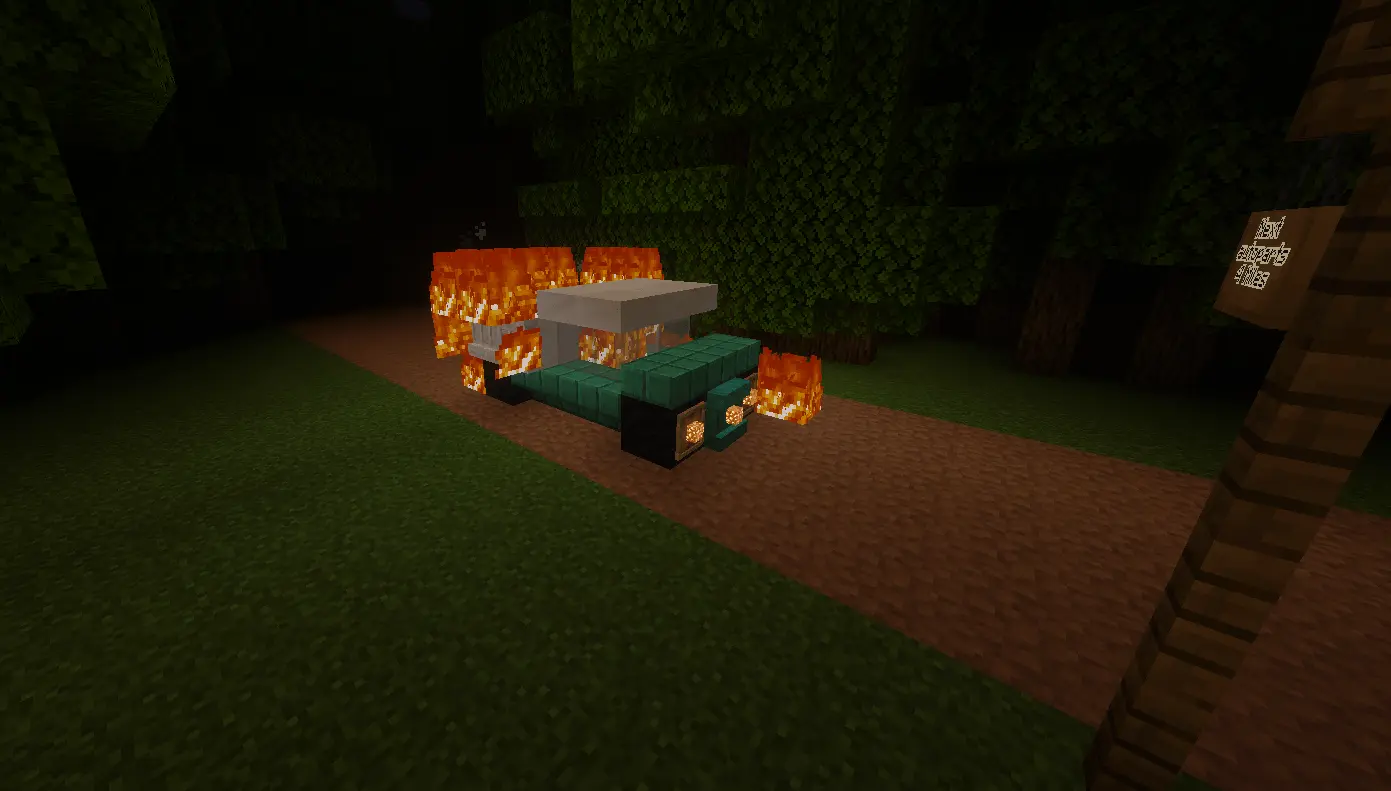


Your car breaks down, and the nearest auto parts store is a walk away. In Al’s Walk, that errand turns into a short Minecraft horror adventure with a couple of surprises along the road.
The setup is simple: the car isn’t going anywhere, so you need to head out on foot and look for a way to fix it. What starts as a trip for parts takes a spooky turn, and the only way to find out what’s waiting is to keep moving. Al’s Walk is made for Minecraft Bedrock and keeps the story short, making it a good choice when you want a quick scare without committing to a full evening of puzzles or survival.
The broken car sets the tone right away. It’s not exactly a minor mechanical problem, either—the whole thing is on fire. At that point, heading to the store still sounds like a better plan than standing around staring at it. The map has a playful side to go with its horror, so don’t be surprised if you find yourself laughing at the situation before getting caught off guard by what comes next. Sometimes a short, strange adventure is exactly what you need between bigger Minecraft projects.
As you make your way along the route, keep your eyes open and pay attention to what happens around you. The map includes fighting as well as walking and watching, so this isn’t just a sightseeing trip to buy car parts. Move forward, see where the journey leads, and be ready to react when things take a turn. There’s no need to know every encounter in advance; the fun comes from finding out how a simple errand became a horror map in the first place.
Al’s Walk also has two endings: one good and one bad. That gives you a reason to come back after your first run and see the other outcome. Once you’ve finished, think about what you noticed along the way and try another approach. The map doesn’t need to be long to give you something to talk about afterward, especially if your first ending leaves you wondering how things could have gone differently. Compare the two and decide which version of the story is your favorite.
Load the world when you’re in the mood for something spooky, odd, and easy to fit into a short play session. You’ll need a compatible version of Minecraft Bedrock; the listed release supports version 1.21.111. Import the world file, start the map, and see whether you can make it to the auto parts store. The car might need more than a quick repair, but first you’ve got to get through the walk.
When trouble shows up, you don’t have time to overthink it. A quick scrap buys distance, a clean sprint buys more. The store is a promise and a trap at the same time—lights humming, aisles that feel too long, an exit that might not stay clear. Make a call, make it fast, and live with it. If you’re careful and a little lucky, you’ll see the better ending. If you’re reckless or just late by half a heartbeat, you already know what the other one looks like.
Short, spooky, and re-playable, Al’s Walk Map is the kind of two-ending story you fire up after dark, finish in a sitting, and try again to see if a braver route really pays off.
How to install?
Android: you need to find the downloaded file on your phone, use any file manager for this and import the map into the game by opening it.
IOS: after receiving the map, the device itself will offer to install it.
Windows 10: go to the folder where the files are downloaded, find mcworld there and activate it.
Comments (0)