Post Apocalyptic Shelter Map
- 7-01-2026, 05:16
- 1 037
Adventure Maps / Creation Maps / Survival Maps
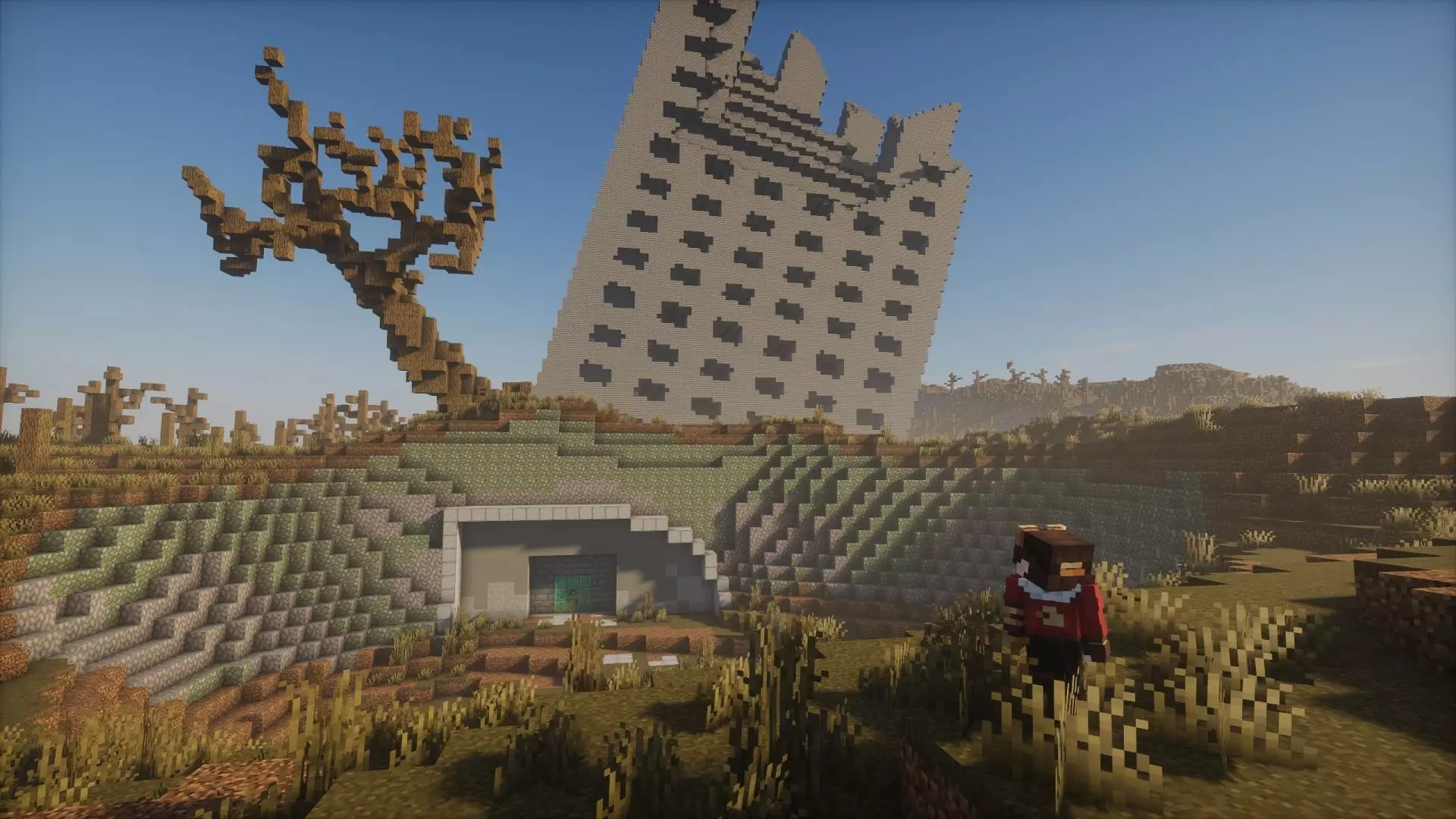
Post Apocalyptic Shelter Map feels like you’re dropping into a world that already got hit hard before you ever spawned in. It’s a survival-compatible build inside a classic vanilla world, which is huge because you’re not locked into some weird custom ruleset—you can play normal survival, keep your usual pacing, and still get that “ruined world� vibe from the map itself. The creator straight up calls it a small fun project and even admits they don’t know how big it’ll get or what exactly will be added, so it has that DIY sandbox energy where the world can grow over time.
The main hook is exploration. You’re not just wandering empty terrain hoping to stumble on something interesting—this map is built around several different places and structures that fit the post-apocalyptic theme. That means your early game can be more about scouting and choosing a spot to claim rather than rushing the same old wood-to-stone routine. You can treat it like a survival story run: find shelter, secure a safe route between locations, and slowly turn one of the structures into your main base while the rest become outposts you revisit for supplies.

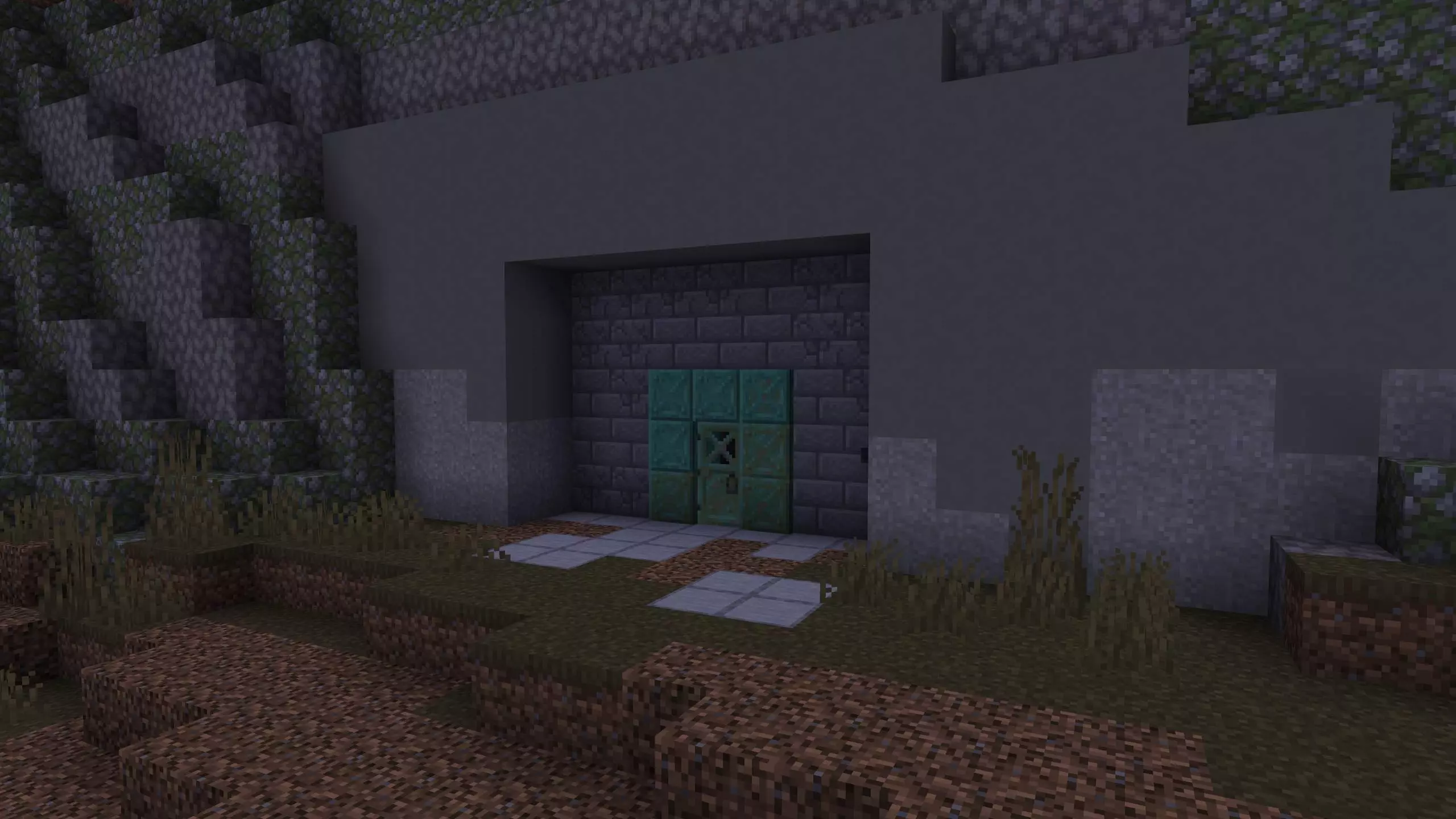
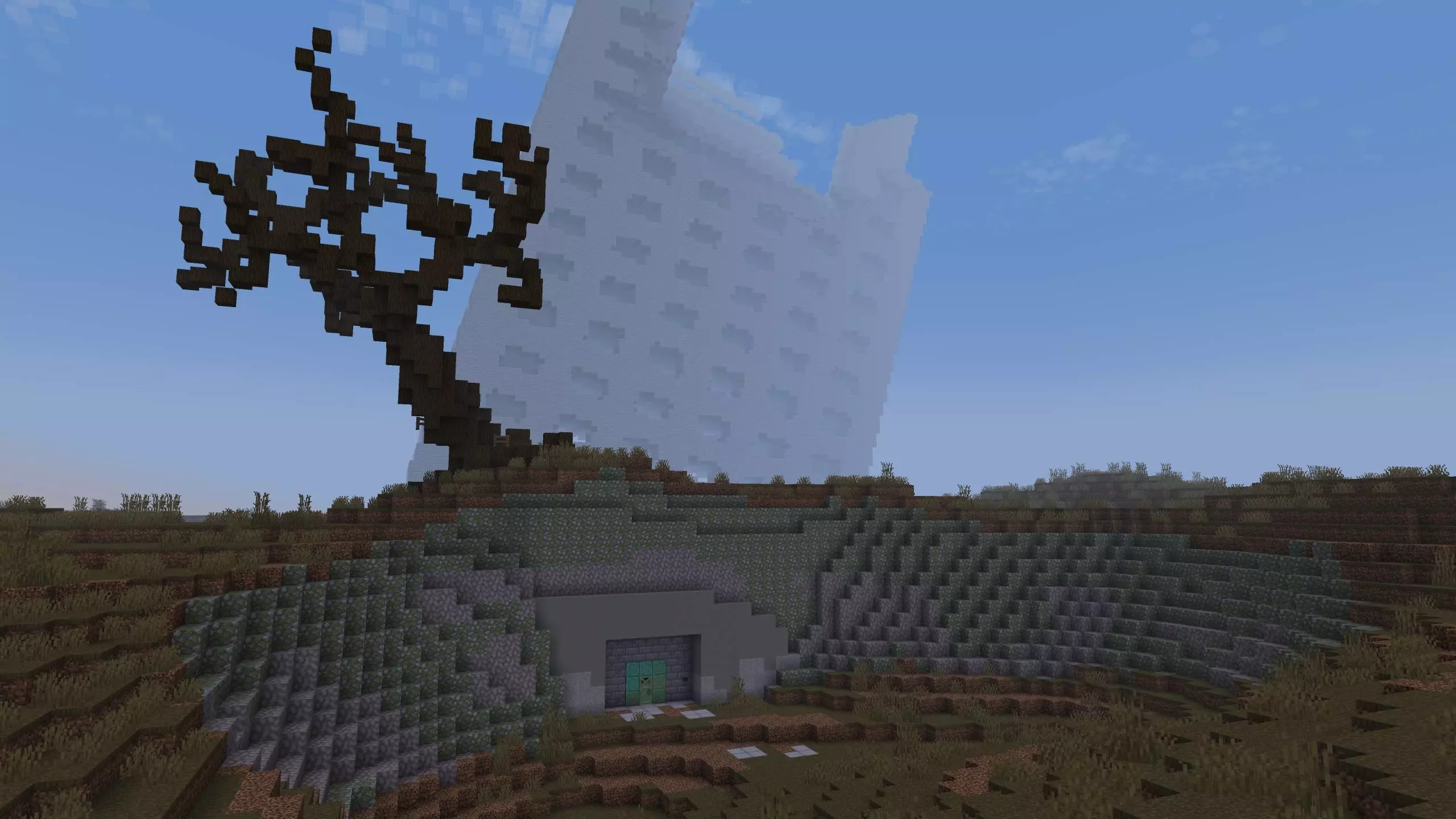
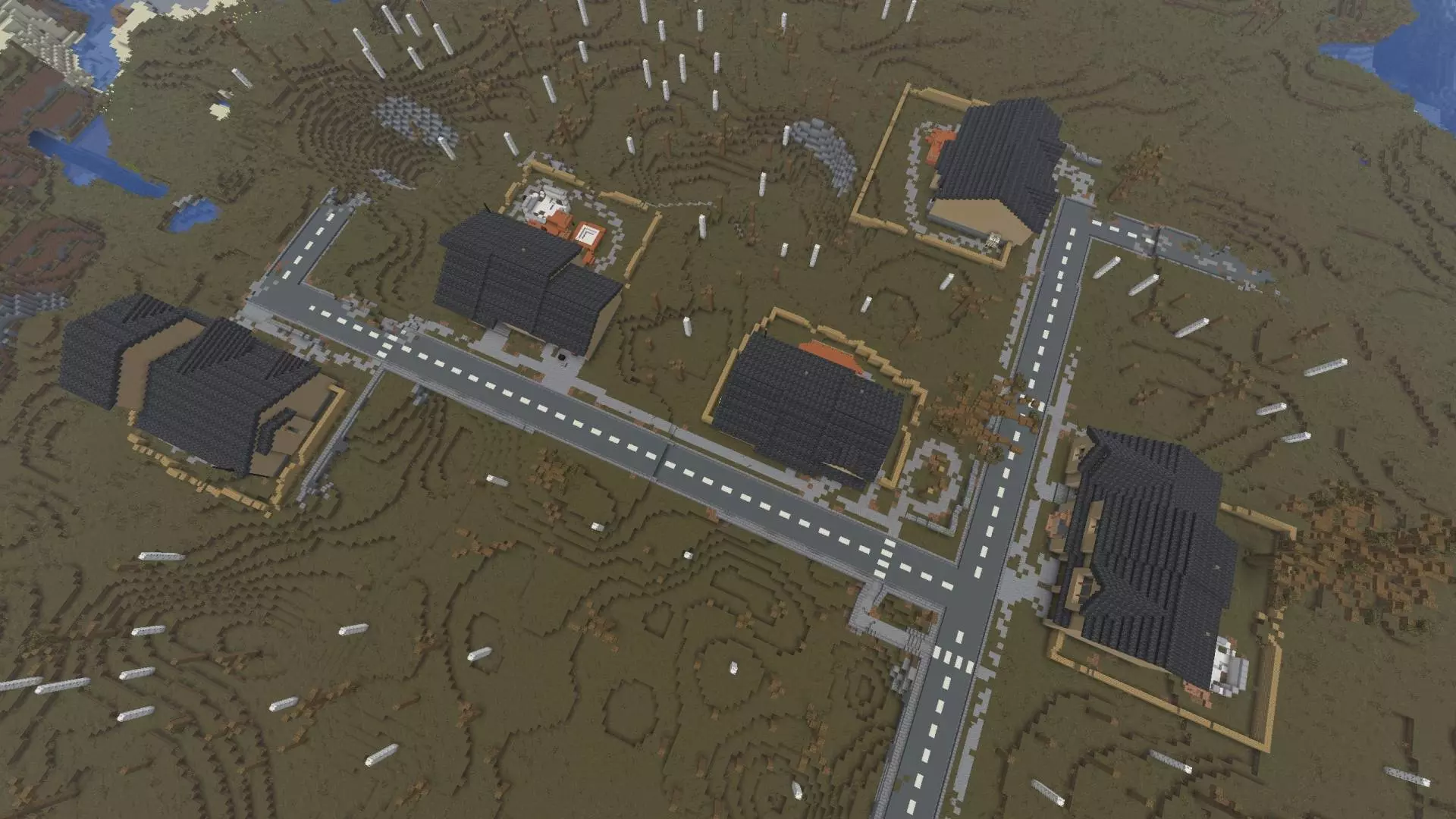
Because it’s built in a vanilla-style world, it also plays really well with normal survival habits. You can still mine under your base, set up farms, and expand like usual, but the ruined structures give you instant “lore� without the map forcing it down your throat. A practical way to enjoy Post Apocalyptic Shelter Map is to play a little more cautious than normal at the start. Don’t assume every structure is safe just because it’s there—treat each new place like a risk/reward stop, bring basic supplies before you fully commit, and mark your routes so you don’t get turned around when you’re running back at night.
Post Apocalyptic Shelter Map is basically a survival-friendly post-apocalypse exploration map for Minecraft Bedrock: classic world rules, multiple themed locations to discover, and a project feel that makes it fun to revisit as it grows.
How to install?
Android: you need to find the downloaded file on your phone, use any file manager for this and import the map into the game by opening it.
IOS: after receiving the map, the device itself will offer to install it.
Windows 10: go to the folder where the files are downloaded, find mcworld there and activate it.
Comments (0)