Old Fallen Castle Map
- 20-06-2026, 09:46
- 1 299
Adventure Maps / Creation Maps / Custom Terrain Maps / Survival Maps

Old Fallen Castle Map is a medieval/fantasy castle building placed in the middle of a massive waterfall cliff, and that location does most of the heavy lifting. It gives you that “who built this here?� feeling right away, like you stumbled into a forgotten landmark instead of a normal base.
In actual gameplay, the waterfall cliff setting makes the whole area feel alive. You’ve got constant movement and sound from the water, plus a natural “edge of the world� vibe that makes exploring around the castle feel tense in a good way. If you’re playing survival, treat the castle as your main hub and use the cliff like built-in protection—one side is basically a natural wall. Just be careful when you’re sprinting around at night or cutting corners inside the build, because cliffs plus bad timing is how you donate your gear to gravity.
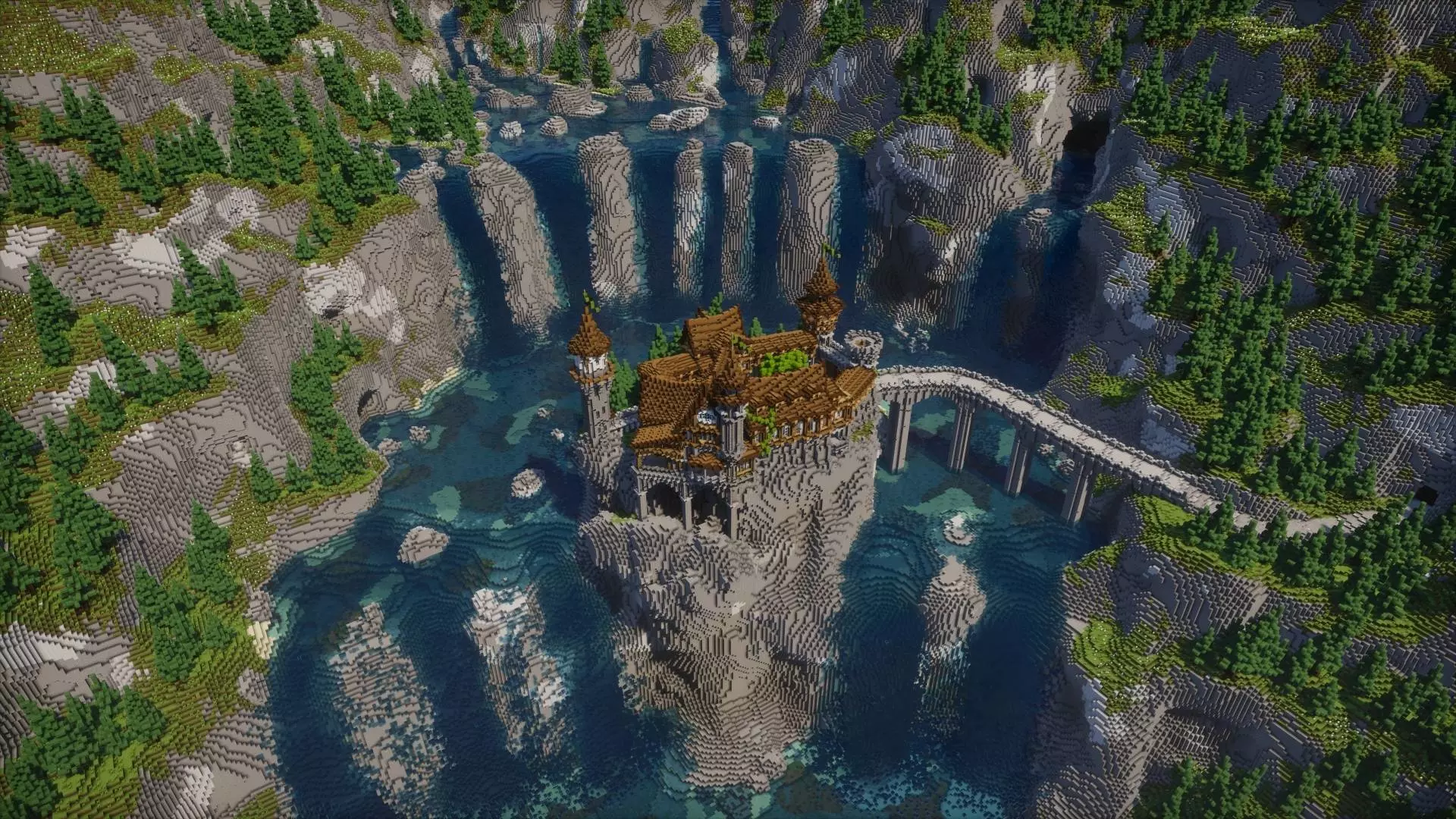
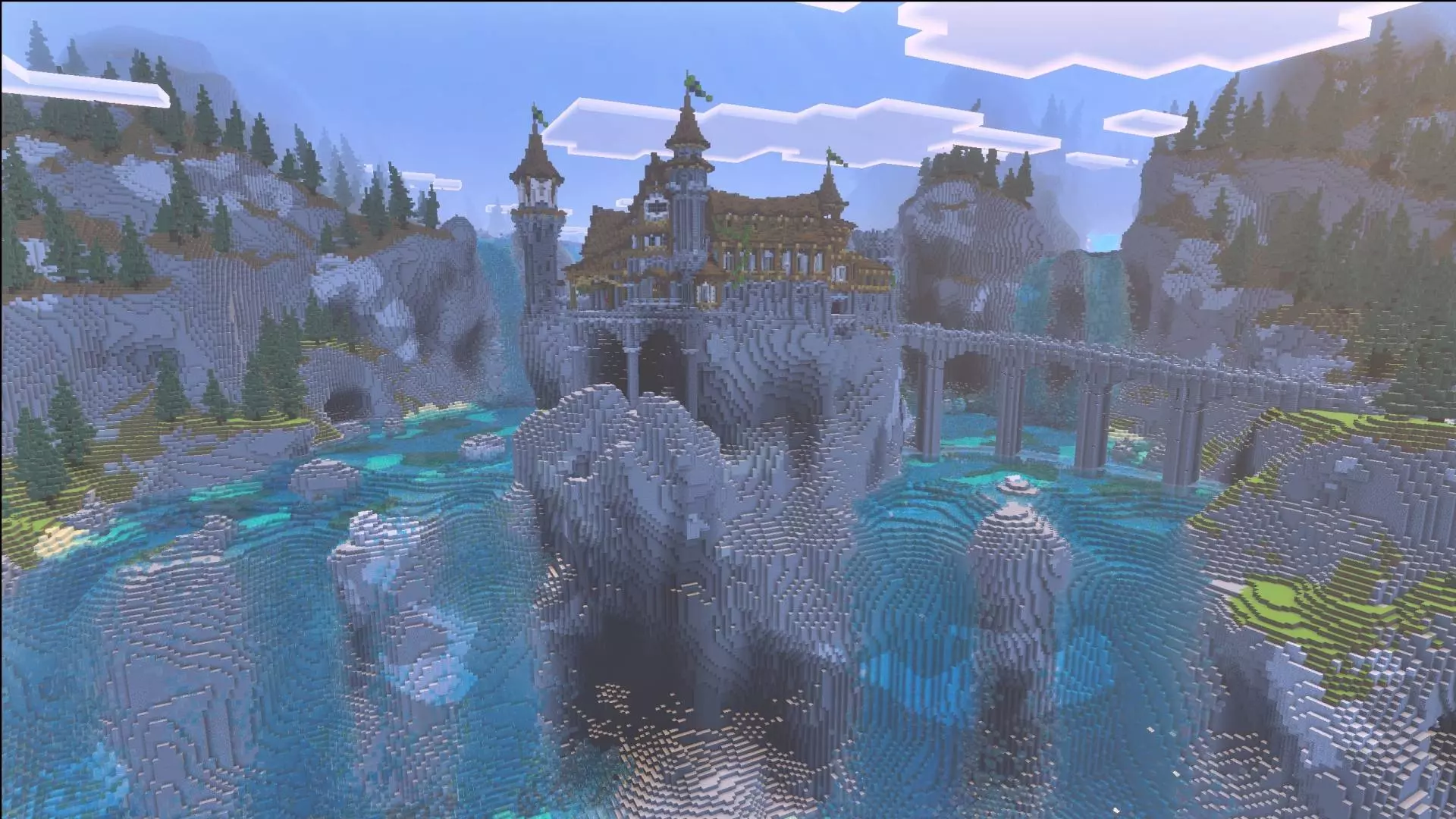
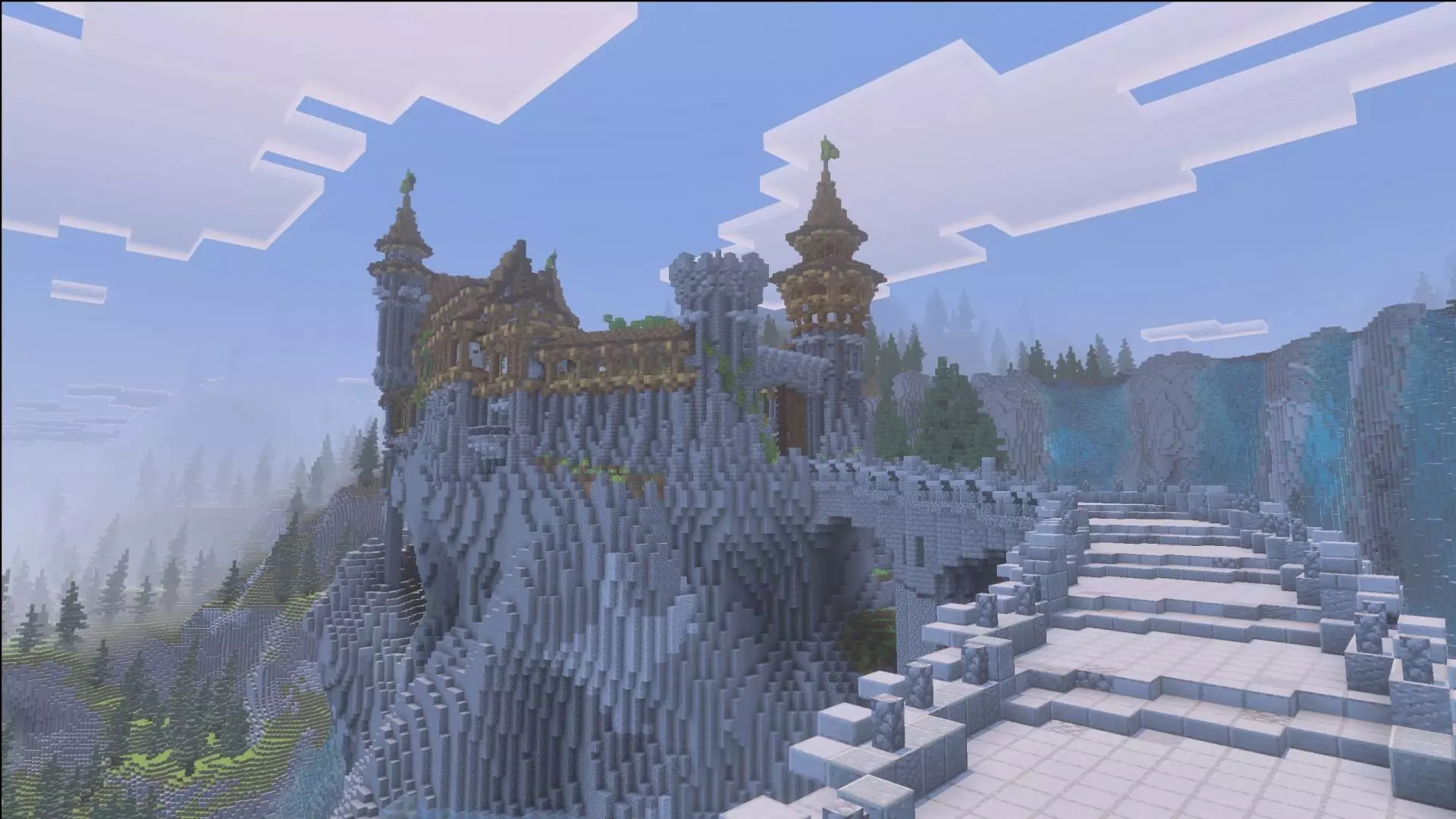


For building players, Old Fallen Castle Map is perfect as a centerpiece you expand around. You can keep the castle as the core and then add smaller medieval-style stuff nearby—little paths, bridges, lookout spots, or a tucked-away base entrance that feels like a secret. The waterfall cliff is already a strong backdrop, so even simple upgrades read as “big project� on screenshots. If you’re doing co-op, split jobs naturally: one person gathers materials, one handles interior touch-ups, and another works on the area around the cliff so the whole zone feels connected instead of random.
If you’re into roleplay or content, this map is basically a ready-made stage. The medieval/fantasy look plus the giant waterfall cliff gives you instant scenes: meeting up at the castle, heading out on “quests,� or just running a survival session where your home base actually looks legendary without needing extra setup. Old Fallen Castle Map keeps it simple on paper, but in Minecraft Bedrock it hits hard because the location sells the fantasy every time you look up and see that castle sitting in the waterfall wall.
How to install?
Android: you need to find the downloaded file on your phone, use any file manager for this and import the map into the game by opening it.
IOS: after receiving the map, the device itself will offer to install it.
Windows 10: go to the folder where the files are downloaded, find mcworld there and activate it.
Comments (0)