Ancient Egypt - Exploration Map
- 17-01-2026, 11:51
- 692
Adventure Maps / Creation Maps / Custom Terrain Maps
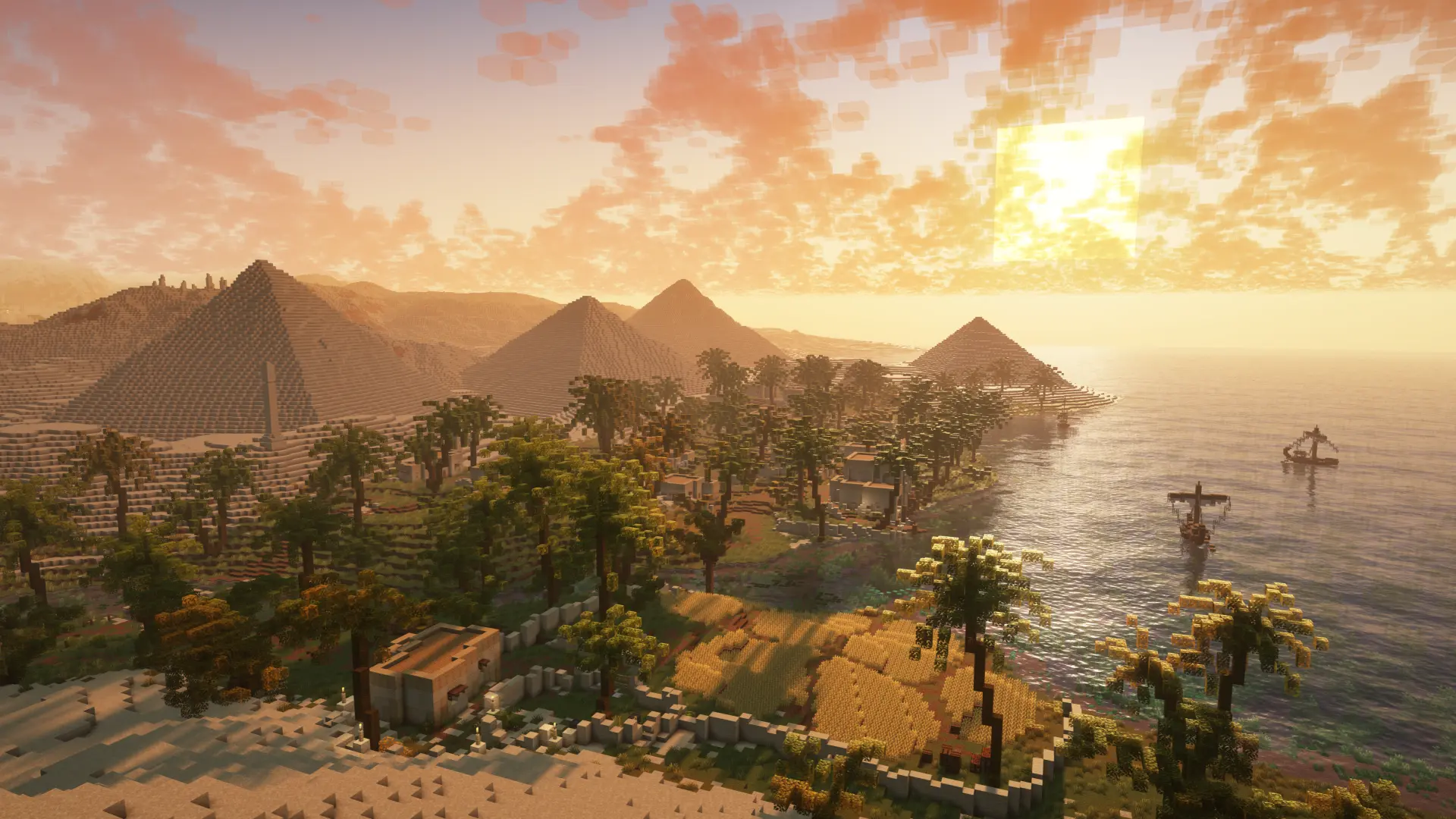
Ancient Egypt - Exploration Map is made for touring and screenshots, not grinding resources. The map is set in ancient Egypt and focuses on handcrafted structures like pyramids, temples, furnished houses, and other custom builds that sell the theme. It’s the kind of world you load up when you want to explore a designed environment that feels like a destination, not a random seed.
The important rule is clear: survival gameplay is not possible. There are no caves and no ores, so you can’t do the usual “gear up and progress� loop. The map also states there’s no vanilla terrain outside the custom world, which means you’re not meant to wander off and find normal biomes or start mining somewhere else. Everything is built to keep you inside the Egypt setting, so the experience stays focused and cinematic.
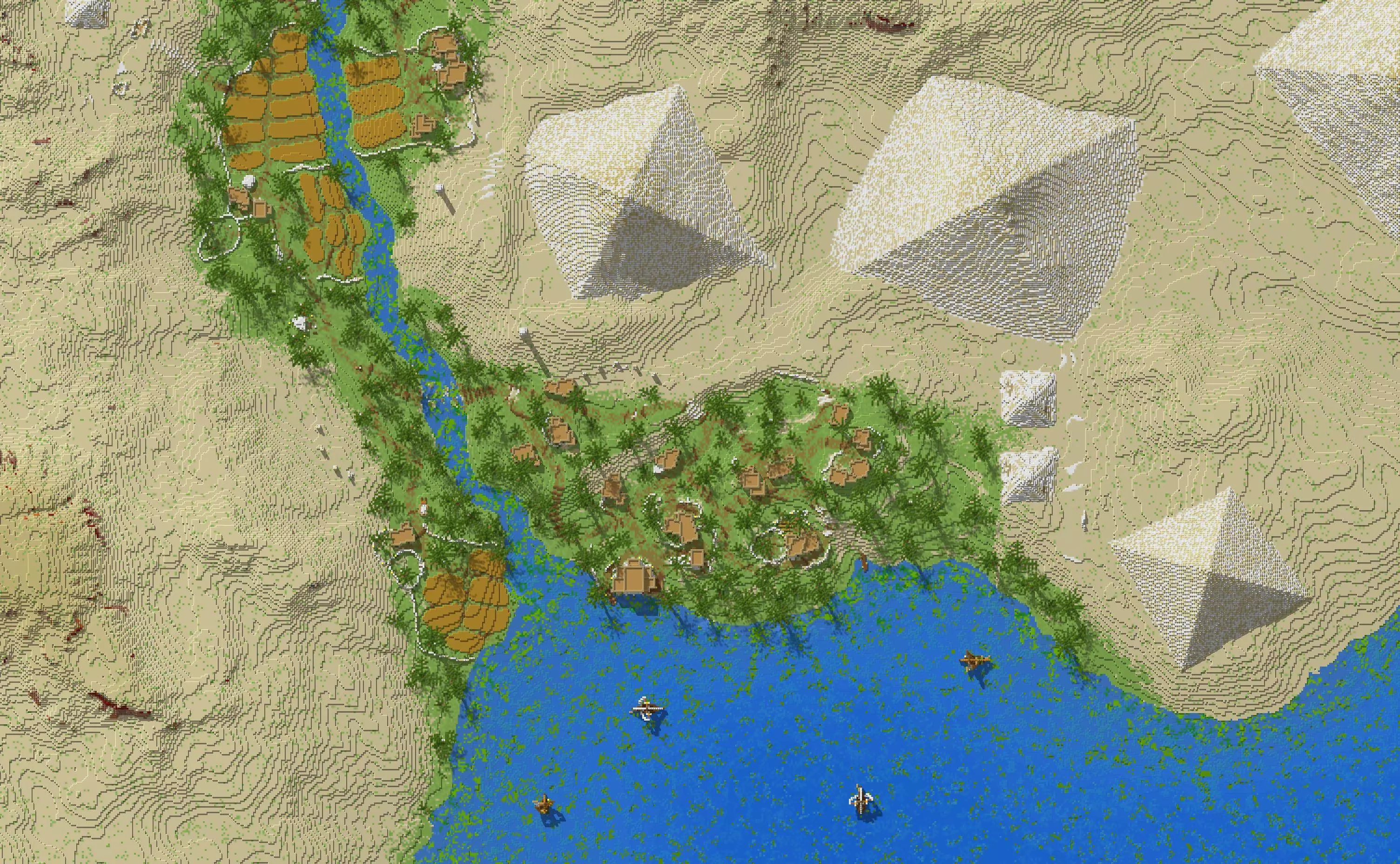
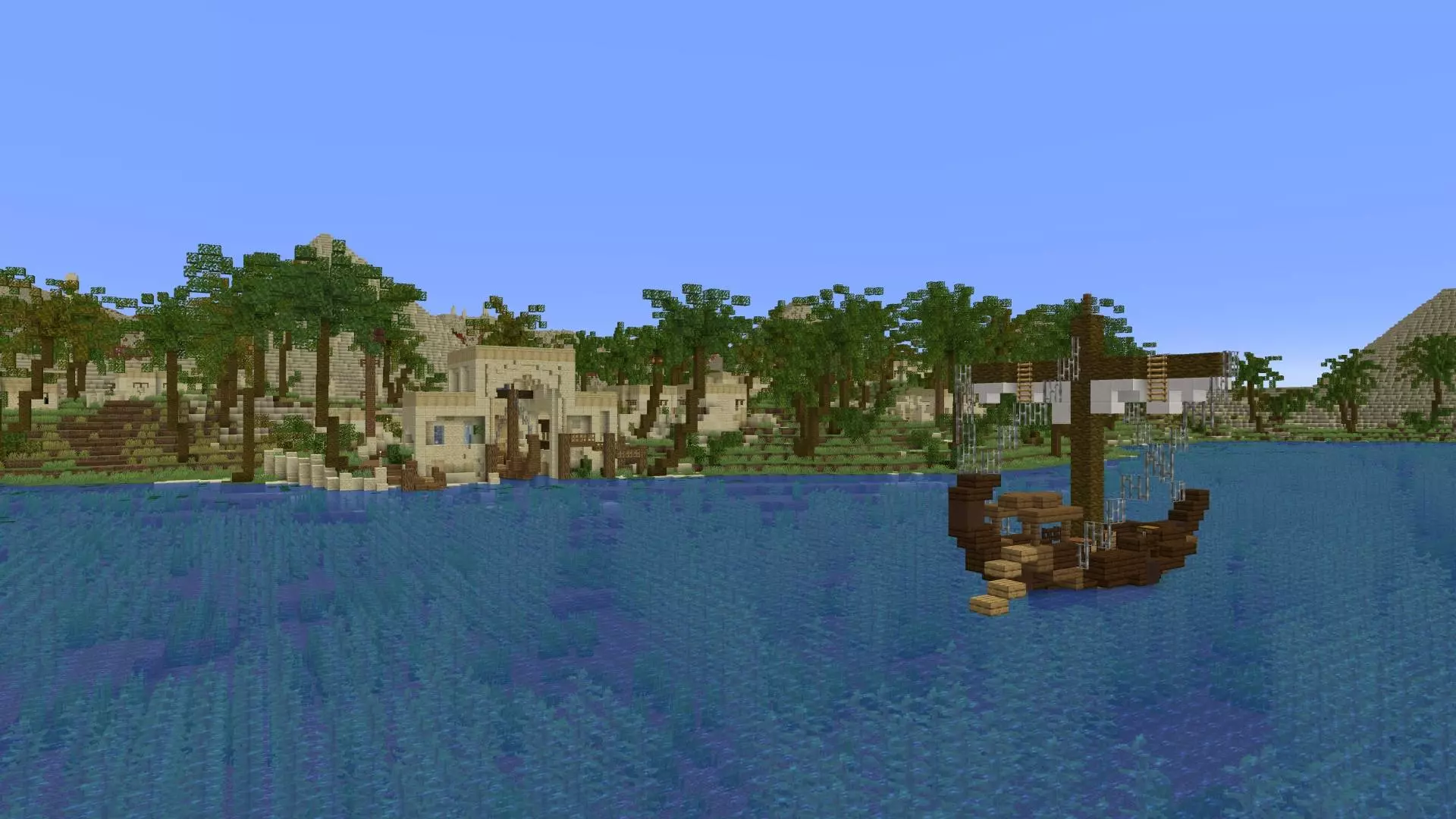
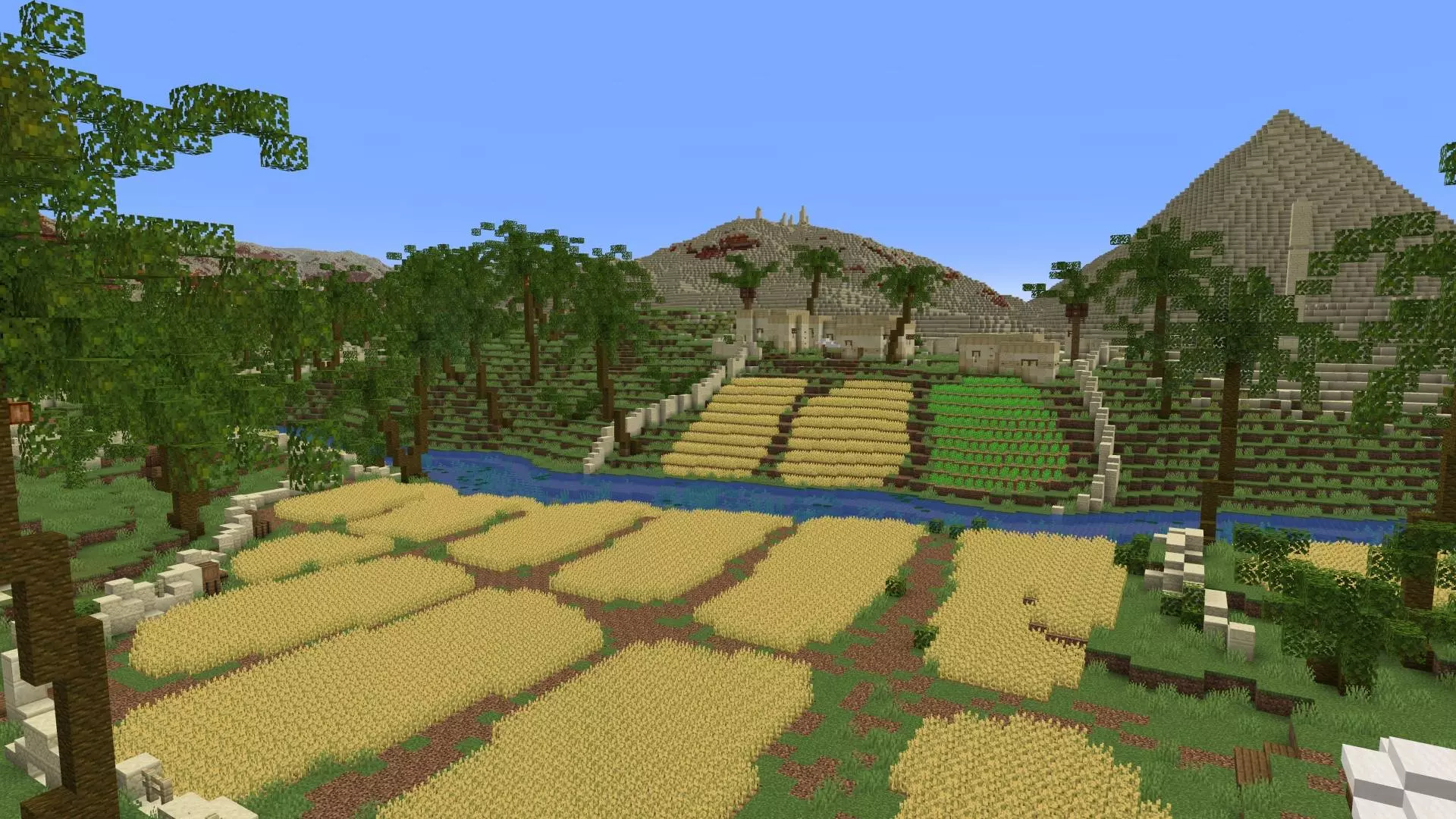
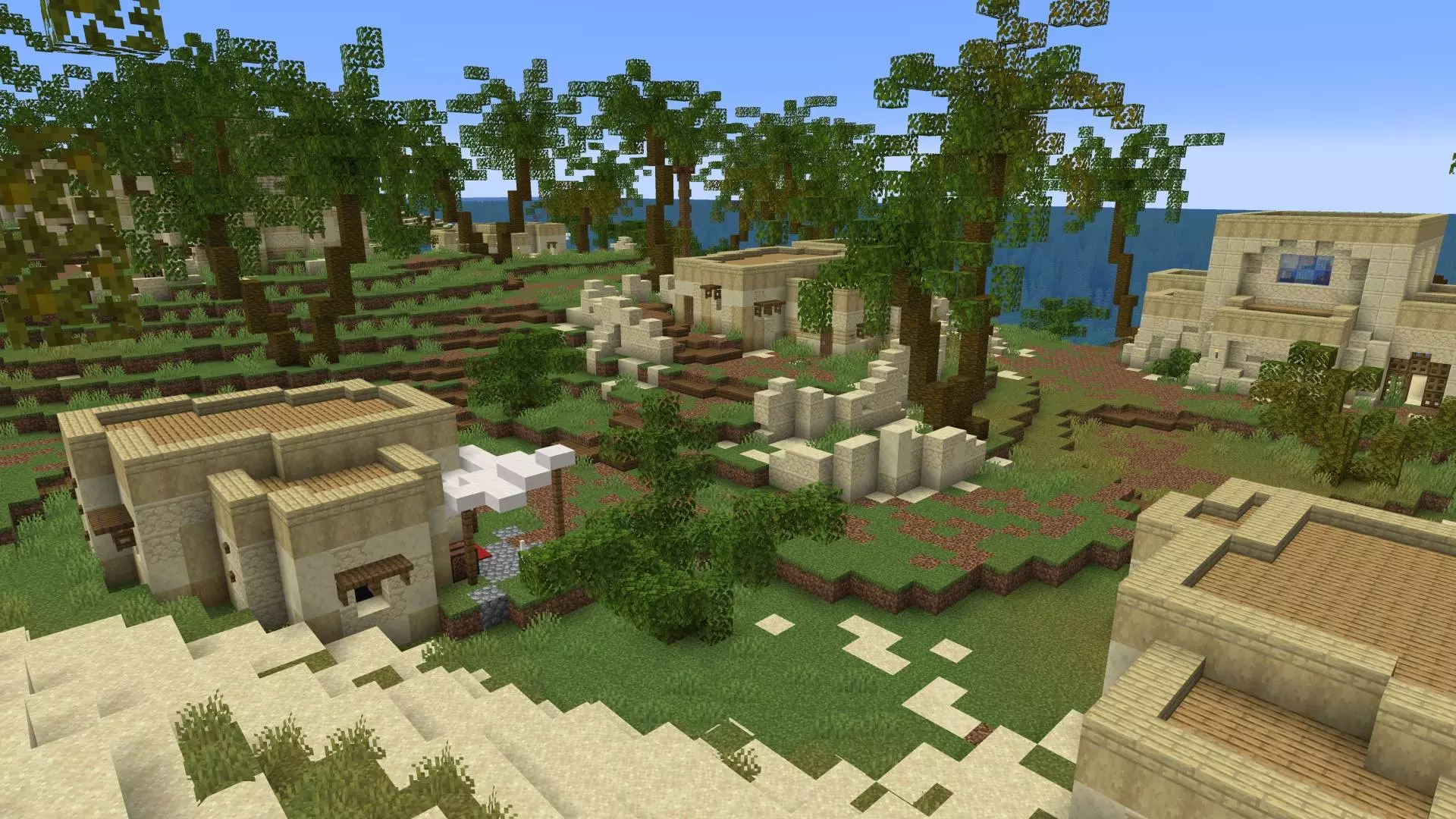
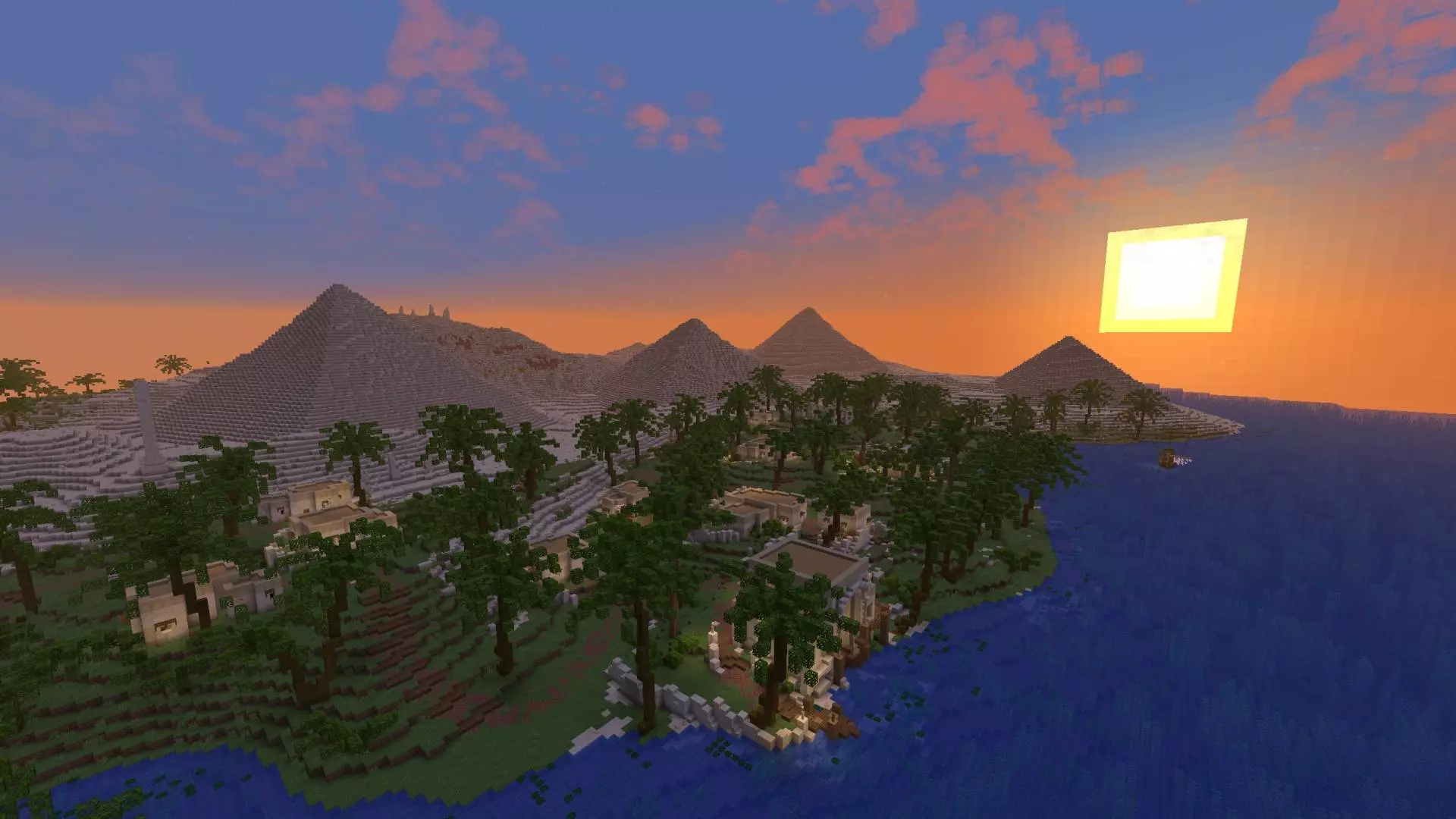
In real gameplay, this works best when you play it like a walking tour. Take your time moving through the pyramids, check out temple layouts, and step into furnished houses to see the details. If you’re playing with friends, it’s a great co-op “museum day� where you roam together and point out cool build choices, secret corners, or favorite spots for screenshots. Since you’re not in survival mode, you can focus on the atmosphere instead of constantly managing inventory and gear.
A practical tip is to explore with a purpose so you don’t just sprint past everything. Pick a route—pyramids first, then temples, then houses—and slow down in areas with tight interior spaces so you catch the furnishing details. The map’s vibe is also built around the desert mood, and that line about the sun dipping low over the horizon fits the best way to experience it: lighting matters. If you want the world to look its best, spend time exploring around sunrise or sunset in-game so the long shadows and warm tones make the builds pop.
Ancient Egypt - Exploration Map is basically a dedicated ancient Egypt showcase world for Minecraft Bedrock: custom structures everywhere, no survival progression, and a focused environment that’s meant to be explored like a themed adventure set.
How to install?
Android: you need to find the downloaded file on your phone, use any file manager for this and import the map into the game by opening it.
IOS: after receiving the map, the device itself will offer to install it.
Windows 10: go to the folder where the files are downloaded, find mcworld there and activate it.
Comments (0)