Restaurant Simulator Sprout Map
- 9-02-2026, 12:29
- 541
Adventure Maps / Minigame Maps
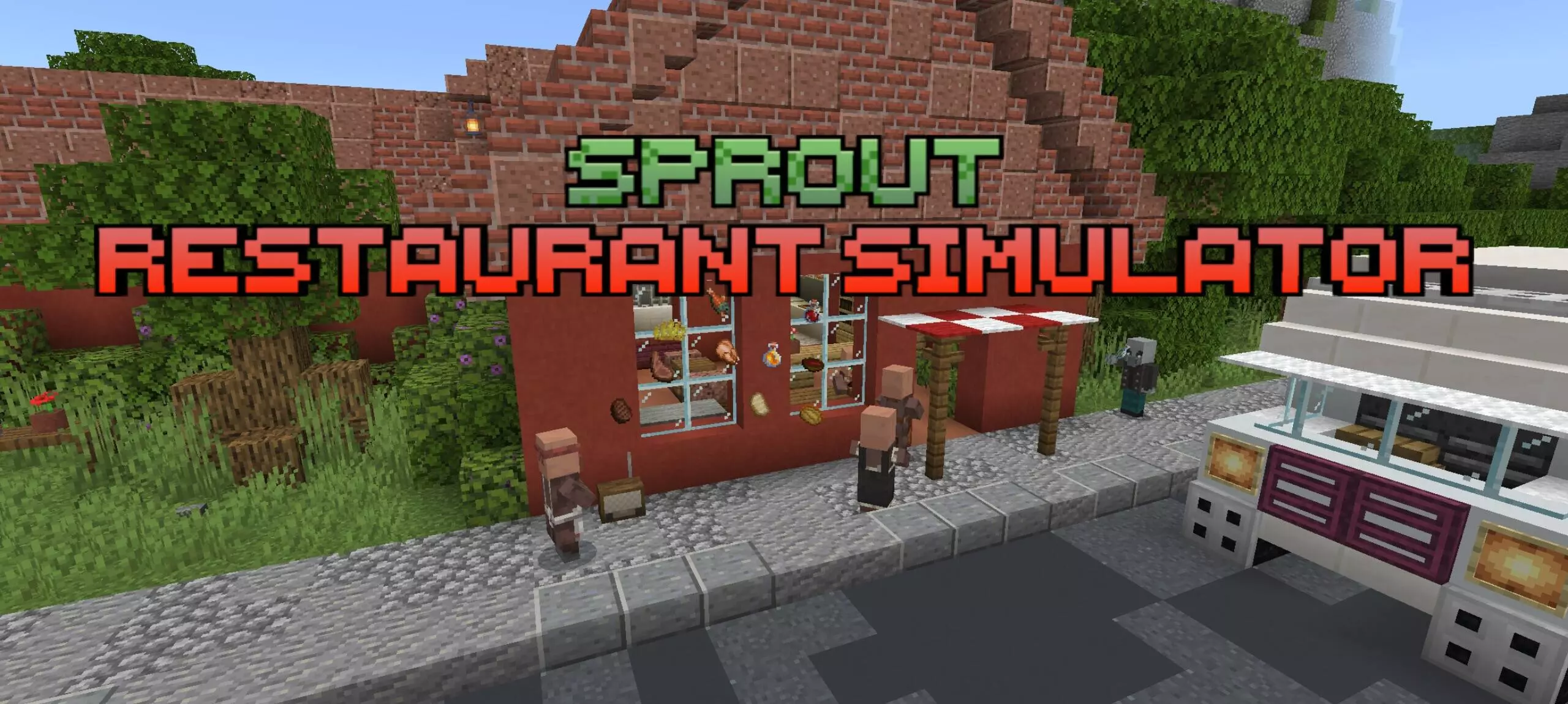
Restaurant Simulator Sprout Map is basically a survival-style “restore the business” story, except the challenge is running a restaurant instead of fighting mobs. You arrive by bus at an old roadside restaurant that’s still standing but clearly falling apart, tucked away among woods and shrubs. There’s a small village nearby, and the story hook is that the locals used to love the place, but it went downhill after the previous owner—an elderly restaurant owner—passed away. Now you’re the one rebuilding it, expanding the restaurant, unlocking new recipes, and turning an abandoned spot into something thriving again.
The map has a lot going on systems-wise. There’s a language changer with Russian and English, plus 4 cooking methods and dishwashing, which means it’s not just “click once and food appears.” It also includes 3 periodic events, Easter eggs, a radio with music, and a computer you use for shopping. The environment is built as a full little roadside zone: road, forest, mountain, restaurant, and the nearby village atmosphere to make it feel like a real place instead of a flat minigame room.


Progression revolves around the computer. To use it, you go up to the second floor and press the red button to enter the computer. Food, upgrades, advertising, and recipes all come through apps on that computer. For products specifically, you select items in the “Shop” app, then go to your desktop and use the delivery app to order either for free or for ten dollars. Other things like recipes, advertising, and upgrades are bought through their own apps, so it’s a menu-driven management loop where you decide what to invest in next.
The map also gives practical survival-style guidance early: you can find potatoes at the beginning under the stairs, or order them from the computer. You’re told to enter through the main doors to start, and there’s an important quality-of-life detail for buying items—hover your cross and finger over the framed item to see the price and what you’re buying, but you need to enable player nicknames in settings for that to work. When the truck arrives, you collect your purchases and press a button to send the truck back to the company, so deliveries aren’t just instant teleports, you actually interact with the flow.
The biggest “don’t break your save” rule is the exit process. When you’re leaving the game, you must press the specific button shown in the map’s instructions, wait for the red skull to light up, and then wait until it turns blue before exiting. That button disables mechanisms that could break if you quit mid-action, so treating it like your “save and shutdown” step is essential. Restaurant Simulator Sprout Map feels like a full management sandbox with a story setup, a shopping-and-upgrade progression system, and enough extra touches—events, music radio, Easter eggs, and a detailed landscape—to keep it from feeling like a plain checklist map.
How to install?
Android: you need to find the downloaded file on your phone, use any file manager for this and import the map into the game by opening it.
IOS: after receiving the map, the device itself will offer to install it.
Windows 10: go to the folder where the files are downloaded, find mcworld there and activate it.
Comments (0)