RANDOM LAYERS Map
- 10-02-2026, 10:47
- 944
Adventure Maps / Creation Maps / Survival Maps
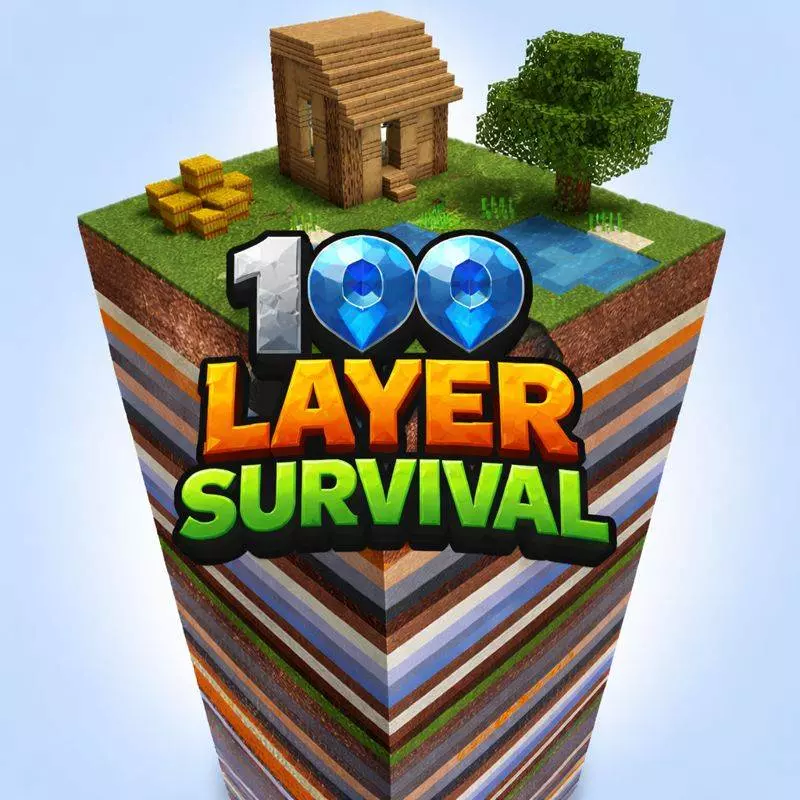
RANDOM LAYERS Map is made for that specific type of player who loves pain in the best way. You’re trapped in one chunk with 100 different layers stacked vertically, and your whole run is about breaking through the world one slice at a time. You spawn on the top layer, play in Survival, and the only real goal is to survive long enough to reach the bottom. Sounds simple until you realize every layer is basically a new problem you have to solve with whatever you managed to scrape together above.
The progression is set up like a difficulty staircase. The top layers are your usual grass, dirt, stone, and basic materials so you can stabilize, craft essentials, and start planning. Mid layers start feeding you better resources and tougher environments, mixing in ores, deepslate, and Nether-style blocks that can change how you move and fight. Lower layers crank it into end-game territory with diamonds, ancient debris, and sculk, so the risk goes way up right when you’re tempted to play greedy.


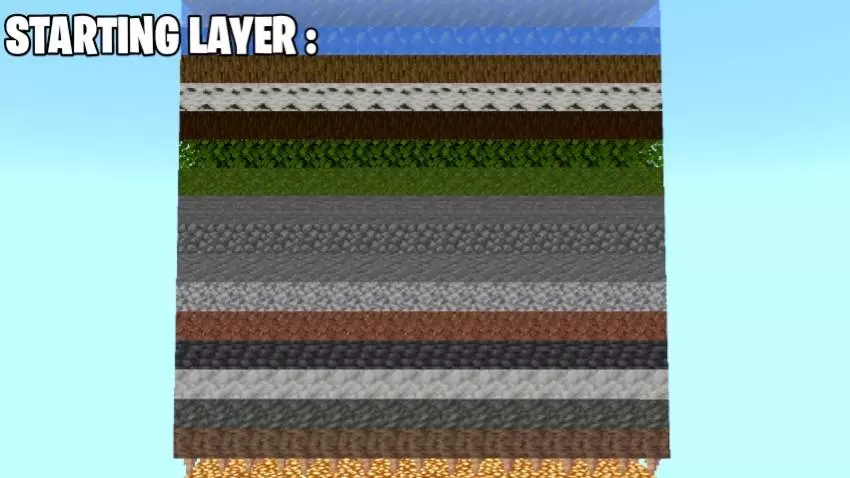
Because it’s single-chunk, every decision matters. Space is tight, mobs can box you in, and mistakes feel expensive. It’s also built to be playable solo or with friends, which is perfect for “who can make it deeper� races or Hardcore-style attempts. RANDOM LAYERS Map is basically a vertical survival gauntlet—dig smart, manage resources, and don’t rush a layer just because you’re bored.
How to install?
Android: you need to find the downloaded file on your phone, use any file manager for this and import the map into the game by opening it.
IOS: after receiving the map, the device itself will offer to install it.
Windows 10: go to the folder where the files are downloaded, find mcworld there and activate it.
Comments (0)