The Elevator Map
- 18-02-2026, 12:18
- 614
Adventure Maps / Minigame Maps / Parkour Maps / Puzzle Maps

The Elevator Map drops you into a simple setup with a brutal twist: you step into an elevator, hit the button, and your fate is basically RNG with teeth. Every round you get transported to a randomized floor, and each floor is a fresh scenario with one clear goal—survive, complete the objective, and escape. It sounds clean on paper, but the whole point is that it keeps turning into “okay, how do we not die here?�
What makes The Elevator Map fun is the variety. There are 20 handcrafted floors, and the map is described as growing with constant updates, so the pool isn’t meant to feel stale. Since the floor selection is randomized every run, no two playthroughs feel the same, and that’s where the replay value really hits. One run might throw you into something that feels manageable, and the next run is instantly hostile with deadly mobs, nasty environments, and random twists that force you to improvise.

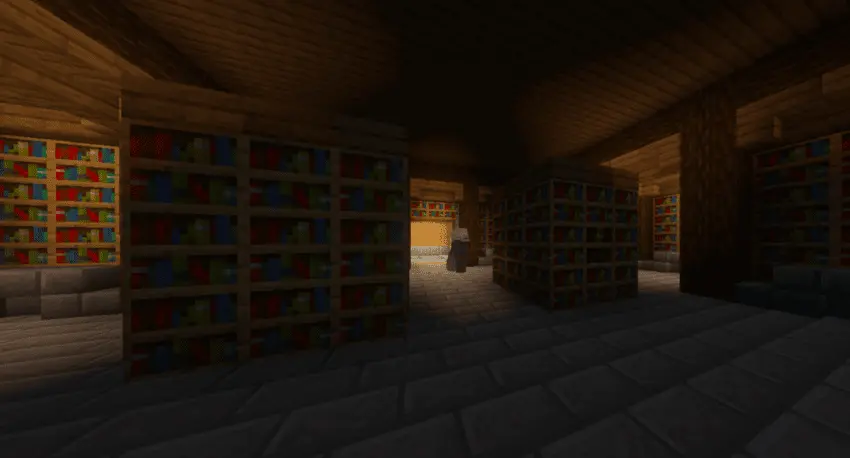


In Minecraft Bedrock, this kind of map is at its best when you treat each floor like a mini panic puzzle. Don’t rush in like you’re invincible—read the space, figure out what the objective is asking, then move with a plan. If you’re with friends, call stuff out fast and keep roles simple in the moment: who’s watching mobs, who’s pushing the objective, who’s making sure the escape doesn’t get blocked by a bad decision. The Elevator Map heavily rewards teamwork and calm comms when everything’s going sideways.
For challenge runs, the main tip is consistency over hero plays. Floors are designed to be unpredictable, so the smart move is staying alive long enough to actually complete the objective instead of trying to speedrun blind. The Elevator Map is built as “pure chaos� on purpose, and that’s why it stays fun—every press of the button feels like a new problem you have to solve under pressure.
How to install?
Android: you need to find the downloaded file on your phone, use any file manager for this and import the map into the game by opening it.
IOS: after receiving the map, the device itself will offer to install it.
Windows 10: go to the folder where the files are downloaded, find mcworld there and activate it.
Comments (0)