PACMAN V2 Map
- 18-02-2026, 12:50
- 477
Adventure Maps / Minigame Maps / PvP Maps
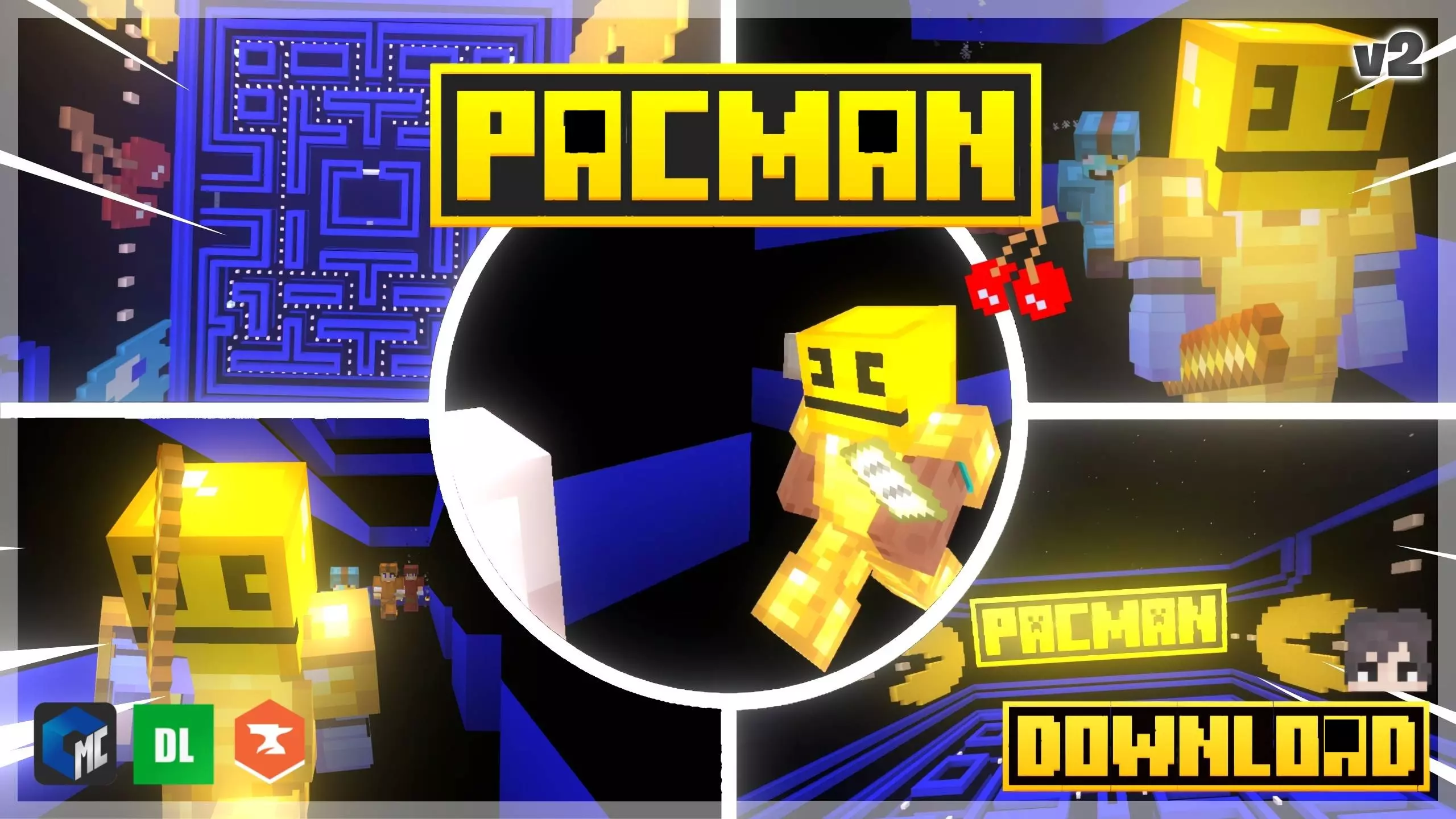
PACMAN V2 (MAP) (MINIGAME) is exactly what the title promises: a V2 update of a minigame-style map meant to be played like a tight, arcade-ish challenge inside Minecraft Bedrock. It’s the kind of map you load when you don’t want a long survival session—you want something you can start instantly, play a bunch of rounds, and get better just by repeating it.
Because it’s a minigame, the fun usually comes from rhythm and consistency. Your first run is always the “figure it out” run, but after that you start noticing what works, where you hesitate, and where you can save time by moving cleaner. PACMAN V2 (MAP) (MINIGAME) is perfect for that loop where you try a run, talk trash with your friends, then immediately hit “one more” because you know you can do it faster or smarter the next time.


If you’re playing PACMAN V2 (MAP) (MINIGAME) with friends, the best way to keep it hype is to treat it like a mini tournament night. Keep rounds short, swap turns often, and track who’s improving instead of only who wins once. Even in Minecraft Bedrock, a simple minigame becomes way more fun when everyone’s trying to outplay each other and you can actually see progress run to run. Also, don’t be afraid to slow down for one round just to learn the layout and timing—clean runs beat panic runs almost every time.
Practical tip: focus on repeatable movement. The fastest players usually aren’t the ones doing wild, risky plays every round—they’re the ones who stay calm, keep their camera controlled, and don’t waste seconds second-guessing. Once you find a route or pattern that feels safe, stick with it until it’s automatic, then start pushing speed. PACMAN V2 (MAP) (MINIGAME) is the kind of Minecraft Bedrock map that gets better the more you replay it, because the real reward is going from “I’m lost” to “I know exactly what I’m doing.”
How to install?
Android: you need to find the downloaded file on your phone, use any file manager for this and import the map into the game by opening it.
IOS: after receiving the map, the device itself will offer to install it.
Windows 10: go to the folder where the files are downloaded, find mcworld there and activate it.
Comments (0)