SCP: The Abandoned Lockdown Map
- 19-02-2026, 08:48
- 696
Adventure Maps / Minigame Maps / PvP Maps / Survival Maps
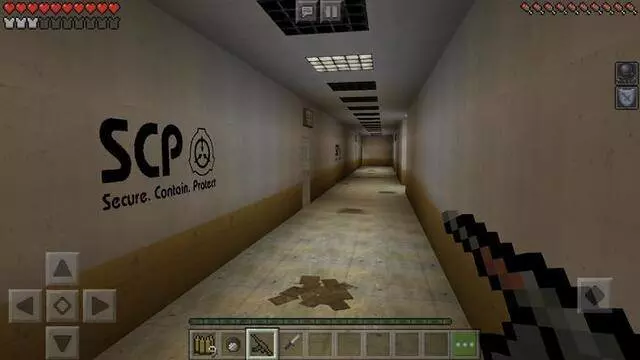
SCP: The Abandoned Lockdown Map is built for SCP Foundation fans who want something that doesn’t just copy the usual Containment Breach vibe. It’s a fresh take with its own creative vision, and the whole thing leans hard on atmosphere through custom textures, immersive audio, and unique mobs. If you like maps that feel grimy, industrial, and constantly “off,� this one is trying to live in your head.
Story-wise, you’re playing an operative for a shadow organization that contains the world’s worst anomalies. The facility held steady for years until a high-risk experiment blew containment and kicked off a domino effect that wiped out most of the staff. Now the place is basically a hollow shell, dark and abandoned, and your job is blunt: go in and terminate every remaining experiment. It’s the kind of mission where the silence feels loud, and every hallway makes you second-guess if you’re walking into a trap.
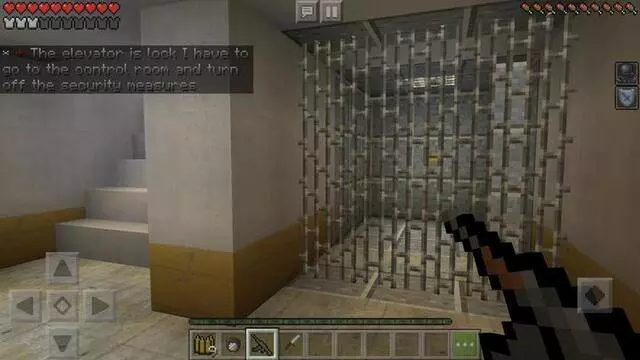
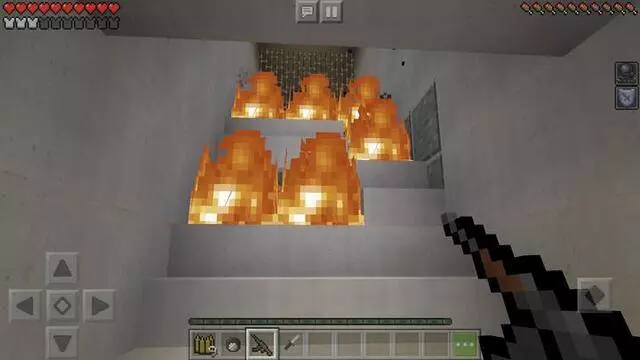
To get the intended experience, the map’s rules matter, and they’re actually practical instead of “because I said so.� Don’t cheat or mess with commands, stay in Adventure Mode so you don’t accidentally break the vibe, and take the audio seriously—max volume or headphones makes the custom sound cues hit way harder. They also recommend brightness at 100% so you can navigate the shadows, and Easy difficulty for the combat balance they planned, which is a solid move if you want the fights to feel tense without turning into a grind.
What really sells SCP: The Abandoned Lockdown Map is that it brings original entities you won’t see in other SCP maps, paired with textures that keep a gritty, industrial look while staying friendly for mobile performance. On Minecraft Bedrock, that combo is perfect for a night session where you want fear + action without your device choking. Play it slow, listen for audio tells, and treat every room like something’s still alive in it—because the whole point is walking through ruins that don’t feel as empty as they should.
How to install?
Android: you need to find the downloaded file on your phone, use any file manager for this and import the map into the game by opening it.
IOS: after receiving the map, the device itself will offer to install it.
Windows 10: go to the folder where the files are downloaded, find mcworld there and activate it.
Comments (0)