Poppy Play Time:Chapter 1 Map
- 15-04-2026, 14:53
- 586
Adventure Maps / Minigame Maps / Puzzle Maps / Survival Maps
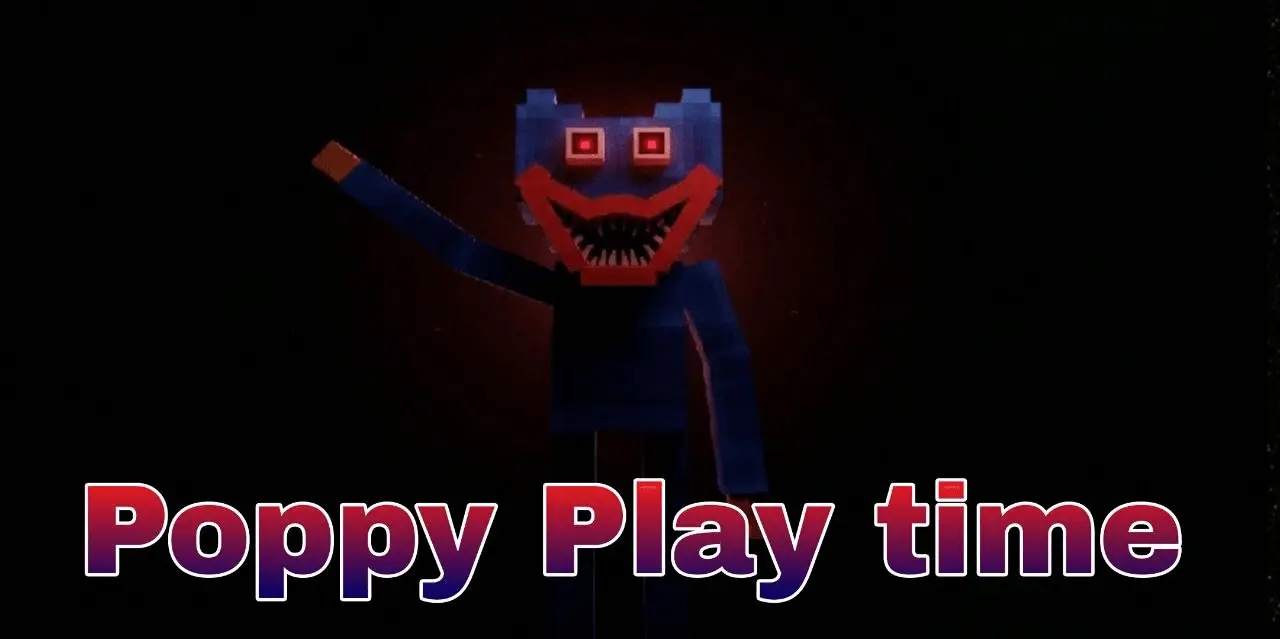
Poppy Play Time:Chapter 1 A map with a very cool horror minigame with puzzles. Poppy Play Time adventures are waiting for you in Minecraft Bedrock.


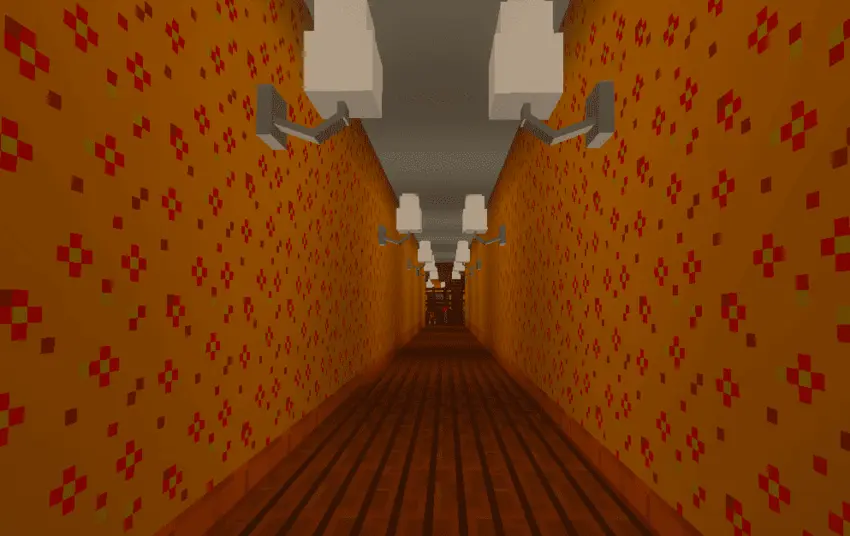
The toy factory is quiet when you walk in. Then you spot Huggy Wuggy, and that giant blue smile becomes a lot less comforting the longer you look at it. Poppy Play Time: Chapter 1 brings the abandoned Playtime Co. factory to Minecraft Bedrock, with puzzles to solve and a very good reason to keep moving.
You arrive as a former employee returning to a workplace that has seen much better days. The colorful reception area still has that toy-factory look, but the farther you go, the less welcoming things feel. Corridors lead toward darker rooms and the assembly line, where you can look around for clues to what happened here. Fans of Poppy Playtime will recognize the setting and the first chapter’s story, while newcomers get a creepy place to explore without needing to know every detail beforehand. Either way, the contrast does a lot of work: bright decorations and toys are a little unsettling when you’re walking through a building that should be full of people.
Getting through the factory takes more than walking from room to room. There are puzzles along the route, including a color-code challenge, so pay attention to details before you start pressing things at random. You’ll also encounter the GrabPack, the familiar tool with extendable hands. Give yourself a moment to learn how it works in the map and look for places where you can interact with the environment. If a door has you stuck, take another look around the area for clues. Sometimes the answer is nearby, and sometimes you’ve been staring right at it while worrying about what might be behind you. Keep your sound on if you can; this is a horror map, and a quiet room can be just as uncomfortable as a noisy one.
Of course, the main reason you’re checking over your shoulder is Huggy Wuggy. The map recreates your encounter with the enormous toy, bringing a familiar piece of the horror game into Minecraft. The factory’s dark spaces and ventilation ducts make an uncomfortable place to search when you know something could be nearby. I’d probably spend the first few minutes inspecting every corner, then completely forget the layout the moment I heard something behind me. If you’re playing with friends, take turns working out the puzzles or let the bravest person lead—at least until they decide they’d rather have someone else go first. Your goal is to make it through the factory and find the flower, so keep exploring even when the next hallway looks like a terrible idea. The linked download is a ZIP; check what’s inside and open the .mcworld file with Minecraft to import the map. Then load the world, take a breath, and head back into Playtime Co. Huggy is waiting.
How to install?
Android: you need to find the downloaded file on your phone, use any file manager for this and import the map into the game by opening it.
IOS: after receiving the map, the device itself will offer to install it.
Windows 10: go to the folder where the files are downloaded, find mcworld there and activate it.
Comments (0)