SKYBLOCK V3 Map
- 15-04-2026, 15:02
- 752
Adventure Maps / Creation Maps / Custom Terrain Maps / Survival Maps
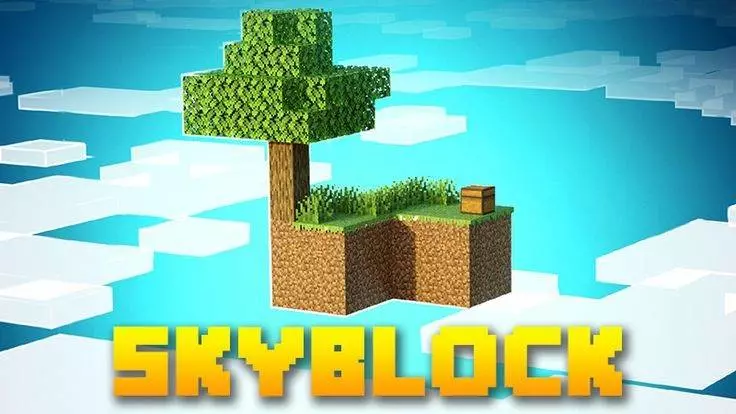
SKYBLOCK V3 - a classic sky block map with survival in extremely difficult but very fun conditions in Minecraft Bedrock. The first thing you notice in SKYBLOCK V3 is the empty space. There’s no forest to run into when you need wood, no hillside to dig into, and no convenient field waiting to become a farm. You’re standing on a small island in the sky, with a limited amount of material and a lot of decisions to make. Take a wrong step near the edge and the void is right there. It’s a familiar Skyblock start, but that doesn’t make those first few minutes any less tense.
Before you start breaking blocks, look around and check what you have. It’s tempting to use everything at once: turn every piece of wood into planks, dig up the dirt to make the island look tidier, and start building a bridge immediately. Then you realize you needed some of those materials for something else. On a small island, keeping track of what you can replace matters. Give yourself room to work and think about where your next supplies will come from before committing everything to one project.
At first, even adding a few blocks around the edge feels useful. You can move more comfortably, put some distance between your work area and the drop, and make space for the things you want to build. Your base might begin as an awkward platform with everything squeezed together. That’s fine. As you gather more materials, you can rearrange it, make separate areas, and slowly turn it into a place you actually like coming back to. The best Skyblock bases often grow out of whatever the player needed most at the time.
There are other islands and structures out in the sky, and eventually you’ll want to see what’s on them. Pick one that catches your eye and prepare a route before setting off. Building a bridge over the void is straightforward until you miss a block placement or realize you didn’t bring enough material to finish. Take your time, especially if you’re carrying supplies you can’t afford to lose. Once you reach another island, look it over carefully. It may give you resources you can bring back or ideas for what to do next.
Food becomes another part of the routine you’ll need to think about. There’s a big difference between having just enough for the next trip and having a reliable supply back at your base. As your island grows, you can set aside space for farming and adjust the layout around what you need. The same goes for storage and crafting: they don’t need to look impressive on day one, but you’ll be glad they’re organized when your little platform becomes a much busier place.
Playing with friends changes the challenge again. A tiny island gets crowded quickly, and everyone may have a different idea about what to build first. One person can work on expanding the base while another prepares a bridge, but it helps to keep shared supplies where everyone can find them. You’ll also have someone to witness the inevitable fall into the void—and perhaps laugh about it after the frustration wears off.
SKYBLOCK V3 gives you several islands to work toward, but there’s no need to rush to the farthest one. Start with what’s under your feet, make a little more room, and choose your next goal. After a while, look back at the place where you began. The platform that once felt impossibly small may have become a home connected to the rest of the sky.
How to install?
Android: you need to find the downloaded file on your phone, use any file manager for this and import the map into the game by opening it.
IOS: after receiving the map, the device itself will offer to install it.
Windows 10: go to the folder where the files are downloaded, find mcworld there and activate it.
Comments (0)