Garden House Map
- 25-04-2026, 03:21
- 381
Adventure Maps / Creation Maps / Survival Maps
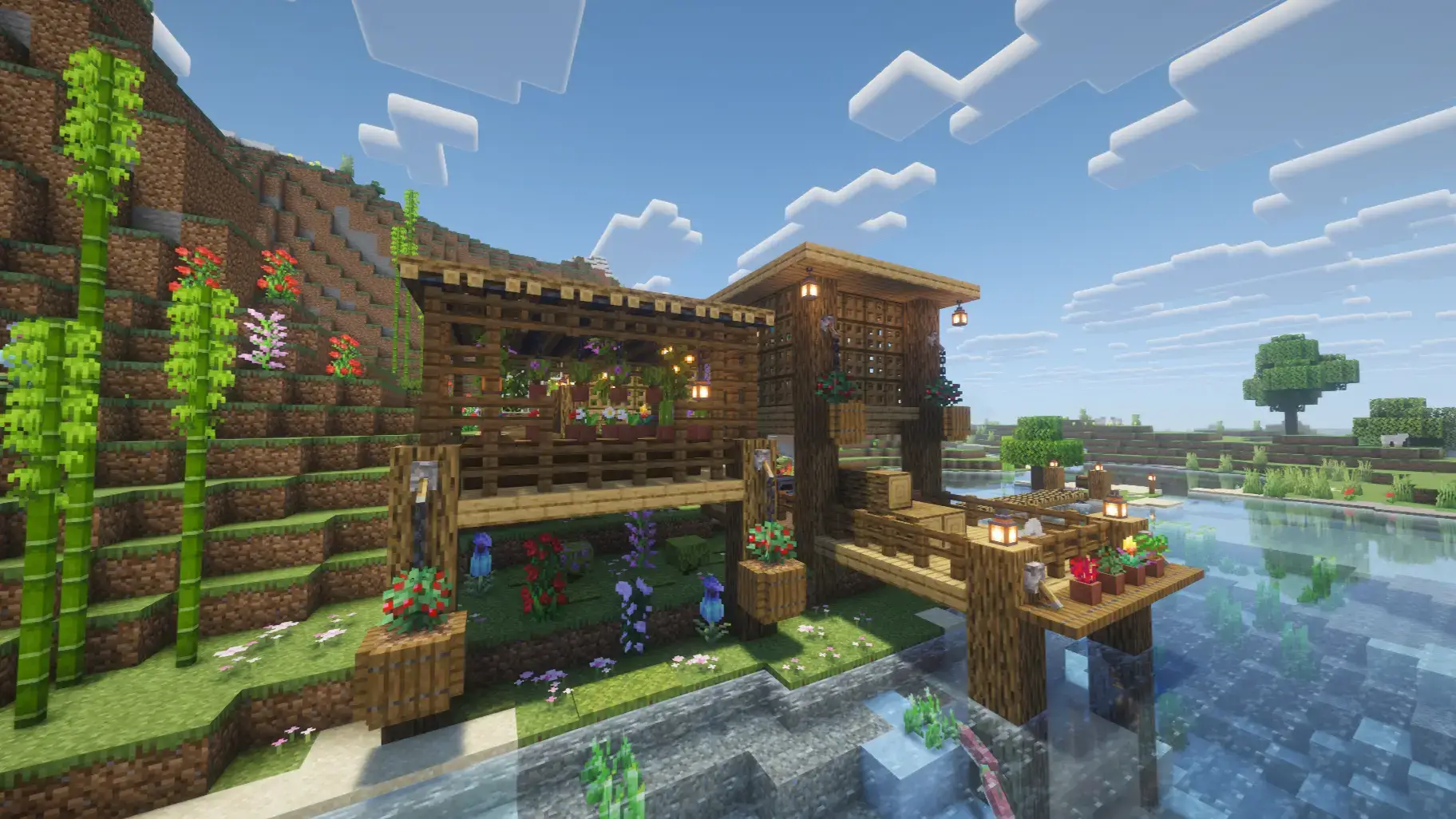
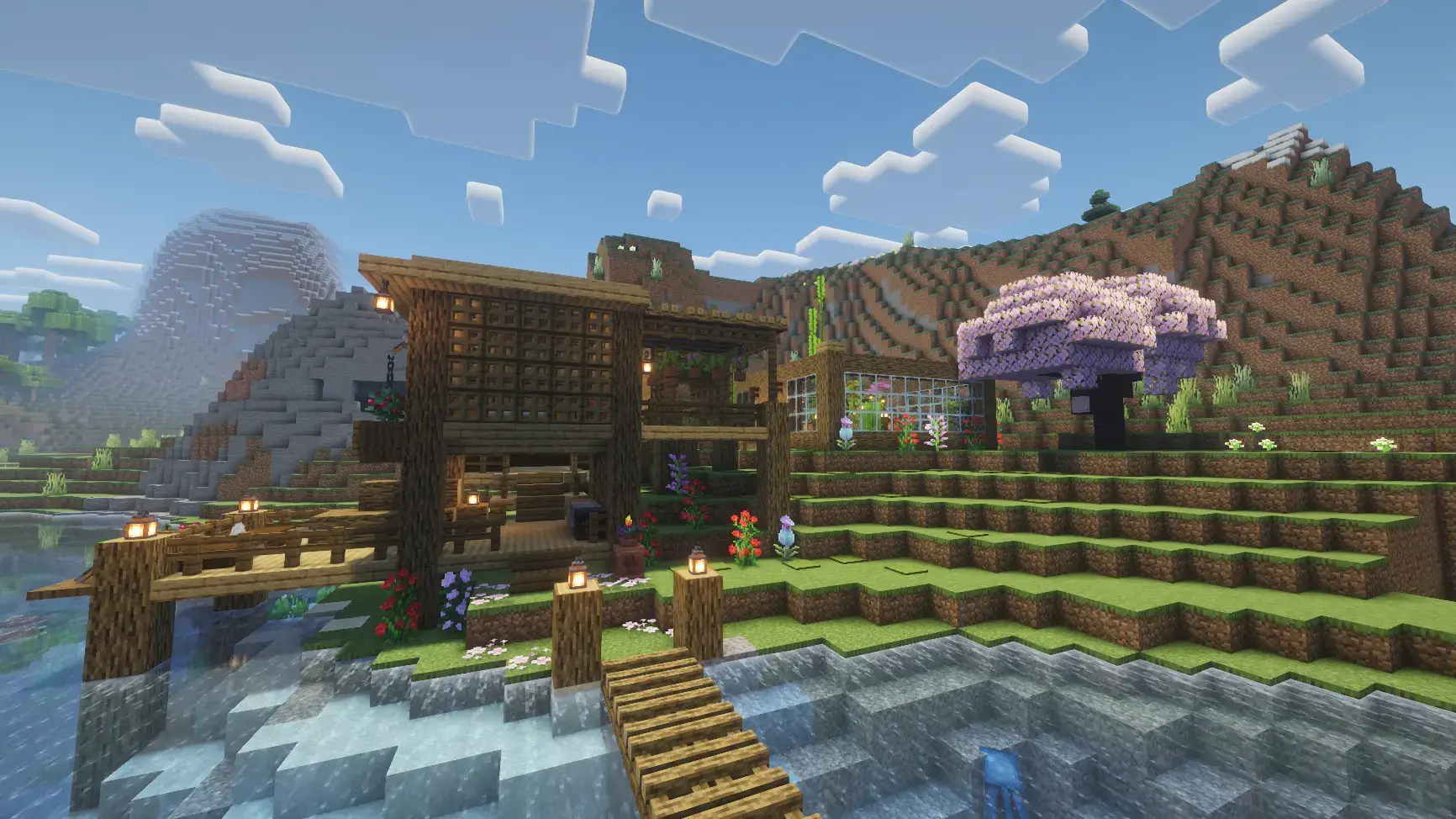
Garden House - a map with a beautiful house on the riverbank, a garden nearby, beautiful flowers and a house with everything you need. I’d probably spend my first Minecraft day here doing absolutely nothing productive, just wandering between the river and the flowers. Garden House gives you a ready-made home surrounded by greenery, with balconies, garden spaces, and a separate greenhouse that make the whole place feel lived in.
The riverside setting is a big part of its charm. You can head out to explore, follow the water for a while, and come back to a house that already feels like a place worth settling into. The plants aren’t tucked away in one tiny corner, either. They’re part of the build, from the outdoor gardens to the balconies filled with greenery. Take a walk around before you start changing things and you might spot an arrangement you want to try in another world. It’s a nice reminder that a few carefully placed flowers and leaves can make a Minecraft build feel completely different.
Inside, there’s a bedroom and storage space, along with a setup intended for survival. That gives you somewhere to start when you’re ready to do more than admire the view. Drop off the things you’ve gathered, get some rest, and plan your next outing. You can make the house your main base or treat it as a peaceful place to return to after exploring. I like the idea of bringing back a different plant from each trip and finding a spot for it around the property. A flower that caught your eye miles away becomes a little reminder of where you’ve been, and the garden slowly changes as your world grows.
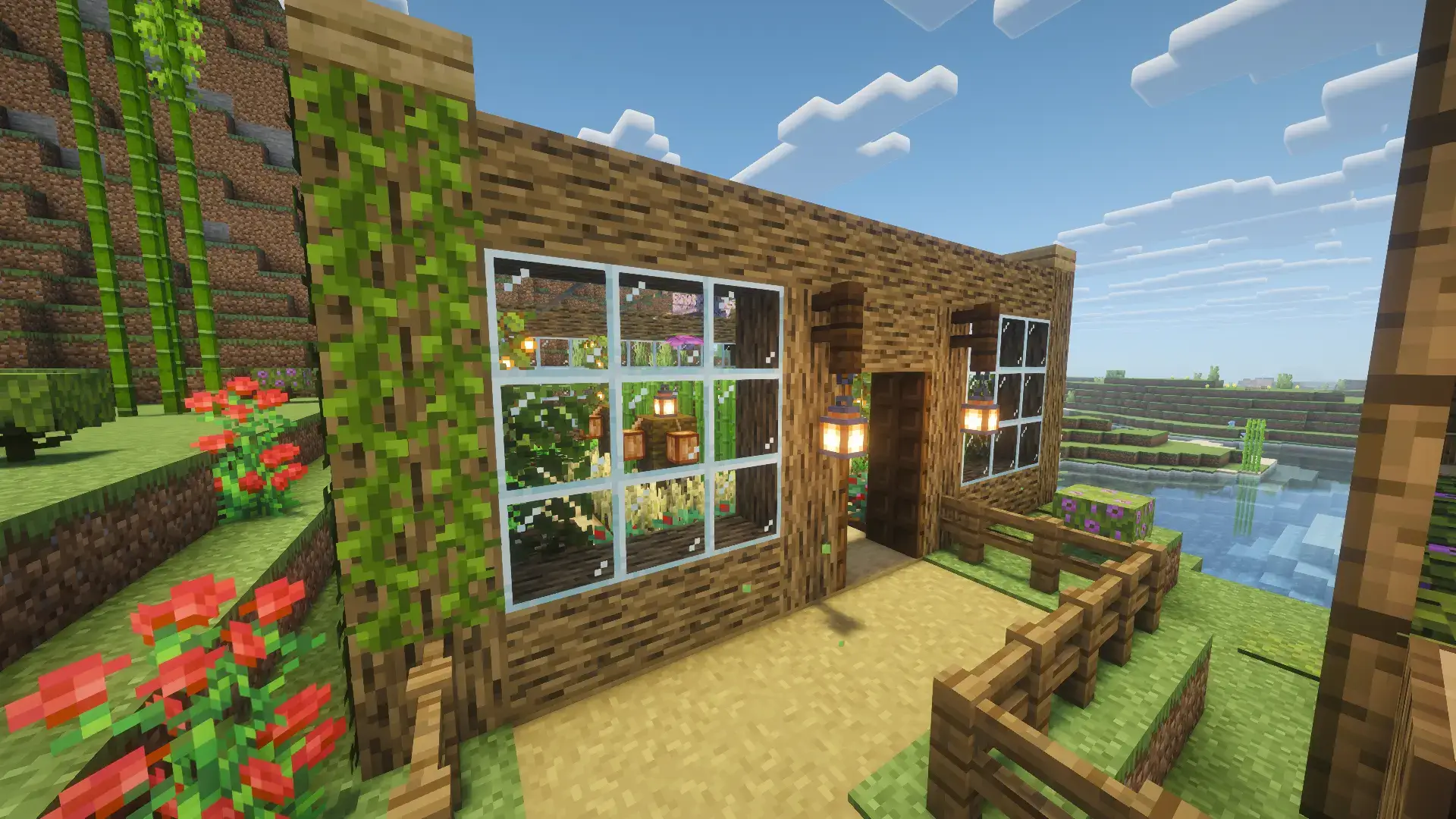
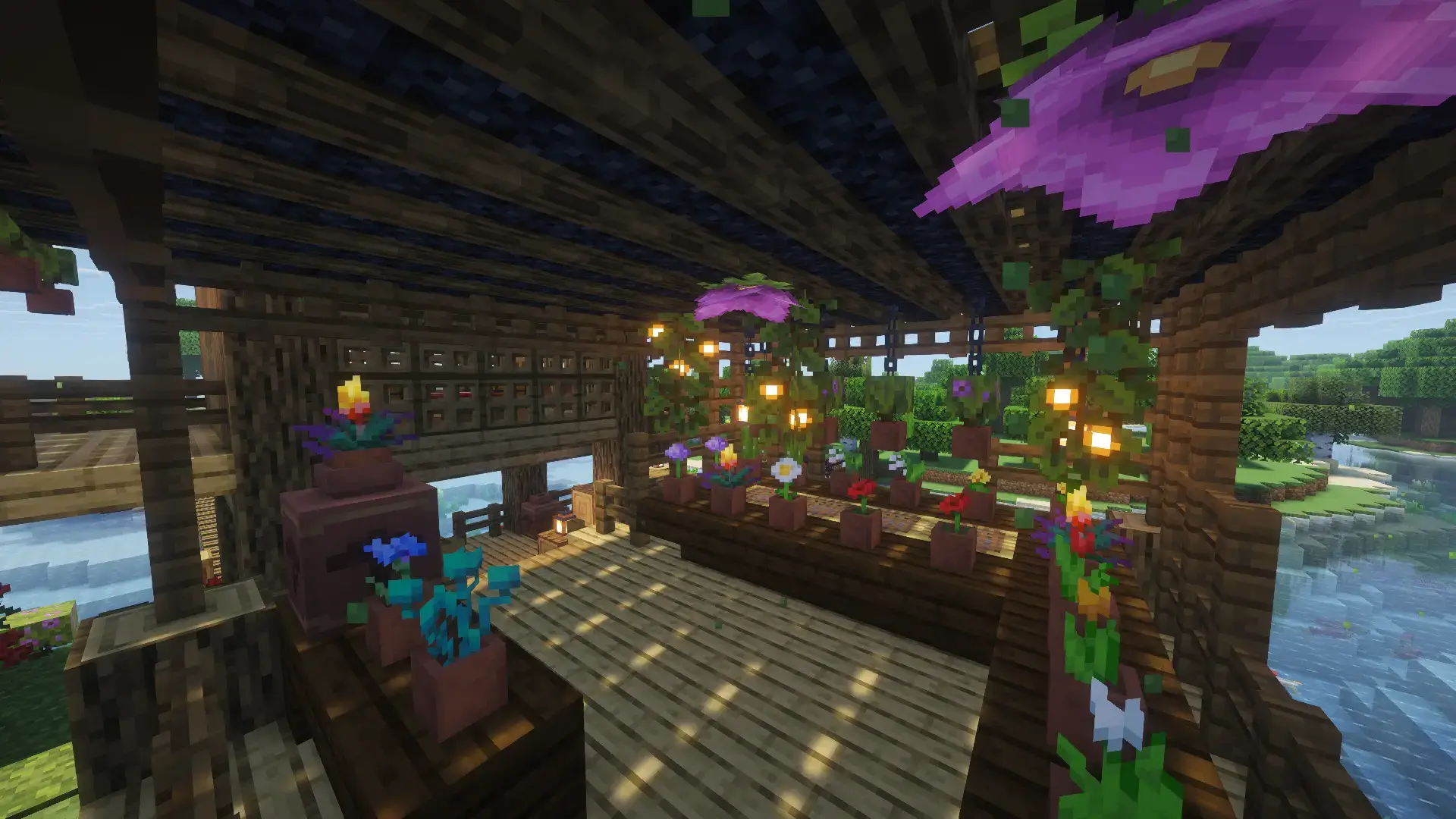
The separate greenhouse is a fun spot for players who enjoy the quieter side of Minecraft. Maybe you’ll keep it as it is, or maybe you’ll start experimenting with your own plants and decorations. You could give the surrounding garden a new color scheme, add a path to a favorite view, or make a small outdoor sitting area near the water. None of those projects needs to be huge. Sometimes it’s more enjoyable to spend an evening getting one little corner just right than to commit yourself to a massive build you won’t finish for weeks. The balconies offer another place to experiment: look at the existing greenery, then decide whether you’d add more color or leave the space alone.
Garden House also works nicely as inspiration if your own survival bases tend to become a pile of useful blocks with a bed squeezed in somewhere. Walk through the bedroom, check out the storage area, and pay attention to how the house connects with the gardens outside. You might come away with an idea for your next build, even if you prefer designing it yourself. The map is available in different versions, so check that your download matches your Minecraft Bedrock version before importing it. If you have a .mcworld file, open it to add the world to your game. Then settle in, pick a favorite balcony, and decide what kind of life you want to build beside the river.
How to install?
Android: you need to find the downloaded file on your phone, use any file manager for this and import the map into the game by opening it.
IOS: after receiving the map, the device itself will offer to install it.
Windows 10: go to the folder where the files are downloaded, find mcworld there and activate it.
Comments (0)