One Block - MCPower Edition Map
- 25-04-2026, 06:31
- 856
Adventure Maps / Creation Maps / Custom Terrain Maps / Survival Maps
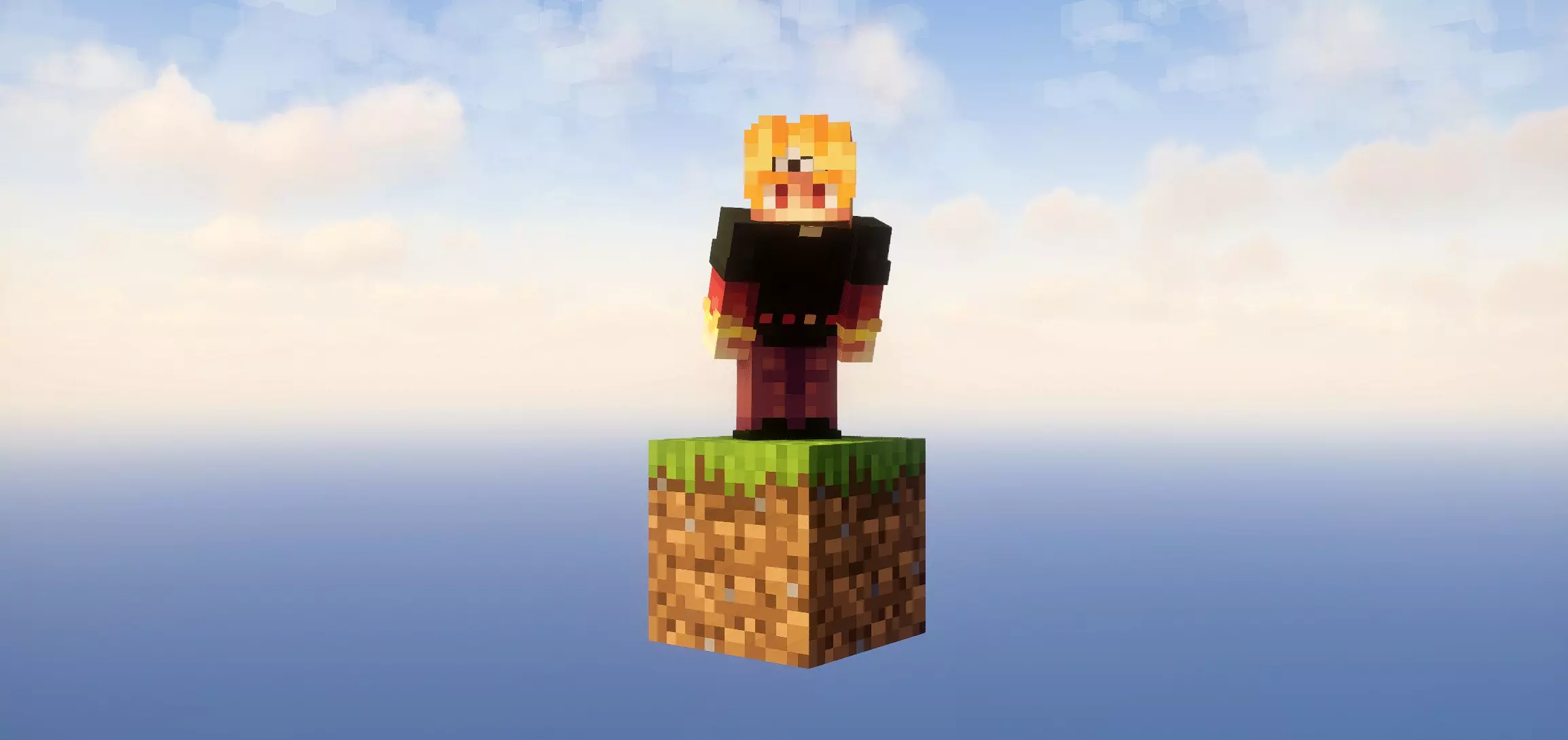
One Block - MCPower Edition A map with one block survival in a sky block world where in the end you will have to defeat the ender Dragon. Your whole world begins with one block and a lot of empty space. Break it, collect what you can, and start building somewhere to stand—because in One Block - MCPower Edition, the ground beneath your feet is a project you’ll have to create yourself.
This Minecraft Bedrock survival map takes the One Block idea and gives you a much bigger goal than simply staying on your tiny starting platform. The block provides resources as you break it, letting you turn a cramped patch of sky into an island you can actually work with. Eventually, you’ll be preparing to face the Ender Dragon. That’s a pretty ambitious plan for someone who started with almost nowhere to put a crafting table, but getting from those first few blocks to a fight with the dragon is what makes the journey interesting.
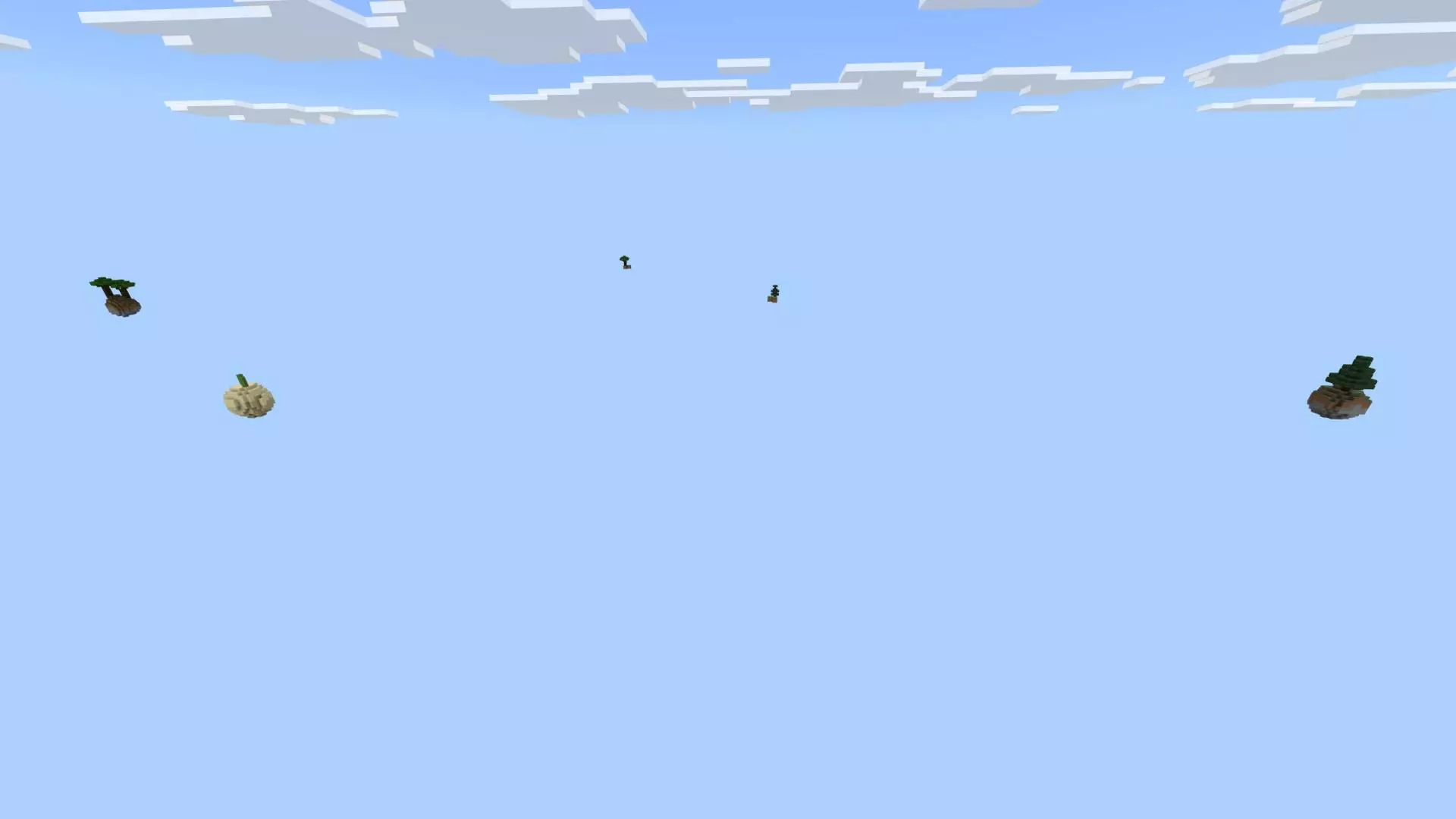
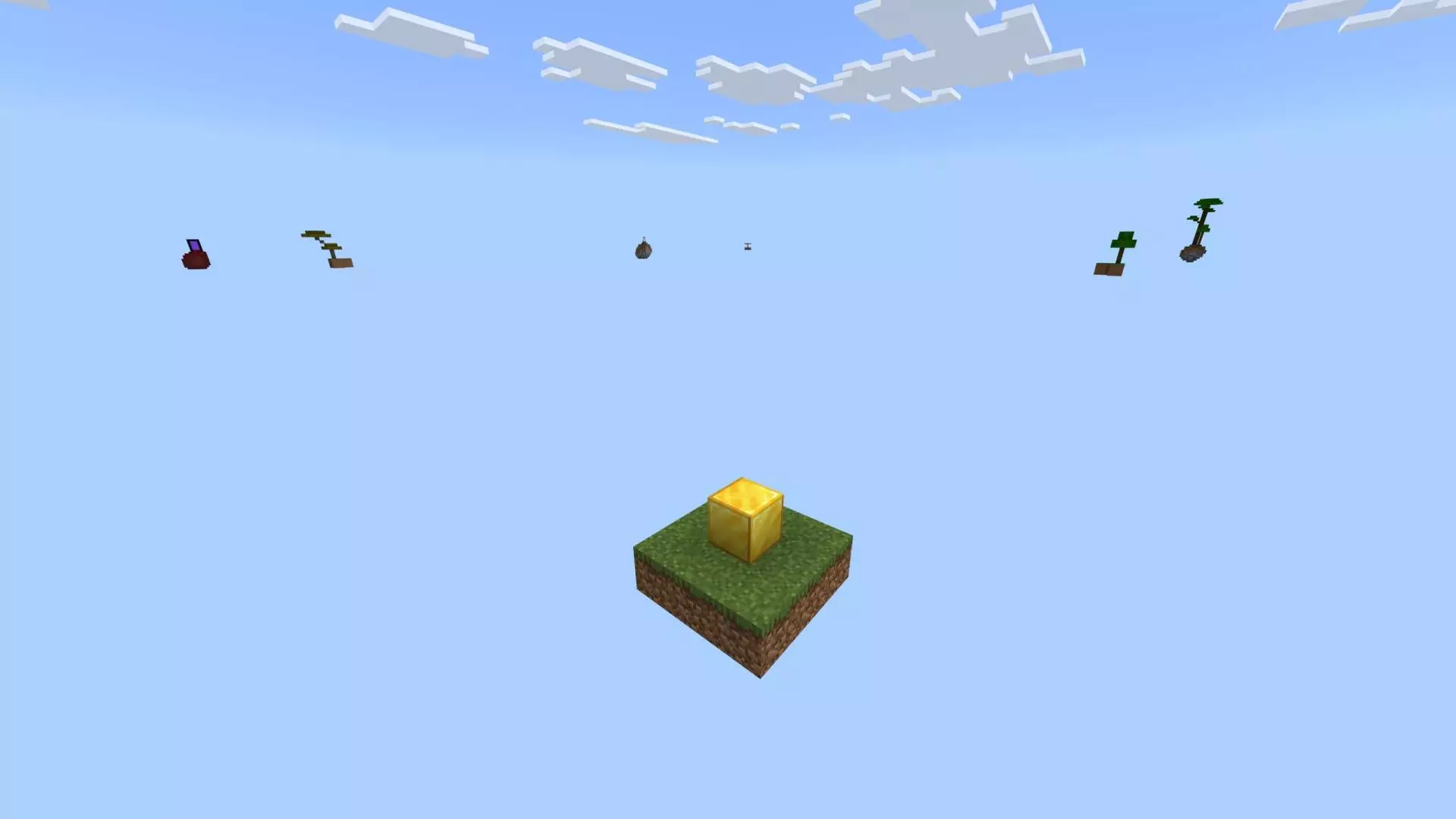
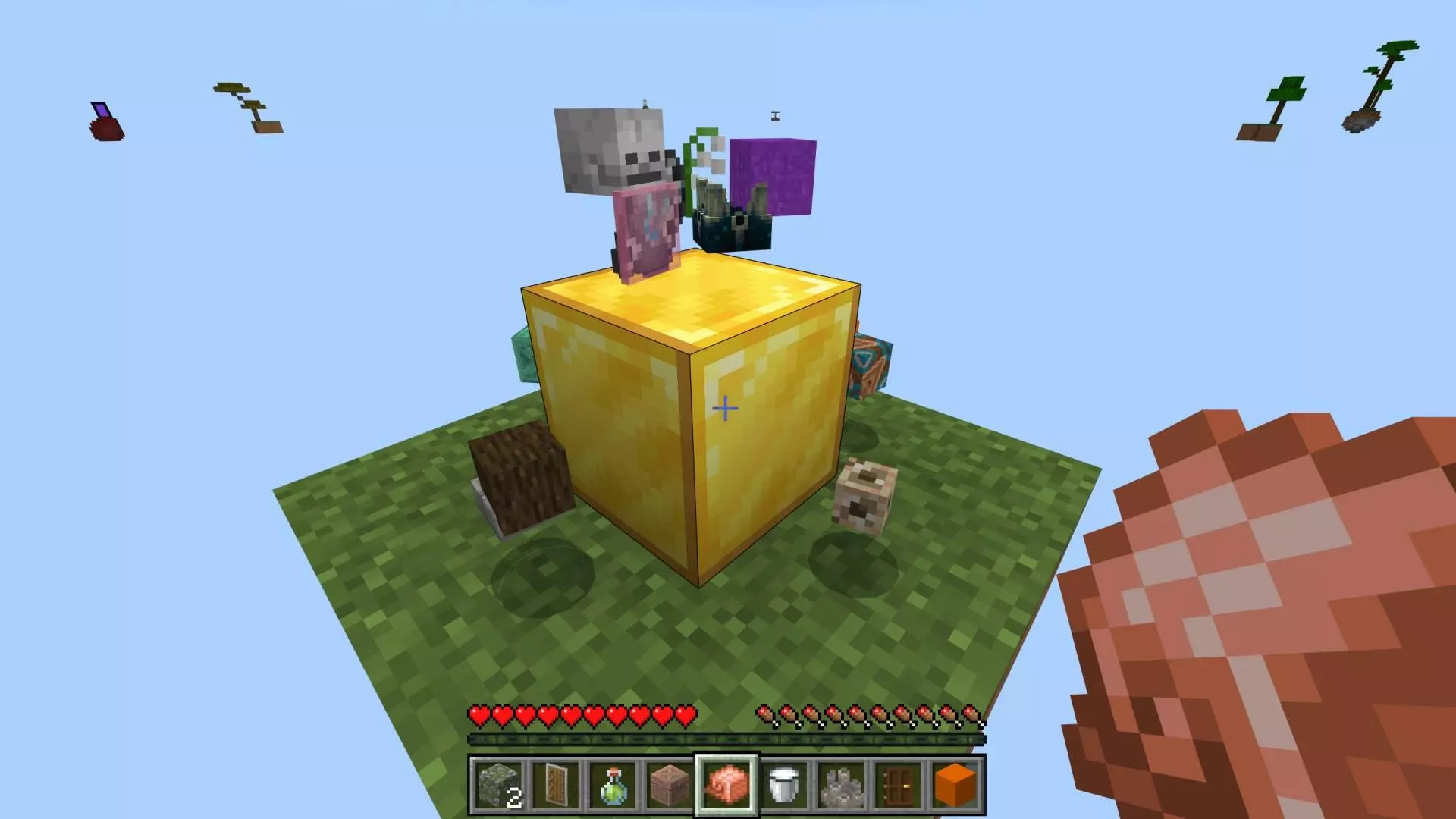
Early on, every block you place matters. You’ll want enough room to move around without constantly worrying about stepping into the void, but you’ll also need to think about what to make with the resources you collect. Expanding your platform is a sensible first project. From there, you can start organizing your space, crafting tools, and figuring out where everything should go. It’s surprisingly easy for a small sky base to become a mess when you place things wherever they fit. Leave yourself room to grow, even if your first design looks more like a crooked landing pad than a proper island. You can always rebuild it once you have more materials and a better idea of what you need.
As your world grows, your priorities will change. Some versions of the map include other floating islands to explore, giving you something to aim for beyond your home platform. Building toward another island is exciting, but take your time near the edge. Losing a stack of useful materials to the void because you got a little too confident is a rough way to learn that crouching exists. The map has received updates that add islands, loot, and item drops, so what you encounter can depend on the version you choose.
The Ender Dragon gives the whole run a destination, but there’s plenty to enjoy before you get there. You can build a practical base, experiment with the shape of your island, or challenge yourself to make every section look good rather than simply placing blocks wherever there’s room. If you’re playing with friends, dividing up jobs can be fun: one person gathers materials while another expands the platform, although there’s always a chance everyone decides to redesign the same corner at once. Check the download’s supported Minecraft version before installing, since different releases target different versions of Bedrock. Once the world is imported and loaded, take a look at that first block. It doesn’t look like much yet, but give it a few sessions.
How to install?
Android: you need to find the downloaded file on your phone, use any file manager for this and import the map into the game by opening it.
IOS: after receiving the map, the device itself will offer to install it.
Windows 10: go to the folder where the files are downloaded, find mcworld there and activate it.
Comments (0)