Simple Underground House Map
- 26-04-2026, 07:21
- 428
Adventure Maps / Creation Maps / Survival Maps
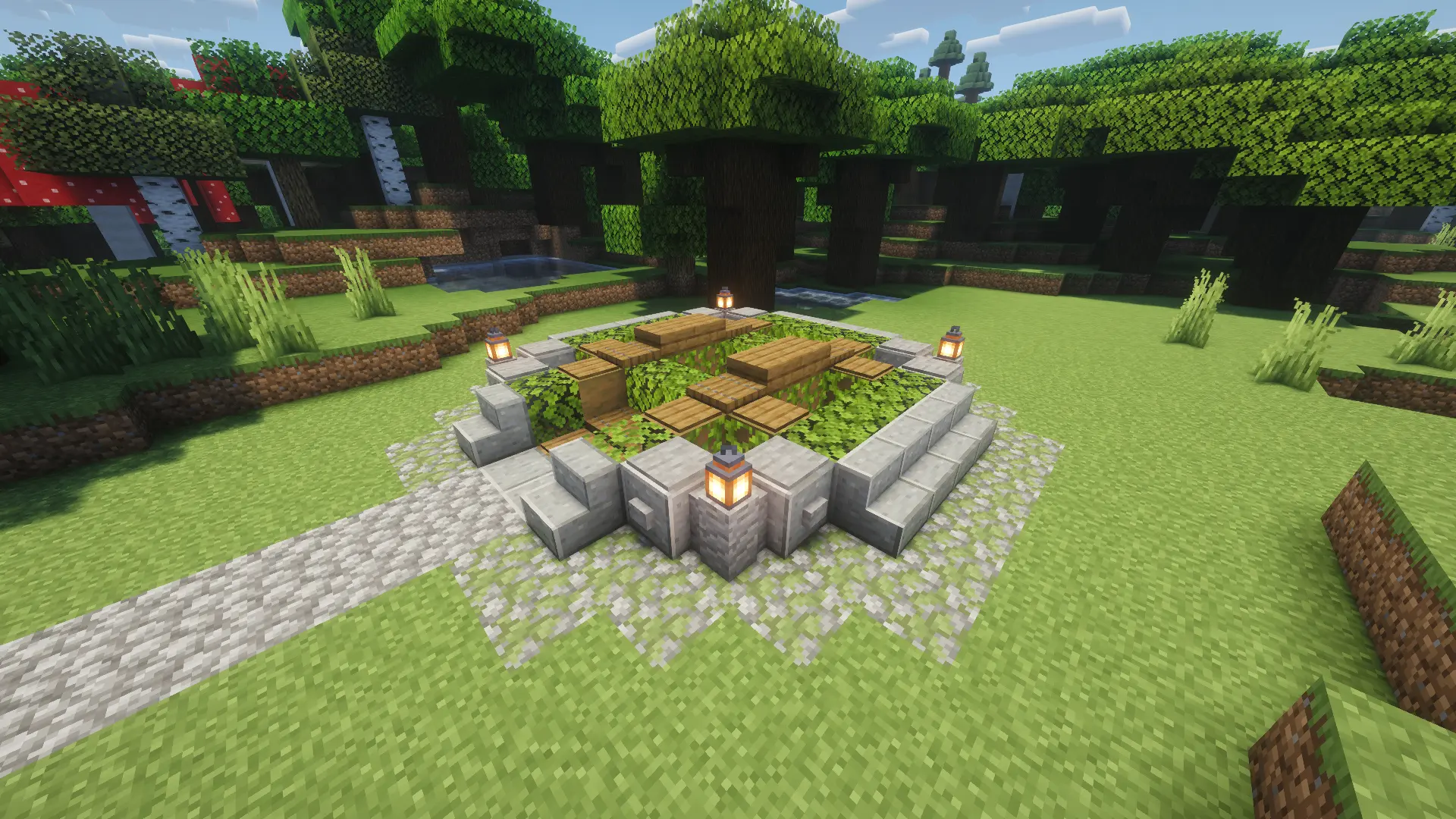
Simple Underground House Map with a house for survival underground. This will be your new base. There is everything for survival. I actually really like to build such houses underground. There’s something satisfying about heading underground at the end of a Minecraft day and knowing you already have a place to call home. Simple Underground House gives you a ready-made survival base below the surface, leaving you free to get on with exploring, gathering resources, and making the place your own.
Starting a new world usually means juggling a dozen little jobs at once. You need a place to settle, somewhere to keep your stuff, and enough breathing room to figure out what you want to do next. Having a house ready changes the pace of those first few sessions. You can head out to explore without spending your first evening deciding where every room should go. When you come back with an inventory full of stone, wood, and whatever else you picked up along the way, there’s already a base waiting for you. The map is centered on that underground home, so it’s a good fit if the idea of building into the ground has always sounded appealing but you’d rather jump straight into playing. You can get familiar with the layout at your own pace and start deciding which parts feel right for your survival routine.
An underground base also leaves plenty of room for your own ideas. Take a look around, decide what you like, and start thinking about what you’d change. Maybe you want to dig out a bigger room as your collection grows, or carve a tunnel in the direction of a promising mining spot. You could try different blocks on the walls, add decorations you find during your travels, or make a space for a project you’ve been putting off. None of that has to happen right away. A Minecraft house tends to pick up character as you play: one room gets added because you need it, then another gets dug out because you had an idea and couldn’t leave it alone. Before long, you might have a whole network of rooms that reflects the way you like to play.
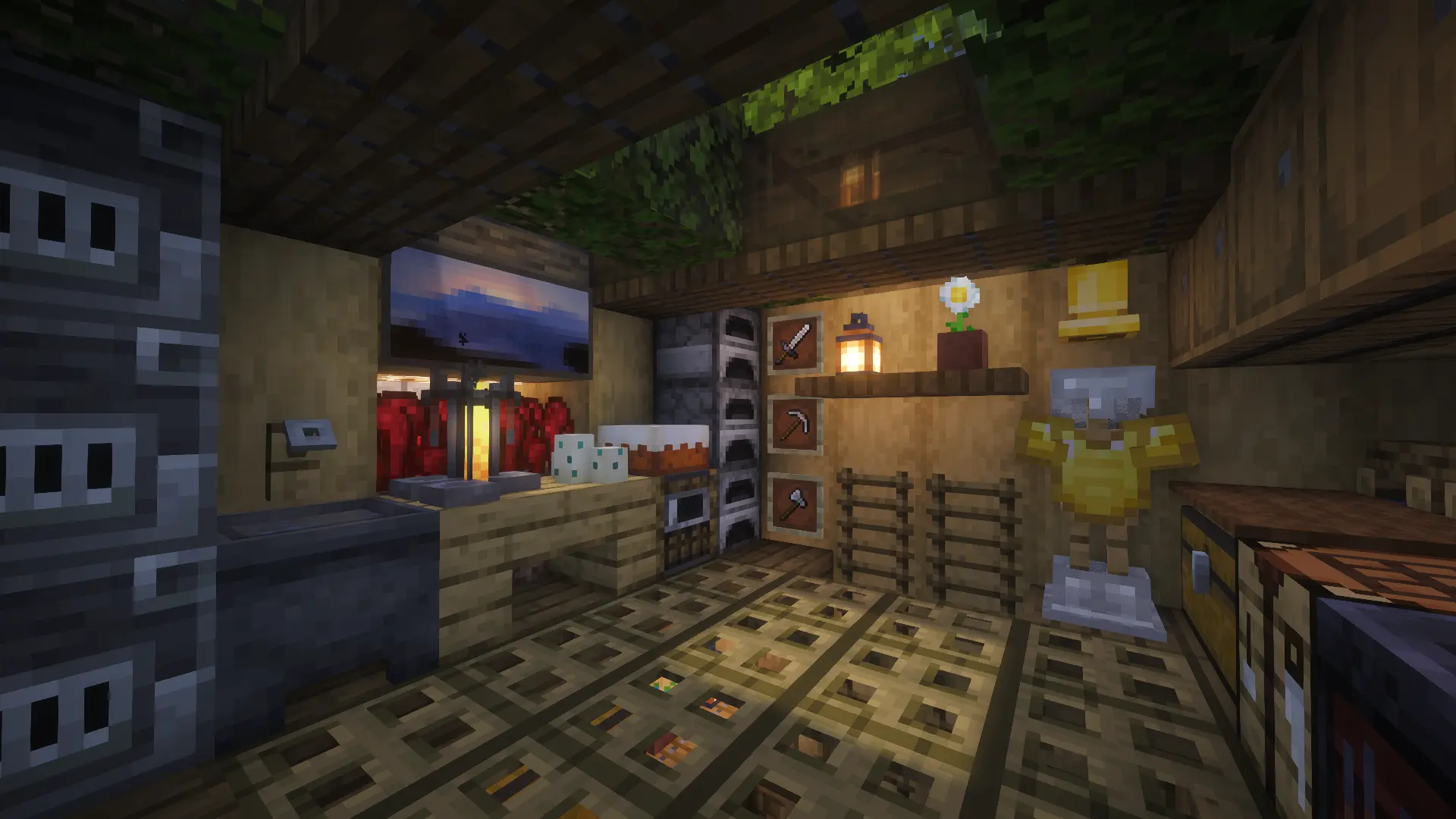
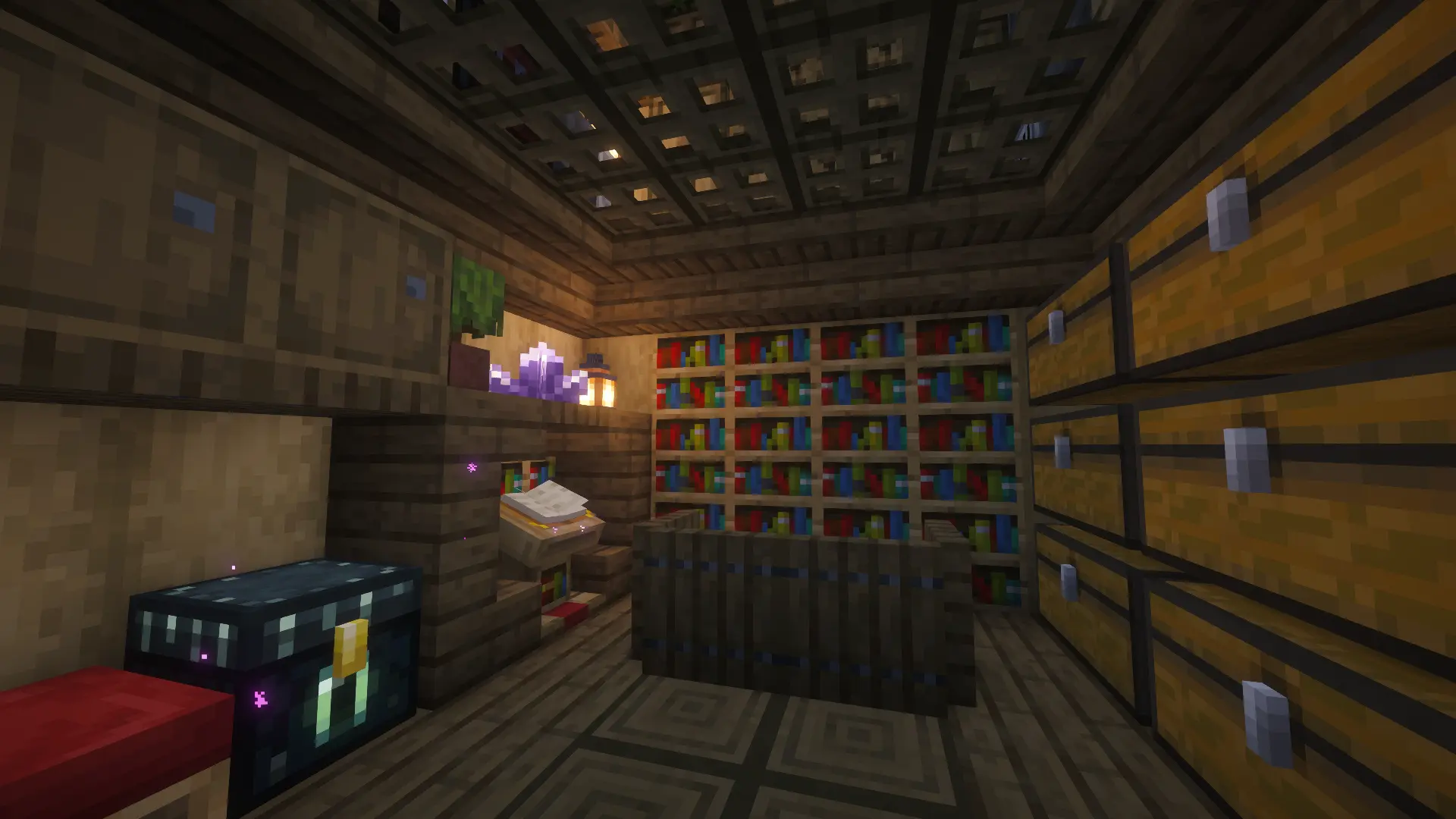
The location gives you a fun way to think about the land above your base, too. You might keep the surface looking natural and let most of your building happen below it, or add something outside that makes the entrance easier to spot when you return from an expedition. A little path or a landmark of your own can make finding your way home much easier when you’ve wandered farther than planned. If you enjoy mining, living underground puts that part of the game on your mind from the start. Pick a direction and see where it takes you, then bring your finds back and decide what to work on next. You’re still in charge of the day-to-day survival game; the house gives you a starting point. It can stay a compact home for a while or become the beginning of a much larger underground project.
Simple Underground House is available as a ZIP download for Minecraft Bedrock. Check the contents after downloading: if it includes a .mcworld file, open that file to import the world into Minecraft. If it contains a world folder instead, you’ll need to place that folder in the game’s worlds directory for your device. Once the map appears in your world list, load it up and have a look around. You don’t need a grand plan before you start. Spend a day gathering supplies, get familiar with the house, and let your next project come from whatever you find yourself wanting to do. That’s the beauty of a base like this: you can settle in immediately, then keep shaping it as your world grows.
How to install?
Android: you need to find the downloaded file on your phone, use any file manager for this and import the map into the game by opening it.
IOS: after receiving the map, the device itself will offer to install it.
Windows 10: go to the folder where the files are downloaded, find mcworld there and activate it.
Comments (0)