Ultimate Survival base Hardcore Map
- 30-04-2026, 03:03
- 464
Adventure Maps / Creation Maps / Survival Maps
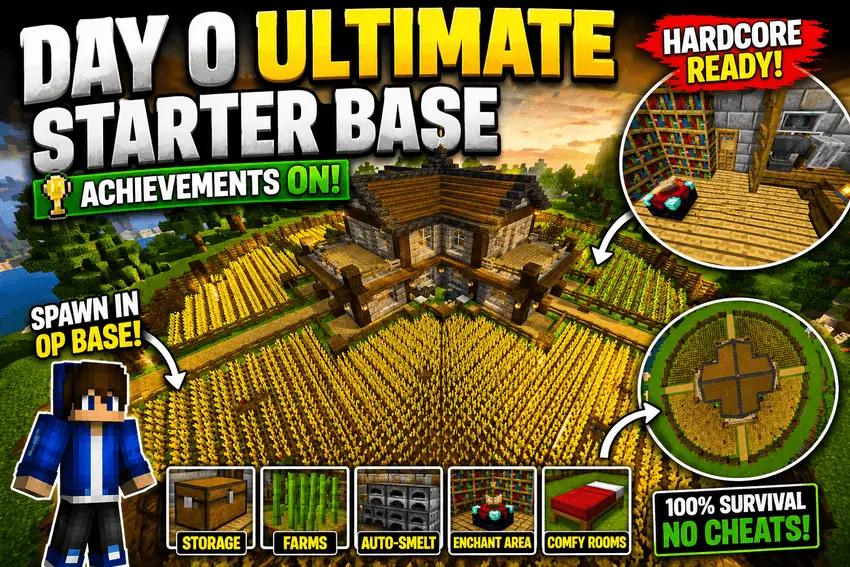
Ultimate Survival base Hardcore A map suitable for survival, has everything you need for your new base. This is a hardcore survival challenge. Ultimate Survival Base Hardcore gives you a prepared base at the beginning of a Minecraft survival adventure. The building is already in place, with organized storage, farms and the essentials you need to get started. You can spend your first day looking around and deciding what to do next instead of rushing to put together a shelter before dark. It’s a useful head start for anyone who enjoys the challenge of hardcore survival but would rather begin with a home than build every part of one from scratch.
Having a base ready makes those early decisions a little different. You can check the storage, get familiar with the farms and work out what supplies you’ll want to gather next. Perhaps your first goal will be to find better equipment, or maybe you’ll want to explore the area around your new home before choosing a direction. There’s no need to rush into a dangerous cave just because you have somewhere safe to return to. In hardcore, even a short trip deserves some thought. Bring food, check the condition of your tools and make sure you know how to get back. The base gives you a strong place to begin, but what happens once you leave it is still up to you.
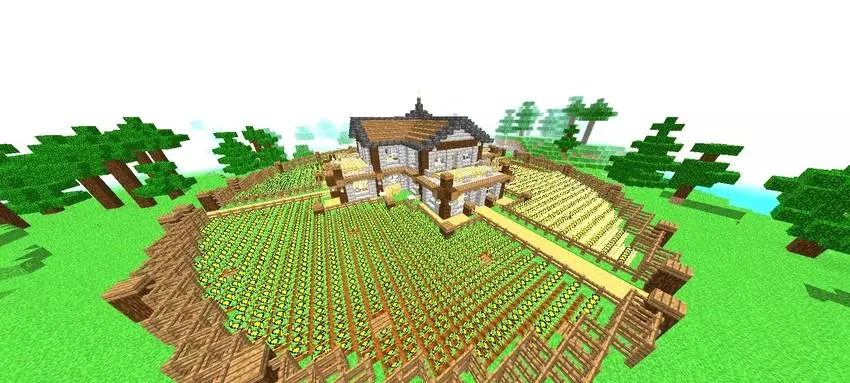
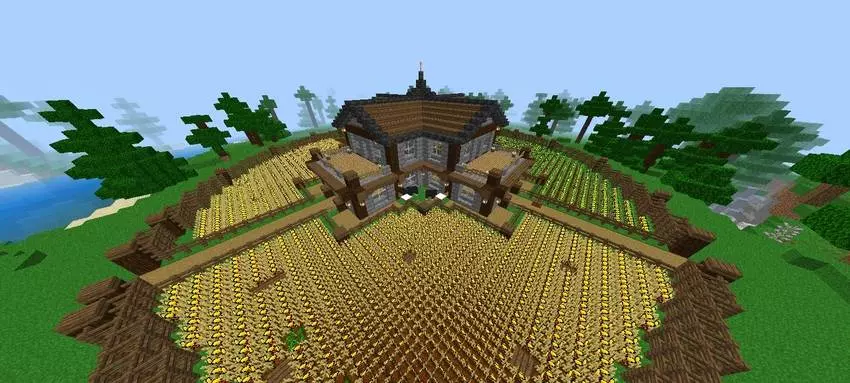
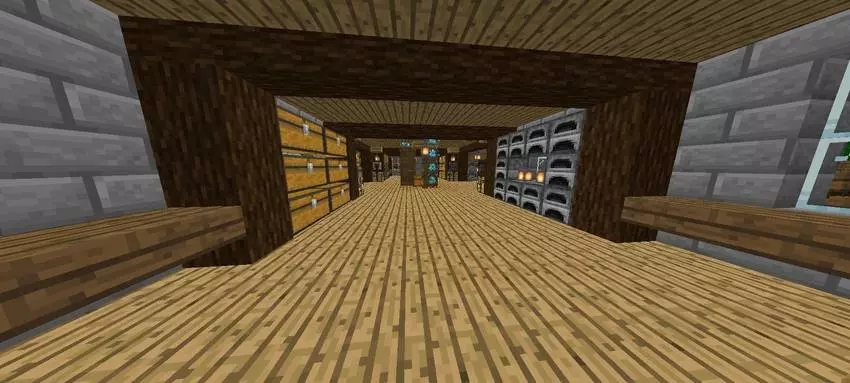
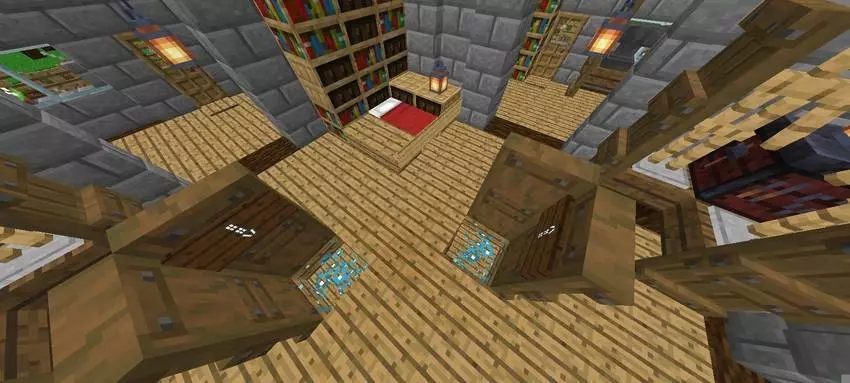
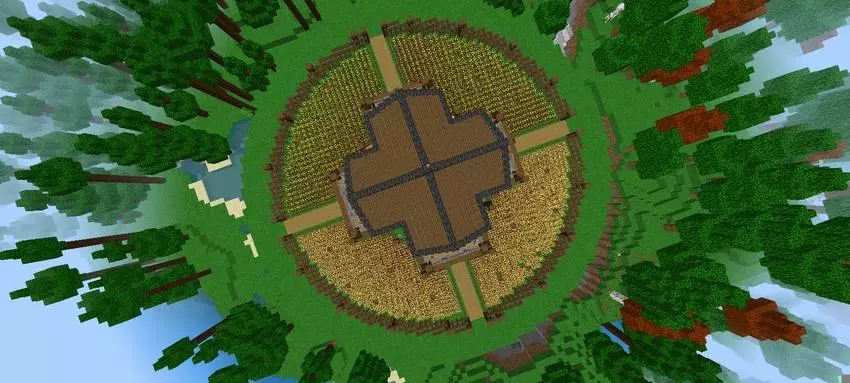
The farms and storage are especially helpful if you plan to stay in the world for a long time. As you bring home more materials, you can sort them into the existing storage and change the arrangement if another system works better for you. The farms give you a starting point for producing resources, and you can expand or adjust them as your needs change. Maybe you’ll want to make more room for crops, set up another area for animals or build a separate place for materials you use often. Those additions are yours to plan. The map takes care of the initial setup, then leaves you free to turn the base into something that suits your own style of play.
It’s worth spending a little time exploring the base before setting off on a long adventure. A ready-made home is most useful when you know where everything is and can find what you need quickly. Take a look at how the different areas are arranged and think about which ones you’ll use most. You might spot a practical idea you want to try in another world, or find a part of the base you’d like to change once you have enough materials. There’s no reason to treat the existing build as something that must stay untouched. Add a room, improve the surroundings or decorate the place with items you collect along the way.
The map also keeps achievements enabled, so you can work toward them while developing the world. You could set yourself a goal of exploring the Nether, preparing for a difficult fight or building a much larger base around the original one. Or you can take things more slowly and see where each day leads. A prepared home doesn’t remove the risks of hardcore survival: hostile mobs, falls and poor decisions can still end a journey. It simply means you have a reliable place to return to while you prepare for what comes next.
Ultimate Survival Base Hardcore is a good choice if you like having a practical home from the beginning and want to focus on the rest of the adventure. Get to know the base, make use of its farms and storage, and set your own goals for the world. As you explore and build, the starter base can become the foundation of a much larger survival project—or remain the comfortable home you return to after every trip.
How to install?
Android: you need to find the downloaded file on your phone, use any file manager for this and import the map into the game by opening it.
IOS: after receiving the map, the device itself will offer to install it.
Windows 10: go to the folder where the files are downloaded, find mcworld there and activate it.
Comments (0)