Giant Plane Wreck Map
- 25-07-2026, 02:33
- 325
Adventure Maps / Creation Maps / Survival Maps
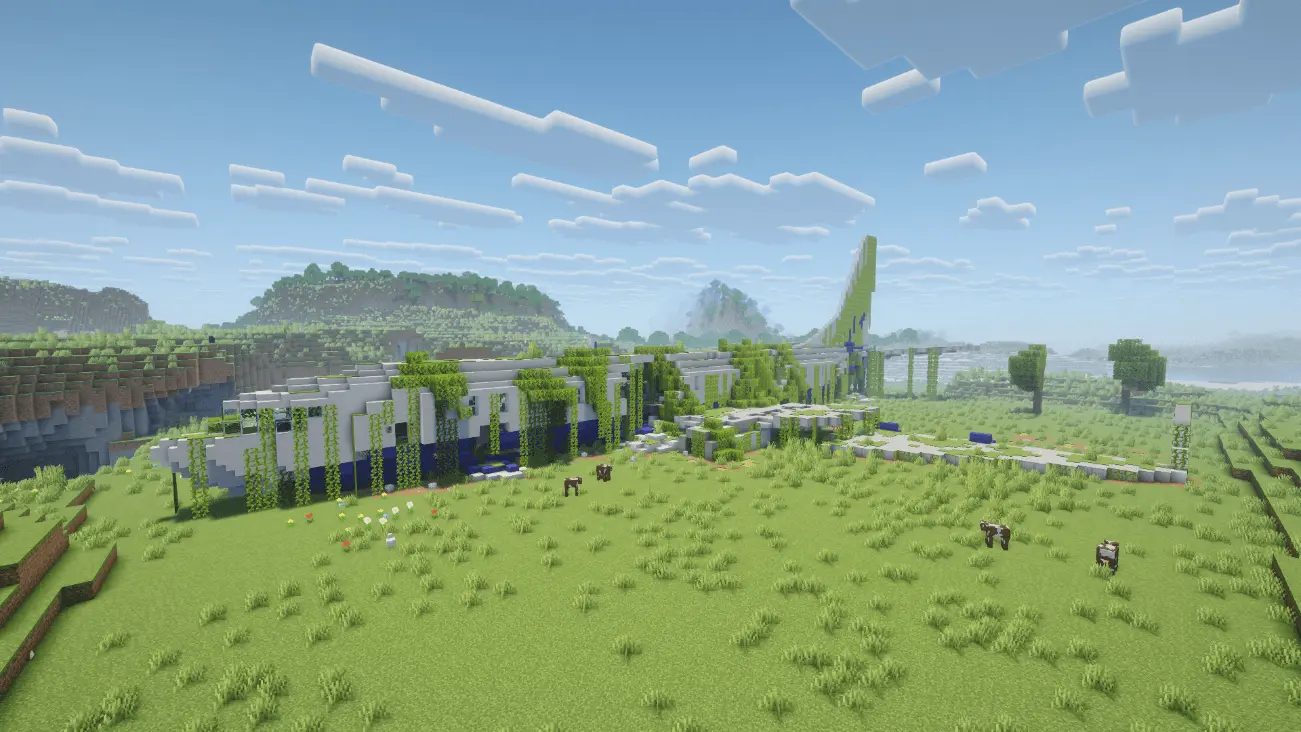
The Giant Plane Wreck map drops you right into an overgrown, heavily detailed crash site packed with hidden loot. If you want a sick starting point for your next survival playthrough that feels like an actual disaster zone, this is the download you need.
Forget spawning in a boring, empty forest and punching wood for an hour. This Minecraft Bedrock survival map completely changes the early-game grind by throwing a massive, destroyed airliner right into the wilderness. The build quality here is insane. You're looking at shattered wings, debris scattered everywhere, and vines taking over the fuselage. It’s not just a scenic build, either. You can actually tear through the wreckage to secure your day-one gear.
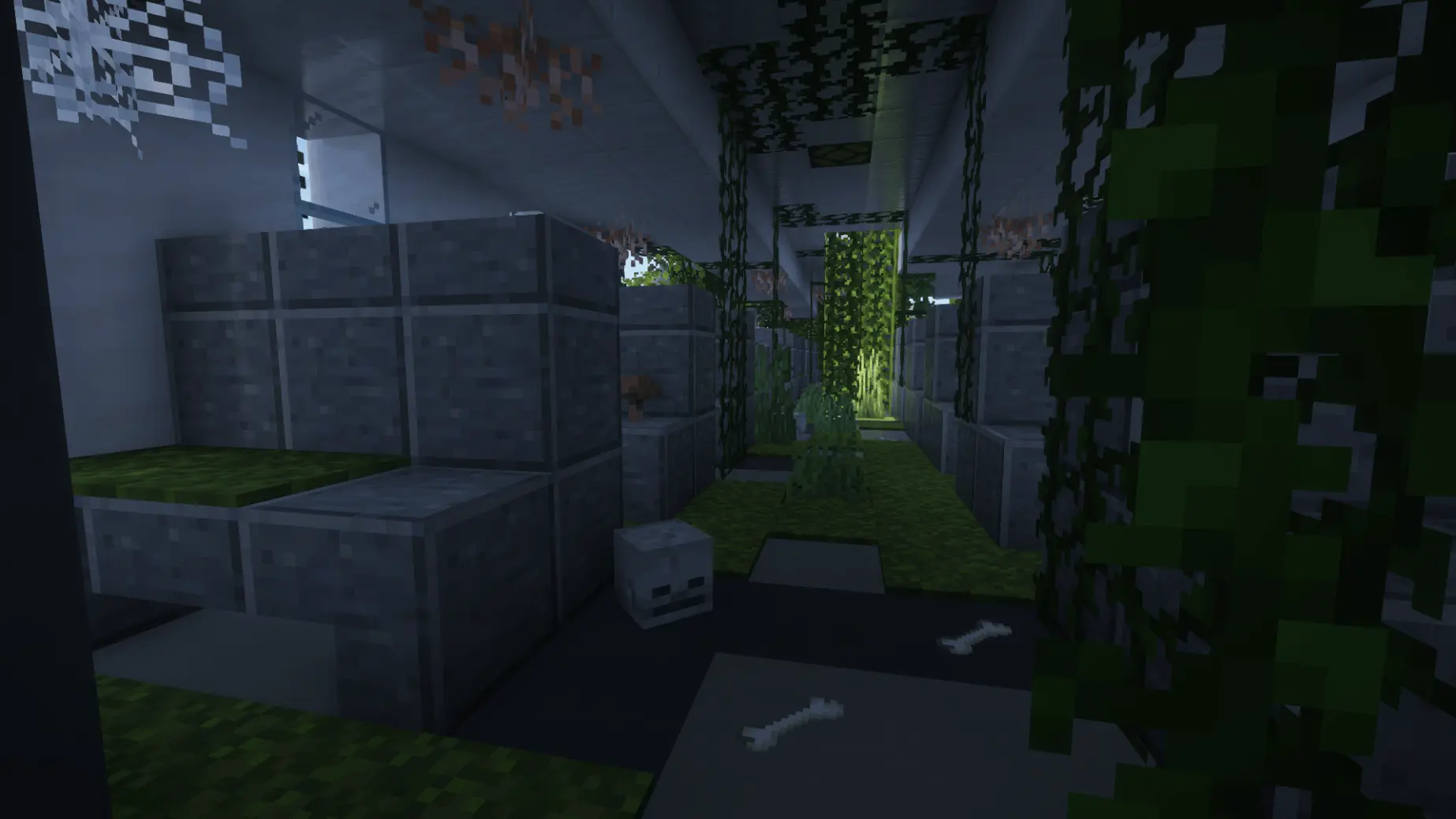
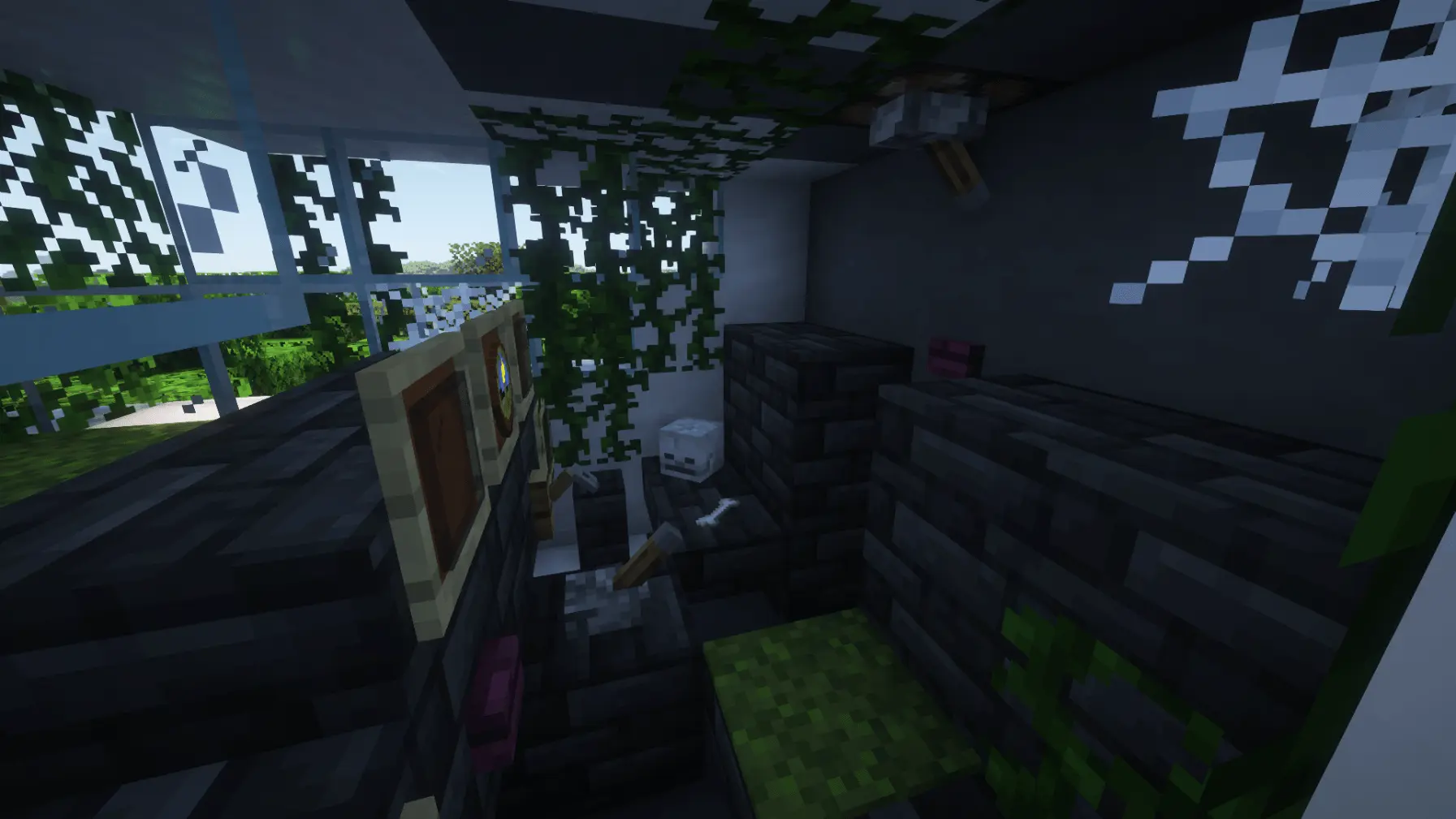
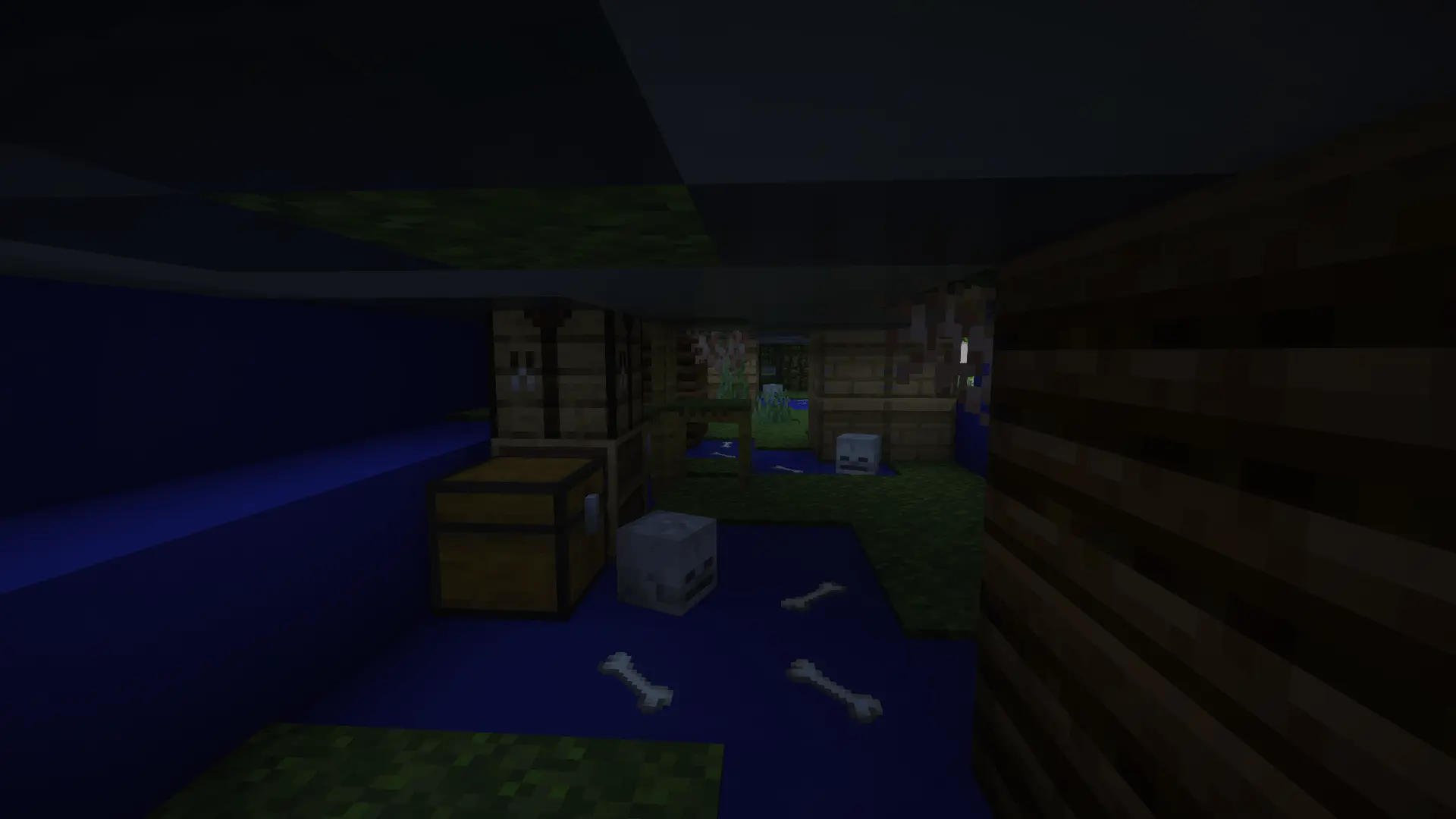
Scavenging the crash site hits entirely different than just looting a basic village blacksmith. You actually have to navigate the twisted metal, tear through the economy class seating, and secure the cockpit before nightfall. Turning this catastrophic wreckage into a fully functional starter base is an absolute masterclass in base design. Imagine setting up your automated smelting array inside a hollowed-out jet turbine, or using the first-class lounge as your main storage system. It gives you an insane architectural head start while maintaining a gritty, post-apocalyptic vibe that makes your world actually feel alive.
If you are dragging your SMP squad into this Minecraft Bedrock custom terrain, the roleplay and survival dynamics are pure comedy. You literally get to live out your own blocky version of The Forest. Figuring out who gets to claim the captain's chair for their bedroom and who is stuck sleeping in the baggage claim area is guaranteed to start some hilarious arguments in the Discord call. Because the layout is so massive, there is plenty of room for an entire faction to set up camp without stepping on each other's toes. You’ll be forced to work together to fortify the gaping holes in the fuselage to prevent creepers from wandering into first class during the night.
The interior of the plane is fully explorable, from the wrecked cockpit all the way down to a hidden cargo hold underneath the passenger floorboards. Ripping up the seats to find survival crates gives you a massive head start and gets you ready for sweaty gameplay instantly. Plus, since the creator built this massive structure using clean vanilla geometry without any bloated scripts, the performance is flawless. You get an immersive, cinematic drop zone with absolutely zero chunk lag and buttery-smooth FPS on your console or phone.
Ready to scavenge some high-tier gear before the first night hits? Download this MCPE custom map, grab your axe, crack open that cargo hold, and start your run.
How to install?
Android: you need to find the downloaded file on your phone, use any file manager for this and import the map into the game by opening it.
IOS: after receiving the map, the device itself will offer to install it.
Windows 10: go to the folder where the files are downloaded, find mcworld there and activate it.
Comments (0)