Crashed Star Destroyer - Survival World Map
- 25-07-2026, 04:07
- 364
Adventure Maps / Creation Maps / Custom Terrain Maps
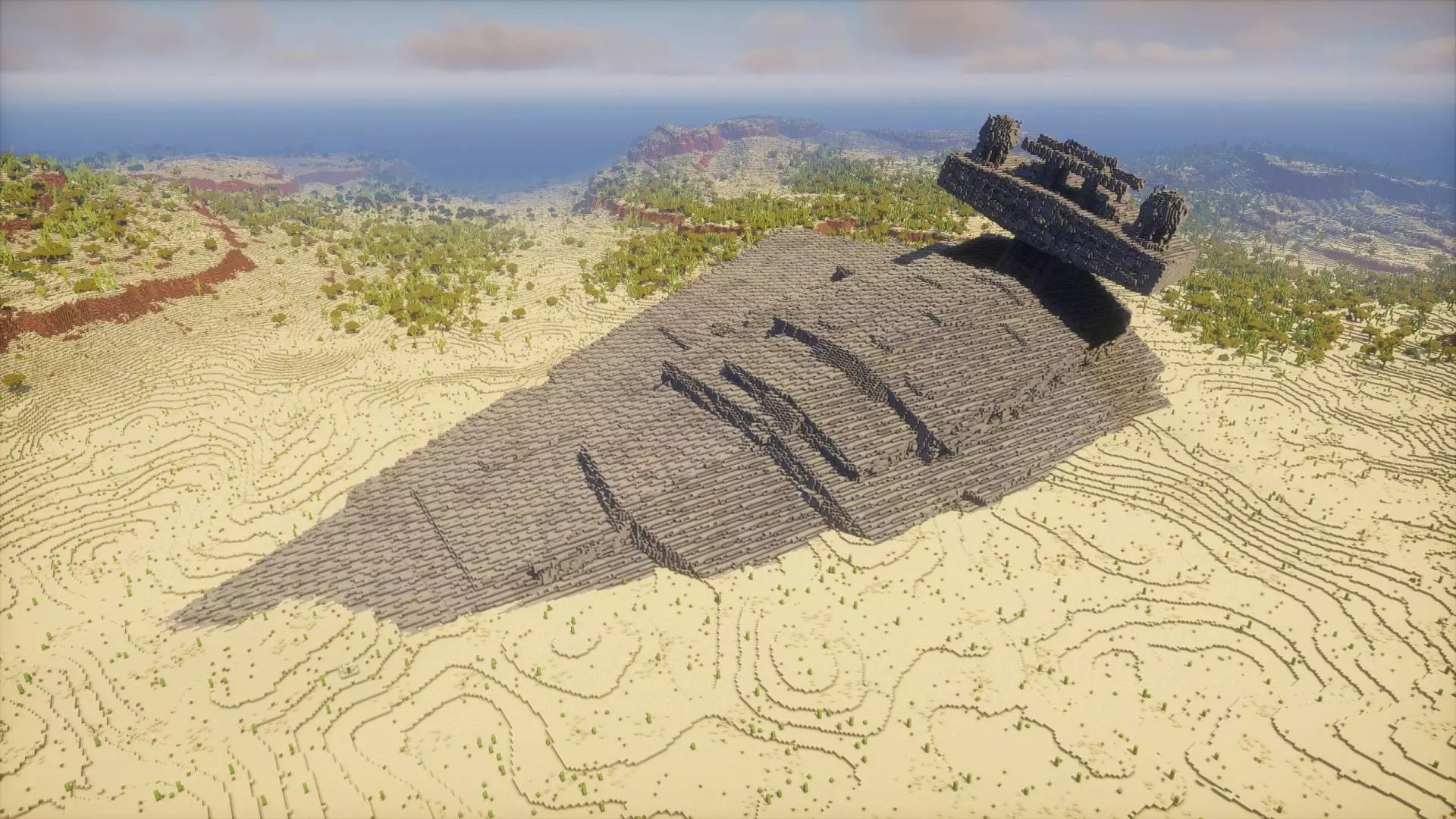
The Crashed Star Destroyer map drops you into a massive 2000x2000 custom desert wasteland dominated by a colossal, downed spacecraft. If you want a cinematic drop zone that blends sci-fi vibes with pure vanilla survival, this is your next download.
Most standard desert biomes are completely flat and boring, but this Minecraft Bedrock survival map overhauls the terrain. You get a sprawling custom wasteland integrated right into a classic vanilla world. At the center of it all sits a ridiculously massive Star Destroyer wreck. Since the ship is filled purely with stone and stone bricks without a pre-built interior, it acts as the ultimate blank canvas. You can grab your gear and literally hollow it out to construct a massive hardcore compound right inside the hull.
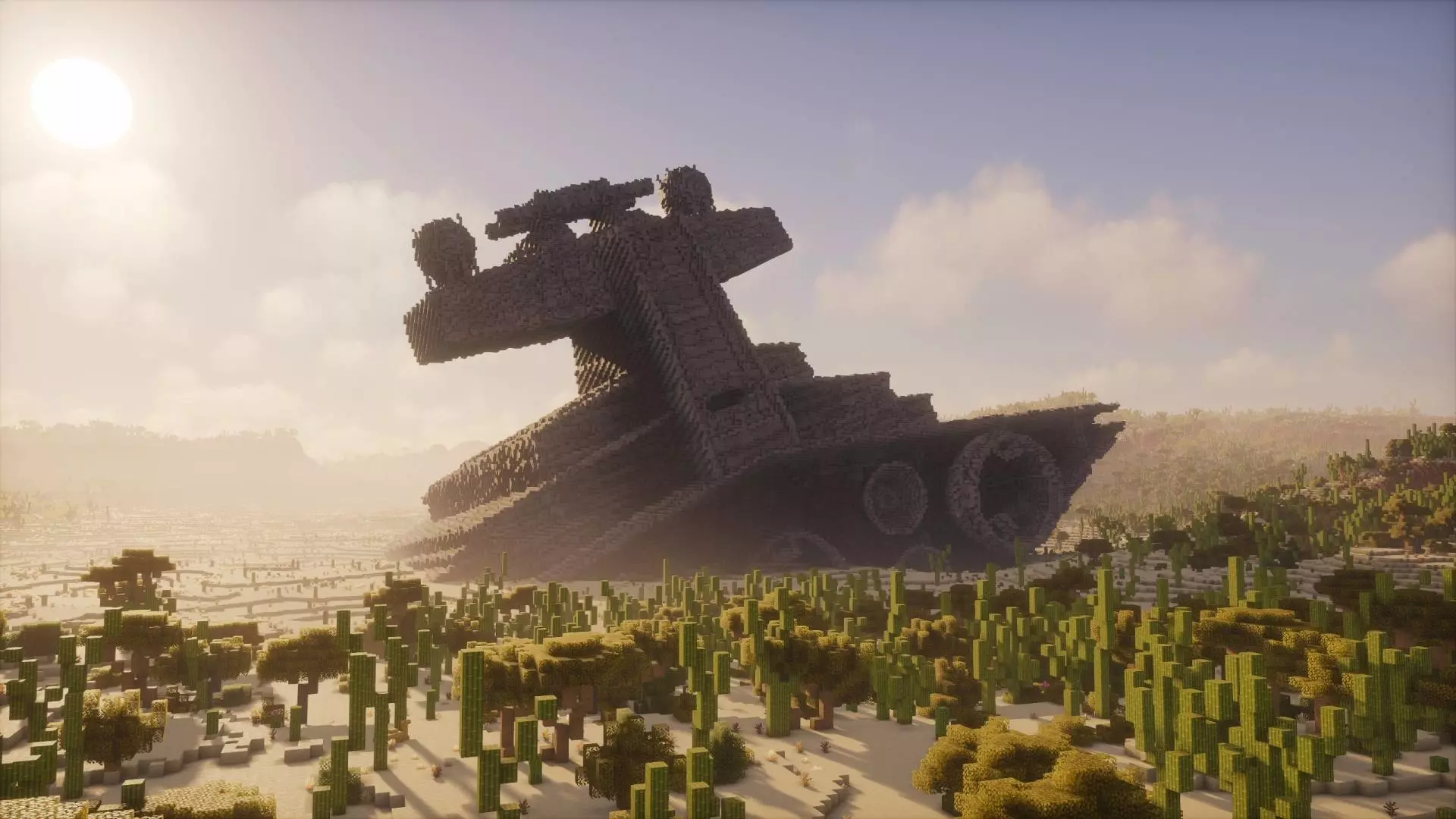
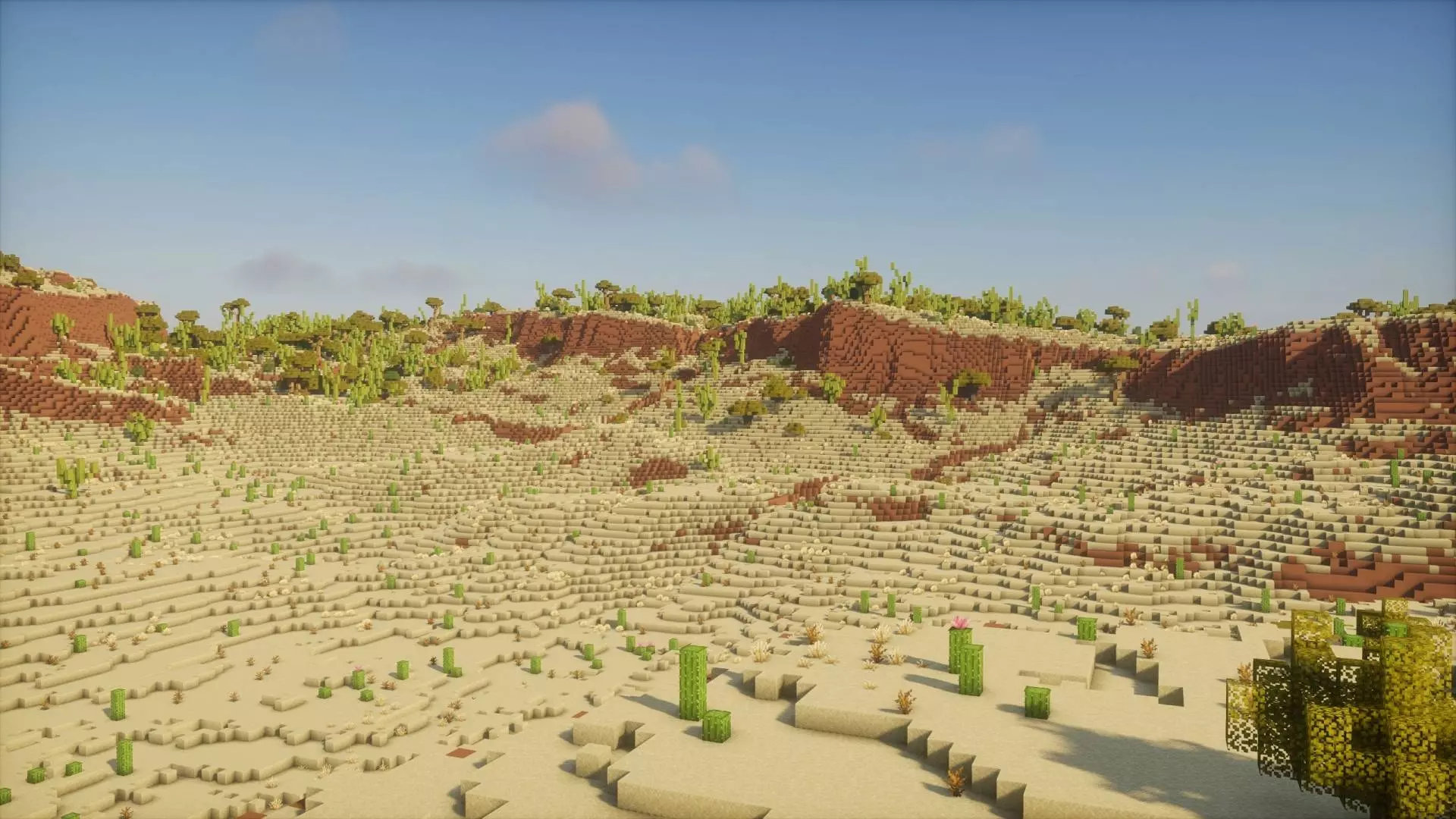
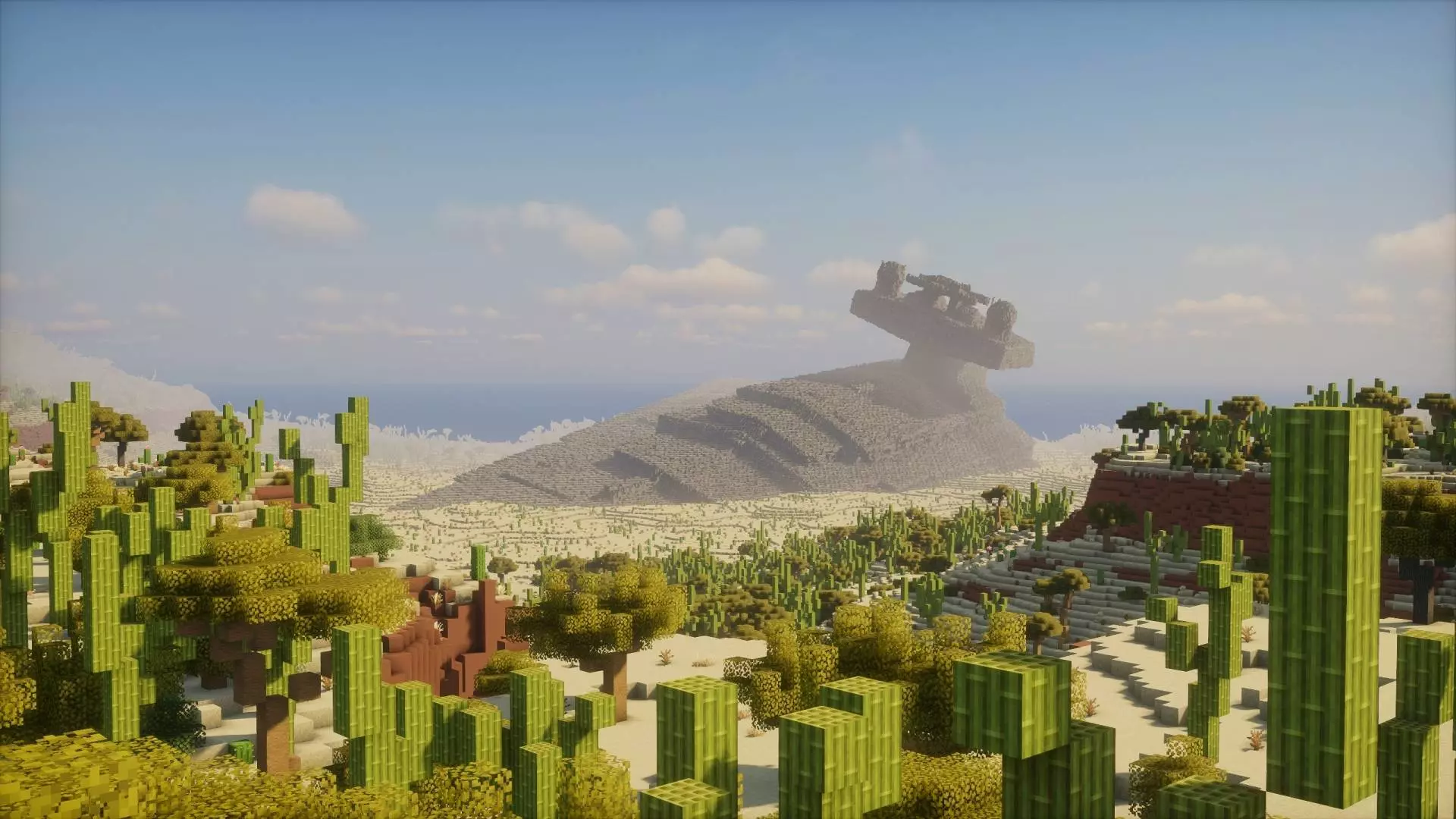
Usually, firing up a new MCPE survival world means suffering through the exact same early-game loop: punch wood, hide in a dirt hole, and slowly grind for iron. It gets stale incredibly fast. This custom Minecraft Bedrock adventure map throws that boring script directly into the trash. The moment you load into the chunk, you are staring down a hyper-detailed, massive spacecraft that has literally face-planted into a custom-terraformed valley. It’s not just a background prop, either. The scale of this wreck is totally unhinged, dominating the skyline and basically begging your squad to turn it into the sickest faction base on the server.
Exploring the interior of this downed behemoth hits different. The creator went crazy on the internal layout, leaving behind shattered corridors, dark engine rooms, and multi-level control bridges that are heavily shadowed and crawling with hostile night spawns. It acts like a massive custom dungeon right at spawn. You have to actively clear out creepers and skeletons lurking in the ruins of the hyperdrive engines before you can even think about setting down your bed. Once you actually secure the perimeter, the roleplay and building potential is off the charts. Converting a ruined command deck into your fully automated storage system or building iron farms inside the exhaust thrusters is the exact kind of high-IQ flex that makes multiplayer sessions legendary.
Unlike those showcase builds that are basically unplayable, this is a fully functional survival experience. The custom terrain is packed with standard cave systems, deep dungeons, and all the vanilla ores you need to grind out your progression. Plus, because the creator stuck to clean vanilla geometry and avoided bloated scripts, this MCPE custom map runs flawlessly. You get an epic, screen-filling structure while maintaining buttery-smooth FPS and absolutely zero chunk lag on any console or mobile device.
If you are tired of the same old boring forest spawns, download this custom Minecraft map, craft a few solid pickaxes, and start excavating the wreckage.
How to install?
Android: you need to find the downloaded file on your phone, use any file manager for this and import the map into the game by opening it.
IOS: after receiving the map, the device itself will offer to install it.
Windows 10: go to the folder where the files are downloaded, find mcworld there and activate it.
Comments (0)