The Lucky Islands Map
- 25-07-2026, 04:12
- 429
Adventure Maps / Custom Terrain Maps / Minigame Maps / Survival Maps
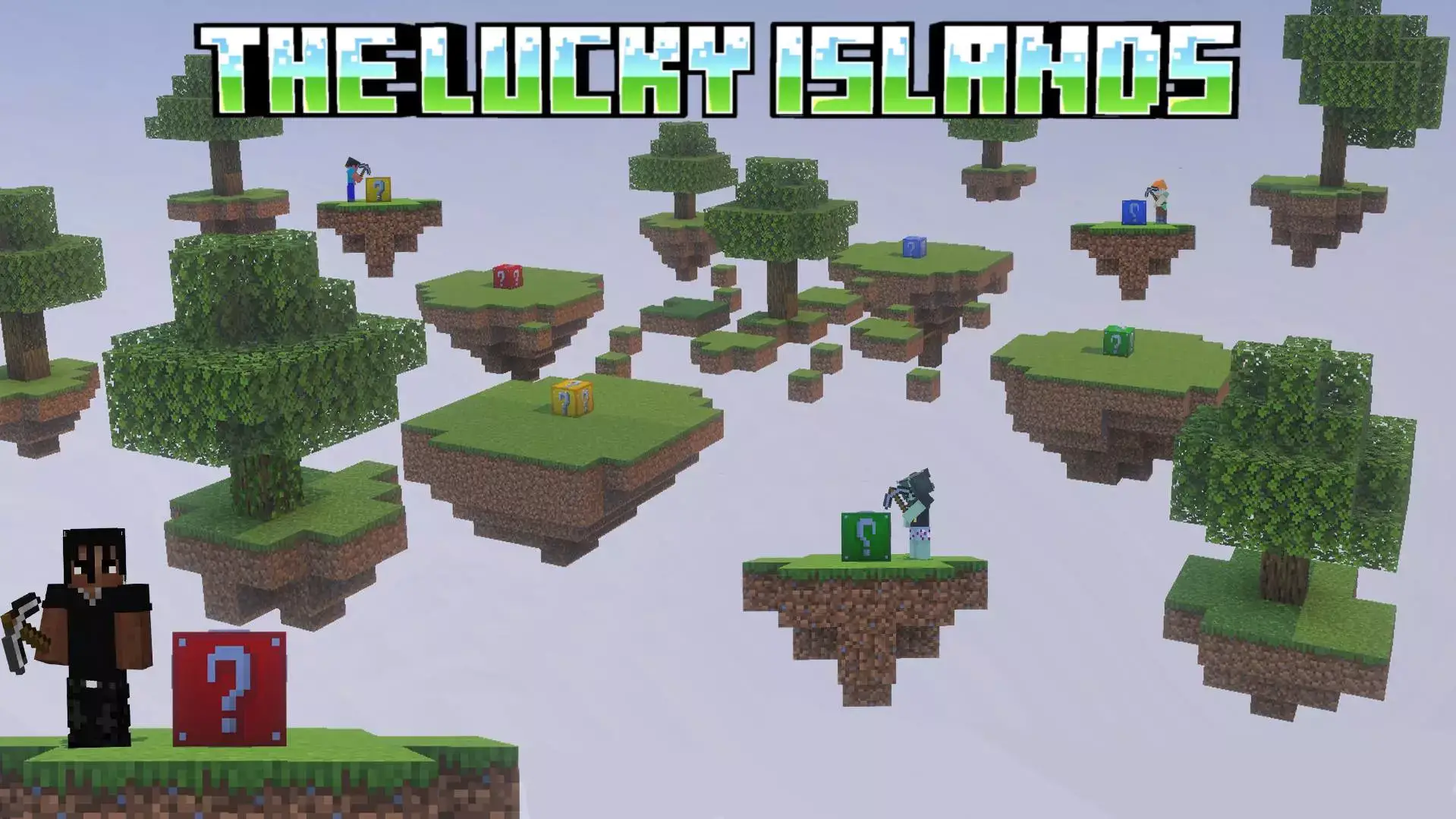
The Lucky Islands map takes the classic Skyblock experience and injects it with pure chaos by scattering randomized lucky blocks across custom floating terrain. If you want a sweaty, unpredictable survival challenge to grind with your squad, this is the exact drop zone you need.
Playing standard survival gets stale fast, especially when you already know exactly how to strip mine and speedrun the Nether. This Minecraft Bedrock lucky block map flips the current meta by trapping you high in the sky. Instead of grinding for hours to secure decent loot, your entire progression relies on breaking lucky blocks scattered across multiple floating biomes. One block might drop a god-tier enchanted diamond sword, while the very next one spawns a primed TNT block right on your head. You have to adapt on the fly, build up your base out of whatever junk you get, and carefully bridge across the void without falling to your death.
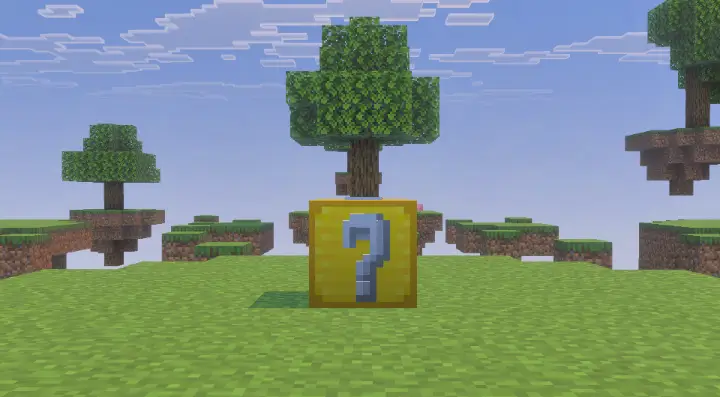
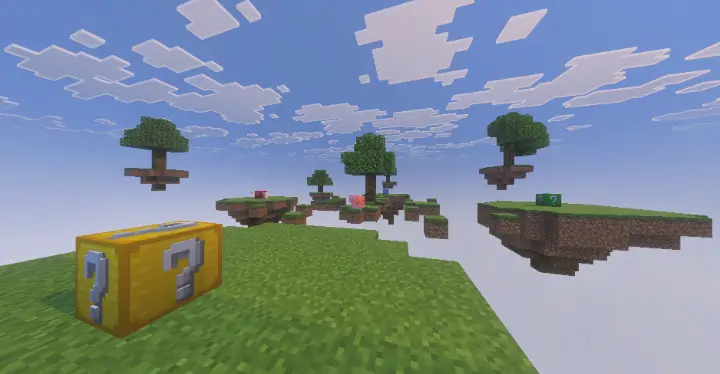
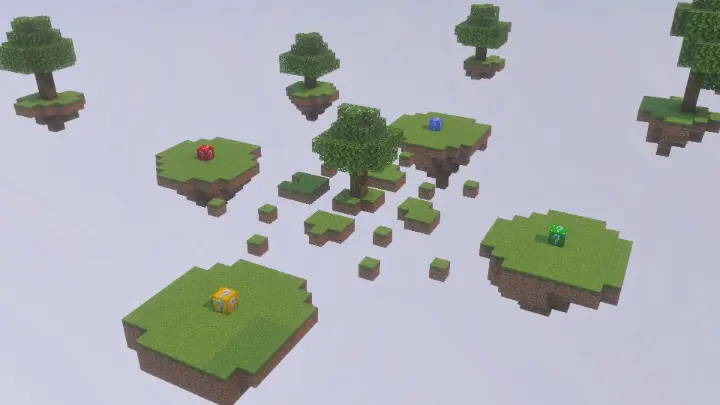
Whether you're running a solo hardcore challenge or hosting a chaotic multiplayer session, this MCPE skyblock survival map delivers. It skips the bloated scripts that usually ruin randomized add-ons, meaning you get buttery-smooth FPS and absolutely zero chunk lag while you are busy bridging between islands. The creator kept the backend clean so it runs flawlessly on any console or mobile device.
Stop playing the same boring infinite worlds. Download this Minecraft custom map, load into the sky, and see if your RNG is actually good enough to survive.
From a technical perspective, running this custom Minecraft Bedrock minigame map is remarkably clean. A lot of older RNG-heavy worlds suffer from brutal lag spikes the second a massive trap triggers, but this save is hyper-optimized. The command block infrastructure handles the randomizers without tanking your server tick rate, which is a massive W if you are hosting a realm with console and mobile players mixed in. The island aesthetics are crisp, and the built-in reset mechanic means you don't have to spend an hour manually patching creeper holes after a chaotic round.
If your discord call is getting quiet and you need a high-adrenaline party game to instantly spike the energy, downloading this is an absolute no-brainer. Grab the Lucky Islands map today, claim your floating base, and see who can survive the ultimate gamble.
How to install?
Android: you need to find the downloaded file on your phone, use any file manager for this and import the map into the game by opening it.
IOS: after receiving the map, the device itself will offer to install it.
Windows 10: go to the folder where the files are downloaded, find mcworld there and activate it.
Comments (0)