Villager Cartographer House Map
- 19-09-2026, 13:16
- 196
Adventure Maps / Creation Maps / Survival Maps
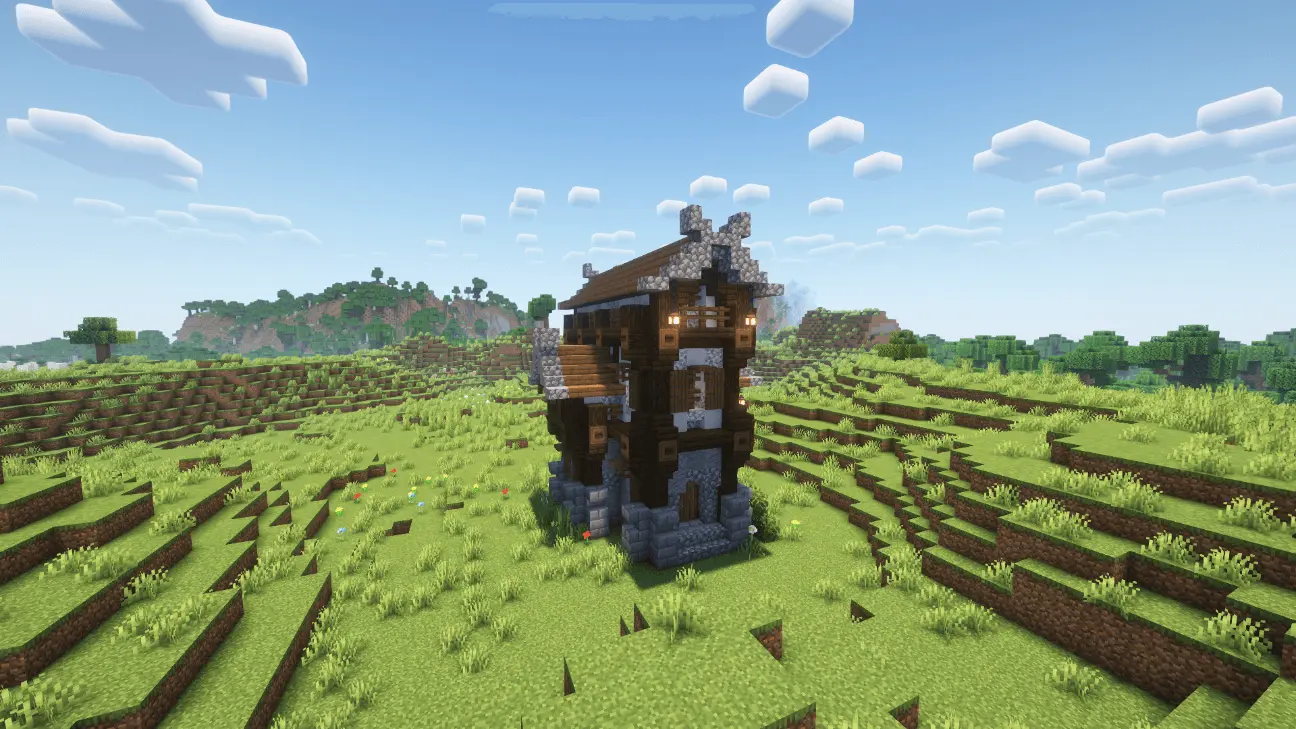
Finding a decent village on day one is always a massive gamble, but the Villager Cartographer House Map drops you directly into a huge, fully furnished explorer hub that is completely ready for a fresh survival run. It totally beats wandering around a plains biome aimlessly just hoping to find a bed before the zombies start spawning.
I always try to build these cool thematic houses for my villagers, but they usually just end up looking like weird, chunky wooden boxes. The creator of this build totally nailed the aesthetic. Set out in a super peaceful plains biome, this massive multi-floor house looks like something straight out of an RPG guild. The entire place is heavily themed around exploration and mapping. When you walk inside, you aren't just looking at empty rooms waiting to be decorated. The place is completely packed with bookshelves, lecterns, and actual cartography tables. It genuinely feels like a working settlement, especially since there are actual Cartographer villagers just hanging out and living inside. I highly recommend tossing on some rustic texture packs or soft lighting shaders to make the cozy reading areas and map rooms feel even more atmospheric.
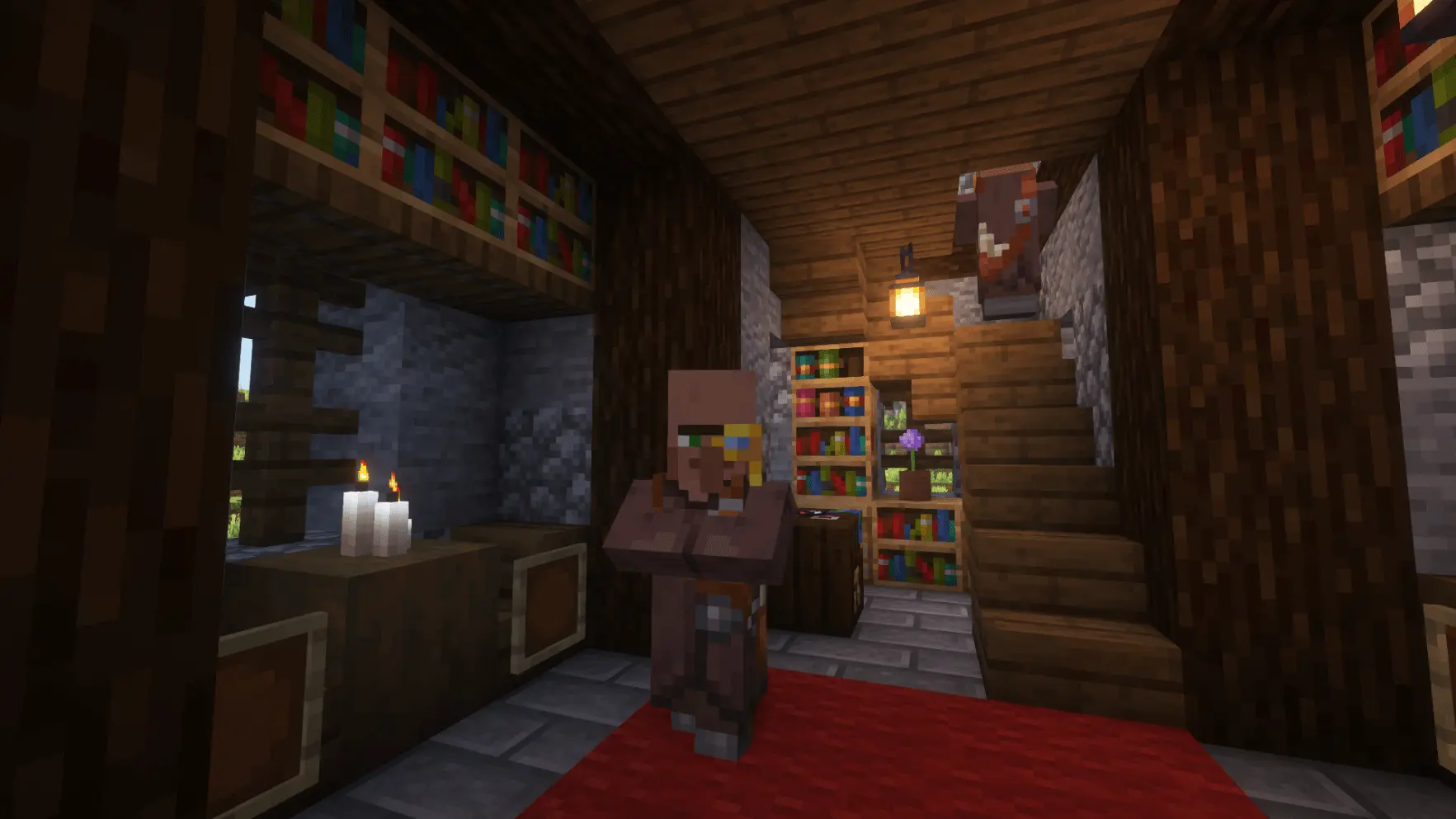
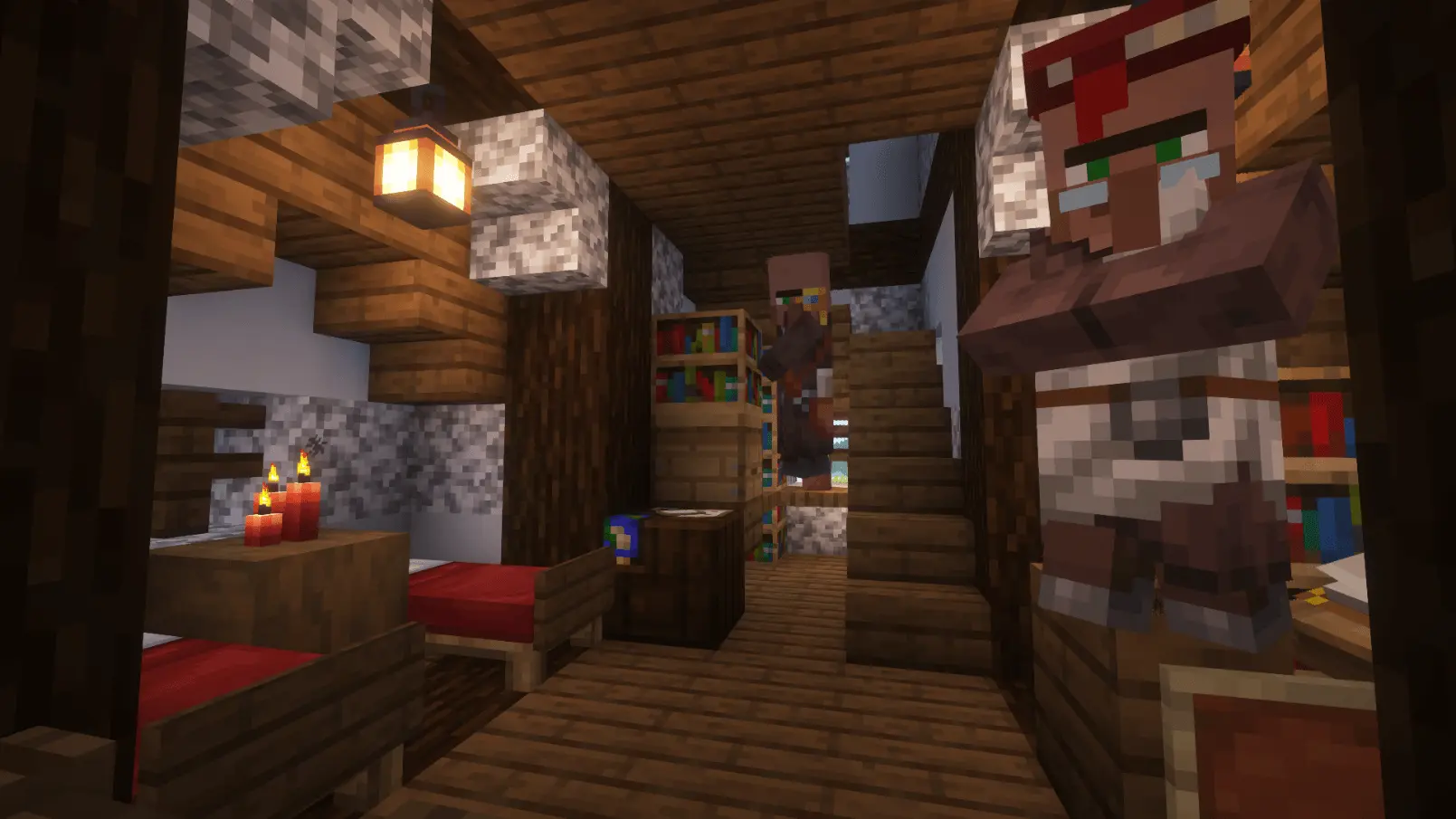
A lot of decorative custom maps look sick from the outside but leave you with zero actual gear to start your run. That is completely not the case here. This house is fully stocked with all the survival essentials you need to get moving immediately. You have pre-set beds to claim, all your basic crafting stations, and a ton of room to expand your storage. If you climb all the way to the top floor, there is a really cool little attic space that is absolutely perfect for stashing your early-game loot away from creepers.
If you are starting a fresh realm with your friends, have everyone equip their best explorer skins and make this your main base of operations. It just makes the early game so much less stressful. You get a beautiful, functional home base right from the start without having to grind for hours. If you want a perfectly themed starting point for your next run, you need to add this to your Minecraft Bedrock maps folder. Load up your MCPE worlds, trade with your new roommates for some maps, and start exploring the right way.
How to install?
Android: you need to find the downloaded file on your phone, use any file manager for this and import the map into the game by opening it.
IOS: after receiving the map, the device itself will offer to install it.
Windows 10: go to the folder where the files are downloaded, find mcworld there and activate it.
Comments (0)