CS2 Train Map
- 11-05-2026, 14:01
- 1 741
Adventure Maps / Creation Maps / PvP Maps
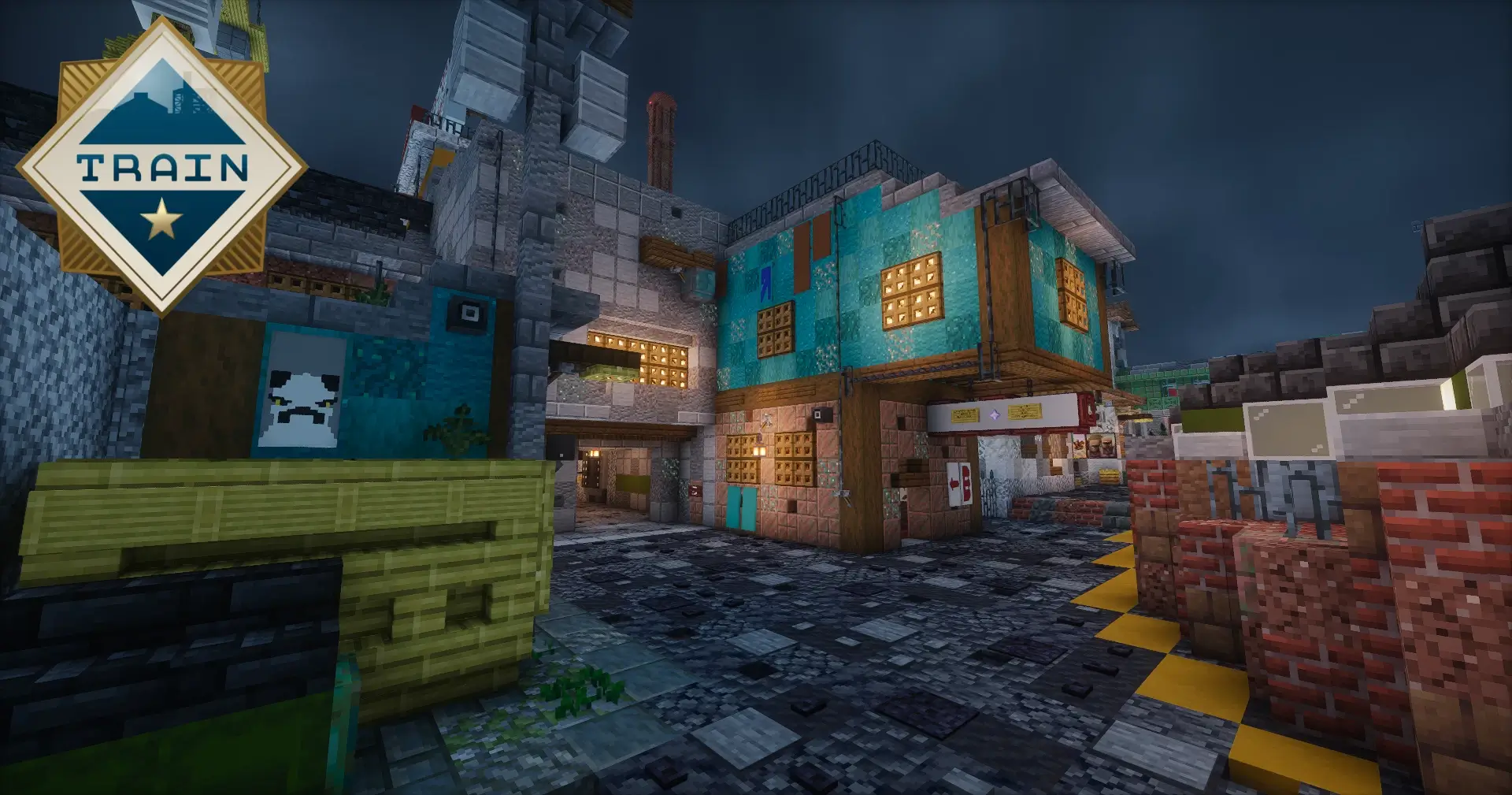
CS2 Train Map is made for fans of the Counter Strike game and the Train map on it.
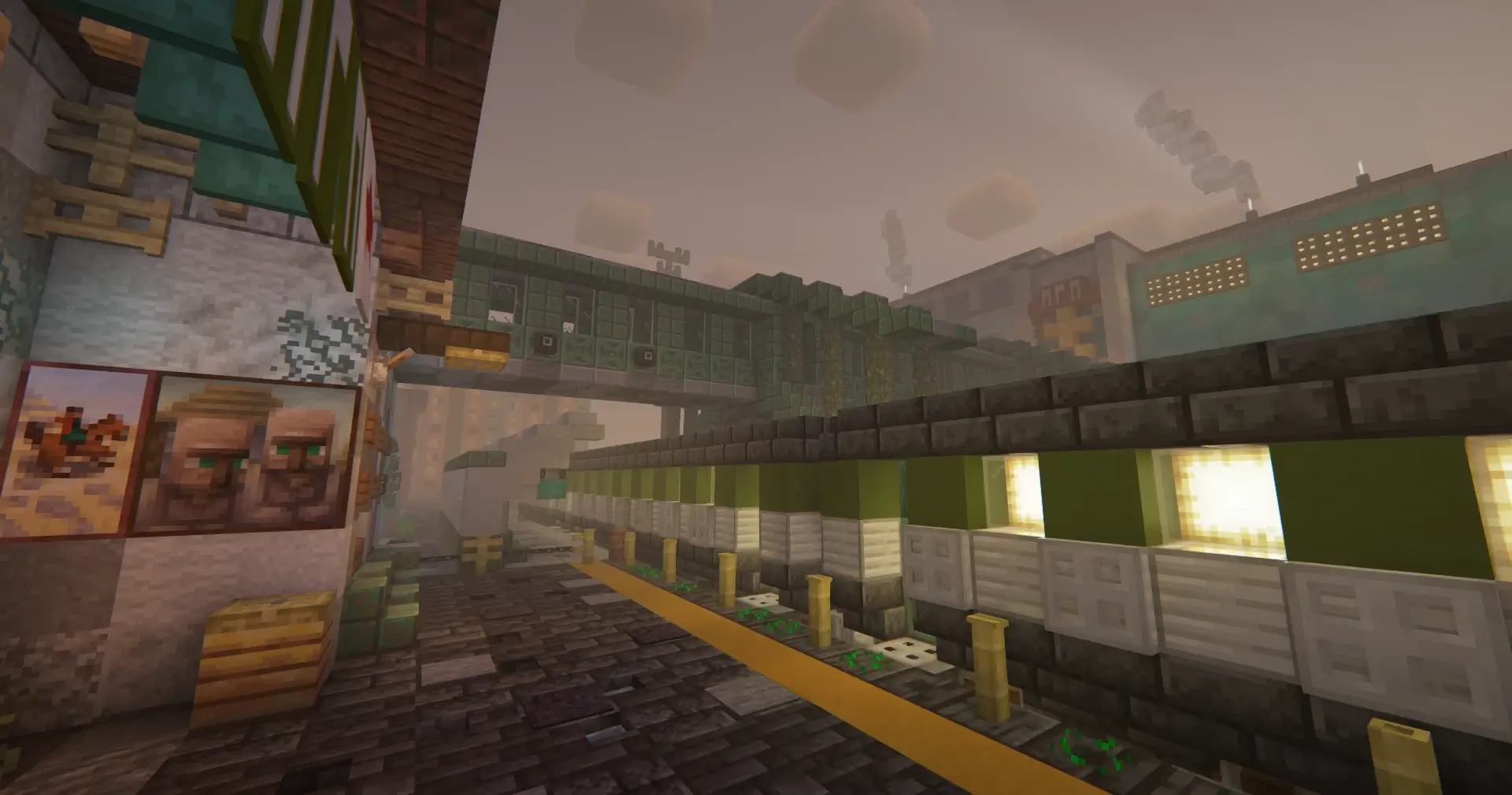
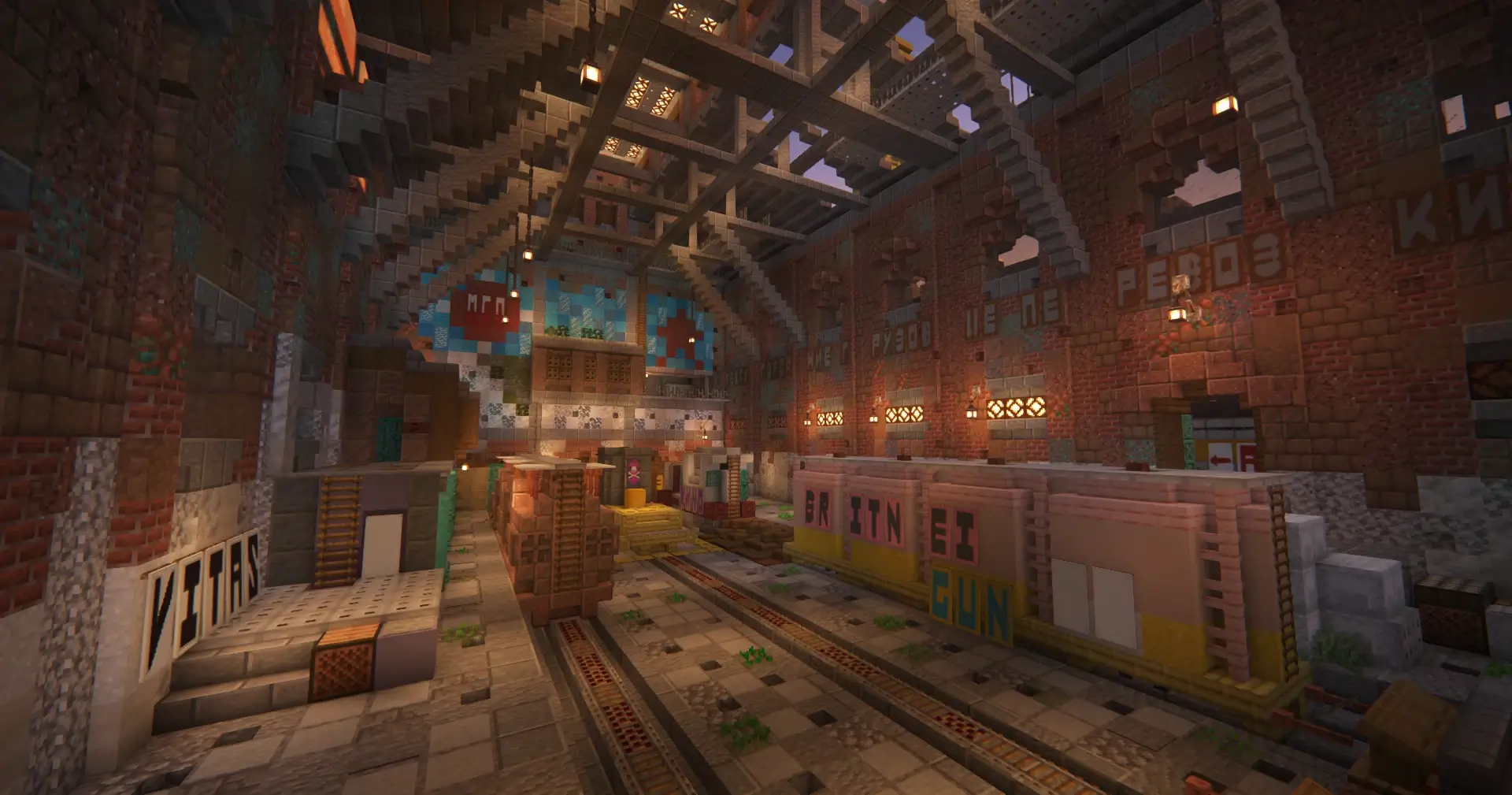
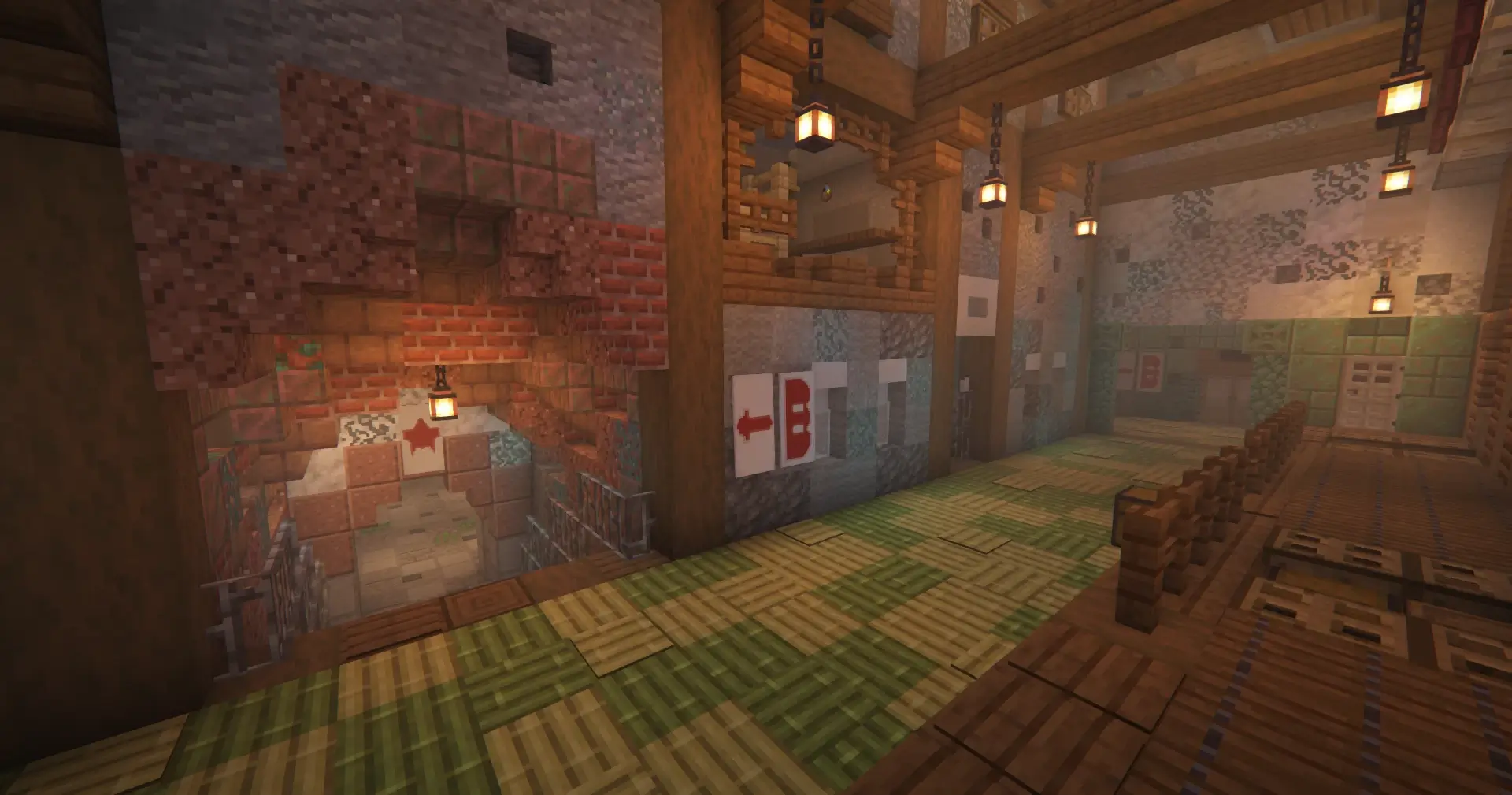
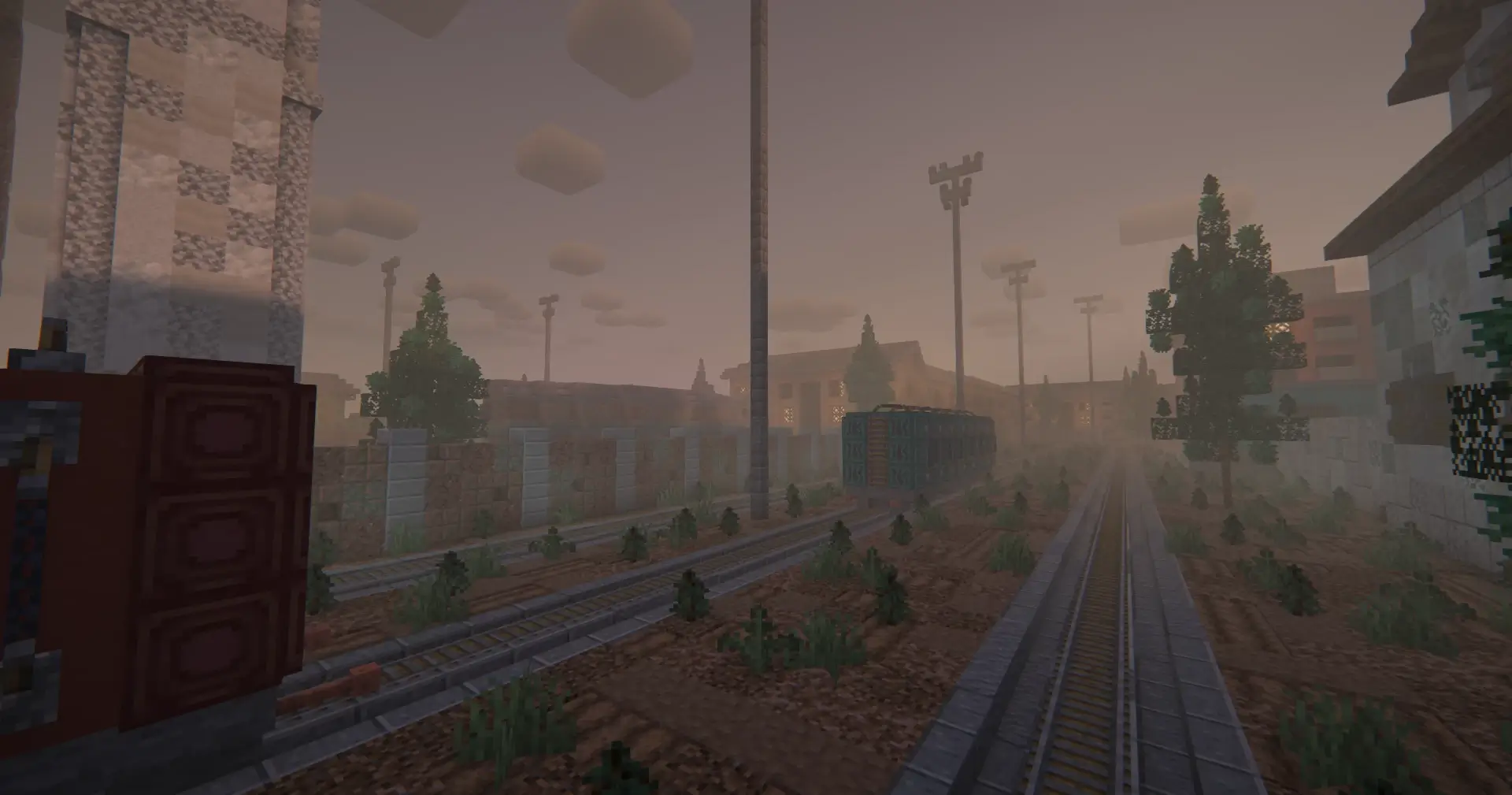
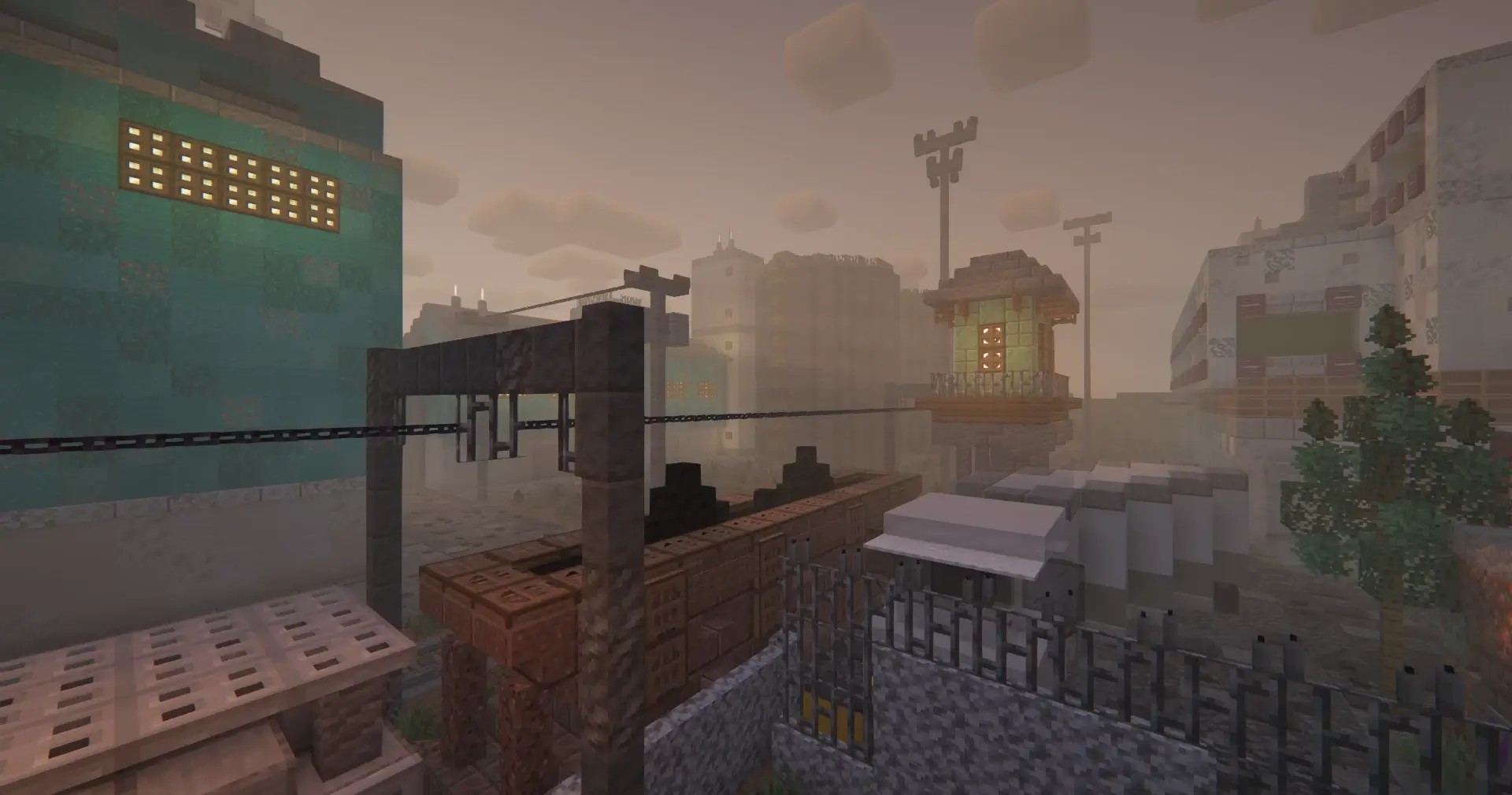
Peeking around a rain-slicked train car with an iron sword drawn might feel cursed at first, but this CS2 Train conversion brings sweaty competitive tension directly into Minecraft Bedrock. Tactical search-and-destroy layouts rarely translate cleanly into blocky terrain, yet this custom map nails every claustrophobic corridor and long industrial sightline.
Anyone who grinded defusal rounds back on PC knows that Train has always been an absolute nightmare for uncoordinated squads. You step out onto the rails, glance down ivy or popdog, and instantly get pinned down from three separate elevation levels. Recreating that specific, anxious game sense inside a sandbox engine sounds impossible on paper, but the block choices tell a completely different story. The builder leaned heavily into weathered textures, rusted metal blocks, and industrial concrete to replicate the gritty Eastern European freight yard aesthetic. The gloom feels oppressive, the train cars cast deep shadows, and every corner looks like an ambush waiting to happen.
What makes this download shine for dedicated PvP groups is the sheer spatial fidelity. The scale matches player sprint speeds remarkably well, avoiding the dreaded empty stadium syndrome that plagues amateur arena ports. B site plays fast and dirty, demanding quick entry frags around tight storage containers, while the wide-open tracks on A site force players to respect distant crossfires. One wrong move out into the open yard leaves your entire squad exposed to elevated crossfire, proving that pure mechanical aim means nothing if you fail to trade out eliminations.
Hardware optimization remains rock solid, even when multiple players start chucking fireworks and firing off projectile volleys simultaneously. You will not run into random chunk loading hitches or erratic frame drops while clearing out z-connector, which is crucial for mobile and console players who usually struggle on detailed community builds. The lighting holds steady across all corners, ensuring dark hiding spots remain readable without washing out the gloomy, rain-drenched visual design.
Getting everything up and running takes seconds through standard world import settings on your chosen device. Drop the file into your local client, launch a private multiplayer session with your regular gaming crew, and split into attackers and defenders before the opening round starts. CS2 Train delivers a tight, competitive playground that proves custom Bedrock arenas can deliver genuine competitive heat when built with precision. Pick your angles carefully, clear your corners, and prepare for an intense tactical brawl across the trainyard.
How to install?
Android: you need to find the downloaded file on your phone, use any file manager for this and import the map into the game by opening it.
IOS: after receiving the map, the device itself will offer to install it.
Windows 10: go to the folder where the files are downloaded, find mcworld there and activate it.
Comments (0)