Medieval Town between Snowy Mountains Map
- 11-04-2025, 20:07
- 1 728
Adventure Maps / Creation Maps / Survival Maps
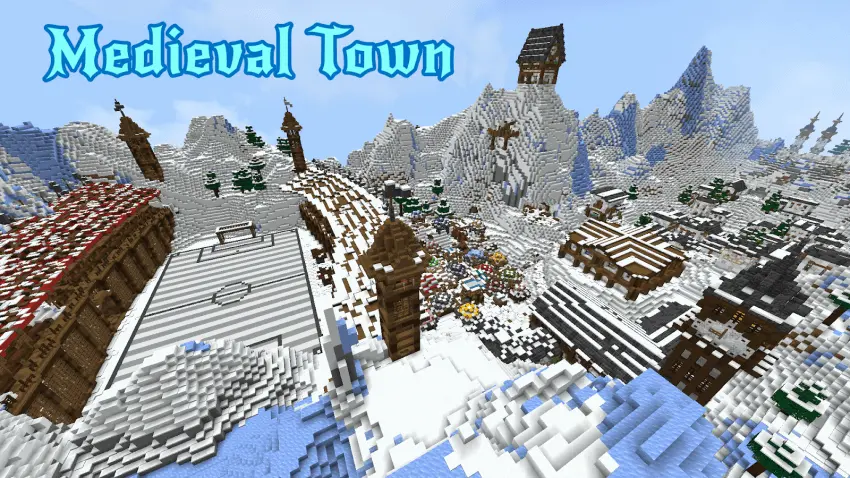
Medieval Town between Snowy Mountains Map - this is a really well-built project, many interesting places, structures and buildings await you on the map. Snowy peaks rise above the rooftops, a marketplace waits inside the town, and somewhere nearby there’s a soccer stadium. Medieval Town between Snowy Mountains gives Minecraft Bedrock players a mountain settlement with a few surprises tucked into the scenery.
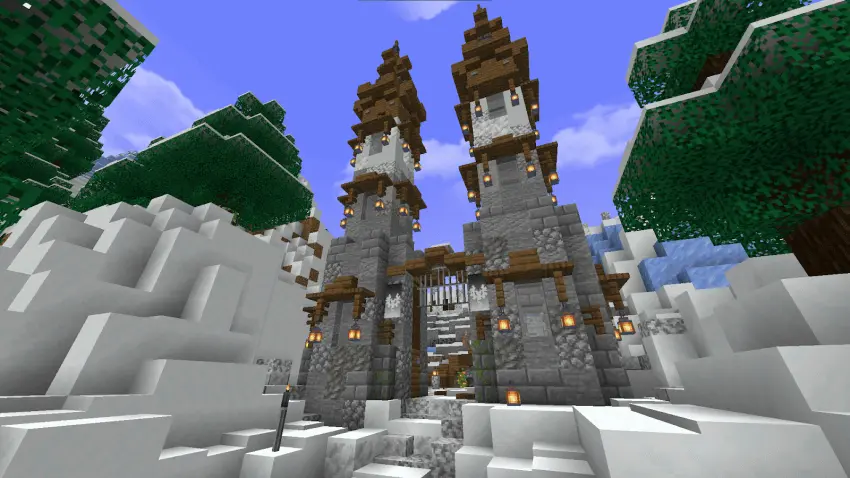
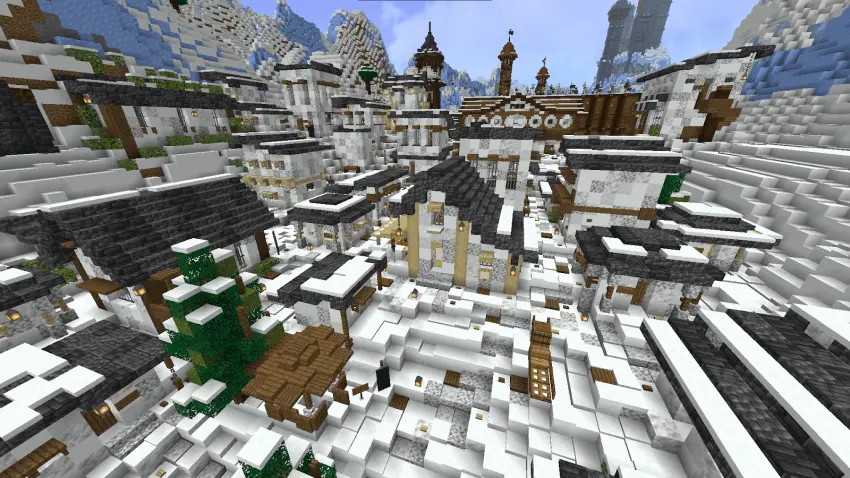
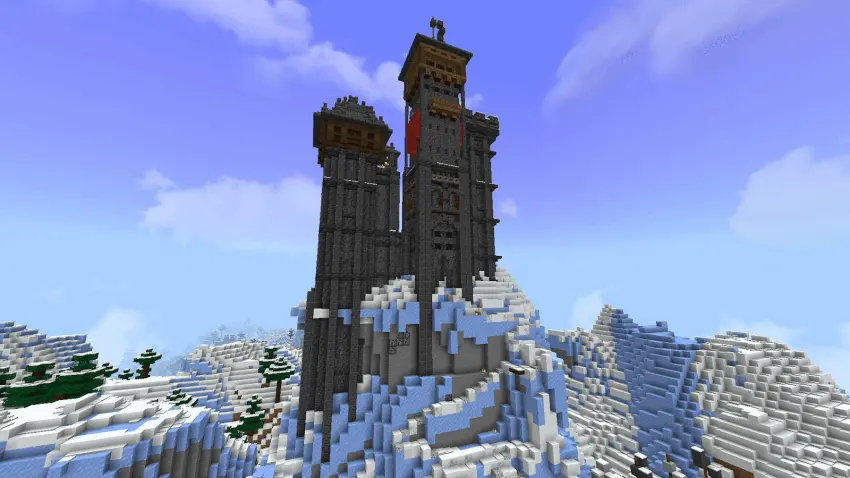
Start at the main entrance and make your way through the town at your own pace. There are houses to look around, towers that rise above the surrounding buildings, and a church that gives the settlement another landmark to find your way by. The marketplace is worth a visit too, whether you’re exploring the map as it is or looking for a place to add shops of your own. Together, the buildings make the town feel like more than a single impressive structure dropped into an empty world. Wander around, pick out a favorite house, and take a moment to look back toward the mountains. The snowy landscape is a big part of the setting, framing the town from different angles as you move through it.
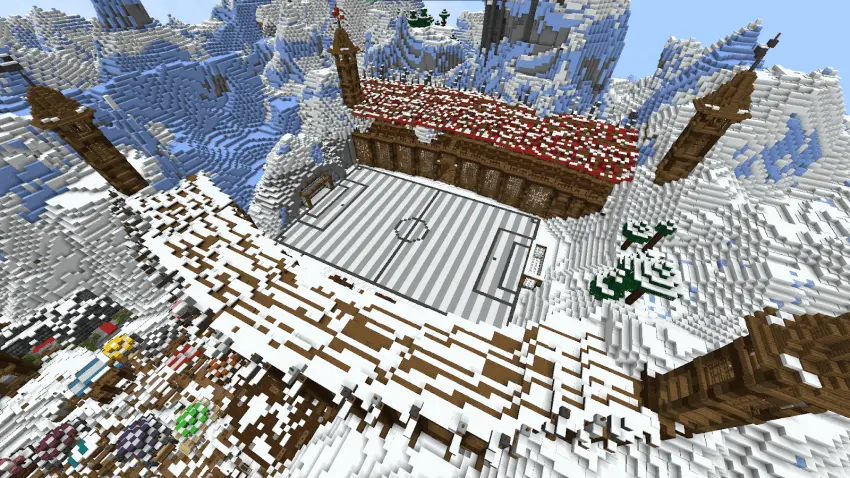
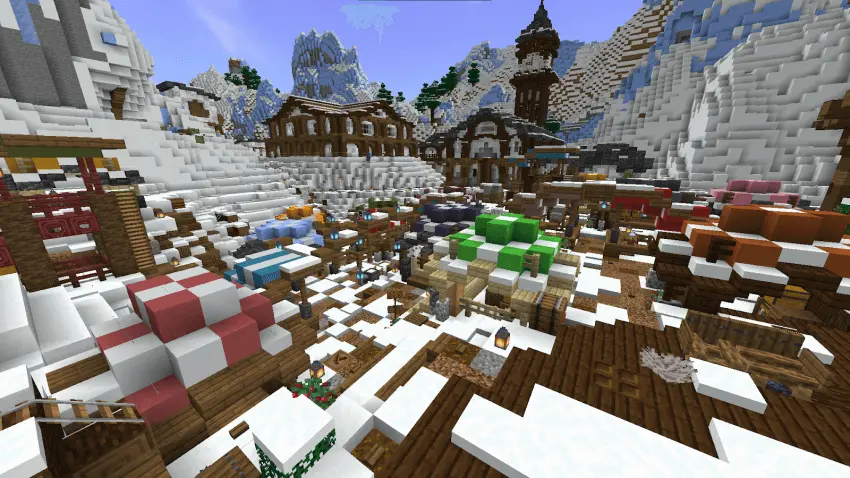
Then there’s the stadium. A soccer field might not be the first thing you expect in a medieval-style mountain town, but it gives the map a place to gather with friends. Bring a group, split into teams, and come up with your own rules for a match on the field. You could hold a tournament between building sessions or simply use the stands as a meeting point before heading out to explore. The contrast is part of the charm: one minute you’re admiring the church and marketplace, and the next you’re standing in a stadium with snowy peaks in the background. It’s an unusual combination, and that makes the town more memorable.
If you want a quieter view, look for the house up on the mountain. Its elevated position gives you another perspective on the snowy surroundings and makes it a tempting place to claim as a retreat. Back in town, you could choose a house as a survival home, furnish it to your taste, and use the existing buildings as the starting point for your own projects. Add a path, set up a workshop, or turn part of the marketplace into a spot where friends can trade supplies. The map provides the setting; what happens there is up to you. Take a walk around before making big changes, though—you might discover a corner of town you want to keep just as it is.
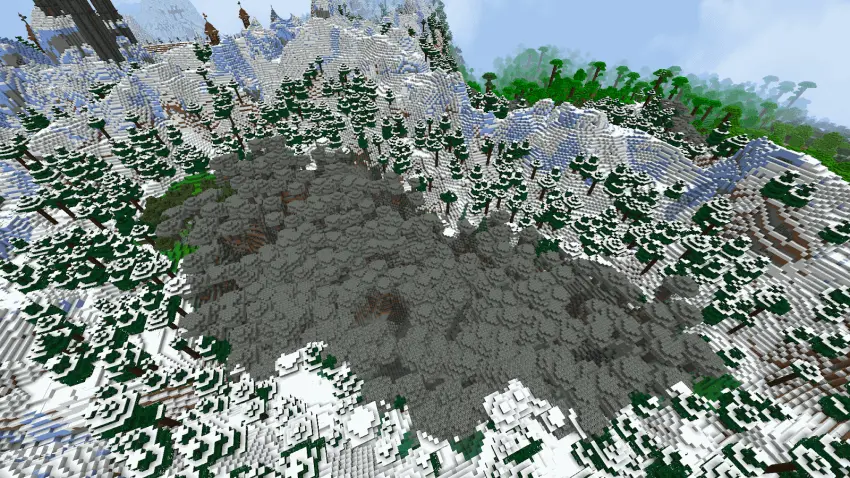
There’s more to see beyond the snow, too. A jungle and a pale garden lie near the town, giving you a reason to head out and explore different scenery before returning to the mountains. Pack what you need, choose a direction, and see how far your trip takes you. You can enjoy the world alone or bring friends along, whether your goal is survival, sightseeing, or building onto the settlement. End the day back at the mountain house, meet everyone at the marketplace, or settle the evening with a match at the stadium. There’s a lot of room to make this snowy town your own.
How to install?
Android: you need to find the downloaded file on your phone, use any file manager for this and import the map into the game by opening it.
IOS: after receiving the map, the device itself will offer to install it.
Windows 10: go to the folder where the files are downloaded, find mcworld there and activate it.
Comments (0)