Numberblocks Twenty-Seven's Survival Map
- 29-05-2025, 11:21
- 1 175
Adventure Maps / Minigame Maps / Survival Maps
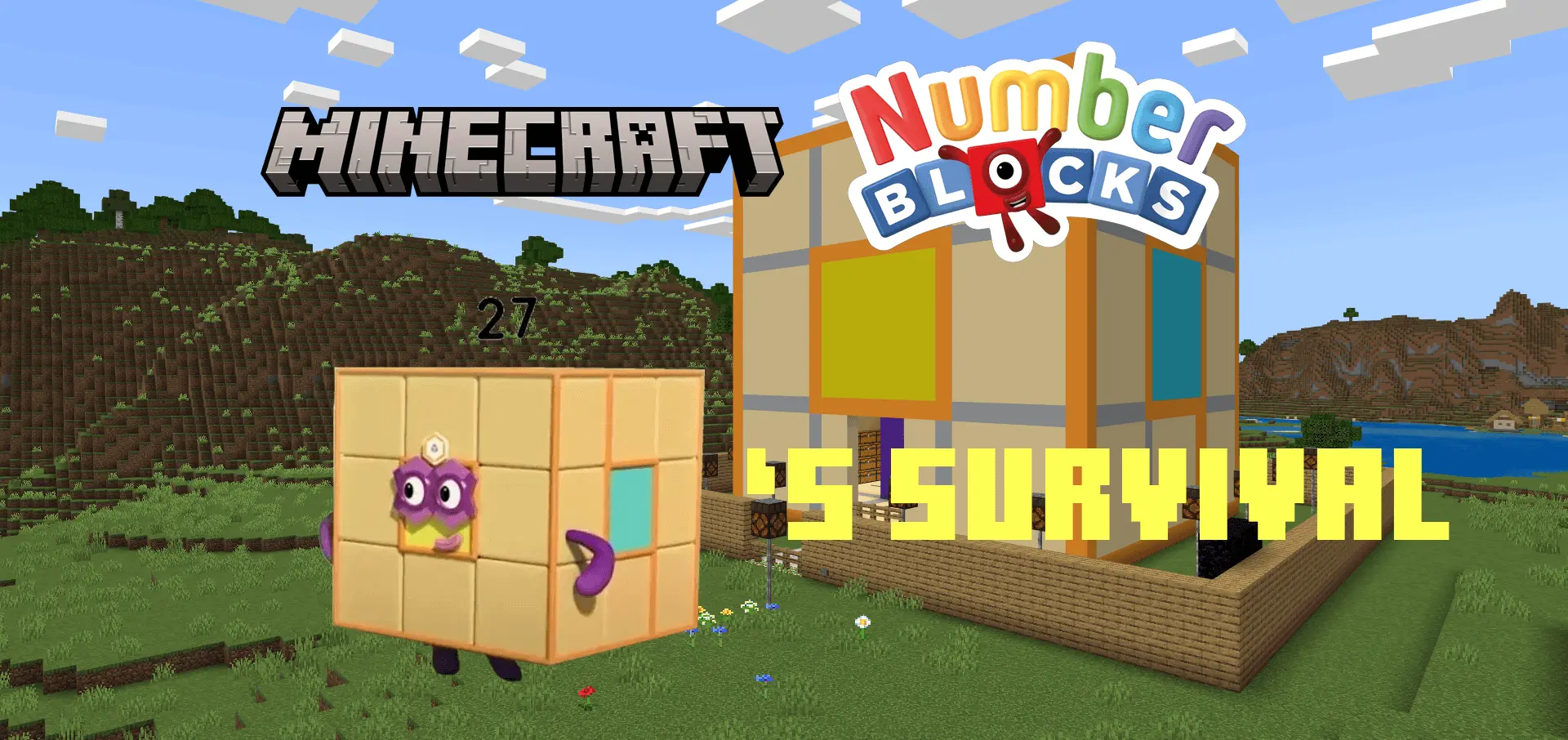
Numberblocks Twenty-Seven's Survival - download a new interesting map to challenge your friends. Your new Minecraft survival base is a giant Numberblock, and you’re playing as Twenty-Seven. That’s already a pretty good reason to take a break from your usual world and see what happens next.
Numberblocks Twenty-Seven’s Survival gives you a ready-made starting house shaped like the character, so your first job isn’t scrambling to build shelter before sunset. Take a look around, get familiar with your surroundings, and decide what you want to do with your new home. You can keep the giant Twenty-Seven as your main base, add rooms as your collection of resources grows, or build a garden and paths outside. It’s the sort of place that’s hard to lose sight of after a trip into the wilderness. If you’ve ever spent a Minecraft night searching for a tiny starter house behind the wrong hill, you’ll appreciate having a much bigger landmark to look for.


You begin the map in Twenty-Seven’s form and can’t switch your player character to another form. For Numberblocks fans, that makes the world feel like an adventure built around one familiar character rather than just a regular survival map with a themed house. You can head out gathering wood, dig for resources, and return home to expand your setup, all while playing as Twenty-Seven. The map doesn’t hand you a list of quests you have to follow; you can make your own plans. Start a farm near the house, find a cave worth exploring, or set yourself the goal of building a second base somewhere with a good view.
There are also Numberblocks mobs to encounter, and not all of them are interested in being friendly. Terrible Twos and Octonaughty will attack, so don’t assume every colorful character you see is safe to approach. Keep an eye on your health, bring a weapon when you leave home, and think twice before wandering too far without supplies. If you want a quieter world to build in, the settings for the included Numberblocks pack let you turn natural spawning of its mobs on or off. That gives you some control over how much of the character-filled chaos you want around your base while you settle in.
What makes this Minecraft Bedrock survival map fun is the combination of a recognizable Numberblocks character and all the little projects that come with making a world your own. One day you might be planting crops outside your giant house; the next, you’re heading underground for iron and trying to remember which tunnel leads back. There’s room to play it as a relaxed building world or focus on gathering better equipment and exploring farther from home. Keep the map’s included packs active, since they provide its Numberblocks content, and give yourself a chance to look around before racing off. Your house is shaped like Twenty-Seven, after all. It deserves at least one good look before you disappear into a mine.
How to install?
Android: you need to find the downloaded file on your phone, use any file manager for this and import the map into the game by opening it.
IOS: after receiving the map, the device itself will offer to install it.
Windows 10: go to the folder where the files are downloaded, find mcworld there and activate it.
Comments (0)