MCPE Escape Room Map
- 29-05-2025, 19:12
- 1 465
Adventure Maps / Minigame Maps / Puzzle Maps

MCPE Escape Room - Puzzle Map! Find clues and solve tasks to be able to escape. You’re locked in a small cavern, and the way out isn’t going to reveal itself just because you’ve stared at the walls for five minutes. MCPE Escape Room puts clues and useful objects within reach, but figuring out what to do with them is your problem.
This Minecraft Bedrock puzzle map has a straightforward goal: escape. There’s no sprawling survival base to manage or distant biome to track down. Your attention belongs on the space around you and the items you can find there. Take a proper look before you start clicking everything in sight. What seems like an ordinary part of the room might be worth checking, and an object that makes no sense at first could become useful once you discover another clue. The map gives you what you need, so the challenge is learning to notice it and work out how the pieces fit together.

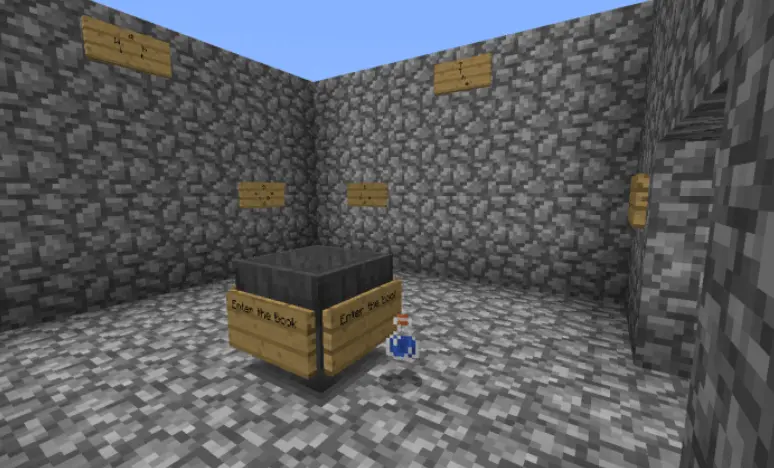
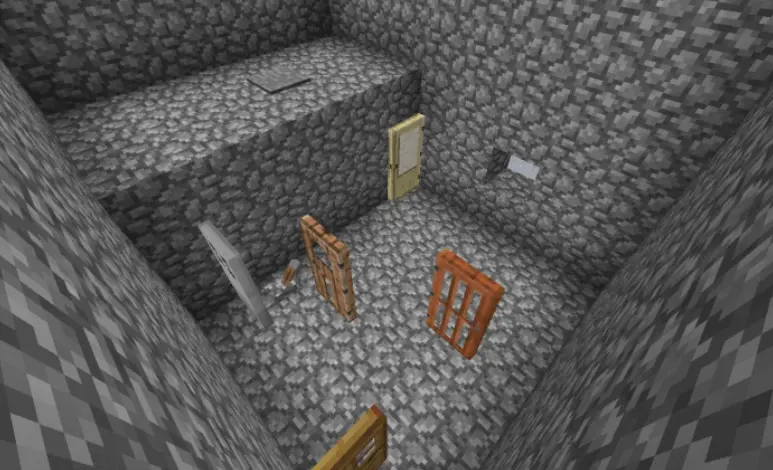
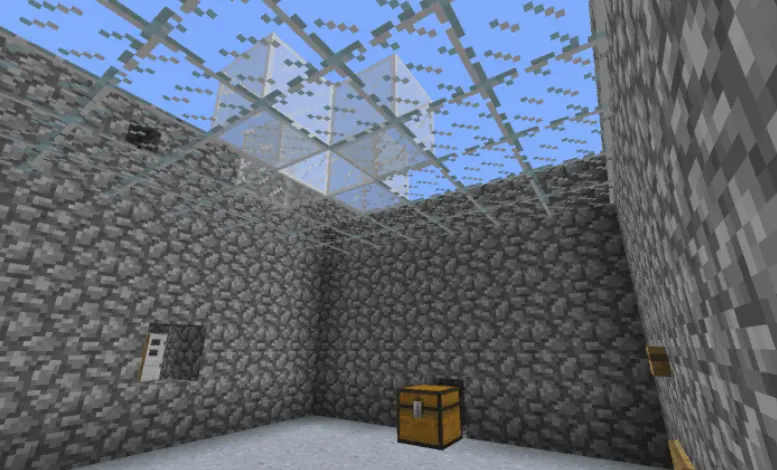
If you get stuck, try treating the room like a search area instead of pacing around it for the tenth time. Pick a corner, examine it carefully, then move on to the next. Keep track of what you’ve found and what you’ve already tried. It’s surprisingly easy to overlook a detail when you’re convinced the answer must be somewhere else. And don’t be afraid to revisit an object after you’ve made progress. Sometimes the clue hasn’t changed; you just understand it differently now. That little moment when an idea finally clicks is the good stuff, especially if you’ve spent several minutes insisting that the map must be broken.
You can tackle MCPE Escape Room solo or bring friends along for the puzzle hunt. Playing alone gives you time to think at your own pace, while a group can turn the search into a scramble of suggestions and questionable theories. One player might notice a clue everyone else walked past, and another might figure out how to use an item that’s been sitting in the inventory. If you’re playing together, talk through what you’ve found rather than keeping it to yourself. Otherwise, someone might spend five minutes searching for the same thing you picked up right at the start. For a friendly challenge, agree to avoid a walkthrough and see how far you can get on your own.
The map suits players who want a break from mining and building without leaving Minecraft behind. You won’t need to memorize a complicated story before jumping in; the point is to pay attention, experiment, and work toward the exit. If you’ve checked every corner and your best idea still isn’t working, take a breath and go back over the clues instead of randomly guessing. There’s a walkthrough available if you’re truly stuck, but solving a tricky part yourself is much more satisfying. Open the map, take a look around the cavern, and see how long it takes before you start questioning that one detail you thought couldn’t possibly matter.
How to install?
Android: you need to find the downloaded file on your phone, use any file manager for this and import the map into the game by opening it.
IOS: after receiving the map, the device itself will offer to install it.
Windows 10: go to the folder where the files are downloaded, find mcworld there and activate it.
Comments (0)