Survival Igloo House Map
- 23-12-2025, 11:50
- 699
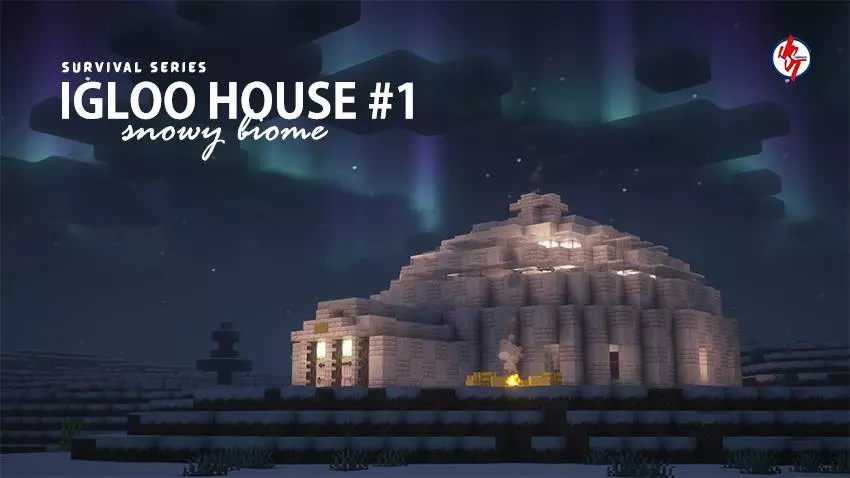
Survival Igloo House Map is the start of the creator’s Mini House Series, and it’s built around a simple idea: give you a small house that’s actually playable in survival, themed to the biome you’re in. This first entry drops you into a Snow Survival setting with an Igloo House theme, which instantly sets the mood. Snow biomes already feel quieter and more isolated, so starting with an igloo-style home just makes sense—it feels like you’ve got a winter shelter ready before the harsh part of survival even begins.
In real gameplay, a snow start is all about getting comfortable fast. You don’t want your first session to be “freeze vibe, panic build, hope for daylight.� Having an Igloo House theme as your base means you can focus on the normal survival loop right away: scouting the area, finding resources, and figuring out where you want to expand. Snow areas also make building look clean and sharp, so even a small starter house can feel like a real base if you add a few extra touches around it later.
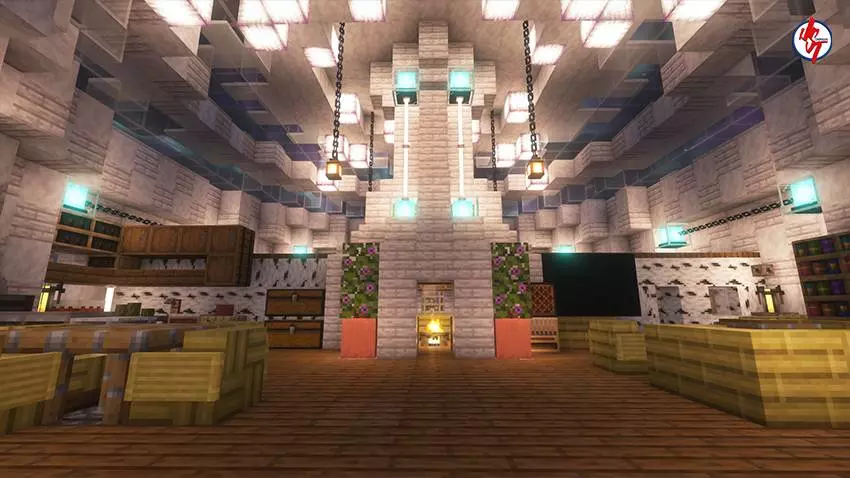

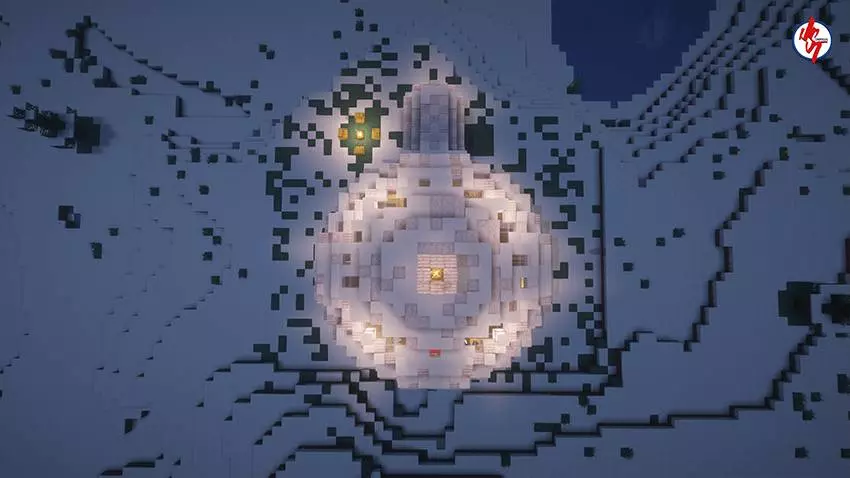
The best way to play a map like Survival Igloo House Map is to treat it like a cozy hub and build outward. Add storage, carve out an underground room, or make a little winter village around the igloo theme. If you like exploration, the snow biome vibe makes night travel feel extra tense, so it’s nice having a clear “home� identity to return to instead of a random dirt shack. And if you’re the type who loves taking screenshots, winter builds usually look amazing with good lighting and clean shapes, so an igloo-themed house is an easy win for that aesthetic.
Since your text only confirms the series intro, the biome (Snow Survival), and the theme (Igloo House), I’m keeping it honest and not inventing extra features like loot, spawn settings, or interior details. What’s clear is that Survival Igloo House Map is meant to be a playable survival starter with a winter igloo vibe, and it sets the tone for the rest of the Mini House Series with biome-themed builds.
How to install?
Android: you need to find the downloaded file on your phone, use any file manager for this and import the map into the game by opening it.
IOS: after receiving the map, the device itself will offer to install it.
Windows 10: go to the folder where the files are downloaded, find mcworld there and activate it.
Comments (0)