Inside the Silence: Never Alone Within Map
- 23-12-2025, 12:07
- 787
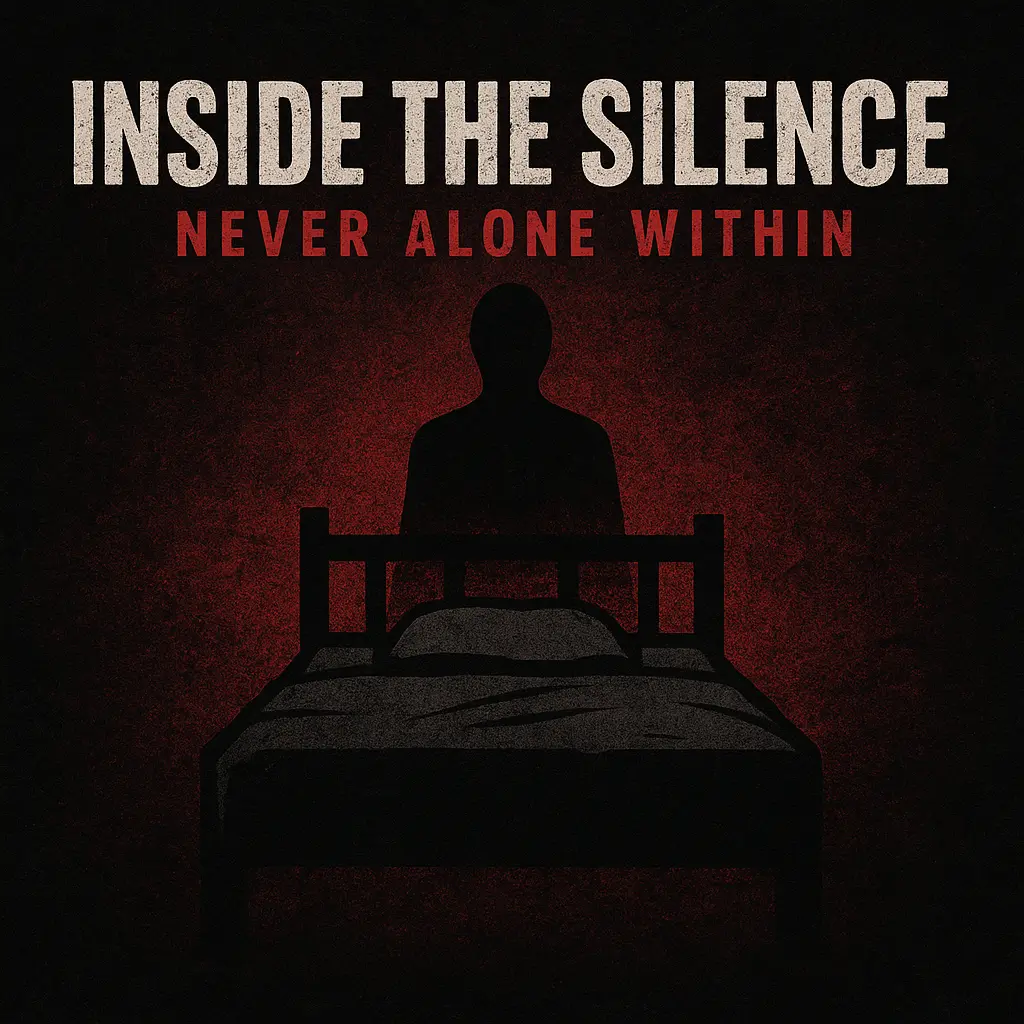
Inside the Silence: Never Alone Within Map gives off that quiet, heavy vibe where you’re supposed to slow down and actually pay attention to your surroundings. Even without extra details, the name alone sets a tone: you’re moving through a place that feels calm on the surface, but never truly safe, like something could be nearby even when nothing is happening. It’s the kind of map you load up when you want mood and suspense instead of pure grinding.
When you play a map like this, the best move is to treat it like an experience, not a speedrun. Walk instead of sprinting everywhere, look for small visual cues, and don’t assume the obvious path is always the right one. If you’re the type who gets impatient, this is actually a fun change of pace—because the tension comes from the silence and the waiting, not from nonstop action. Turn your game sound up a bit too, because maps with this kind of vibe feel way better when you’re actually listening, even if it’s just footsteps and ambient noise doing the work.


If you’re playing with friends, it’s a great “one person scouts, one person watches the back” situation. Even if nothing is actively chasing you, moving as a group makes the whole “never alone within” idea hit harder, because you start second-guessing what’s real and what’s just your brain filling in the gaps. For solo play, set your own pace and give yourself little checkpoints—like “I’m going to fully explore this area before I push forward”—so you don’t miss the details that make the map memorable.
The biggest tip is to stay organized. If your session lets you place blocks or leave markers, do it, because getting turned around in a quiet, samey-looking area is the fastest way to break immersion. And if you’re recording clips or taking screenshots, this map name basically promises a vibe-heavy run, so lean into slow camera movements, long hallway shots, and those moments where you stop and stare at something because it feels off.
Inside the Silence: Never Alone Within Map is a great pick when you want Minecraft Bedrock to feel eerie and cinematic just from the way the world is presented, even before you know exactly what’s waiting ahead.
How to install?
Android: you need to find the downloaded file on your phone, use any file manager for this and import the map into the game by opening it.
IOS: after receiving the map, the device itself will offer to install it.
Windows 10: go to the folder where the files are downloaded, find mcworld there and activate it.
Comments (0)