No Blocks World Map
- 12-02-2026, 12:52
- 908
Creation Maps / Custom Terrain Maps
No Blocks World | Void World | Template Empty World Map is the purest “start from nothing” setup you can load into. The map is described as a “no blocks” world for Minecraft PE/Bedrock where there’s only air and no blocks at all. No terrain, no trees, no caves, no clutter—just an empty void that you can treat like a clean canvas for whatever you want to create.
This kind of world is perfect for creators because it removes all the usual distractions. You’re not clearing land, you’re not flattening hills, and you’re not constantly bumping into stuff you didn’t place. You can start building your idea immediately, whether that’s a massive arena, a city layout, a parkour course, or a custom map project where you want every block to be intentional. It’s also great when you’re trying to keep your builds neat, because there’s nothing around to visually mess up your screenshots or your design planning.
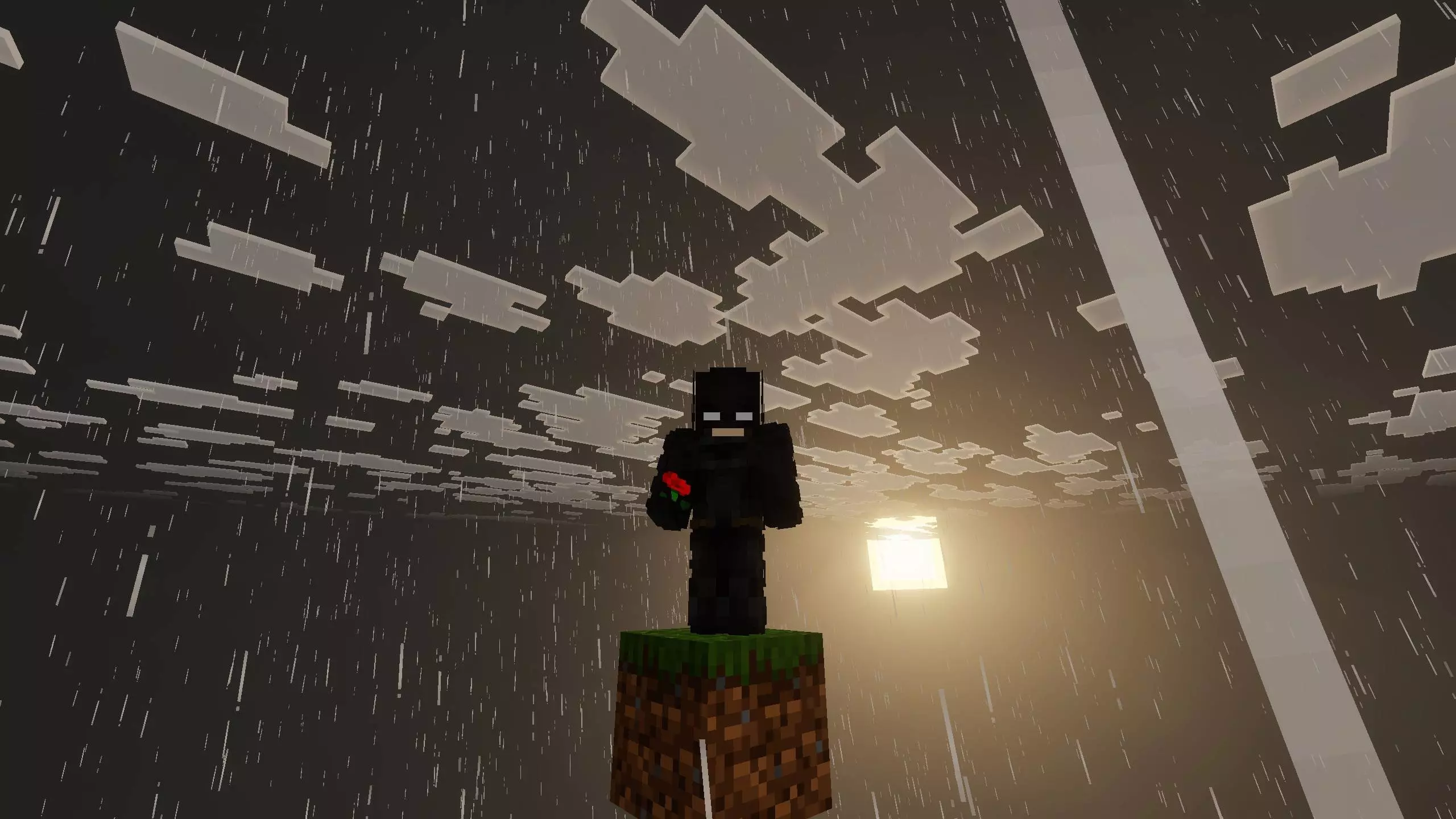
The description also highlights the “no disturbance of mobs,” especially villagers and creepers. That’s a big deal if you’ve ever tried building something clean and had random mobs wander in, mess up the vibe, or blow up part of your work. With No Blocks World | Void World | Template Empty World Map, you can focus on your build without that constant background chaos, which makes long creative sessions way less annoying.
A practical tip is to plan your project in layers: start with a central platform or hub area, then expand outward in a controlled way so you don’t lose track of scale in the empty space. In Minecraft Bedrock, a full void can feel huge and disorienting at first, so having a clear “home point” you always return to helps keep your build organized. No Blocks World | Void World | Template Empty World Map is basically the cleanest possible template world for creators who want total control and zero distractions.
How to install?
Android: you need to find the downloaded file on your phone, use any file manager for this and import the map into the game by opening it.
IOS: after receiving the map, the device itself will offer to install it.
Windows 10: go to the folder where the files are downloaded, find mcworld there and activate it.
Comments (0)