Biggest Mcdonalds Map
- 19-02-2026, 07:37
- 684
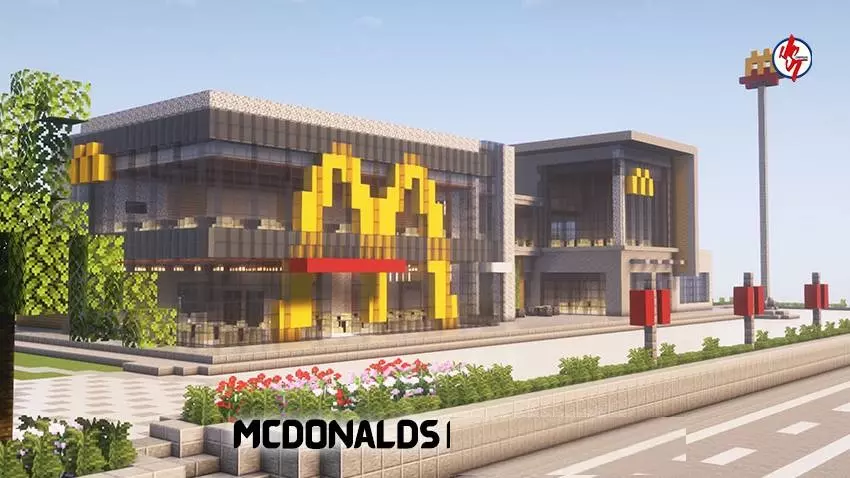
Biggest Mcdonalds Map is all about one vibe: you load in and you’re dealing with a giant, recognizable fast-food themed build that’s meant to feel bigger than it has any right to be. It’s not trying to be a deep progression grind or a long quest chain. It’s a “drop in, look around, and start doing your own thing� kind of world, which honestly makes it perfect when you just want a fun backdrop instead of another survival reset.
The best way to play Biggest Mcdonalds Map is to treat it like a hub. Run around it like you’re exploring a huge landmark build, check it out from different angles, and use it as a meetup point if you’re on with friends. Big themed locations are great for quick mini-games you invent on the spot, like hide-and-seek, tag, or “who can escape the fastest after getting spotted.� Even if you’re playing solo, it’s still satisfying to roam a big structure and take it in like a weird tourist stop inside Minecraft Bedrock.
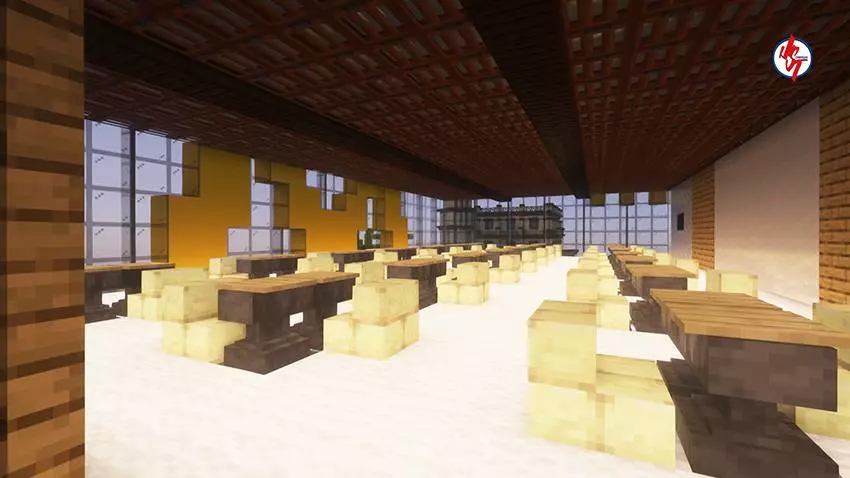
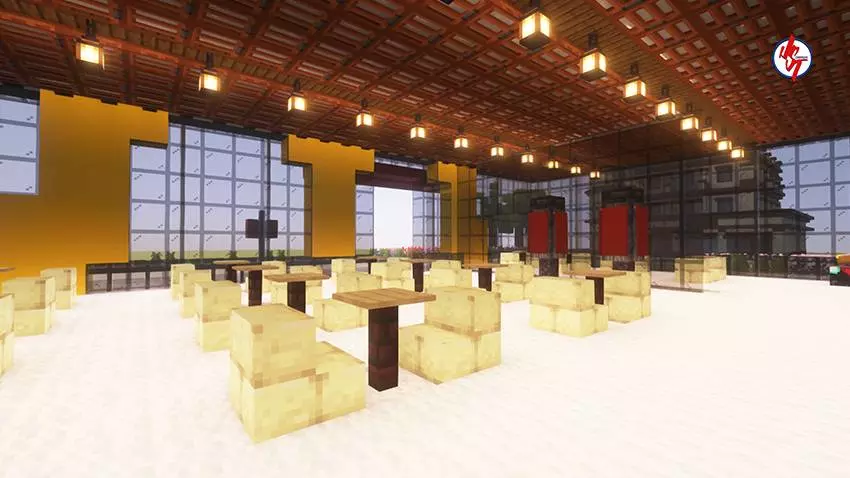
If you’re the type who likes roleplay or screenshot moments, Biggest Mcdonalds Map is basically set up for that energy. A place like this naturally becomes a stage. You can do goofy scenes, set up little meetups, or just walk around and imagine it as the center of a city build you might expand later. Big builds also make it easier to stay oriented, so you don’t get that “where am I even standing� feeling you get in random flat worlds.
Practical tip: play with a goal you choose before you load in. Make it something simple like exploring every corner, setting a meetup route for friends, or using the area as the start of a bigger build project. Since the only guaranteed constant here is the theme and the name, the fun comes from what you decide to do inside the space. Biggest Mcdonalds Map works best when you lean into that sandbox freedom and treat the location like your own oversized landmark in Minecraft Bedrock.
How to install?
Android: you need to find the downloaded file on your phone, use any file manager for this and import the map into the game by opening it.
IOS: after receiving the map, the device itself will offer to install it.
Windows 10: go to the folder where the files are downloaded, find mcworld there and activate it.
Comments (0)