RWS's Plants vs Zombies: Definitive Edition Map
- 22-03-2026, 14:57
- 957
Creation Maps / Custom Terrain Maps / Minigame Maps

RWS's Plants vs Zombies: Definitive Edition Map is basically a love letter to PvZ stages, rebuilt as a Minecraft replica you can walk around in. RiderWebstorm made it as a sandbox, so the whole point is exploring the zones from the original game and soaking in the layouts like you’re stepping into the backgrounds you remember. It’s also marked as the last update because the map is finished and considered 100% complete.
The biggest thing to know is that it’s intentionally vanilla and scenery-only. There are no functional plants or zombies built into the map, and that’s not a missing feature—it’s the design choice. Keeping it 100% vanilla makes it super lightweight, which is honestly a win if you’re on a lower-end device or you just hate maps that stutter the second you load in. And if you want more “game� out of it, the creator straight-up built it so you can bring your own add-ons without fighting against a heavy setup.
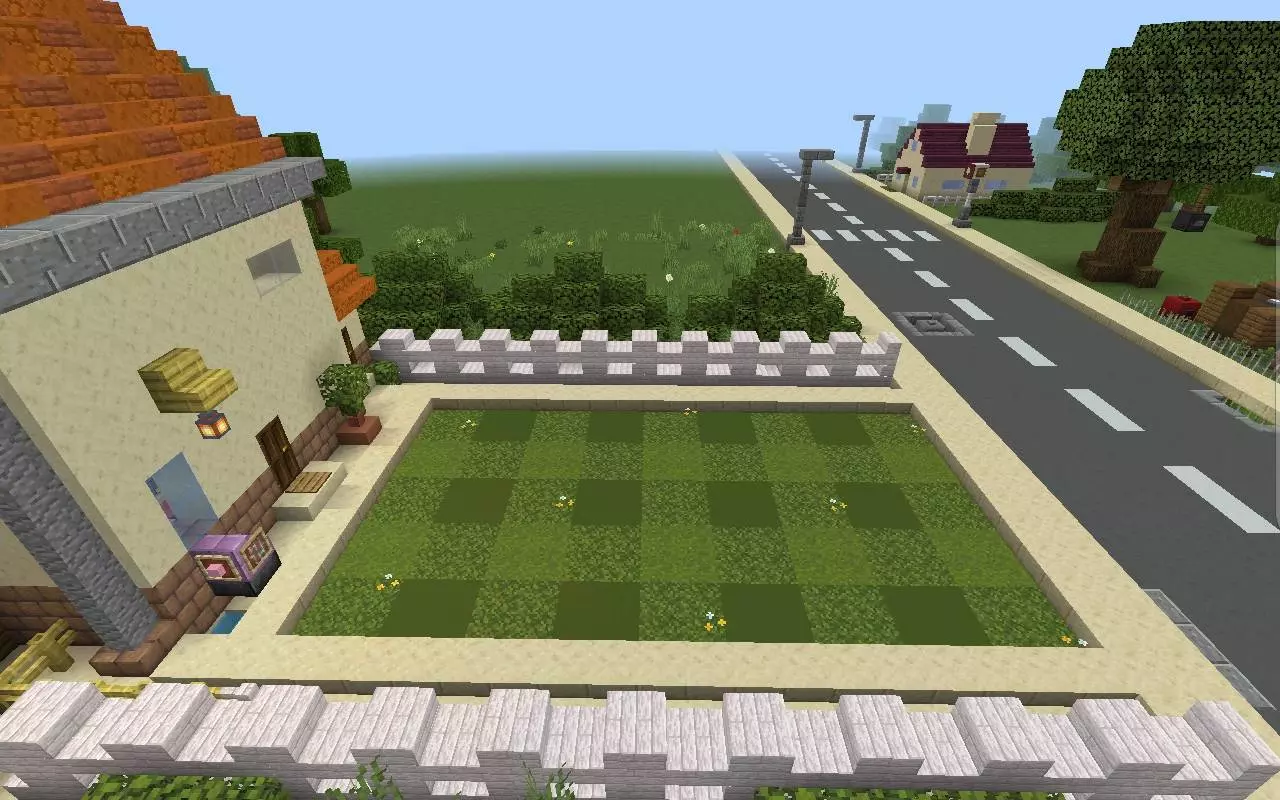
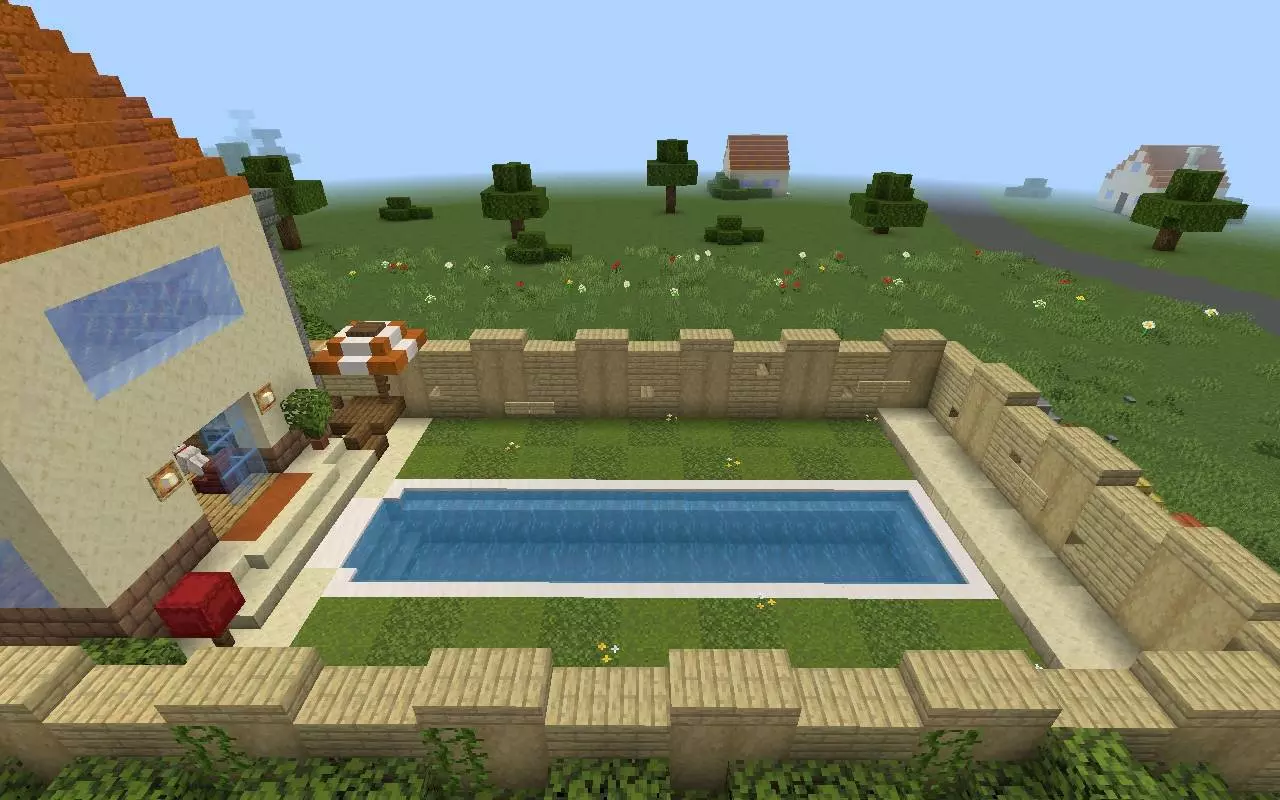
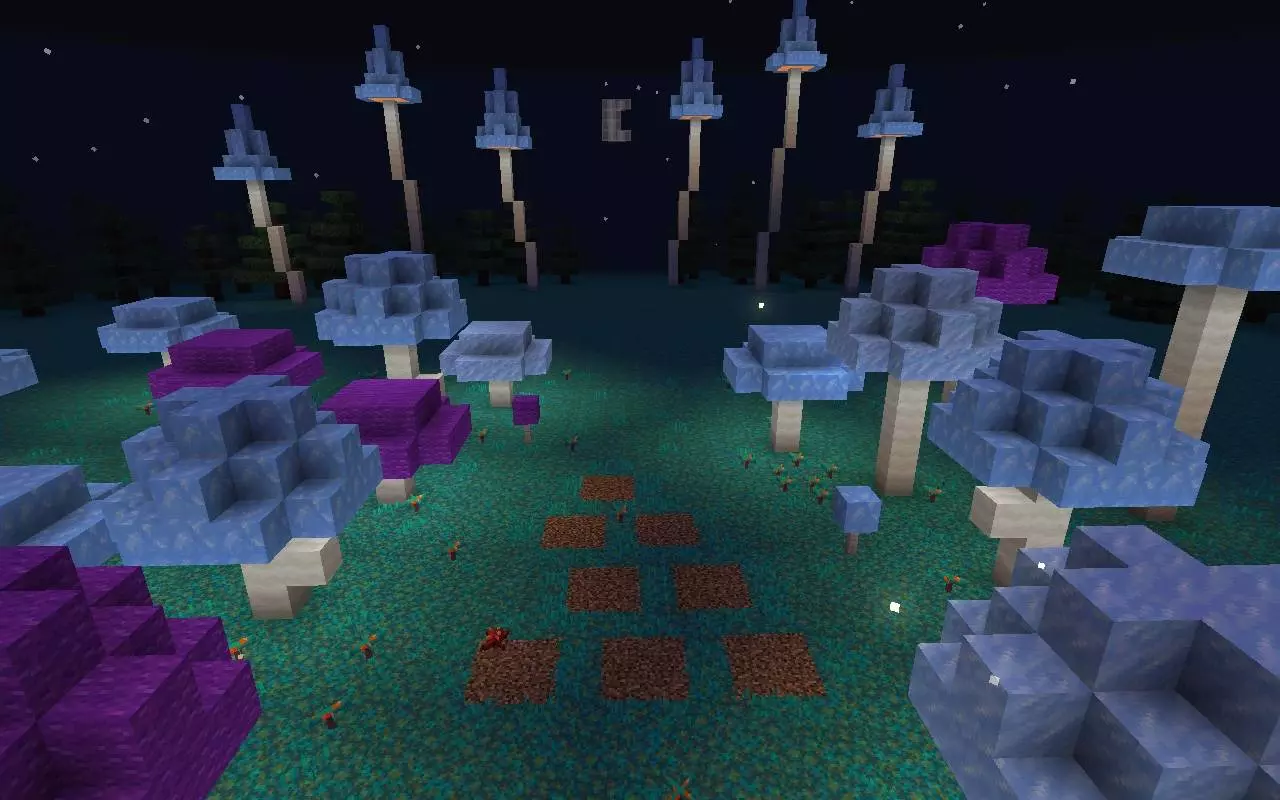
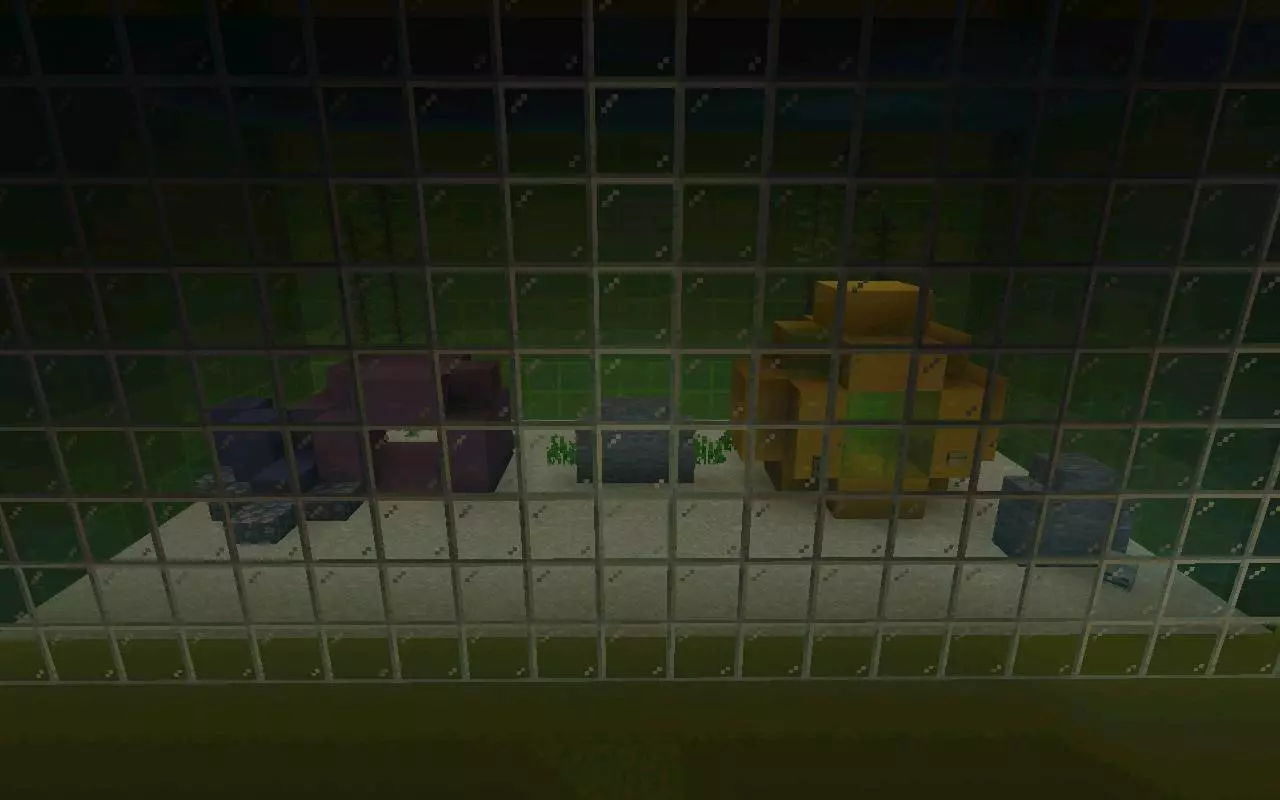
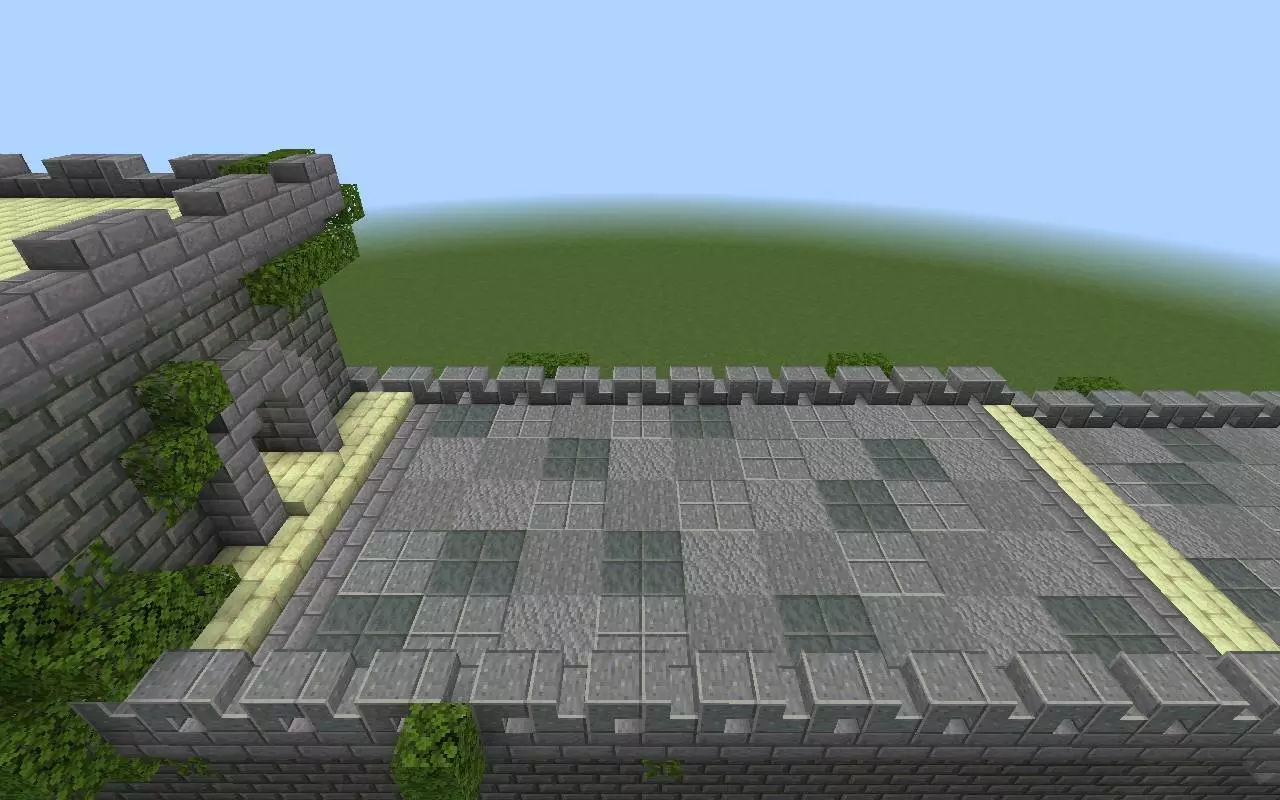
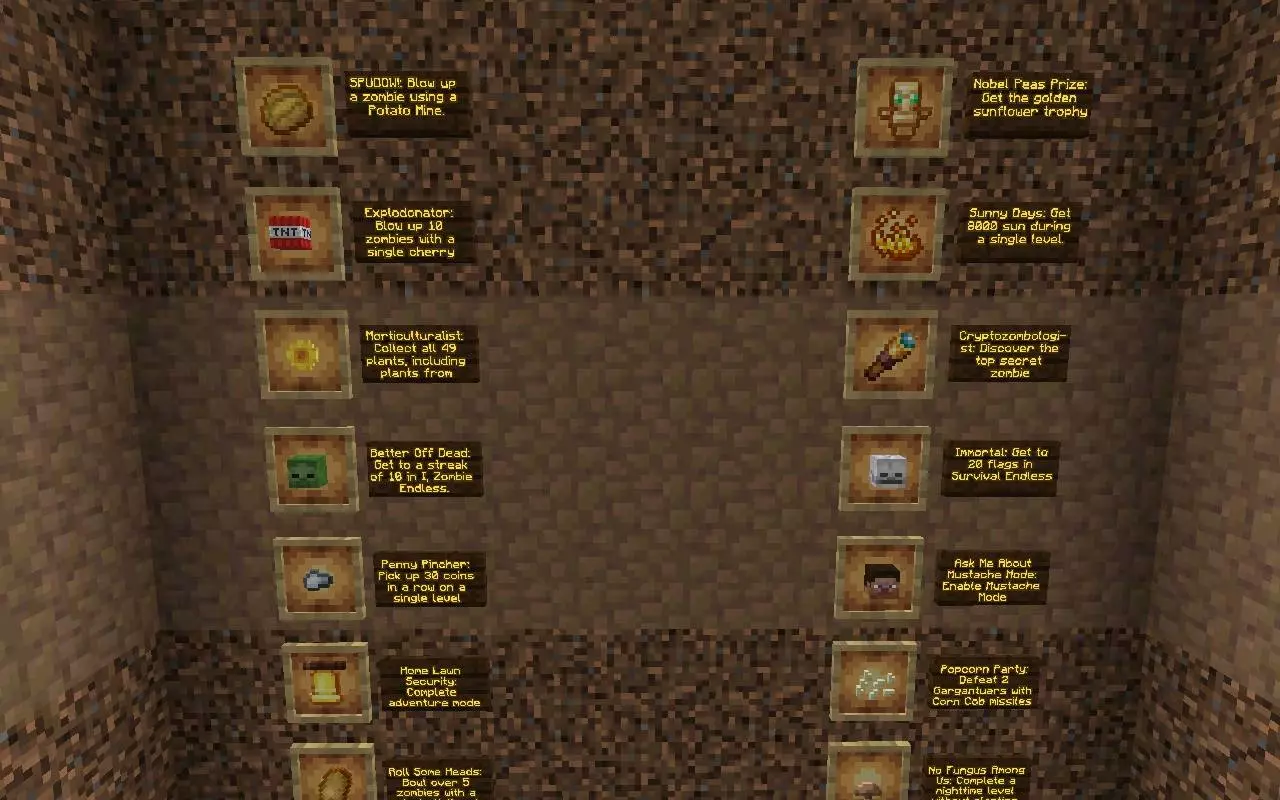
Exploration-wise, you’ve got a solid menu of recognizable zones to wander: Front Yard in both day and night, Pool with Fog vibes, Roof, and the Zen Garden with both Mushroom and Aquarium included. There’s also the Tree of Wisdom, Crazy Dave’s TwiddyDinkies, plus a Main Menu & Achievements area, and even a Great Wall / Ancient China zone. The fun here is treating it like a tour—walk it slow, check angles, and use it for screenshots, roleplay, or just hanging out with friends and pointing at details like “yo, I remember this spot.� If you’re streaming or recording, this map is the perfect background set because it’s clean, recognizable, and doesn’t demand anything from you besides exploring.
Since it’s a sandbox, the best experience comes from how you use it. On Minecraft Bedrock, you can run around solo for the nostalgia hit, or load in with friends and turn it into a little sightseeing session where everyone picks a zone and meets up. RWS's Plants vs Zombies: Definitive Edition Map is the kind of project you recommend to people who like builds, replicas, and chill exploration more than combat, because it’s all about the scenery being the main attraction.
How to install?
Android: you need to find the downloaded file on your phone, use any file manager for this and import the map into the game by opening it.
IOS: after receiving the map, the device itself will offer to install it.
Windows 10: go to the folder where the files are downloaded, find mcworld there and activate it.
Comments (0)