Survival Suburban House #115 Map
- 23-07-2026, 03:27
- 322
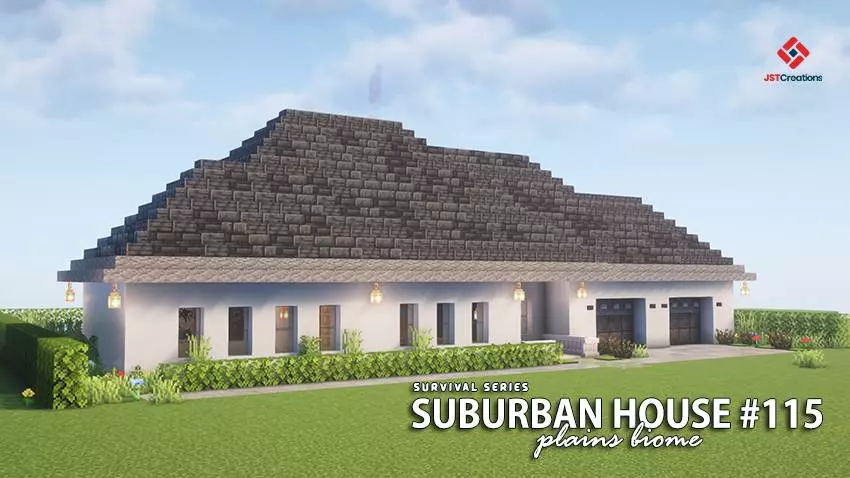
The Survival Suburban House #115 map drops you straight into a fully furnished modern home right next to a bustling village. If you want a slick, move-in-ready base to kickstart your next playthrough without grinding for building materials, this is the ultimate starting point.
Let’s be honest, building a realistic modern house in survival mode takes forever. This Minecraft Bedrock survival map completely bypasses that headache. You spawn directly inside a beautifully detailed suburban home that is 100% finished, inside and out. The creator even pre-stocked the chests with a bunch of useful starter items, so you can immediately focus on exploring or mining instead of scrambling for basic gear on night one. Plus, the property is situated right on the edge of a vanilla village. You get that lively neighborhood feel right out of the gate, making it super easy to set up an early-game trading economy.
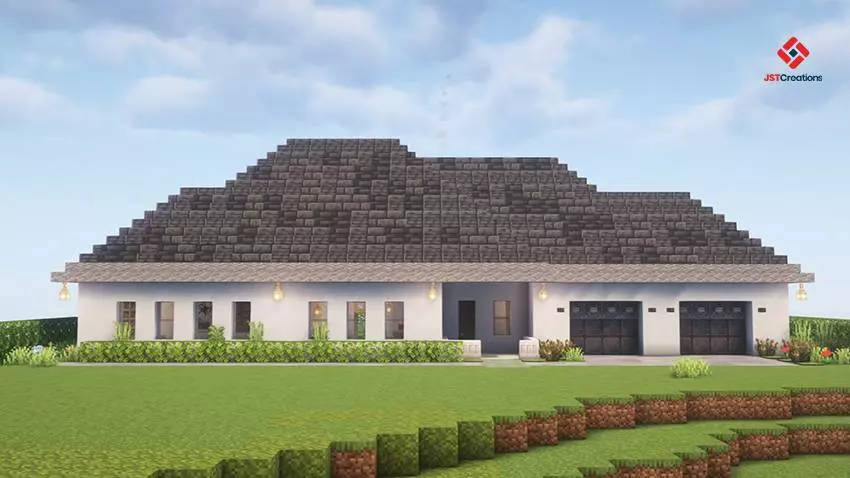
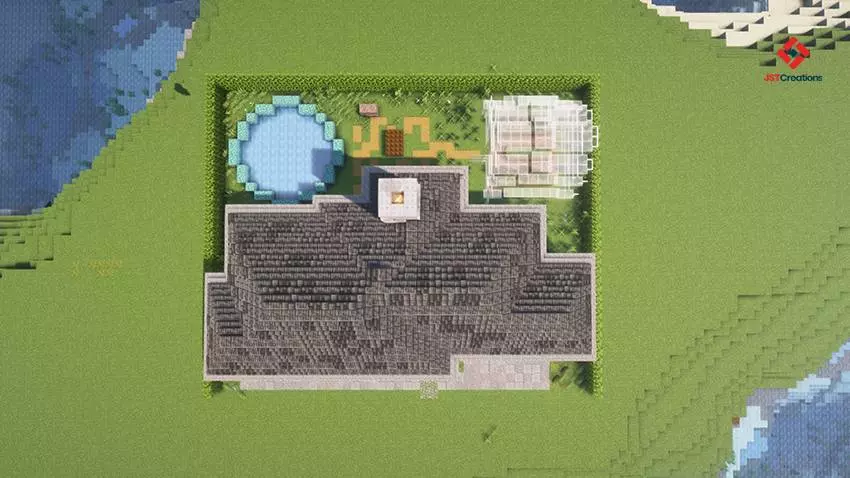
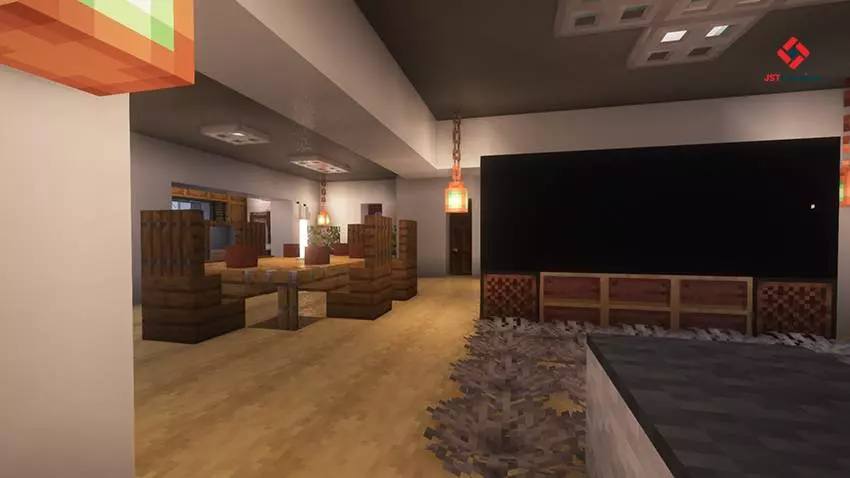
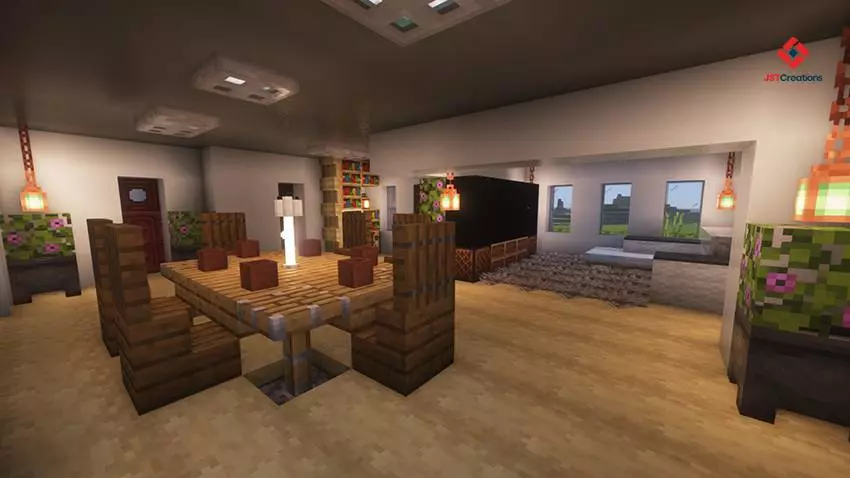
Hosting a multiplayer realm on this map is a massive quality-of-life upgrade for your squad. Instead of your friends fighting over who has to gather oak logs, your entire crew can instantly divide up the bedrooms, claim their territory, and start pushing toward the endgame. The property itself sits in a highly resource-dense seed, meaning you have immediate access to standard biome mining right past your perfectly manicured lawn. If you want to elevate your standard vanilla experience and survive in a compound that actually looks professional without sinking three weeks into building it yourself, this MCPE survival map is exactly what your client needs. Move your squad in, secure the perimeter, and start dominating the seed.
To really make this build pop, you will definitely want to load it up with your favorite MCPE texture pack or some clean shaders. The modern architecture is practically begging for realistic lighting and high-res blocks. Since the map doesn't rely on heavy experimental scripts, it runs flawlessly on any device, so you won't experience annoying lag spikes while running around your new neighborhood.
If you are tired of living in dirt huts and want to start your next adventure in style, download this Minecraft modern house map, set up your shaders, and claim your new real estate.
How to install?
Android: you need to find the downloaded file on your phone, use any file manager for this and import the map into the game by opening it.
IOS: after receiving the map, the device itself will offer to install it.
Windows 10: go to the folder where the files are downloaded, find mcworld there and activate it.
Comments (0)