Blue Modern Survival House Map
- 26-07-2026, 07:24
- 329
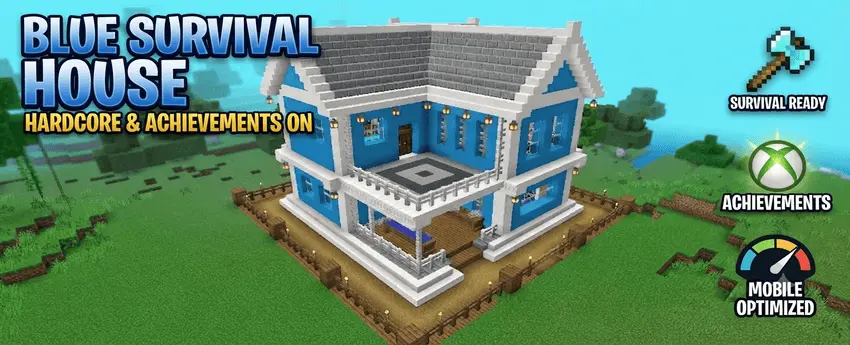
The Blue Modern Survival House map drops you into a gorgeous, fully stocked starter base without disabling your Xbox achievements. If you want to skip the early-game dirt hut phase and jump straight into a stylish hardcore run, this download is exactly what your lobby needs.
Grinding for a decent-looking shelter on day one usually takes hours of gathering materials, but this Minecraft Bedrock survival map handles the heavy lifting for you. The build features a striking blue modern aesthetic, complete with a sleek wrap-around balcony that looks incredible against any biome backdrop. Inside, the creator hooked it up with massive smelting walls, a highly organized custom storage room, and a decorated bedroom setup. It is a completely move-in-ready headquarters designed for players who actually want their world to look professional right from the start.


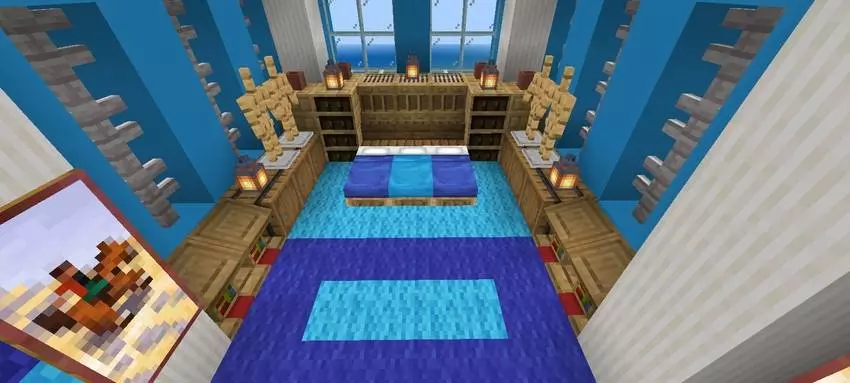
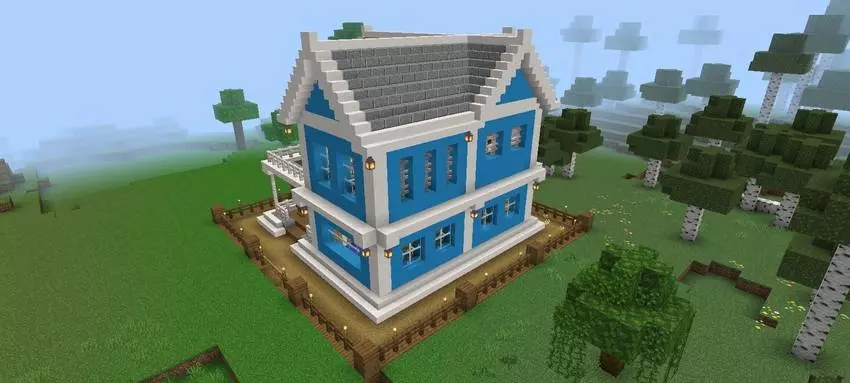
Gathering enough white concrete and blue terracotta to build a proper mansion in vanilla Bedrock is a miserable chore that totally kills your momentum. By the time you finally smelt enough glass panes to finish your windows, you are completely burned out on the world. This Minecraft Bedrock survival map acts as the ultimate shortcut for players who want a top-tier aesthetic without sacrificing a weekend to block-placing. You spawn directly into a highly detailed, sleek architectural masterpiece that is fully prepped for a legit playthrough. It is basically the ultimate trust-fund kid experience in Minecraft, handing you the keys to a multimillion-dollar compound on day one so you can immediately focus on gearing up.
The aesthetic of this build is ridiculously clean. Ditching the overused rustic wood cabins, this map flexes massive floor-to-ceiling windows, sharp geometric angles, and a crisp blue-and-white color palette that pops perfectly against the natural environment. It genuinely looks like an expensive Malibu beach house ripped straight out of a real estate catalog. But it isn't just an empty shell meant for taking aesthetic screenshots. The interior layout is actually designed with the hardcore survival grinder in mind. You get optimized storage rooms ready for your sorted loot, incredibly spacious crafting areas, and plenty of room to set up your max-level enchanting tables and brewing stands without feeling claustrophobic.
The biggest flex of this custom map for Minecraft PE is the backend setup. Most pre-built worlds completely lock you out of earning gamerscore, but this save uses clean file-replacement techniques to keep your achievements 100% active. You can launch a legit hardcore series without sacrificing your progression. On top of that, the chunk layout is heavily optimized to eliminate unnecessary entity lag. You get buttery-smooth FPS across console, PC, and low-end mobile platforms.
Stop wasting your first few hours hiding in a poorly lit cave. Grab this MCPE modern house download, claim your new base, and get straight to the actual survival grind.
How to install?
Android: you need to find the downloaded file on your phone, use any file manager for this and import the map into the game by opening it.
IOS: after receiving the map, the device itself will offer to install it.
Windows 10: go to the folder where the files are downloaded, find mcworld there and activate it.
Comments (0)