Started House Survival Map
- 11-04-2025, 18:17
- 1 413
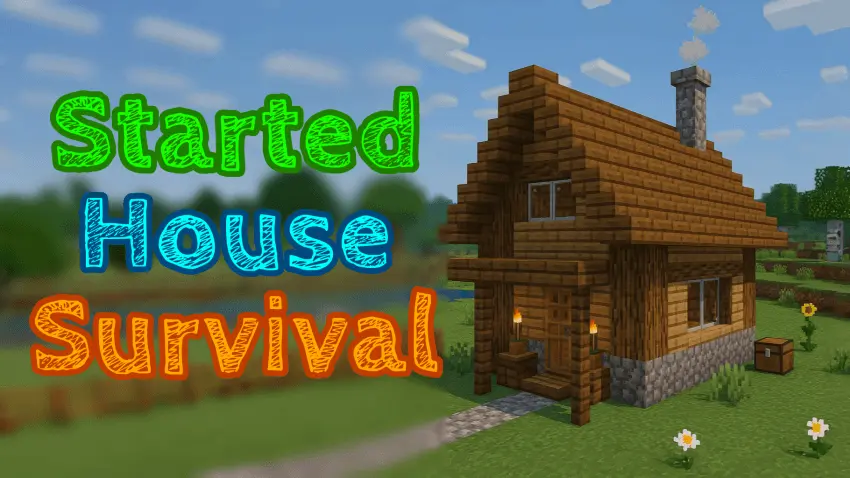
Started House Survival Map here will be offered several options for starting houses for survival in Minecraft. The map supports survival and Achievements On. The sun is going down, and you already have a house waiting for you. Started House Survival gives you a ready-made home so you can settle in and decide what to do next.
This Minecraft Bedrock map collection offers three survival worlds, each with a house already built. Take a look at the available homes and choose the one that makes you want to stick around. Maybe you’re in the mood to explore the surrounding landscape, or maybe you’d rather spend your first session making the house your own. Having a finished place to return to gives those early adventures a clear starting point. You can head out to gather wood, look for a cave, or find food, knowing there’s a home waiting when it’s time to regroup.
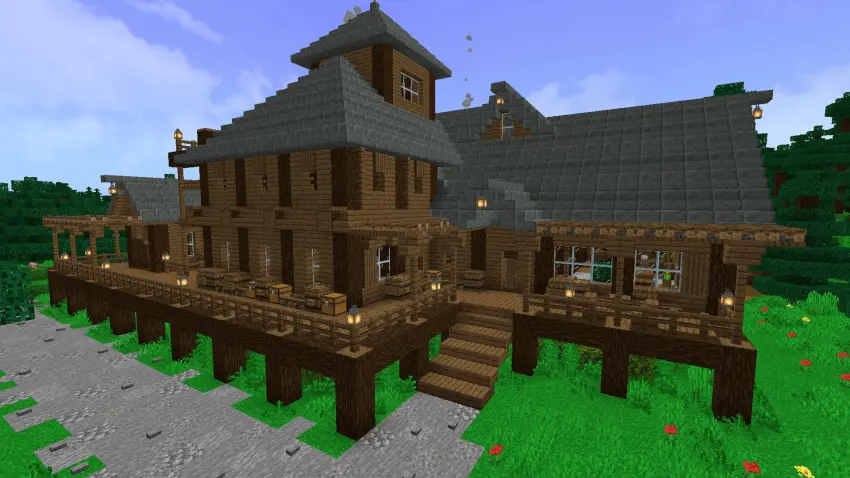
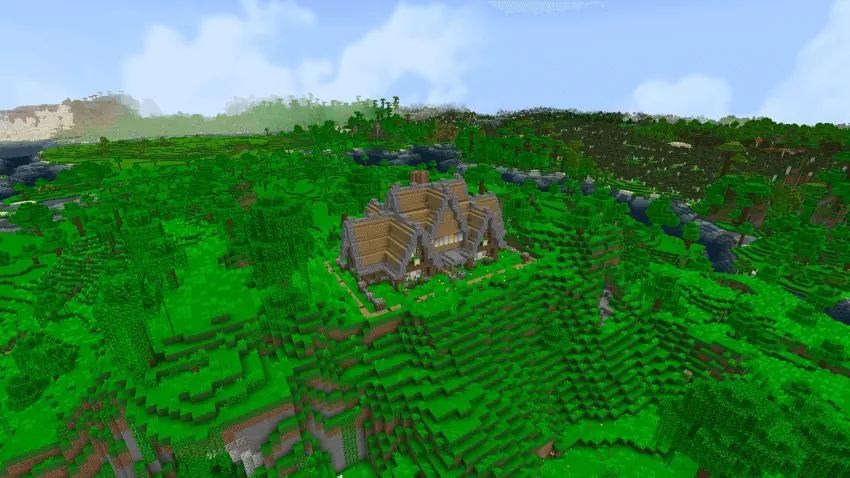
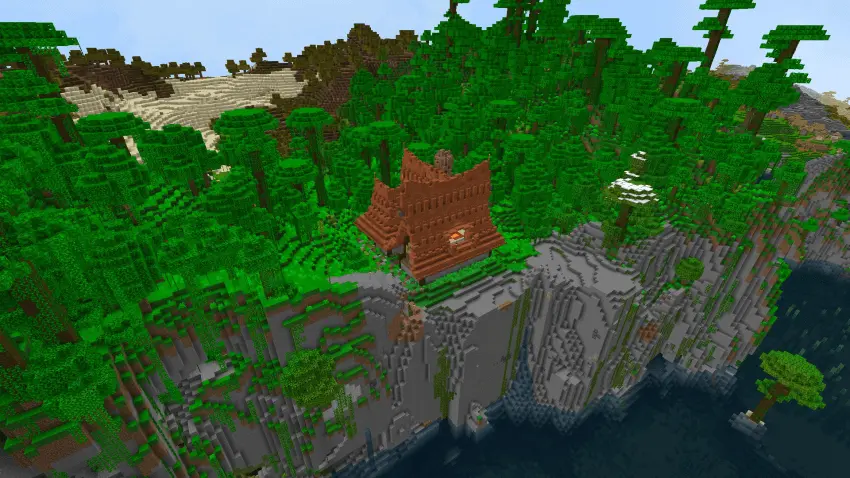
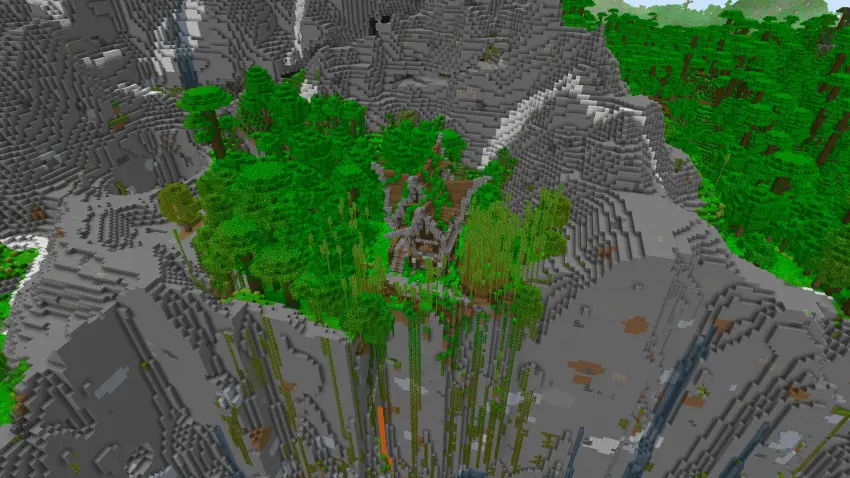
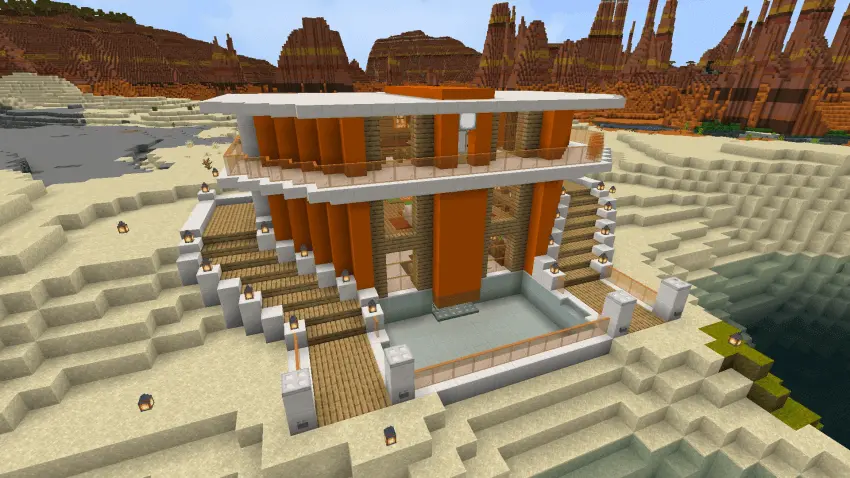
Started House Survival: Pick a Home and Begin Your Adventure
The included worlds are labeled for Hardcore play, so that comfortable starting house doesn’t mean you should treat the outdoors casually. Before heading into a cave, gather supplies and make sure you have a plan for getting back. A good shelter gives you somewhere to prepare, but it won’t stop a creeper from sneaking up behind you while you’re distracted by iron ore. Take your time, pay attention to the terrain, and don’t be afraid to turn around when a trip starts going badly. Getting home with a modest haul is a lot better than losing a promising run because you decided to push your luck one tunnel farther.
Once you’re comfortable, the house can become the center of a much bigger project. Set up a farm nearby, make paths to places you visit often, or build a dedicated storage area for the resources you bring home. You could add a workshop beside the house and gradually expand the area into a small settlement. If you enjoy decorating, walk through the rooms and think about what you’d change: a different floor here, more storage there, or a little garden outside the entrance. The existing build gives you something to work with, and the choices you make afterward are what turn it into your own base.
Started House Survival is a good choice when you want to begin a fresh Minecraft world with a head start on building. Each of the three homes offers a place to settle, while the rest of the adventure depends on how you choose to play. Explore the area, establish a reliable food supply, and work toward the gear you’ll need for longer trips. You can keep the original house as it is or change it as your world grows around it. Either way, that first return home after a successful mining run is a great feeling—especially when you can close the door, sort your haul, and start planning tomorrow’s expedition.
How to install?
Android: you need to find the downloaded file on your phone, use any file manager for this and import the map into the game by opening it.
IOS: after receiving the map, the device itself will offer to install it.
Windows 10: go to the folder where the files are downloaded, find mcworld there and activate it.
Comments (0)