Food Simulation 2! [Fast Food] Map
- 20-06-2025, 18:25
- 982

Food Simulation 2! [Fast Food] - a new cool game in which you will become the owner of Fast Food and cook food and sell it. The burger is almost ready, another order just appeared, and somebody wants a milkshake. Welcome to the lunch rush in Food Simulation 2, where keeping up with customers is your whole job.
This Minecraft Bedrock minigame puts you behind the counter of a fast-food restaurant. Hit the open sign to start, and orders begin arriving at random intervals. You can have up to three waiting at once, so a quiet moment can turn into a busy shift pretty quickly. The menu has four types of food: hamburgers, French fries, chicken, and milkshakes. Each needs its own preparation, so pay attention to what the customer actually ordered before you start cooking. Once the food is ready, pick it up and place it on the customer’s tray. Get it right and you earn points; hand over the wrong item and your score takes a hit. Speed matters, but rushing a milkshake to someone who wanted chicken won’t do you much good.
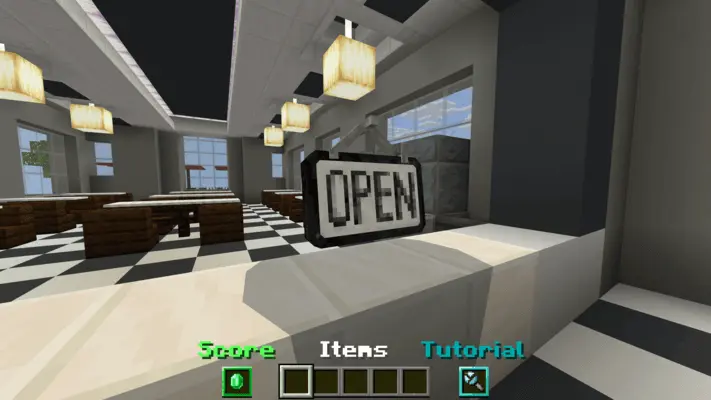
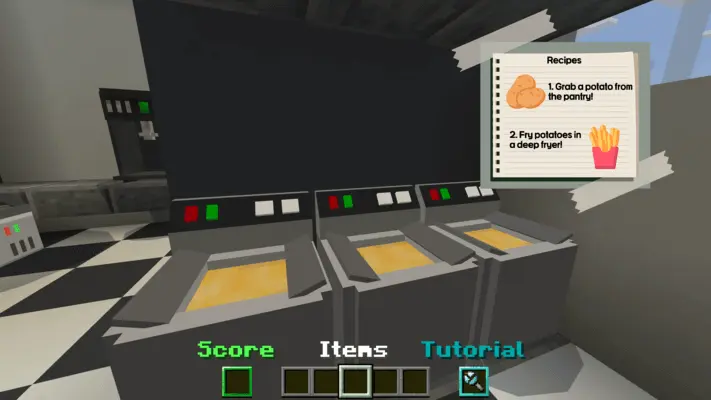
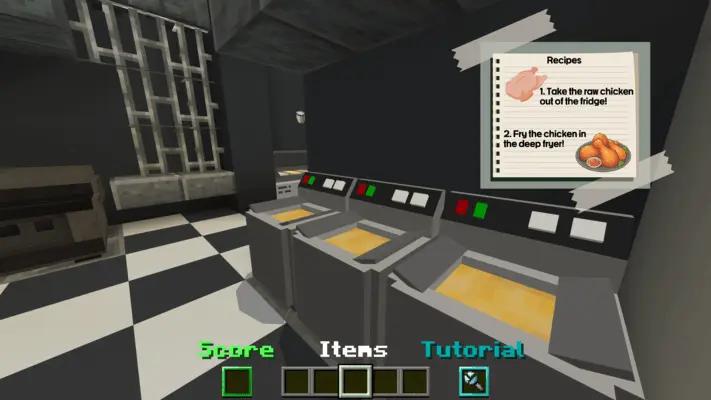
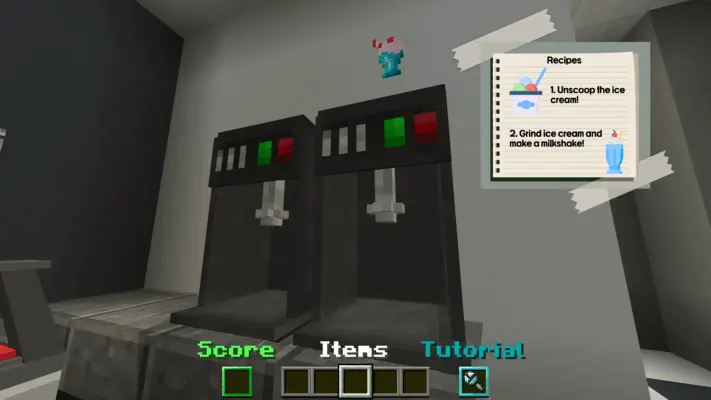
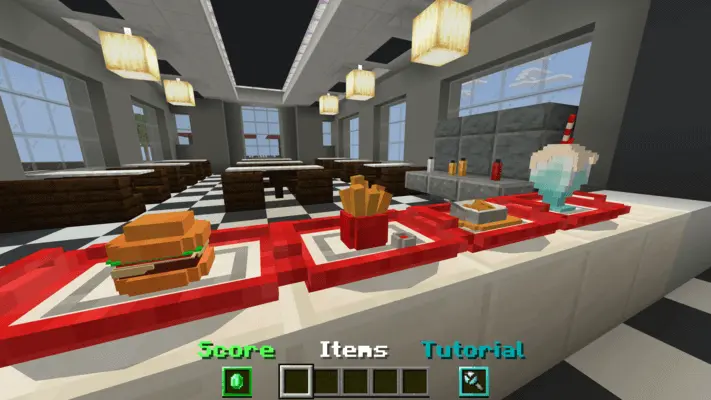
The screen gives you a little help when the orders start piling up. A simple recipe for the first order appears in the top-right corner, while a small icon shows what’s coming next. Use that preview to think ahead instead of waiting until you’ve finished one customer before checking the next. If you’re still learning how a dish is made, the in-game tutorial has more detailed recipes. Take a moment to get comfortable with the different cooking methods, then see how much faster you can move once you know your way around. The first few orders might feel manageable, but keeping track of several requests at once is where the kitchen starts to get interesting. One wrong handoff can cost points you worked hard to earn.
Food Simulation 2 is a fun change of pace when you want a Minecraft minigame built around quick thinking and good timing. Try a round focused on accuracy first, then play again and see if you can serve customers faster without mixing up their trays. Once the recipes start sticking in your head, watching the next-order icon and planning your movements can make a real difference. The map supports English, Spanish, and Korean, although the recipe display itself is in English. It’s a solo-friendly challenge, and each shift gives you another chance to improve your score. So open the restaurant, keep an eye on those orders, and try to stay calm when the counter fills up. Somewhere in that queue is a customer waiting for fries, and you’re the one who has to get them right.
How to install?
Android: you need to find the downloaded file on your phone, use any file manager for this and import the map into the game by opening it.
IOS: after receiving the map, the device itself will offer to install it.
Windows 10: go to the folder where the files are downloaded, find mcworld there and activate it.
Comments (0)