Survival Suburban House #48 (Achievements On) Map
- 1-08-2025, 07:31
- 1 323

🏠Survival Suburban House #48 (Achievements On) — Modern Survival Base Ready to Go
Want a clean, modern suburban house for your next survival world — and still keep achievements on? This map’s got you. Survival Suburban House #48 is fully playable with achievements enabled, so you can hop in and start grinding without losing your Xbox, PS, or mobile progress.
You spawn right outside a modern-style house, perfect for a solo player or small squad. Inside you’ve got working doors, lighting, bedrooms, a starter farm, and space for chests and gear. It’s survival-friendly, no command blocks, no cheats — just a solid build in a nice open-world seed.
🏡 Includes:
Fully built suburban house
Functional survival layout
Achievements enabled
Clean terrain for building around
Perfect if you want to skip the first few nights of punching trees and just get to exploring, building, or fighting mobs. Download and jump straight into survival with some style.
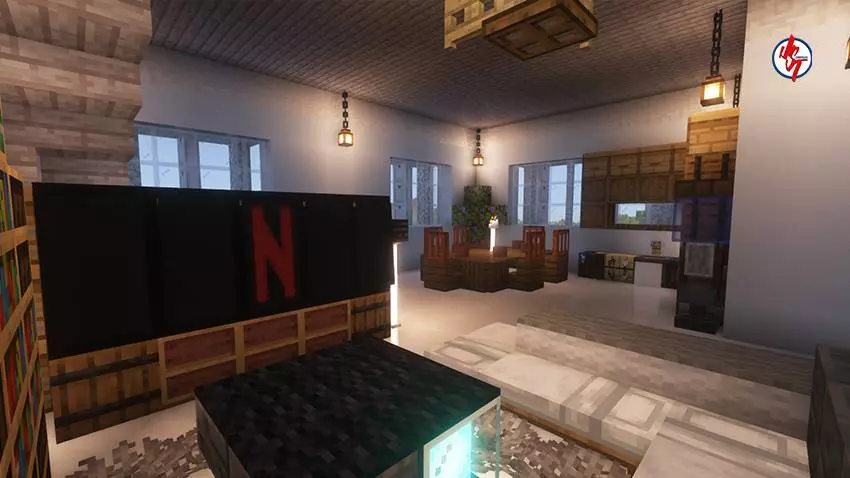
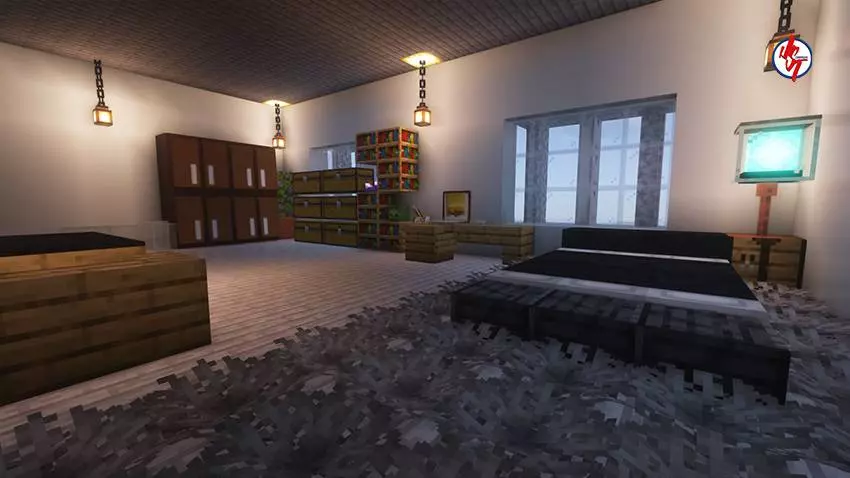
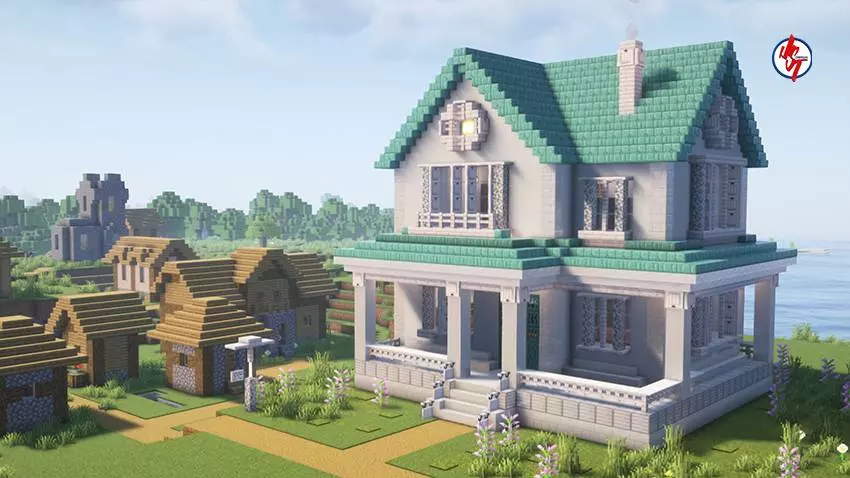
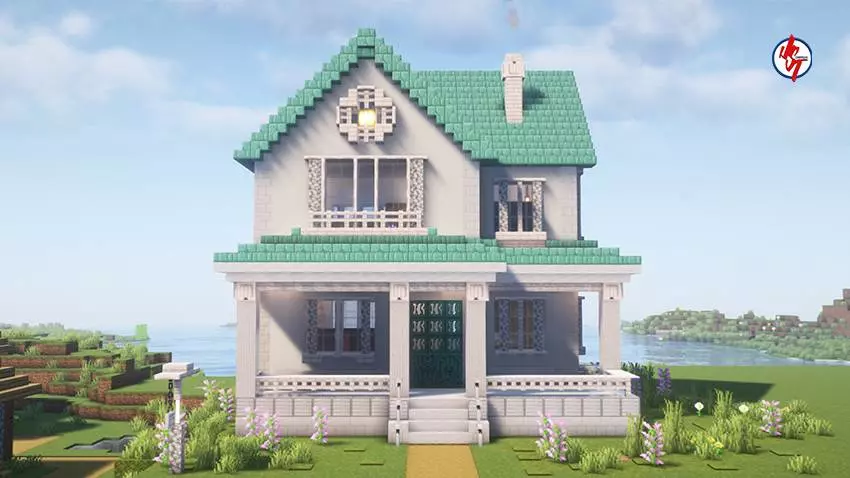
Your first night in Minecraft just got a serious upgrade: there’s a two-story suburban house waiting for you near a village. Survival Suburban House gives you a ready-made base, useful supplies, and a whole plains world to make your own.
The house has a bright exterior and a turquoise roof that makes it easy to spot when you’re returning from a trip. Inside, the rooms are furnished, with a living area and a spacious bedroom among the places you can settle into. The map starts you inside the house, so you can take a look around before deciding what to do first. Check the available supplies, find a spot for your belongings, and get comfortable.
Having a finished home changes the pace of those early survival days. Instead of spending your first evening gathering blocks for walls and a roof, you can head out to collect resources or see what’s nearby. The house already has space for your gear, and there are useful items inside to help you get going. You’ll still need to gather materials and prepare for danger, but you have somewhere to return when the sun goes down.
The nearby village gives you neighbors right from the start. Pay a visit, see what the villagers have to trade, and think about how you might connect the settlement to your new home. A path across the plains would make the trip feel like part of a proper neighborhood. Later, you could add a small market, build another house, or improve the village defenses if you want to make the area a bigger part of your survival world.
There’s room to put your own stamp on the property, too. Turn the surrounding land into a garden, make a crop field, or add a workshop for the tools and materials you bring home. Inside, you can rearrange the furnishings and create more storage as your collection grows. If you’re playing with friends, the house can serve as a shared base while everyone works on a different project. Just agree on where the valuables go before the chests become a complete mess.
The map has achievements enabled, so you can keep working toward them while enjoying your suburban setup. Open the downloaded world file with Minecraft Bedrock and select the imported map from your world list. From there, the choice is yours: explore the plains, get to know the village, or spend an afternoon turning the house into your ideal base. Either way, you’ve got a recognizable roof to look for when it’s time to come home.
How to install?
Android: you need to find the downloaded file on your phone, use any file manager for this and import the map into the game by opening it.
IOS: after receiving the map, the device itself will offer to install it.
Windows 10: go to the folder where the files are downloaded, find mcworld there and activate it.
Comments (0)