Killer Scarecrow Map
- 15-12-2025, 09:15
- 852
Minigame Maps / Puzzle Maps / PvP Maps / Survival Maps
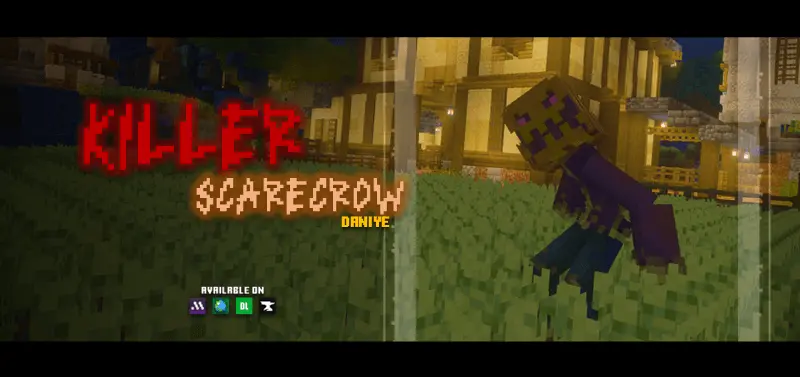
Killer Scarecrow Map is built for that sweaty “don’t stop moving” kind of horror. The setup is simple, but it works because it instantly creates pressure: you’re stuck in creepy fields, something evil is out there, and your whole job is to survive until the timer ends. There’s also a hunter vibe to it too, because you can flip the roles and play as the Scarecrow instead—tracking people down before time runs out. Either way, the map is basically a chase game with horror seasoning, and it hits harder when you’re playing with friends because everyone starts panicking in different directions.
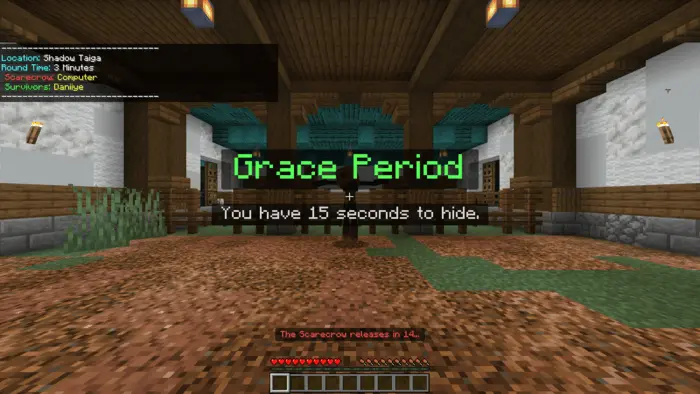
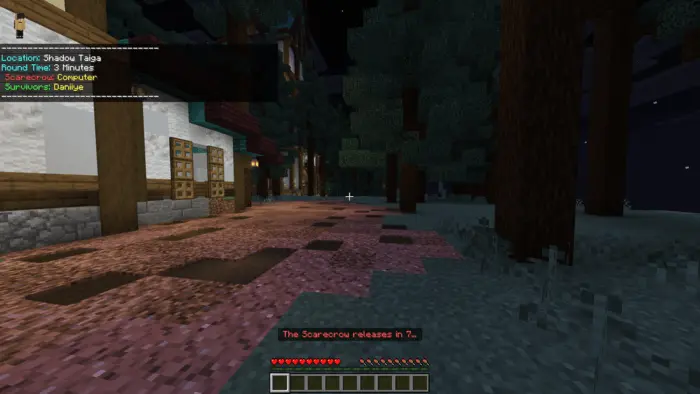
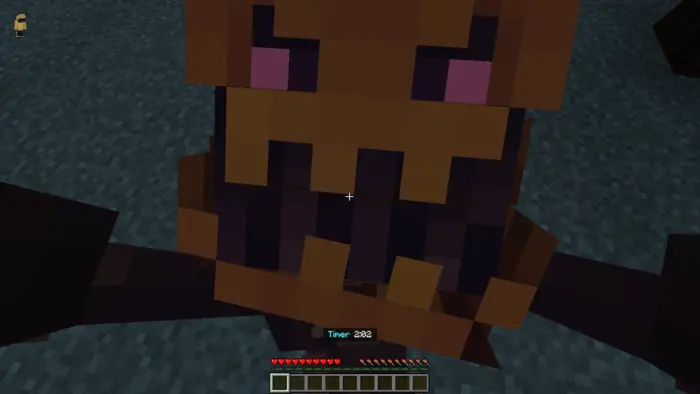
What I like is how the match flow is structured. You get a grace period first, where the Scarecrow is “sleeping,” and that’s your moment to plan—figure out routes, pick spots to juke around, and get your brain ready. Then the survival time kicks in and the Scarecrow gets released, which is when the map turns into pure movement and awareness. The Scarecrow can follow you wherever you go, so it’s not the kind of enemy you can just cheese once and forget. You have to keep rotating, keep distance, and avoid getting cornered. And if you do get caught, the map hits you with a jumpscare capture, so it’s not just “you died,” it’s a full horror “gotcha” moment.
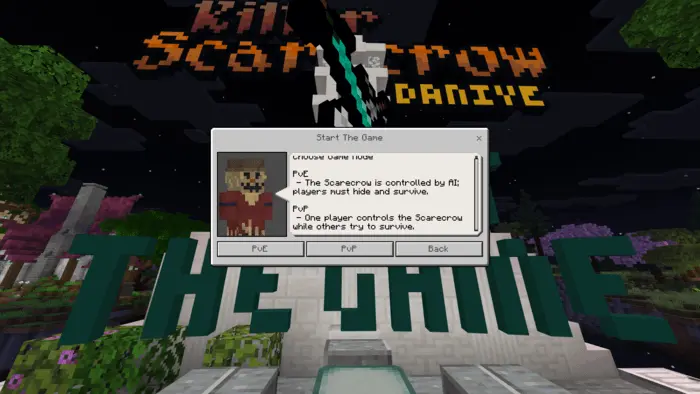
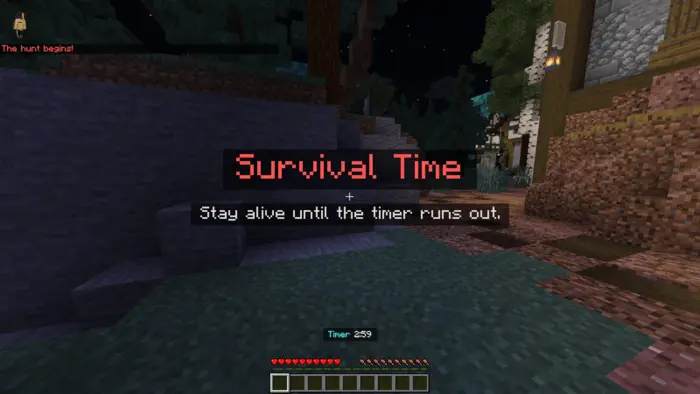
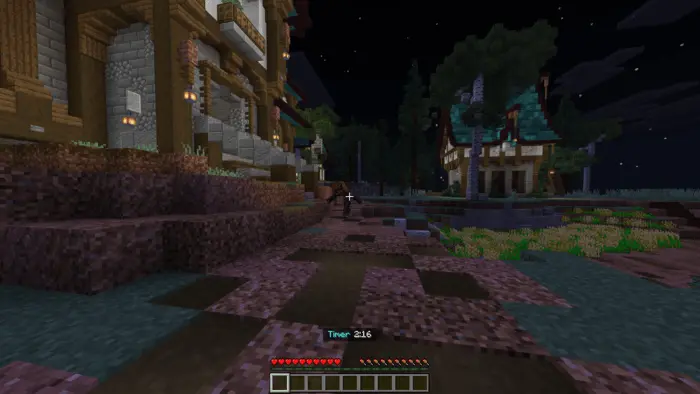
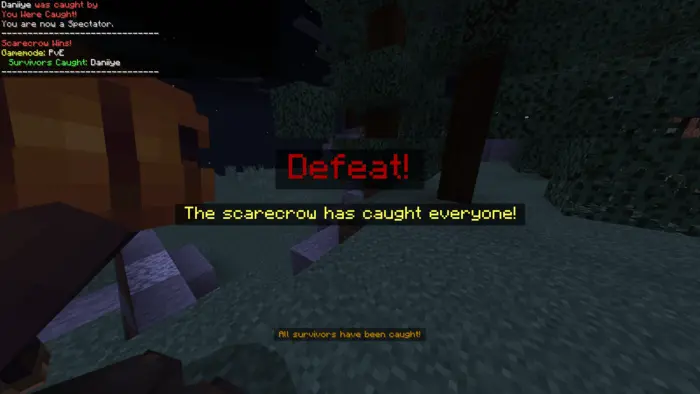
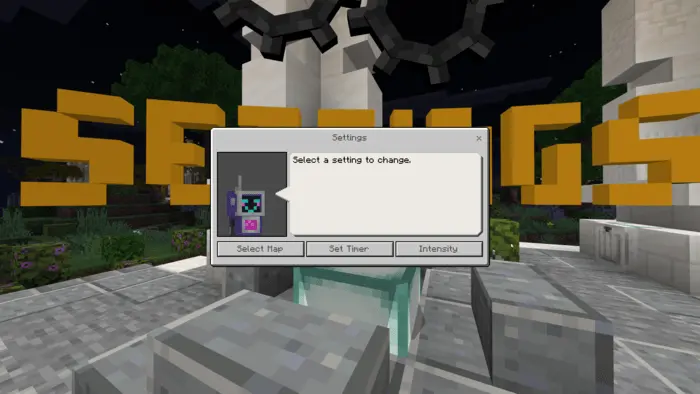
The lobby settings are a big deal for replay value. Being able to choose location, set the game timer, and adjust difficulty means you can run quick rounds when you’re just messing around, or crank it up when you want a real scary session. You can also pick PvE or PvP mode, so if you want to chill, you can fight the AI, and if you want chaos, you can make it a friends-vs-friends hunt where nobody trusts anybody.
Since it’s in beta, it’s good to know the final rush feature isn’t active yet, and the Scarecrow AI is planned to get smarter in future updates. But even in its current state, Killer Scarecrow Map is a solid party-horror pick for Minecraft Bedrock—short rounds, high tension, and that “one more match” loop because everyone wants revenge after getting jump-scared.
How to install?
Android: you need to find the downloaded file on your phone, use any file manager for this and import the map into the game by opening it.
IOS: after receiving the map, the device itself will offer to install it.
Windows 10: go to the folder where the files are downloaded, find mcworld there and activate it.
Comments (0)