TEF - Battle Royale - The Storm Update Map
- 12-01-2026, 10:40
- 1 337
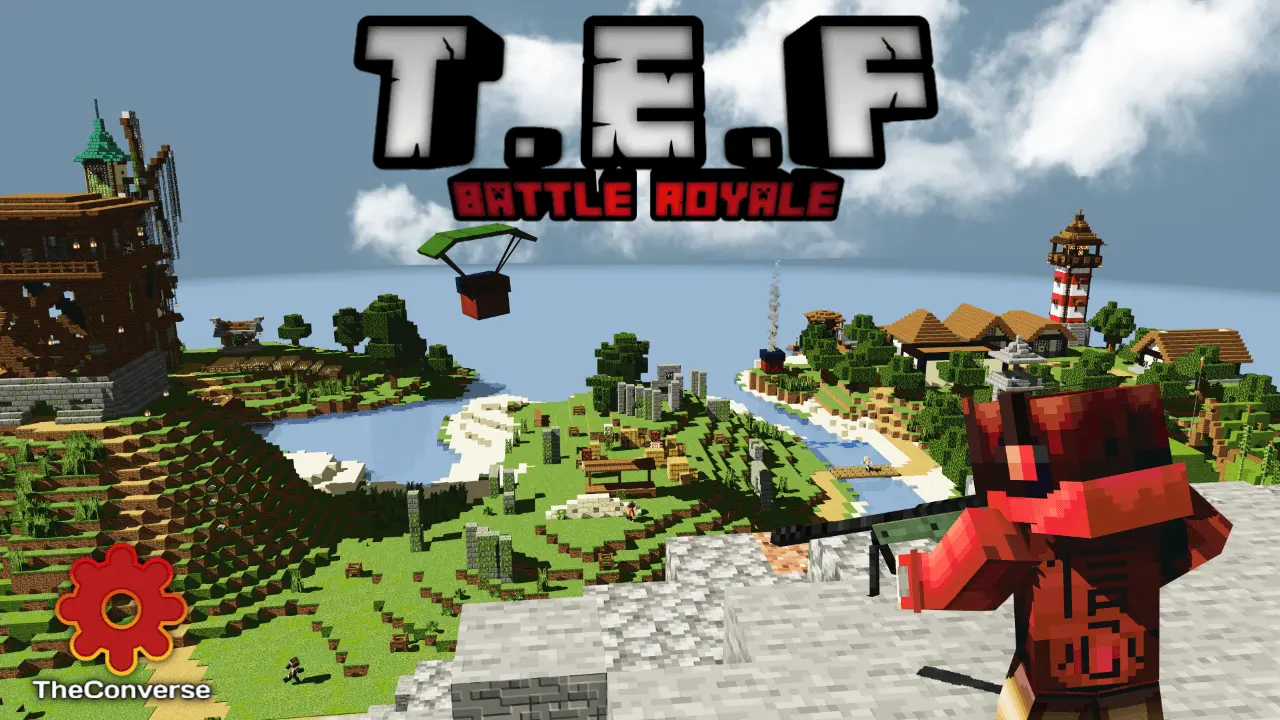
TEF - Battle Royale - The Storm Update Map keeps “The Epic Fighters� series going with a weapons-based PvP setup, but this update is focused on one island and one mode: solo Battle Royale. It depends on the Aplok Guns addon by Gabriel Aplok, and the map is built around the guns and systems that addon brings.
The flow is clean right from the start. You wait on a mini-island for 20 seconds, then head into the main battle royale island, with zip lines and a spot that shows a hologram of the island. The lobby is interactive too, letting you set things like map time, weather, and difficulty before you jump in. To enter the mode, you hit the statue and a menu pops up, which is nice because it keeps the setup in-world instead of feeling like a bunch of random buttons.


Once you’re in, the goal is simple: be the last player standing. Everyone jumps from the plane, picks a landing spot, and scrambles to gear up with as many weapons as possible to win fights. You’re not just grabbing guns either—you can find stuff like first aid kits and grenades, so you can play aggressive or play smart depending on what you pull early. Small tip that fits this kind of map: don’t over-commit to one fight if your heals are low, because the fastest way to lose a “good drop� is getting third-partied while you’re trying to recover.
Loot gets spicier as the match goes on, since an airdrop will fall sometimes with better gear and you’ll get notified when it happens. The map also adds extra gameplay polish like new third-person animations for moving, sneaking, and healing, plus headshot particles so shots feel more readable. When you die, there’s a Spectator Mode that drops you into a random player’s perspective, and you can switch who you’re watching or check their stats. Add sliding while running and shooting, a support menu for fixing issues or returning to the lobby mid-game, a remaining players indicator, and a winner cinematic, and TEF - Battle Royale - The Storm Update Map ends up feeling like a full match experience instead of a basic arena.
How to install?
Android: you need to find the downloaded file on your phone, use any file manager for this and import the map into the game by opening it.
IOS: after receiving the map, the device itself will offer to install it.
Windows 10: go to the folder where the files are downloaded, find mcworld there and activate it.
Comments (0)