Infernal Parkour Map
- 13-01-2026, 10:12
- 551
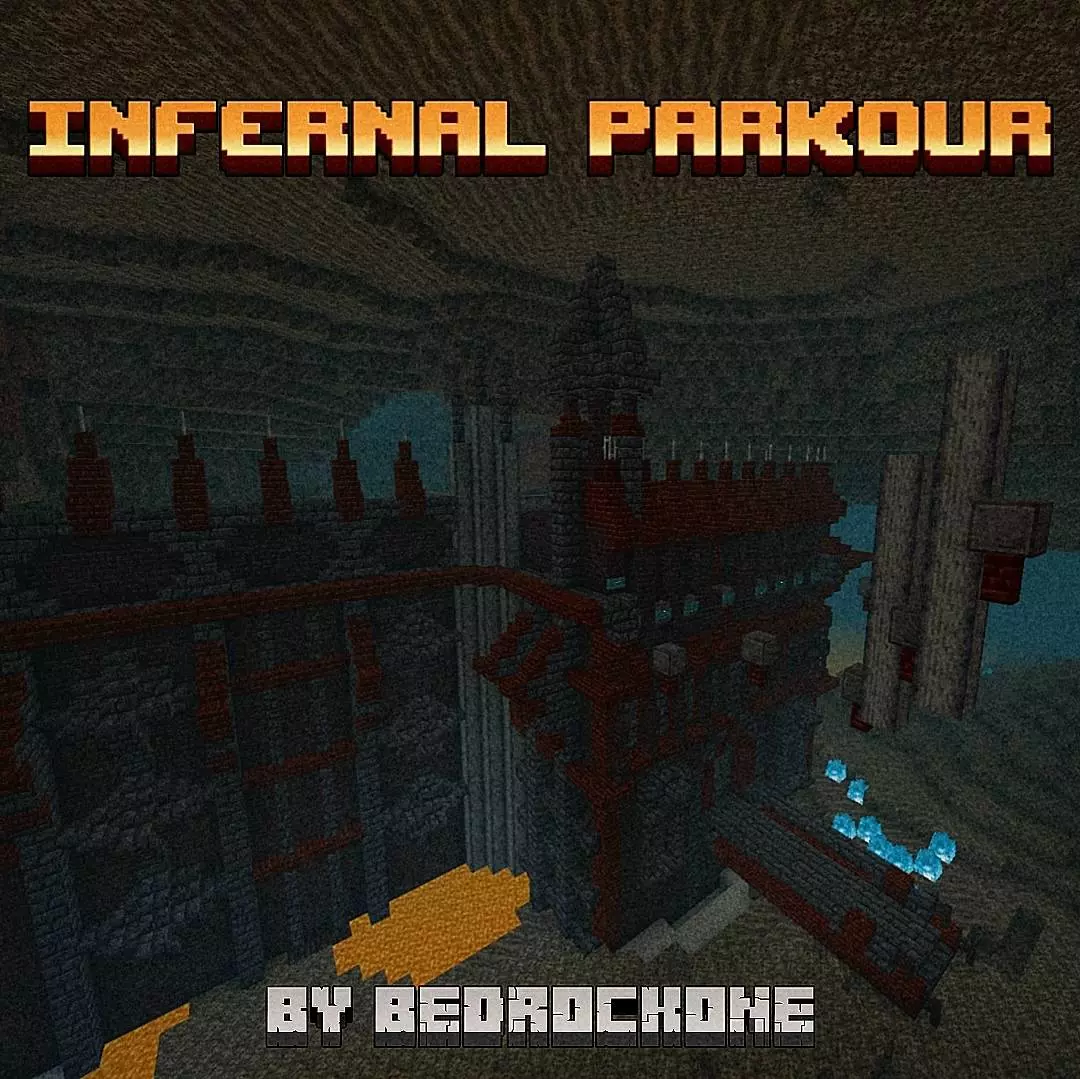
Infernal Parkour Map is part three of a four-map series, and this is where things stop being “casual warm-up” and start demanding focus. The difficulty jumps up in a way you can feel fast, but it’s not built to be unfair—it’s built to push you. If you like parkour that makes your hands sweat a little, this map is aiming right at that sweet spot.
What keeps Infernal Parkour Map from turning into pure frustration is the path choice. Having different routes means you’re not locked into one brutal line the whole time. If a section is messing with you, you can adapt, pick a different path, and still keep moving forward. That’s huge for momentum, because parkour isn’t just about one jump—it’s about staying in rhythm and not letting one fail turn into a spiral.


The jumps here are described as complex but achievable, and that’s exactly how a good difficulty spike should feel. You’ll probably miss stuff at first, but once you learn the spacing, timing, and your own movement habits, the map becomes way more consistent. A practical way to handle it is treating each tricky section like a mini checkpoint in your head: don’t rush back in angry, take one clean attempt at a time, and lock in your camera angle before you jump. If you’re playing on different platforms, it’s also nice that Infernal Parkour Map is designed so anyone can complete it with practice and skill—so it’s not about having some perfect setup, it’s about learning the route.
This is a great map for friends too, even if everyone’s skill level is different. The stronger players can take the harder paths for bragging rights, and the rest can pick routes that make it a bit easier while still feeling like they earned it. Infernal Parkour Map is the kind of Minecraft Bedrock parkour challenge where your progress feels real: you fail, you adjust, you improve, and eventually you hit that clean run that makes you sit back like, “okay, that was actually sick.”
How to install?
Android: you need to find the downloaded file on your phone, use any file manager for this and import the map into the game by opening it.
IOS: after receiving the map, the device itself will offer to install it.
Windows 10: go to the folder where the files are downloaded, find mcworld there and activate it.
Comments (0)