Giant One Block Map
- 9-02-2026, 16:36
- 822
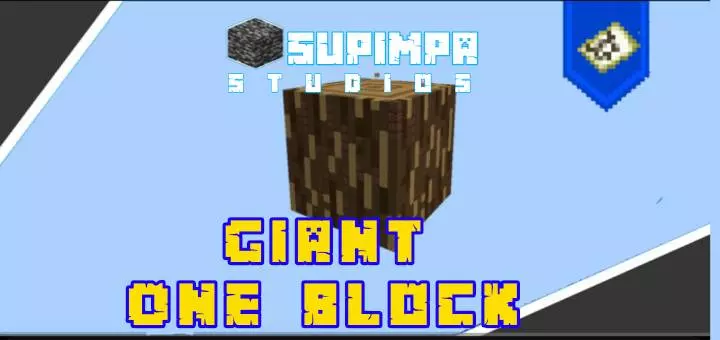
Giant One Block Map takes the familiar one-block idea—standing on a tiny platform and relying on the single block for your entire run—and makes it feel way more dramatic by turning the blocks themselves into gigantic structures. Instead of staring at one normal block and breaking it a thousand times, you’re dealing with giant blocks, so the map instantly feels bigger even though the core rule is still “your world starts here.�
There are 17 different giant blocks in the current version, and the creator says they plan to increase that number in the next update. That variety matters because it keeps the loop from feeling stale. Even if you’re doing the same basic routine—break, collect, organize, expand—new block types change the vibe of what you’re looking at and how the platform feels while you grind. Practical tip: don’t rush to tear everything down the second you see a new giant block. Since the giant blocks are the whole point visually, it’s worth taking a second to look around, plan where your storage and work area sits, and keep your platform layout tidy so you’re not constantly fighting clutter.
Because it’s still a one-block map at heart, your survival pacing is going to be all about staying organized and not wasting space. Keep a dedicated area for chests, a safe spot to stand while you’re breaking the block, and a simple “trash corner� so random drops don’t choke your movement. If you’re playing with friends, this kind of map is even funnier because one person can focus on expanding the platform while another manages inventory and keeps things from turning into chaos.
Giant One Block Map is a simple concept done the right way: the same one-block survival pressure, but with a scaled-up look and a set of 17 giant block types to keep the run feeling fresh. If you like one-block maps but you’re tired of them looking the same, this is an easy switch-up that still keeps the challenge loop intact.
How to install?
Android: you need to find the downloaded file on your phone, use any file manager for this and import the map into the game by opening it.
IOS: after receiving the map, the device itself will offer to install it.
Windows 10: go to the folder where the files are downloaded, find mcworld there and activate it.
Comments (0)