Biome Spiral Parkour Map
- 17-06-2026, 00:06
- 1 029
Minigame Maps / Parkour Maps / Puzzle Maps
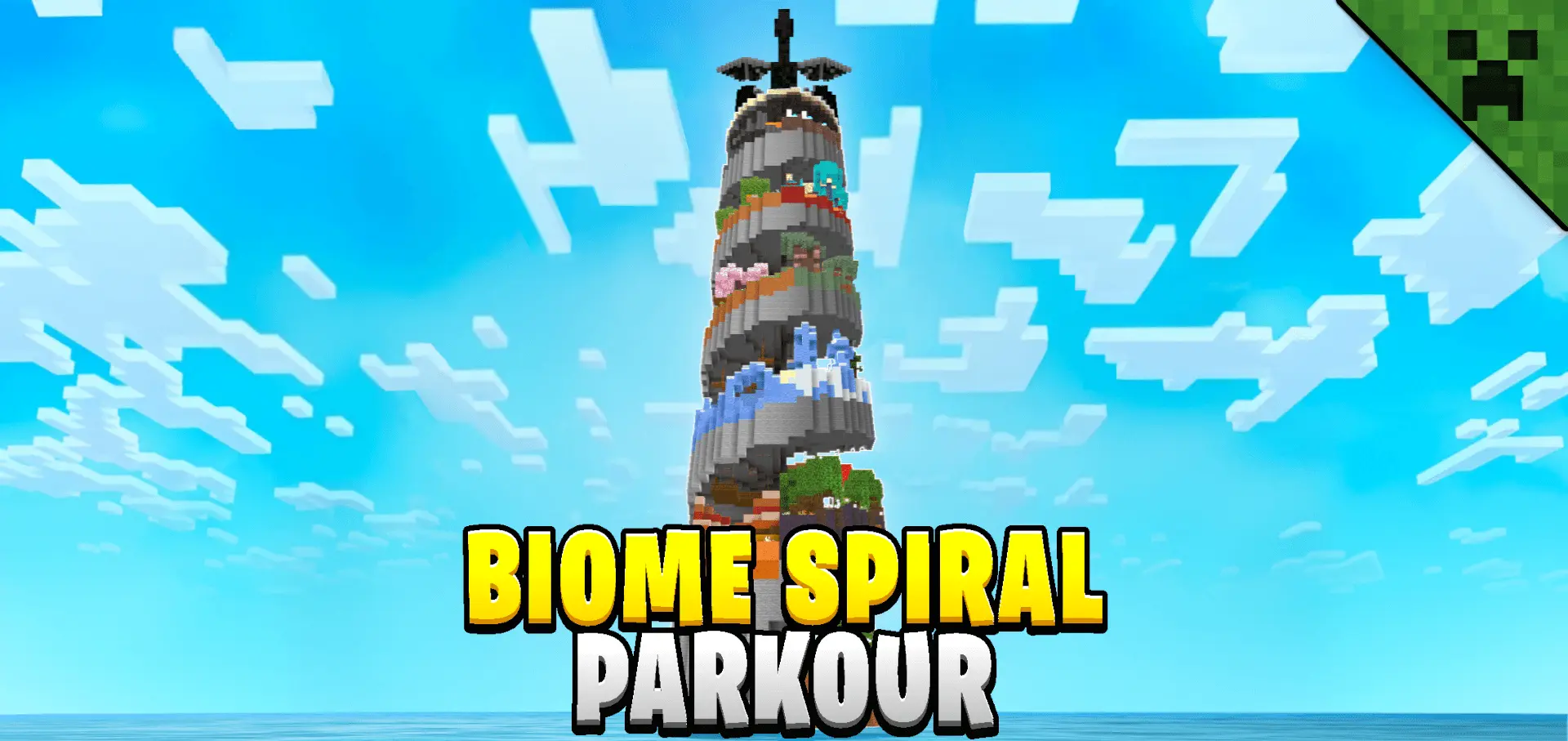
Biome Spiral Parkour Map is all about one clean goal: reach the top of a giant spiral tower by jumping your way upward across themed levels that start in the Plains and end in the End. Each section leans on a different biome or structure vibe, so the climb keeps changing as you go. It’s built to feel like a real journey up the tower instead of the same jump copied a hundred times.
What makes Biome Spiral Parkour Map fun is how it mixes “anyone can enjoy this� parkour with enough unique challenges to keep you locked in. One minute you’re cruising through an easier stretch, the next you’re dealing with a fresh layout that forces you to slow down and actually read the jumps. It’s also multiplayer friendly, so you can run it as a race with friends, or just climb together and hype each other up when someone nails a sketchy section.


Speedrun players get a lot to play with here. There’s a built-in timer system that tracks your run, and the map includes time-saving shortcuts, so once you learn the route you can start shaving seconds in a way that actually feels rewarding. The ranking system adds replay value because you’re not just “beating the map,� you’re chasing a better time. The ranks are based on completion speed: S Rank is 5 minutes and 30 seconds, A Rank is 15 minutes, B Rank is 30 minutes, C Rank is 60 minutes, and D Rank is 60 minutes.
Practical tip for Minecraft Bedrock movement: don’t treat every jump like it’s a full sprint-leap. A lot of time gets burned from over-jumping and having to reset your rhythm, so stay smooth, keep your camera steady, and only full-send when the gap clearly needs it. If you’re going for higher ranks in Biome Spiral Parkour Map, run one or two “learning attempts� where you intentionally hunt for shortcuts, then switch into real attempts where you commit to clean lines and minimal hesitation.
How to install?
Android: you need to find the downloaded file on your phone, use any file manager for this and import the map into the game by opening it.
IOS: after receiving the map, the device itself will offer to install it.
Windows 10: go to the folder where the files are downloaded, find mcworld there and activate it.
Comments (0)