A PARKOUR CHALLENGE Map
- 5-03-2026, 05:32
- 865

A PARKOUR CHALLENGE Map for all Minecraft players who love parkour and want to complete a new parkour challenge with 20 levels. These are rooms with epic parkour. Twenty parkour rooms stand between you and a clean finish. A Parkour Challenge is a Minecraft Bedrock map that puts your jumping skills to work one level at a time—and gives you plenty of chances to prove that the last fall was definitely just a warm-up.
The setup is easy to understand: work through the rooms and make it past the obstacles in each one. There’s no need to gather a stack of gear or spend the first hour preparing for a run. Once you’re on the course, the important stuff is right in front of you: the next landing, the space you have to move, and the timing of your jump. Some attempts will feel great until you get a little too confident and overshoot. Others might start with a frustrating miss before you settle into a rhythm. That’s part of the appeal of a dedicated Minecraft parkour map: each room gives you something immediate to focus on, and every successful landing moves you closer to finishing the challenge.
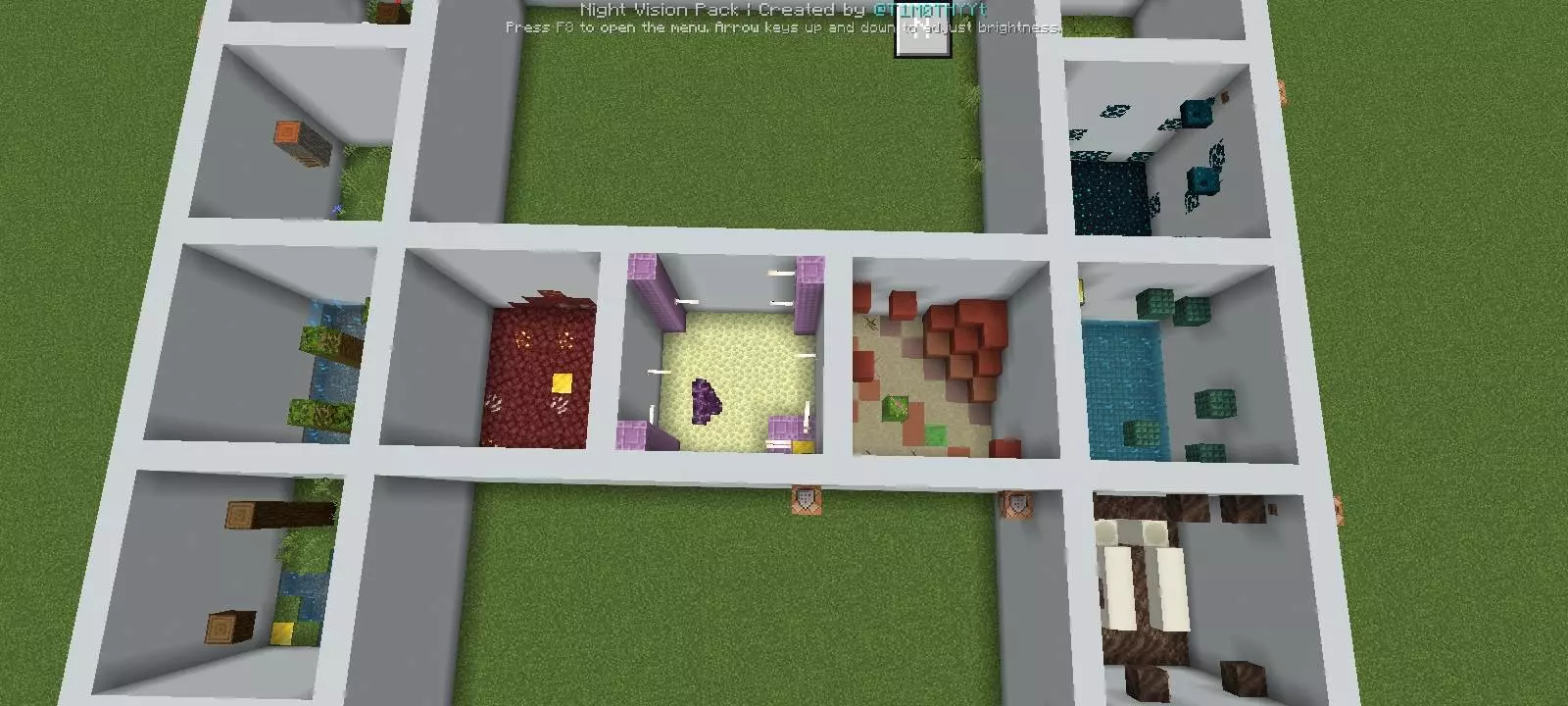
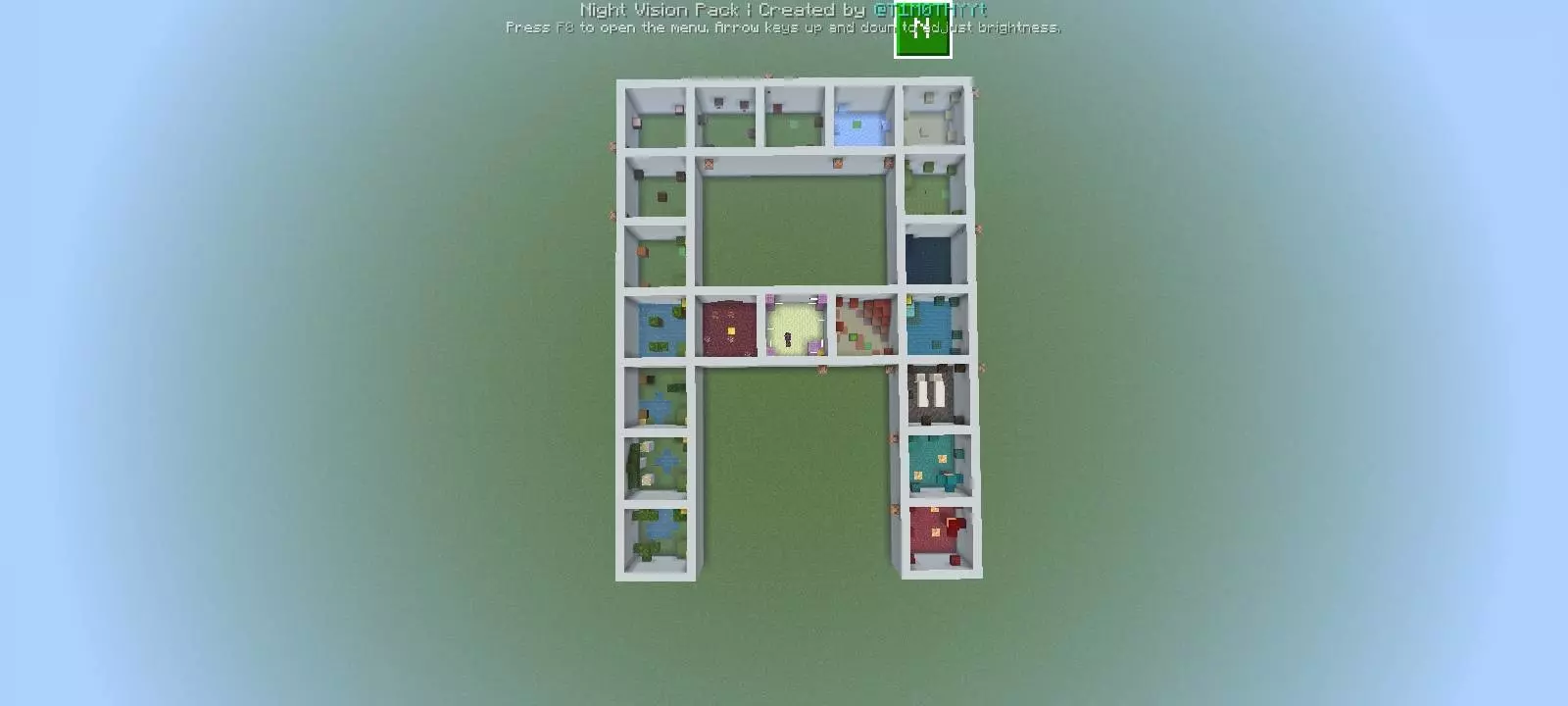
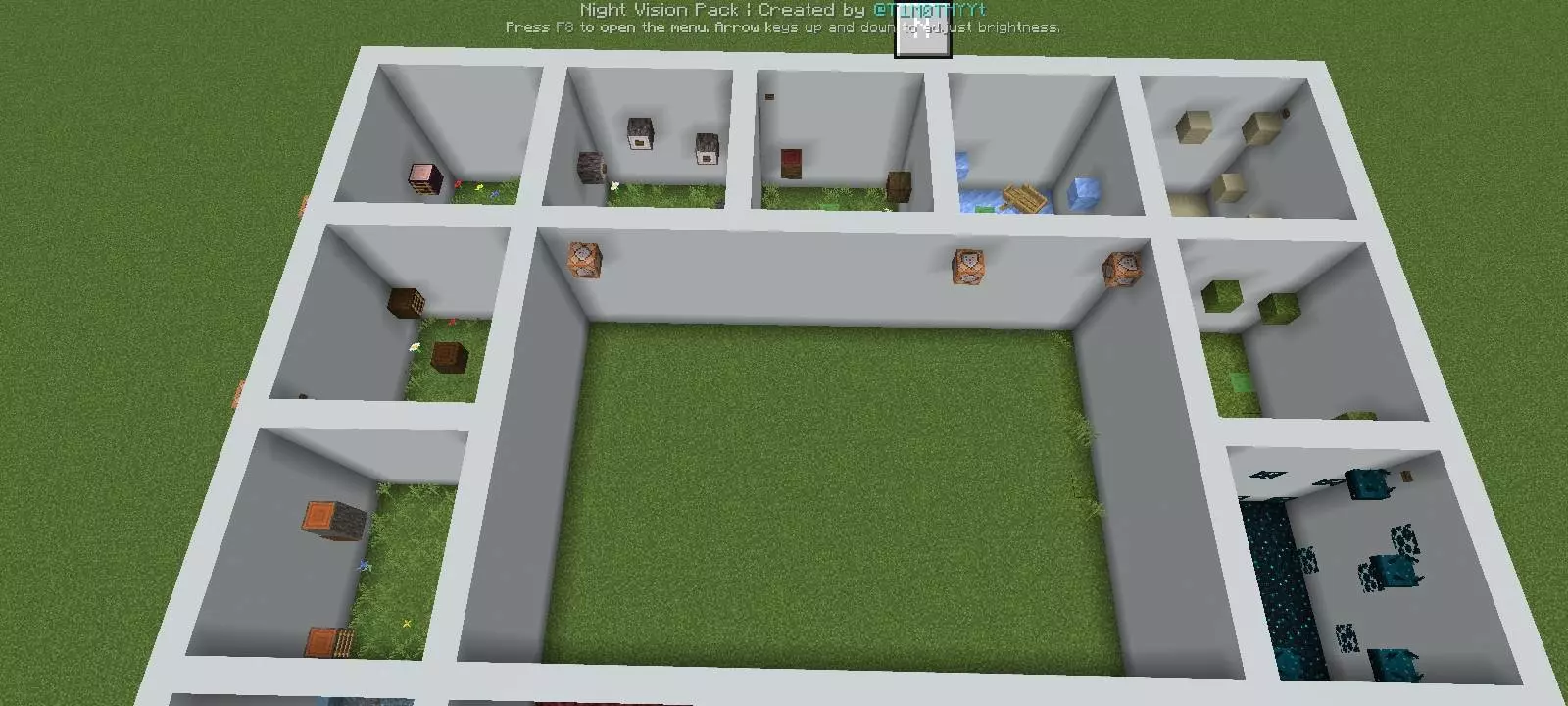
If a jump keeps catching you out, don’t just hold sprint and hope for the best. Look at where you’re starting, how much room you have to line up, and whether you’re moving too far after landing. Try approaching it a little differently on the next attempt. You might need a cleaner run-up, a later jump, or a moment to steady yourself before moving again. Those small adjustments are useful beyond this map, too. Getting comfortable with movement can help when you’re crossing a tricky build in survival or trying to reach a ledge without falling into a cave. A Parkour Challenge gives you twenty levels in which to practice, so there’s time to learn from the jumps that don’t go your way as well as enjoy the ones you nail first try.
You can take the rooms at your own pace or make things more competitive with friends. Try a round where everyone works through the same section, then compare who needed the fewest attempts. If you want a speed challenge, use your own timer and replay the course to see where you can shave off a few seconds. First, though, focus on finishing: there’s nothing quite like celebrating a clean landing and immediately walking off the next block because you were already thinking about the finish. To get started, open the downloaded world file in Minecraft and select the imported map from your world list. Then head into the challenge, take a look at the first room, and see how far you can get before the course catches you out.
How to install?
Android: you need to find the downloaded file on your phone, use any file manager for this and import the map into the game by opening it.
IOS: after receiving the map, the device itself will offer to install it.
Windows 10: go to the folder where the files are downloaded, find mcworld there and activate it.
Comments (0)