Enormous Epic Find The Button Map
- 30-04-2026, 01:45
- 339
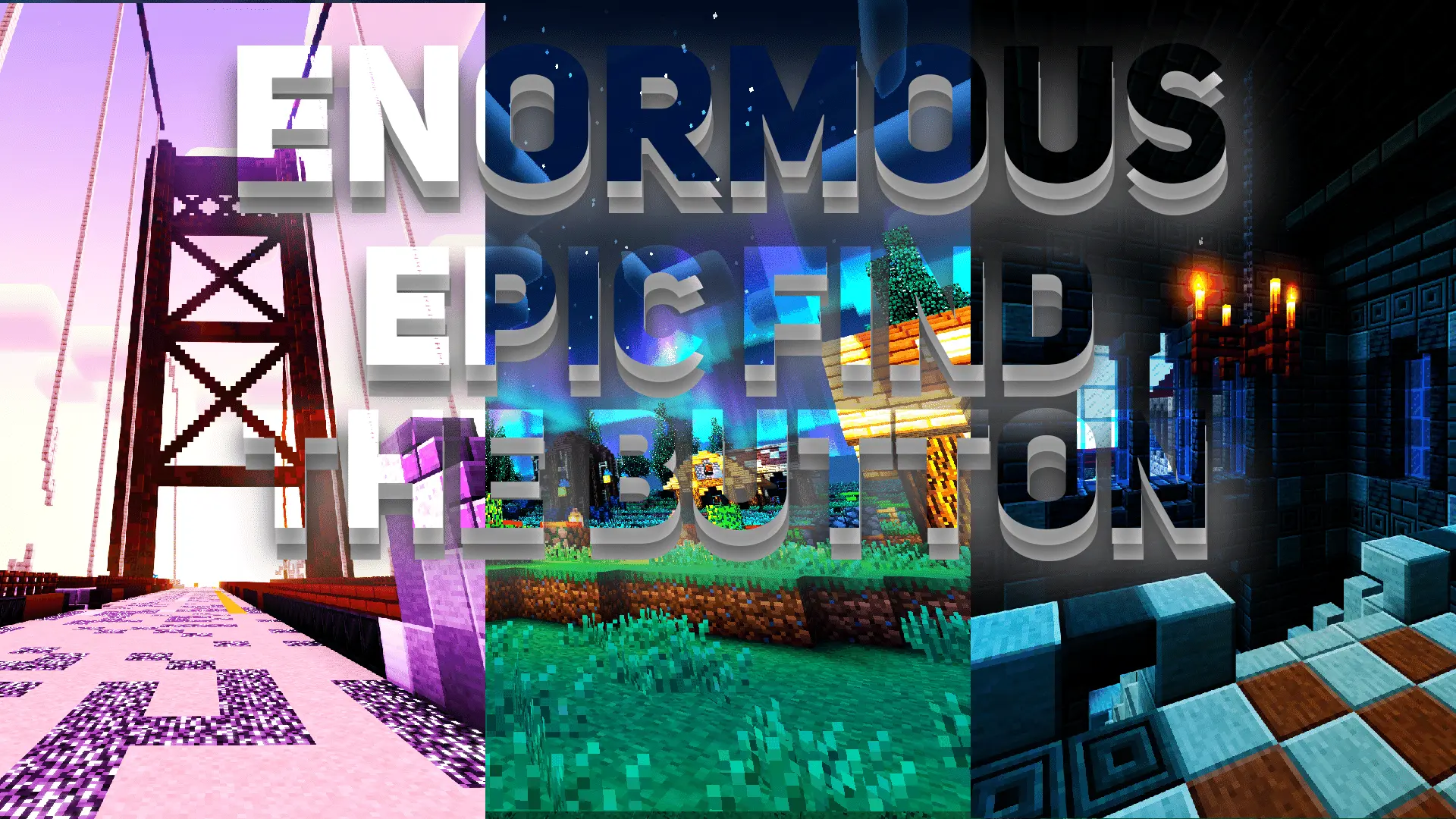
Enormous Epic Find The Button Map is perfect for fans of Minecraft puzzles. Complete the button search challenge in this minigame. Enormous Epic Find The Button turns a small Minecraft button into the thing you’ll spend most of your time looking for. The idea is familiar: explore a location, find the hidden button and press it to continue. Actually spotting it is another matter. When a place is full of blocks and details, it’s easy to walk past the very thing you need several times before finally noticing it. If you enjoy puzzles that let you take your time and look around, this map gives you a collection of different environments to search.
Each location is a chance to approach the problem with fresh eyes. When you first arrive, you might be tempted to run straight through and check only the most obvious spots. Sometimes that works, but it’s just as likely to leave you wondering what you missed. Slow down, look at the surroundings from different angles and pay attention to places you passed on your first lap. A button doesn’t take up much room, so it can be easy to overlook when your attention is on a larger part of the build. The moment you finally see one after searching for a while can be both satisfying and a little embarrassing—especially if you’ve walked past it more than once.
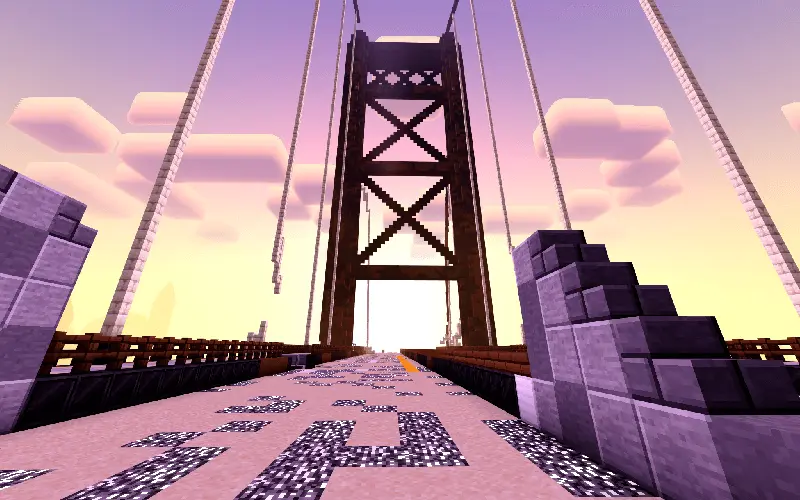
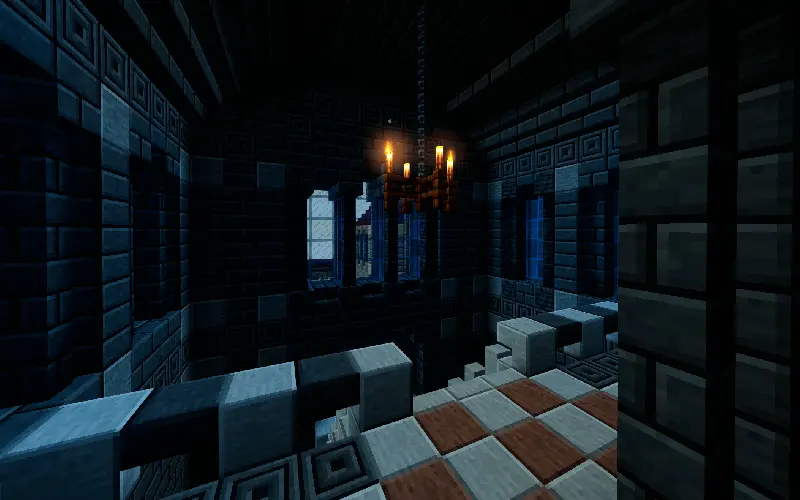
The map is about more than clicking as quickly as possible. You’ll spend time getting familiar with each area and deciding where to look next. One approach is to search a location a little at a time instead of wandering back and forth without a plan. Once you’ve checked an area, move on to another and return later if you need to. If you’re stuck, try standing somewhere different and looking back at the places you’ve already visited. A change of view can reveal a detail that was easy to miss when you were moving around. And if you’ve been staring at the same spot for several minutes, taking a short break might be more useful than continuing to search it in frustration.
You can play alone and work through the locations at your own pace. There’s no need to compete with anyone or feel as though you have to solve every search immediately. Take time to look at the builds, enjoy the different settings and keep going until you spot the button. If you prefer playing with friends, searching together gives the map a different feel. You could also turn it into a friendly competition and see who finds the most buttons. Either way, you’ll probably have at least one moment when someone asks how the whole group managed to overlook such a small detail.
Enormous Epic Find The Button is a good choice for a Minecraft session when you want a challenge without heading into another combat arena or starting a long survival world. The goal is easy to understand, but finding each button asks for patience and a bit of curiosity. Some searches may be over quickly; others might have you returning to the same area until something finally catches your eye. Keep looking, try a different angle when you’re stuck, and enjoy that moment when the button appears right where you weren’t expecting it.
How to install?
Android: you need to find the downloaded file on your phone, use any file manager for this and import the map into the game by opening it.
IOS: after receiving the map, the device itself will offer to install it.
Windows 10: go to the folder where the files are downloaded, find mcworld there and activate it.
Comments (0)